
San Jose Equipment Rental Guide for Corporate AV
A keynote can be visually simple and still require a serious technical package. One presenter, one LED wall, a playback machine, and a confidence monitor may involve video switching, signal conversion, backup playback, show communications, distribution, and an operator who knows what happens when a source stops behaving. This San Jose equipment rental guide is built for corporate teams that need the right system for a conference, product launch, executive webcast, or hybrid program – not a cart full of disconnected gear.
Start With the Show, Not the Equipment List
The fastest way to under-spec a rental is to begin with individual equipment categories. Start instead with the program: how many presenters will be on stage, what will appear on the primary display, whether remote speakers are involved, where the audience is located, and what must be recorded or streamed.
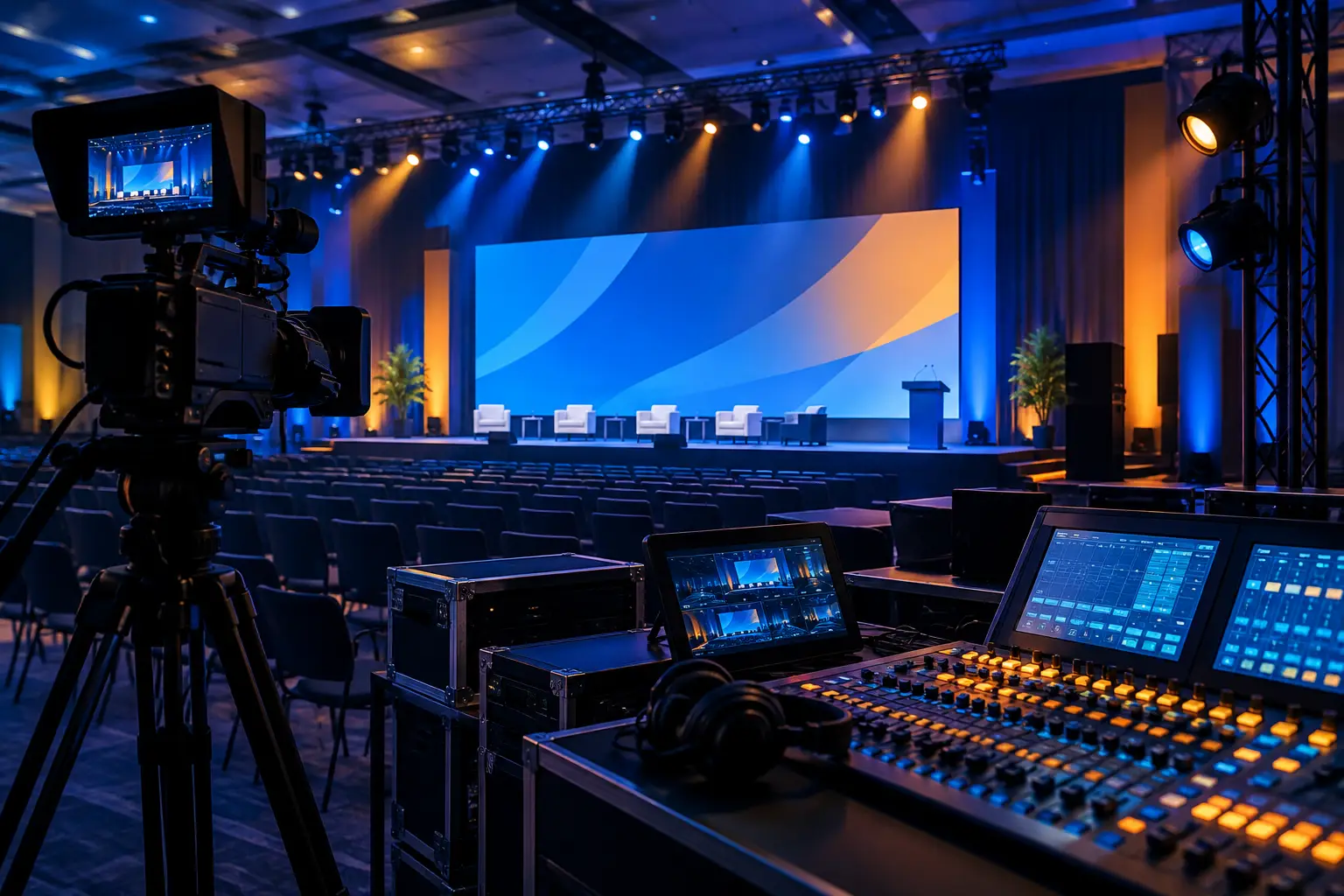
A single-room conference with presentations and walk-on music needs a different design than a product launch with IMAG cameras, a wide LED canvas, multiple playback outputs, and a live stream. Both may use displays, microphones, lighting, and switching, but their signal paths, staffing, and backup requirements are not comparable.
Before requesting a quote, define the event schedule, room layout, content format, attendee count, display locations, camera needs, and streaming destination. Include the venue’s load-in limits, ceiling height, available power, internet details, and any existing house AV. These details affect the equipment package far more than a generic “large meeting” label.
For teams that need a complete package rather than isolated components, AV Land provides corporate AV equipment rental in the Bay Area with production planning behind the gear selection.
Build the Rental Package Around Signal Flow
Corporate AV works when every source has a known destination and every destination has a monitored path. That is the difference between renting equipment and engineering a show system.
Displays, LED Walls, and Projection
Choose the display technology based on viewing distance, room conditions, content, and sightlines. LED walls are often the right choice for wide presentation canvases, bright rooms, and camera-facing stages. Projection can be effective in controlled lighting conditions or rooms where screen size and placement suit the format. Confidence monitors are a separate decision: presenters need to see current and next content without turning toward the audience display.
Do not assume a single display feed is enough. A keynote may need a program feed for the main screen, separate presenter confidence content, an overflow display, a lobby feed, and a clean camera feed for recording. Those outputs need to be planned before load-in, not improvised at show call.
Video Switching and Playback
When a show includes multiple presentation sources, cameras, remote contributors, or LED wall destinations, video processing becomes central to the system. A switcher handles live source selection; a presentation processor manages scaling, layering, routing, and screen compositions. The right architecture depends on the number of inputs, outputs, display layouts, and how often content changes during the program.
For complex general sessions, a Barco E2 or E3 workflow can provide the control required for multi-screen canvases and presentation-heavy programming. Learn more about Barco E2 rental in the Bay Area. Barco also provides technical information on its professional video processing platform at barco.com.
Playback deserves the same attention. Bring final presentation files in the agreed format, identify embedded video and audio, and schedule a content check. A deck that works on a laptop in a conference room can expose font, scaling, audio, or playback issues once routed through a live production system.
Audio That Supports the Room and the Stream
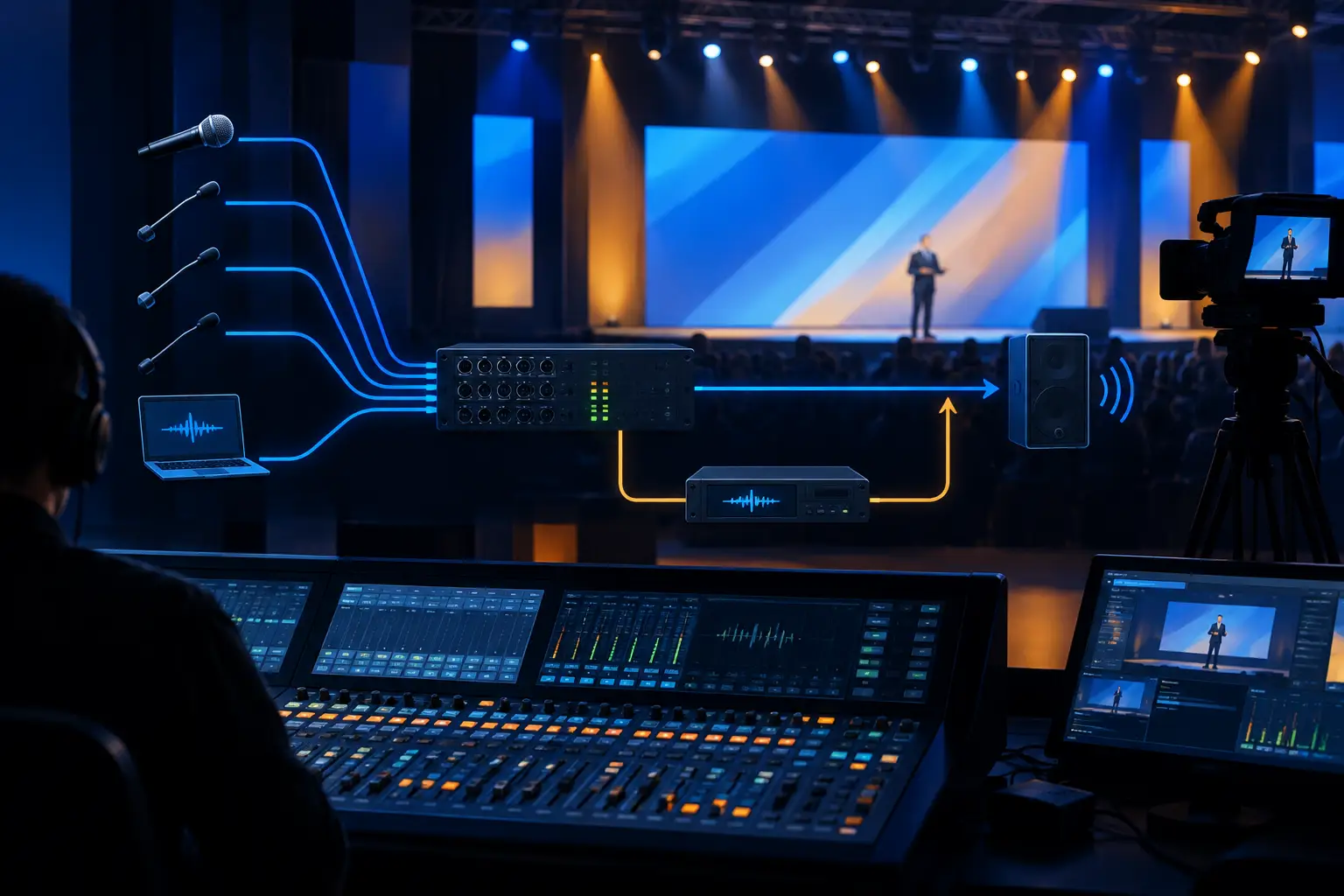
Audio rental should cover the in-room audience and the remote audience as distinct mixes. A room can sound acceptable while the webcast receives low presenter levels, excessive playback, or a poor remote guest return. Microphone selection also changes with the program. Panel discussions, roaming Q&A, executive presentations, and product demonstrations create different coverage needs.
Specify the number of presenters, panels, moderators, audience questions, video playback sources, and remote participants. Then plan loudspeakers, wireless microphones, wired backups where appropriate, stage monitoring, mixing, communications, and recording feeds around the actual run of show.
Cameras, IMAG, and Recording
Cameras are not required for every corporate meeting. They become essential when the rear of the room needs a clear view of speakers, when content must be captured, or when remote audiences need more than a static laptop view. A multi-camera setup gives a director usable angles: a wide stage shot, a tight presenter shot, and coverage for panels or demonstrations.
If cameras feed the room screens, confirm the entire path has been designed for low-delay IMAG. If cameras feed a webcast, determine whether the stream needs program video only, isolated recordings, speaker framing, branded lower thirds, or remote guest returns. These decisions affect camera count, switching, shading, recording, and crew.
Decide What Must Be Redundant
Not every meeting requires full redundancy. A short internal presentation with limited audience impact may accept a simpler package. A customer-facing keynote, executive webcast, or launch with a fixed start time has a different risk profile.
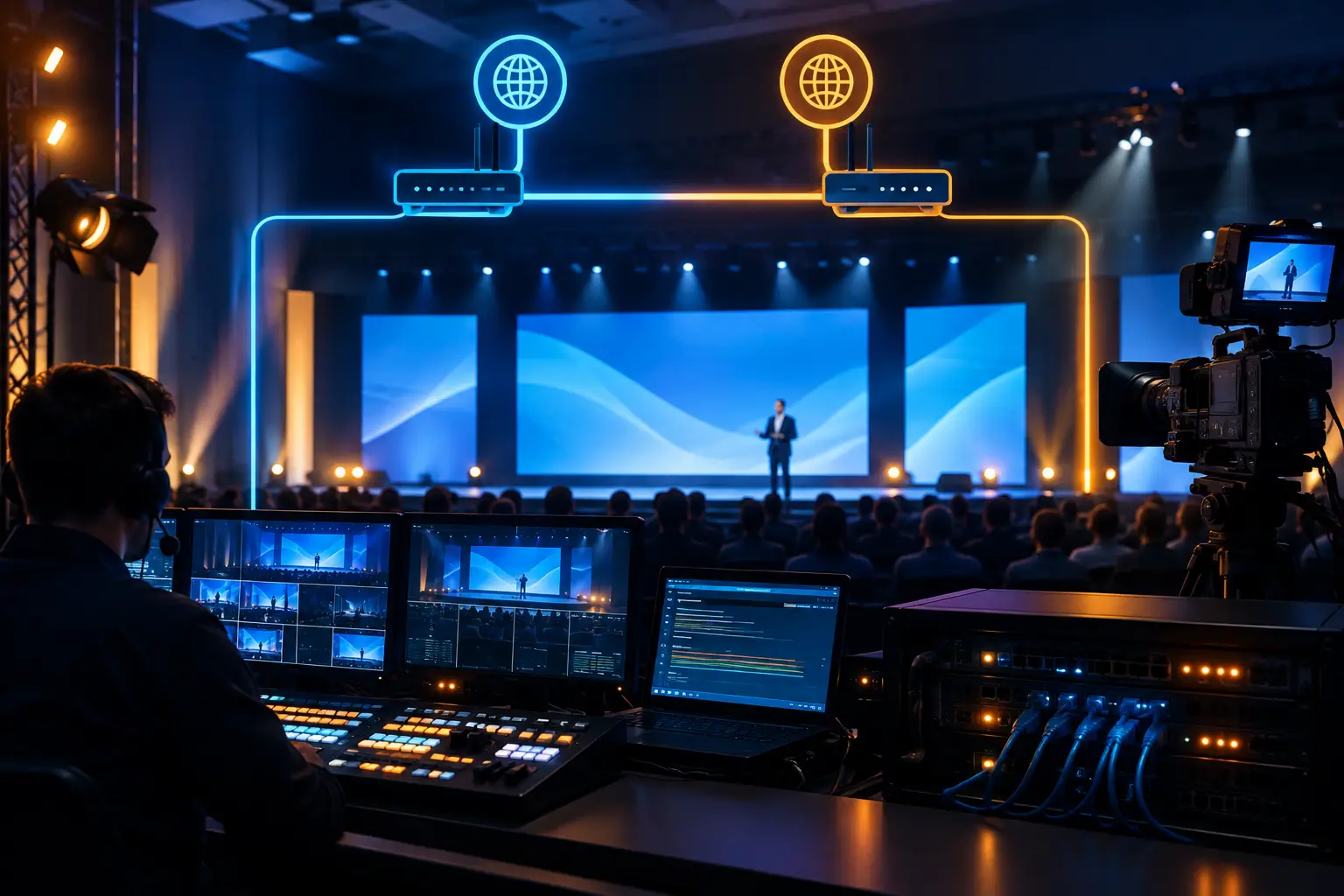
The question is not whether every cable needs a duplicate. It is which failure points would stop the program or damage the audience experience. Common priorities include backup playback, alternate presentation inputs, spare microphones, protected power, redundant internet paths where available, backup recording, and a tested fallback plan for remote speakers.
Redundancy only works when it is integrated and rehearsed. A spare computer that has not been loaded with approved content is not a backup. A second stream encoder without a verified destination is not a recovery plan. Ask the production team to identify critical paths, backup paths, and the person authorized to make a live change.
Staffing Is Part of the Rental Decision
High-end equipment does not eliminate the need for experienced operators. It usually makes the operator role more important. A camera system needs a director and camera operators when the program calls for active coverage. A presentation-heavy show benefits from a dedicated playback or graphics role. LED walls and multi-output systems need video engineers who understand the processor, routing, EDID behavior, scaling, and show-state recovery.
For a straightforward meeting, a technician may handle setup and support. For a general session with cameras, multiple displays, walk-in content, remote speakers, and a live stream, plan a production team with clearly defined positions. The right crew structure keeps the technical director focused on the show while other specialists handle audio, graphics, cameras, and stage changes.
Questions to Settle Before You Rent
A productive rental conversation starts with practical answers. Provide the venue, event date, access window, floor plan, agenda, and expected audience. Share presentation templates and screen graphics early, especially if content will span a custom LED resolution or multiple screens.
You should also decide who owns final content approval, when speakers will rehearse, whether remote guests need technical checks, and how changes will be communicated during the show. Last-minute executive additions happen. The goal is not to prevent changes, but to create a process that absorbs them without disrupting the program.
Avoid treating internet access as a footnote. For hybrid events, confirm the connection type, test procedure, physical location, credential process, and backup options during planning. A speed test alone does not prove that a live stream, remote contribution, and event network will behave correctly under show conditions.
FAQ
How far ahead should corporate AV equipment be booked?
Book as soon as the date, venue, and program format are reasonably stable. Larger conferences and programs requiring LED walls, camera crews, video processing, or livestreaming benefit from early technical planning because equipment, labor, content testing, and venue coordination must align.
Can we rent equipment only, without a full production crew?
Yes, for teams with qualified technical staff and a clearly defined equipment list. For complex live programs, equipment-only rental can create avoidable risk if no one is assigned to configure, test, operate, and troubleshoot the system during the event.
What information does a rental provider need for an accurate quote?
At minimum: event dates and access times, venue and room details, agenda, audience size, display requirements, microphone count, camera and streaming needs, content formats, and any venue-provided AV. A floor plan and run of show make the estimate more precise.
Do hybrid events need a different AV package?
Usually. Hybrid programs require dedicated attention to remote audio, camera framing, presentation feeds, stream encoding, platform management, contributor checks, and recording. The room system alone rarely covers all of those requirements.
A well-planned rental package gives the show team control before the doors open and options when the schedule changes. For a corporate conference, keynote, launch, or live webcast, request a technical plan and quote from AV Land before the equipment list becomes the production plan.