Best Conference Camera Placements for Live Events
A camera position can look perfect on a floor plan and fail the moment attendees sit down, a presenter walks outside the expected stage area, or the camera discovers that its clean background actually contains a confidence monitor, backstage opening, or bright LED edge.
To plan the best conference camera placements, start with the program rather than simply finding open spaces in the ballroom.
Camera placement affects much more than the recording. It determines whether remote viewers can follow the keynote, whether IMAG feels natural in the room, whether a director has useful angles to cut between, and whether camera operators can work without blocking the audience.
For corporate conferences, executive keynotes, product launches, hybrid events, and livestreams, the best camera plan balances coverage, sightlines, lens reach, stage movement, lighting, display systems, cable paths, communications, and recovery options.
Best Conference Camera Placements Start With the Program
Camera count should come after the production requirements are understood.
A keynote, panel discussion, product demonstration, awards segment, fireside chat, and audience Q&A all require different coverage.
Before placing cameras, review the run of show and answer:
- Will the cameras feed IMAG, livestreaming, recording, or all three?
- Will presenters stay at a lectern or move across the stage?
- How many people can be on stage at once?
- Are there panel discussions?
- Will there be audience Q&A?
- Are product demonstrations or physical objects involved?
- Will presentation slides be integrated directly into the program feed?
- Are there executive entrances, awards, or other moments that cannot be repeated?
- Will the footage also be used for post-event editing?
Those answers determine which shots are necessary.
Only then should the production decide how many cameras are needed and where they should go.
A Practical Three-Camera Conference Layout
For many corporate general sessions, three cameras provide a practical starting point.
That does not mean every conference requires exactly three cameras. A small breakout may work with one or two. A large keynote, product launch, or broadcast-style program may benefit from four, five, or more.
The goal is not camera quantity.
The goal is to give the director meaningfully different shots.
Camera 1: Center Long-Lens Presenter Camera
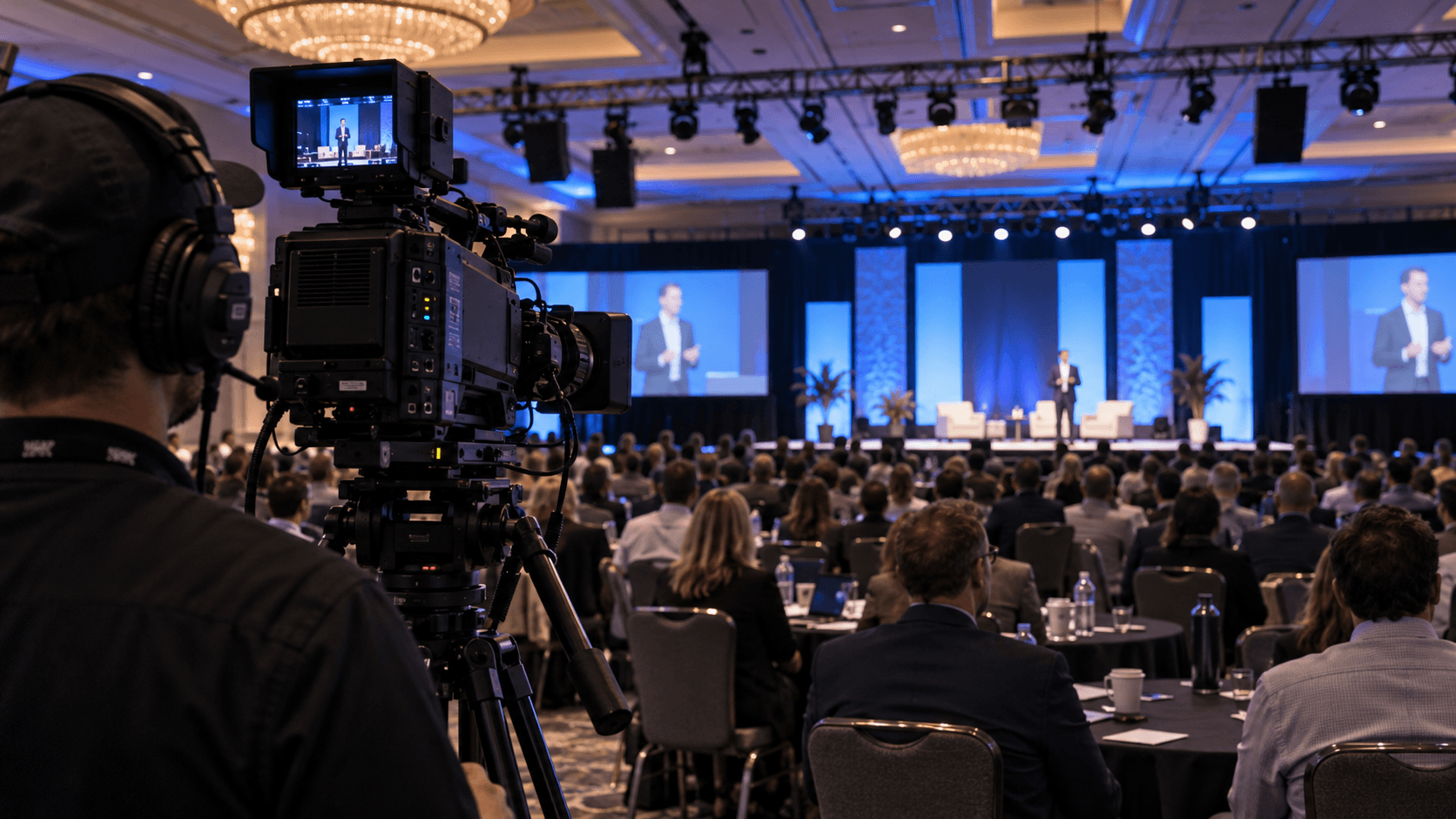
For many corporate shows, one of the most valuable positions is a center or near-center long-lens camera toward the rear of the room.
This camera can provide:
- Clean medium shots
- Tight presenter coverage
- Stable executive framing
- Lectern coverage
- A natural eyeline for IMAG
For executive presentations, a center perspective often feels more natural than an extreme side angle because the presenter appears to address the audience rather than looking away from the camera.
The camera may need a riser so audience heads do not interfere with the frame.
Riser height should be planned carefully. Too low and the shot is constantly blocked. Too high and the picture may begin to feel disconnected from the stage, especially on IMAG.
Lens selection is equally important.
A camera at the rear of a large ballroom may need significant optical reach to produce a clean head-and-shoulders image. Canon’s professional broadcast lens lineup, for example, includes long-range field and studio lenses designed for live production applications.
Camera 2: Stage-Left Angle
A second camera placed off-center can provide visual depth and an alternate speaker angle.
The correct position depends on the room, stage, screens, and presenter movement.
A moderate off-axis angle often works well for:
- Medium presenter shots
- Two-person conversations
- Panels
- Walk-ons
- Cutaway shots
Do not automatically place the camera as far to the side as the ballroom allows.
An extreme side angle may create nearly profile-only close-ups, which are usually less useful for executive IMAG and livestreaming.
Check the background from the actual camera position.
A clean LED wall or scenic element may look excellent.
A backstage doorway, teleprompter stand, unused pipe-and-drape, stage timer, or technical equipment may not.
Camera 3: Opposing Angle or Wide Master
The third camera should add a picture the first two cannot provide.
Depending on the production, it may serve as:
- A wide master
- A second presenter angle
- A panel two-shot
- Moderator coverage
- Walk-on coverage
- Audience-inclusive composition
A wide master is especially valuable because it gives the director a safe shot during transitions, camera moves, stage resets, or unexpected presenter movement.
Do not simply mirror Camera 2.
If two cameras create almost identical pictures, the production has added equipment and labor without gaining much editorial flexibility.
Where Should the Wide Camera Go?
Many conference productions place the wide camera at or near front of house.
That can work well, but the floor plan needs to be checked carefully.
A camera directly behind FOH may be blocked by:
- Operator monitors
- Lighting consoles
- Audio consoles
- Video racks
- Standing technicians
- Audience members moving through the area
A position adjacent to FOH or on a dedicated camera riser may provide a cleaner path.
Always coordinate camera platforms and aisle positions with the venue because access and egress requirements may restrict where equipment can be placed.
IMAG and Livestream Camera Placement Are Not Exactly the Same
One of the biggest mistakes in conference video is assuming that a shot that works online will automatically work on the ballroom screens.
IMAG and livestream viewers experience camera framing differently.
An online viewer may be watching on a laptop or phone and benefit from tighter framing.
An attendee seated 30 feet from the stage already sees the presenter directly. An extreme close-up on a large LED wall can feel unnecessarily aggressive or disconnected.
For IMAG, medium and medium-tight shots often preserve more natural body language and spatial context.
For livestreaming, tighter shots may help the remote viewer connect with the presenter.
This is one reason larger productions may create a separate stream program instead of simply sending the exact IMAG cut online.
Do Not Use a Camera to Capture Slides When a Direct Feed Is Available
If presentation content needs to appear in the livestream or recording, feed the presentation directly into the production system whenever practical.
Pointing a camera at an LED wall or projection screen to capture slides can introduce:
- Moiré
- Exposure problems
- Poor text readability
- Refresh artifacts
- Perspective distortion
Use the camera to capture the presenter.
Use the presentation feed to capture the presentation.
The production switcher or screen-management system can then combine them intentionally.
Camera Placement Must Account for LED Walls
LED walls create excellent backgrounds for corporate video, but their interaction with cameras needs to be tested.
A position that looks good to the eye can look different through a camera.
During setup and rehearsal, evaluate:
- LED brightness
- Camera exposure
- Shutter settings
- Refresh behavior
- Color balance
- Pixel structure
- Camera angle to the wall
Extreme angles may make LED pixel structure or color variation more visible.
Camera and LED teams should evaluate the complete image rather than adjusting each system independently.
Camera Placement Must Also Work With Lighting
The best camera position on a floor plan is useless if the presenter consistently walks outside the key light.
Camera and lighting design should be planned together.
During rehearsal, check:
- Lectern position
- Center-stage speaking marks
- Panel seating
- Demo positions
- Walk-on paths
- Audience Q&A areas
The camera director should know which stage areas can reliably produce clean close-ups.
Likewise, lighting should understand which backgrounds and angles the camera team intends to use.
Long-Lens Cameras Need Clear Sightlines
A long-lens camera can create excellent executive coverage from the back of a ballroom, but small obstructions become significant at that distance.
Watch for:
- Audience heads
- Raised phones
- FOH monitors
- Decor elements
- Lighting stands
- Teleprompter hardware
- Room columns
Do not verify the camera position only when the ballroom is empty.
Consider what the room looks like once every chair is occupied.
PTZ Cameras Can Solve Specific Conference Coverage Problems
PTZ cameras are increasingly useful in corporate production when floor space, operator positions, or room configuration make traditional camera locations difficult.
They can work particularly well for:
- Breakout rooms
- Fixed lectern positions
- Wide safety shots
- Panel coverage
- Audience angles
- Secondary rooms
Panasonic Connect’s current professional PTZ camera systems include models designed for conference, broadcast, streaming, and live-event workflows.
PTZ does not automatically replace a staffed long-lens camera.
A human operator with an appropriate lens may still be better for unpredictable presenter movement, audience interaction, or fast live editorial decisions.
The right choice depends on the job that camera needs to perform.
Add Specialty Cameras Only When They Have a Purpose
Additional cameras can make a show more dynamic, but every camera should have a specific role.
Possible specialty positions include:
- Audience camera
- Handheld camera
- Gimbal
- PTZ
- Demo camera
- Overhead camera
- Product close-up camera
An audience camera can be useful for applause, Q&A, awards, and reactions.
A dedicated demo camera may be critical for a product launch.
A roaming camera can capture entrances and audience interaction.
But a camera with no defined assignment often creates more coordination problems than useful pictures.
Hardwired Camera Paths Are Still Valuable for Primary Positions
Wireless video can solve difficult routing problems and is useful in the right application.
It also adds considerations such as:
- RF conditions
- Battery management
- Potential interference
- Latency
- Receiver placement
- Signal recovery
For primary keynote cameras, a hardwired video and communications path is often preferable when the venue layout allows it.
The camera position should have confirmed:
- Video transport
- Power
- Intercom
- Tally
- Return video if required
- Safe cable routing
Camera Placement Is Part of the Complete Signal Flow
The camera floor plan and the video system should not be designed independently.
Camera feeds may need to reach:
- Production switcher
- Screen-management processor
- IMAG displays
- Livestream encoder
- Recording system
- Confidence monitoring
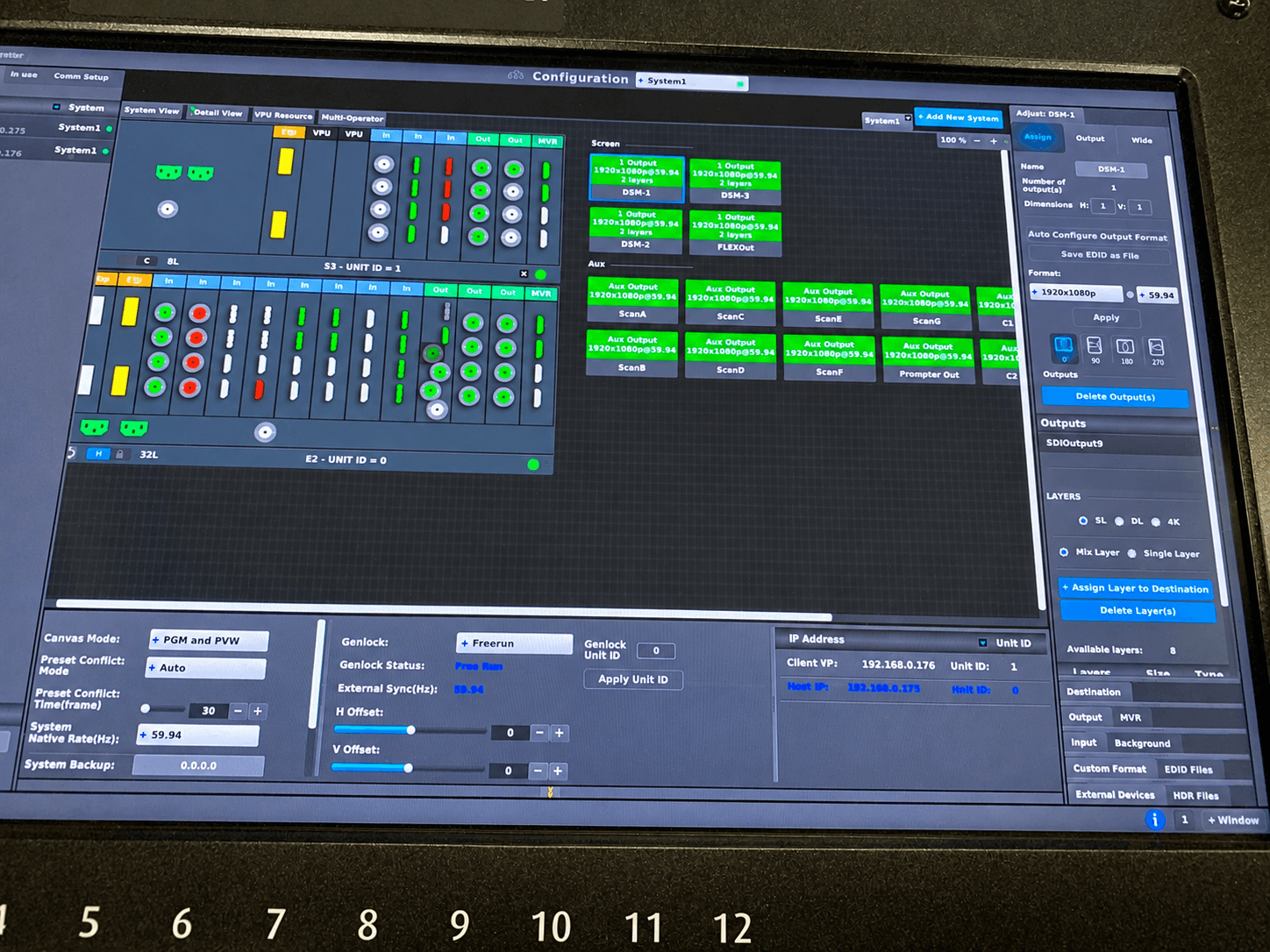
On larger productions, systems such as Barco E2 or Encore3 may be part of the screen-management workflow.
Barco’s official Event Master platform supports professional multi-screen presentation and screen-management workflows for LED, projection, and other display destinations.
Professional live camera ecosystems are also built around complete production workflows rather than isolated camera bodies. Sony’s live production systems, for example, combine cameras with broader production infrastructure for live-event and broadcast applications.
Plan Camera Redundancy Around the Failure Path
Having a spare camera body does not protect every camera-related failure.
A primary position can also be lost because of:
- Fiber failure
- Damaged SDI
- Power loss
- Intercom failure
- Lens issue
- Tripod or support problem
- Blocked sightline
Critical camera positions should be designed with realistic recovery options.
Sometimes another camera can temporarily take over the shot.
Sometimes a wide master protects the program while the problem is corrected.
The important point is that the director knows which shot is available next.
Rehearse Camera Shots, Not Just Camera Signals
A line check confirms that a camera reaches the switcher.
That is not the same as confirming that the camera can actually cover the show.
During technical rehearsal, test the moments that matter:
- Executive walk-on
- Lectern framing
- Center-stage movement
- Panel compositions
- Audience Q&A
- Product demos
- Awards
- Walk-offs
Watch the cameras in the production multiview and on the actual room displays.
This is where problems that do not appear on the floor plan become obvious.
A presenter may block the screen.
A camera may see teleprompter glass.
A supposedly clean background may reveal backstage activity.
An audience aisle may no longer remain clear after seating is installed.
Fix those problems before doors open.
Final Conference Camera Placement Checklist
- Run of show reviewed
- IMAG requirements confirmed
- Livestream requirements confirmed
- Recording requirements confirmed
- Presenter movement understood
- Panel configuration confirmed
- Primary presenter angle selected
- Wide master available
- Camera shots meaningfully different
- Lens reach verified
- Audience sightlines checked
- Camera risers confirmed
- LED backgrounds checked on camera
- Lighting checked from each angle
- Power confirmed
- Video paths tested
- Intercom tested
- Tally tested
- Return feeds tested if required
- Backup coverage identified
- Critical show moments rehearsed
The Best Camera Placement Gives the Director Options
The best conference camera placement is not simply the location with the clearest view of the stage.
It is a position that creates a useful shot, supports the program, fits the room, works with lighting and displays, stays clear of the audience, and remains operational throughout the event.
A good camera plan gives the director options.
A good rehearsal confirms those options will still exist when the event is live.
AV Land plans corporate camera coverage as part of the complete production system, including camera operators, switching, screen management, communications, livestreaming, recording, and backup paths.
Need Camera Production for a Corporate Conference?
AV Land provides multi-camera production, camera operators, PTZ systems, video switching, IMAG, livestreaming, recording, and technical production for corporate events throughout San Jose, Silicon Valley, the San Francisco Bay Area, and other locations depending on the project.
Contact AV Land to discuss camera coverage for your next conference or live event.
Conference Camera Placement FAQ
How many cameras does a corporate conference need?
There is no fixed number. Many general sessions work well with three cameras, while smaller events may use one or two and larger productions may require additional speaker, audience, demo, PTZ, or specialty positions.
Where should the main conference camera be placed?
A center or near-center long-lens position toward the rear of the room is often useful for clean presenter coverage. The exact location depends on room size, lens reach, audience sightlines, FOH layout, and whether the camera is feeding IMAG.
Should conference cameras be placed on risers?
Often yes, particularly in larger ballrooms where audience heads would otherwise block long-lens shots. The riser should be high enough to protect sightlines without creating an unnecessarily steep camera angle.
Are PTZ cameras good for corporate conferences?
They can be. PTZ cameras work particularly well for fixed positions, breakout rooms, panel coverage, audience angles, and locations where a staffed camera position is difficult. Traditional operated cameras may still be preferable for unpredictable presenter movement and high-visibility keynote coverage.
Should the livestream and IMAG use the same camera shots?
Not necessarily. In-room attendees already see the stage directly, while online viewers depend entirely on the video program. Livestream framing may therefore be tighter or use different compositions than IMAG.
Should slides be captured with a camera?
When a direct presentation feed is available, it is generally preferable to send that source directly into the production system rather than filming the screen. This provides cleaner text and avoids many exposure, perspective, and display-artifact problems.