Technical Rehearsal Planning Guide
A technical rehearsal planning guide is only useful if it helps you catch failures before the room fills, the stream goes live, and executives step on stage. In corporate production, rehearsal is not a formality. It is where cue timing gets cleaned up, signal flow gets verified, presenter handoffs get tested, and the show stops being theoretical.
For conferences, keynotes, product launches, and hybrid event production, the technical rehearsal is where production risk becomes visible. You find the confidence monitor that is one input behind… that is one input behind, the walk-up music that is routed incorrectly, the lower third that covers the product shot, and the remote presenter whose return feed is delayed enough to break timing. None of those issues are unusual. The problem is when they are discovered in front of your audience.
What a technical rehearsal is actually for
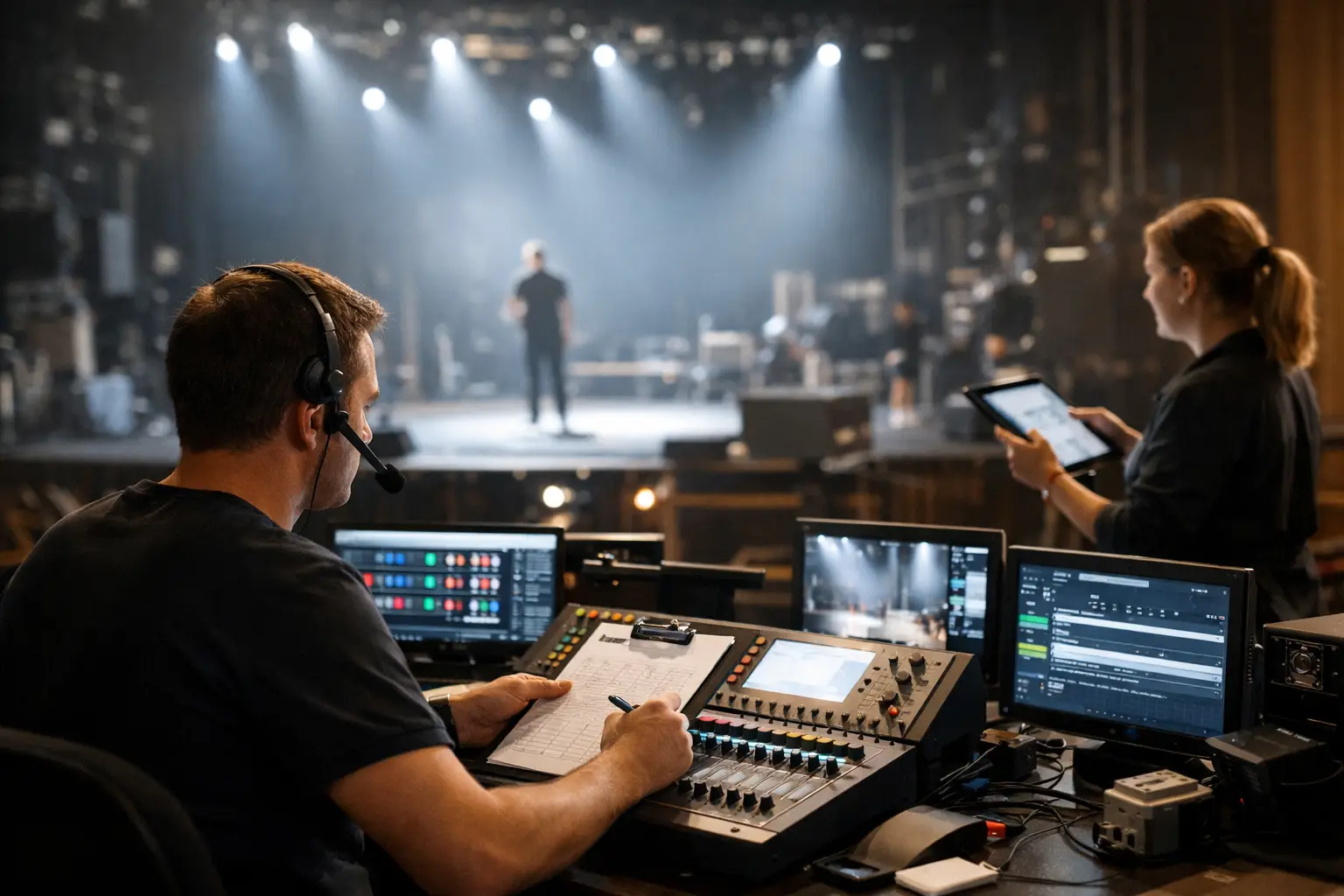
A rehearsal is not the same thing as a run-through for speakers. It is a systems test under show conditions. The goal is to confirm that the room, the content, the switching, the playback, the audio, the streaming path, and the people operating all of it can execute the show as designed.
That sounds straightforward, but corporate events often compress too much into too little time. The schedule assumes every deck is final, every presenter arrives on cue, every remote guest has proper connectivity, and every scenic element lands exactly where the CAD said it would. Real shows do not behave that way. A useful rehearsal plan leaves room for changes while still protecting the critical path.
Start the technical rehearsal planning guide before show day
The biggest rehearsal mistake is treating it like a calendar block instead of a production process. If the first meaningful review happens when everyone is in the ballroom, you are already behind.
The planning needs to start when the show flow starts to stabilize. That means building a run of show with actual technical detail, not just agenda timing. You need slide operators to know which deck version is live, video to know where each source is mapped, audio to know who is lav, handheld, podium, or remote, and stage management to know where talent enters and exits. If there is a live streaming setup, broadcast elements need equal weight…, broadcast elements need equal weight with in-room elements. The audience in the room and the audience online are not seeing the same show unless you deliberately build it that way.
A proper pre-rehearsal review should cover cue sequence, content status, presenter needs, scenic timing, playback assets, confidence monitor layouts, interpretation or captioning feeds if applicable, and all show-critical communication paths. This is also the point where you identify what cannot be fully rehearsed. Some executive speakers will not attend. Some product demos will stay confidential until the last possible minute. That is fine, but the gaps should be named early so the crew can build around them.
Build the rehearsal around show risk, not politics
Not every segment needs the same amount of rehearsal time. A simple opening remarks section with one podium mic and one confidence monitor does not need the same focus as a multi-speaker panel with video roll-ins, walk-on music, remote callers, and live camera IMAG.
The most effective technical rehearsal planning guide prioritizes high-risk segments first. In practice, that usually means opening sequence, transitions between major speakers, any segment with multiple media cues, product demos, hybrid interaction, and anything involving live switching between room and remote contributors. These are the places where small errors compound fast.
There is also a practical reason to front-load the complicated sections. If time starts collapsing, you want the harder pieces already tested. Corporate schedules change constantly, and rehearsals are often the first place where timing gets squeezed. The team that spends an hour polishing the easy parts and then rushes the show open is setting itself up for preventable failure.
What needs to be locked before rehearsal starts
You do not need every detail finalized, but a few things need to be controlled before the room is called ready.
First, content management has to be disciplined. Final decks, video files, walk-in playlists, stingers, and backup copies need clear naming and ownership. If three departments are emailing deck updates separately, the rehearsal becomes a version-control problem instead of a show rehearsal.
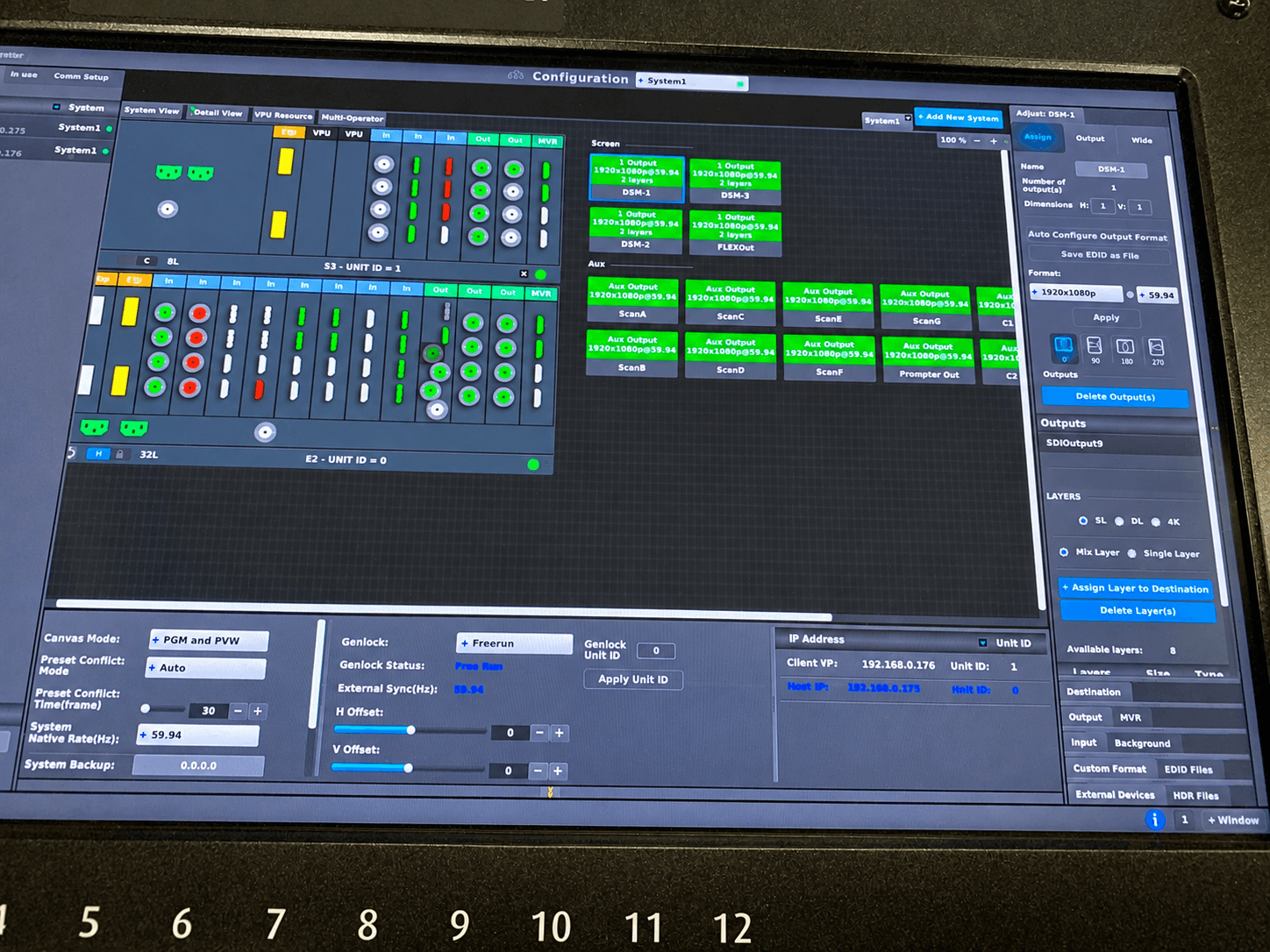
Second, the signal path needs to be built and tested before talent arrives. Modern corporate productions rely on professional switching and processing tools to manage multiple inputs and outputs. Platforms like vMix live production software and TriCaster systems are widely used for live switching, recording, and streaming. For complex screen management and large-format displays, solutions such as Barco image processing help ensure seamless playback and signal reliability. LED processors, switchers, playback machines, stream encoders, audio consoles, confidence outputs, recording paths, and intercom should not be waiting for first-touch during rehearsal. Rehearsal time is too expensive for basic infrastructure troubleshooting.
Third, roles need to be obvious. The show caller calls cues. The TD switches. The A1 manages audio execution. Playback owns media. Stage management handles talent movement. When responsibility gets fuzzy, people either duplicate effort or assume someone else has it covered.
Run cues at show speed whenever possible
One of the most common rehearsal failures is stopping every few minutes to discuss what might happen. That has value early, but it does not tell you whether the show actually runs.
At some point, you need to execute at pace. Roll the opener. Take the walk-on. Bring up the CEO mic. Fire the bumper. Switch to the remote guest. Cut back to wide. Trigger lower thirds. If a transition needs twelve actions across five departments, the only meaningful test is doing all twelve actions in sequence under timing pressure.
This is where experienced crews save real time. Operators who understand show flow can fix, adapt, and keep moving without turning every issue into a room-wide debate. For high-end event production services, that matters. The rehearsal should produce decisions, not just surface problems.
Treat hybrid and livestream segments as their own show
If your event has a remote audience, do not assume the in-room rehearsal covers the broadcast experience. It usually does not.
Camera framing, graphics placement, return feeds, playback audio, remote presenter confidence, stream delay, and recording redundancy all need dedicated attention. A panel that looks fine from row ten can feel flat on a webcast if the camera plan is weak. A product launch video that hits hard in the room can fail online if audio is distorted or the stream encoder is clipping blacks and crushing detail.
This is especially true for executive communications and tech events in Silicon Valley, where launches and keynotes often have both live and online audiences with high expectations. The stream is not an add-on. It is a primary audience experience.
Expect changes and design for them
Good rehearsal planning does not assume stability. It assumes late deck edits, presenter timing shifts, swapped entrances, surprise videos, and last-minute executive requests.
The answer is not to build a loose process. The answer is to build a controlled one. Establish cut-off times for content, define who can approve changes, and keep one person responsible for updating the master show flow. If something changes after rehearsal, the crew needs a fast, reliable way to know what changed, why it changed, and which departments are affected.
Redundancy matters here too. Backup playback, spare presenter devices, alternate audio paths, and duplicate recording or streaming where appropriate are not luxury items on complex shows. They are part of risk management. The exact level depends on event stakes and budget, but pretending every show needs the same redundancy is as unhelpful as pretending none of them do.
The most useful rehearsal output is a cleaner show file
A successful rehearsal is not measured by whether everyone got through the script once. It is measured by what becomes clearer afterward.
Your run of show should end rehearsal with sharper cue language, corrected timing, locked content references, confirmed presenter needs, and fewer assumptions. If the opening sequence still relies on verbal memory instead of documented cues, the rehearsal did not go far enough. If the stream team still does not know when a remote guest is actually taking program, the issue is not personnel. It is planning.
At AV Land, this is why technical rehearsal is treated as part of execution, not preamble. The show gets stronger when the plan is detailed enough for operators to act quickly and adapt without guesswork.
A technical rehearsal planning guide works best when it stays practical
The goal is not to make rehearsal feel bigger. It is to make show day feel smaller. When the team has already seen the difficult transitions, verified signal paths, and resolved the obvious points of failure, the event runs with less drama and better timing.
If you are planning a corporate event, the right rehearsal process should give you more than peace of mind. It should give your crew cleaner decisions, your presenters more confidence, and your audience a show that feels intentional from first cue to final fade. That is usually the difference between a production that merely happens and one that actually lands.