



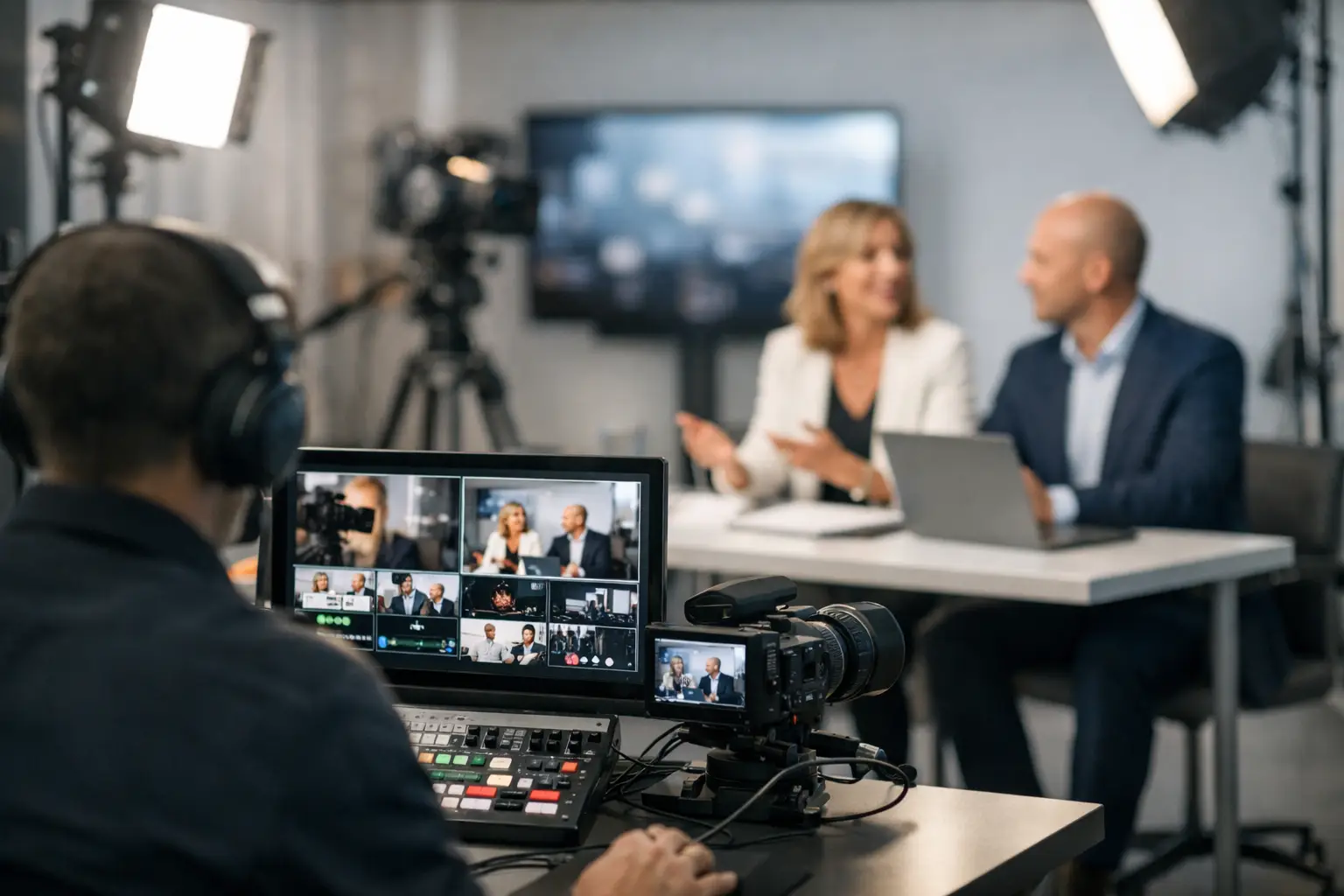
Webcast Production for Companies That Works
A webcast rarely fails because of one big mistake. More often, it slips in smaller ways – unstable audio, bad screen content, a delayed remote guest, no backup path when a laptop freezes. That is why webcast production for companies has to be treated like live broadcast standards, not a conference room add-on. If the webcast supports a keynote, product launch, investor update, sales meeting, or hybrid conference, the standard is simple: it has to work on cue.
Corporate teams usually feel the difference immediately. A webcast can look easy from the audience side, but behind the scenes it depends on signal flow, timing, operator coordination, graphics management, switching logic, audio discipline, and contingency planning. The better the preparation, the less visible the production. That is the goal.
What webcast production for companies really includes
For a corporate event, webcast production is not just putting a camera at the back of the room and sending a feed to a platform. It is the full process of capturing the event properly, shaping it for remote viewers, and delivering a stable program output with clean audio, accurate branding, and consistent pacing.
That usually starts with camera planning. A single locked-off shot may be enough for a basic internal briefing, but it is not enough for a keynote, panel, or executive presentation where pacing and audience attention matter. multi-camera video production gives the technical director options to cut between presenters, audience reactions, wide room shots, and screen content. It also helps cover transitions, walk-ons, and moments when a presenter looks away from confidence monitors or leaves the main mark.
Screen content matters just as much. Slides need to be legible for remote viewers, not just for people in the room. That often means taking a direct feed from presentation machines, managing aspect ratio management, and building picture-in-picture or side-by-side layouts so viewers can follow both the speaker and the content. If a webcast has product demos, remote speakers, or multiple branded visual elements, the video workflow gets more complex quickly.
Audio is where many webcasts either hold together or fall apart. In-room sound and stream sound are not the same mix. A room may feel fine to the audience while the webcast feed sounds thin, distant, or uneven. Corporate webcast production needs dedicated professional audio systems – lavaliers, handhelds, playback, remote callers, walk-in music, and confidence return all have to be managed with the webcast audience in mind.
Why corporate webcasts fail when production is treated too lightly
The common issue is underestimating the event. A webcast may be described internally as just a livestream, but the moment executives are involved, external attendees are invited, or recordings will be repurposed later, expectations rise fast. A webcast becomes a public-facing production, and viewers judge it accordingly.
Another problem is assuming venue AV automatically covers broadcast needs. Sometimes it does. Often it does not. The room system may be designed for reinforcement, not for recording and streaming. The projection setup may look fine in the ballroom while producing unreadable content on the webcast. Internet service may be shared with attendees or vendors, which creates risk. None of these issues are unusual, but they need to be addressed before show day.
There is also the timing issue. Corporate shows change late. Speakers revise slides, videos get swapped, run-of-show shifts, and remote guests join from less-than-ideal environments. Production has to be built to absorb those changes without destabilizing the show. That is where experienced operators make a difference. They have seen the likely failure points before and build around them.
The production elements that matter most
Video switching and camera coverage
A polished webcast depends on intentional coverage, not just available cameras. For most corporate formats, that means at least a few camera positions with clear roles: a wide safety shot, a tight presenter angle, and coverage for panels or audience interaction. More cameras improve flexibility, but only if they are staffed and shaded properly.
The switcher setup matters too. If the show includes presentations, walk-up videos, lower thirds, branded stingers, or remote feeds, the system has to support layered outputs cleanly. This is where higher-end processing and switching workflows earn their keep. Complex shows need more than a basic cut-and-stream setup.
Graphics, playback, and screen management
A webcast audience notices branding inconsistencies immediately. Lower thirds, title cards, intro rolls, holding slides, sponsor elements, and content layouts should all feel like part of one production package. If those elements are being assembled on the fly, mistakes happen.
Playback also needs discipline. Video files should be tested in advance for codec compatibility, resolution, frame rate, and audio mapping. If a keynote relies on multiple media cues, the playback workflow should be separate from the main presentation path whenever possible. That reduces risk and gives the team cleaner control.
Audio for the room and the stream
A webcast should sound direct and intelligible, even when the room is large and energetic. That usually means building a dedicated broadcast mix rather than relying on the house mix alone. The presenter mic that works in the ballroom may still need EQ, dynamics, and level riding for the webcast feed.
Panels and hybrid sessions add more complexity. Remote participants need mix-minus routing so they can hear the room without hearing themselves back. Audience questions may need dedicated microphones or catchbox coverage. Playback levels have to match live microphones. Good webcast audio is active work, not a set-it-and-forget-it task.
Encoding, streaming, and redundancy
Streaming reliability depends on the path, not just the platform. The encoder, bandwidth allocation, stream destination, backup routing, and local recording plan all matter. A webcast should not rely on a single internet connection and a single unattended encoder if the event has any real stakes.
Redundancy can take different forms depending on budget and event profile. Sometimes that means dual encoders and bonded internet. Sometimes it means local ISO records, backup presentation machines, and a failover signal path. Not every event needs the same level of protection, but every webcast needs a plan for what happens when something stops behaving normally.
Planning a webcast the way a production team does
The strongest webcast productions are decided long before the first camera powers on. The planning process should begin with a few practical questions: who is watching, what do they need to see clearly, what moments are mission-critical, and what would actually damage the event if it went wrong?
That changes the setup. An internal all-hands may prioritize clarity and speed. A product launch may prioritize visual polish, playback precision, and branded graphics. A hybrid conference may prioritize room coverage, panel audio, remote contributor integration, and content capture for post-event use. The production design should follow the event objective, not the other way around.
A real run of show is also essential. Not a loose agenda – a document with timing, cue points, speaker flow, media roll-ins, transitions, and responsibilities. Corporate webcasts often involve marketing, internal comms, agency teams, venue staff, and executive stakeholders. If no one owns technical timing, the webcast ends up absorbing avoidable confusion.
What companies should ask before hiring a webcast team
The useful questions are operational. Ask who is handling switching, audio, graphics, playback, and stream monitoring. Ask how presentation content is ingested and backed up. Ask what happens if the primary internet path drops. Ask whether the team is used to managing live executive shows where timing and presentation changes happen in real time.
It also helps to ask about in-house capability. The more of the signal chain, crew, and core equipment a production partner controls directly, the fewer handoff points there are on event day. That does not guarantee success by itself, but it usually improves accountability and speed when changes happen.
For higher-stakes corporate productions in the Bay Area, especially around San Francisco, San Jose, and Silicon Valley, venue complexity and executive expectations tend to be high. That is where an experienced technical team matters most. AV Land approaches webcast and livestream production the same way it approaches corporate event execution: build the system properly… the same way it approaches live event execution: build the system properly, staff it with people who know how to run it under pressure, and carry backup plans that are realistic, not theoretical.
The trade-off between simple and scalable
Not every company needs a large-format webcast build. Sometimes the right answer is a lean setup with two cameras, clean slides, a solid audio chain, and a protected stream path. Other times, trying to stay too lean creates more risk than savings, especially when the event includes executive visibility, external audiences, or content that will live on after the event.
That trade-off is where experience is most useful. Good production teams do not oversell complexity for its own sake. They scale the show to the objective, then protect the weak points. A webcast does not need to be flashy. It needs to be clear, controlled, and dependable.
When companies treat webcast production as part of the event strategy rather than an afterthought, the result is usually obvious on screen. Viewers stay engaged, speakers stay confident, and the production supports the message instead of competing with it. That is the standard worth aiming for.