



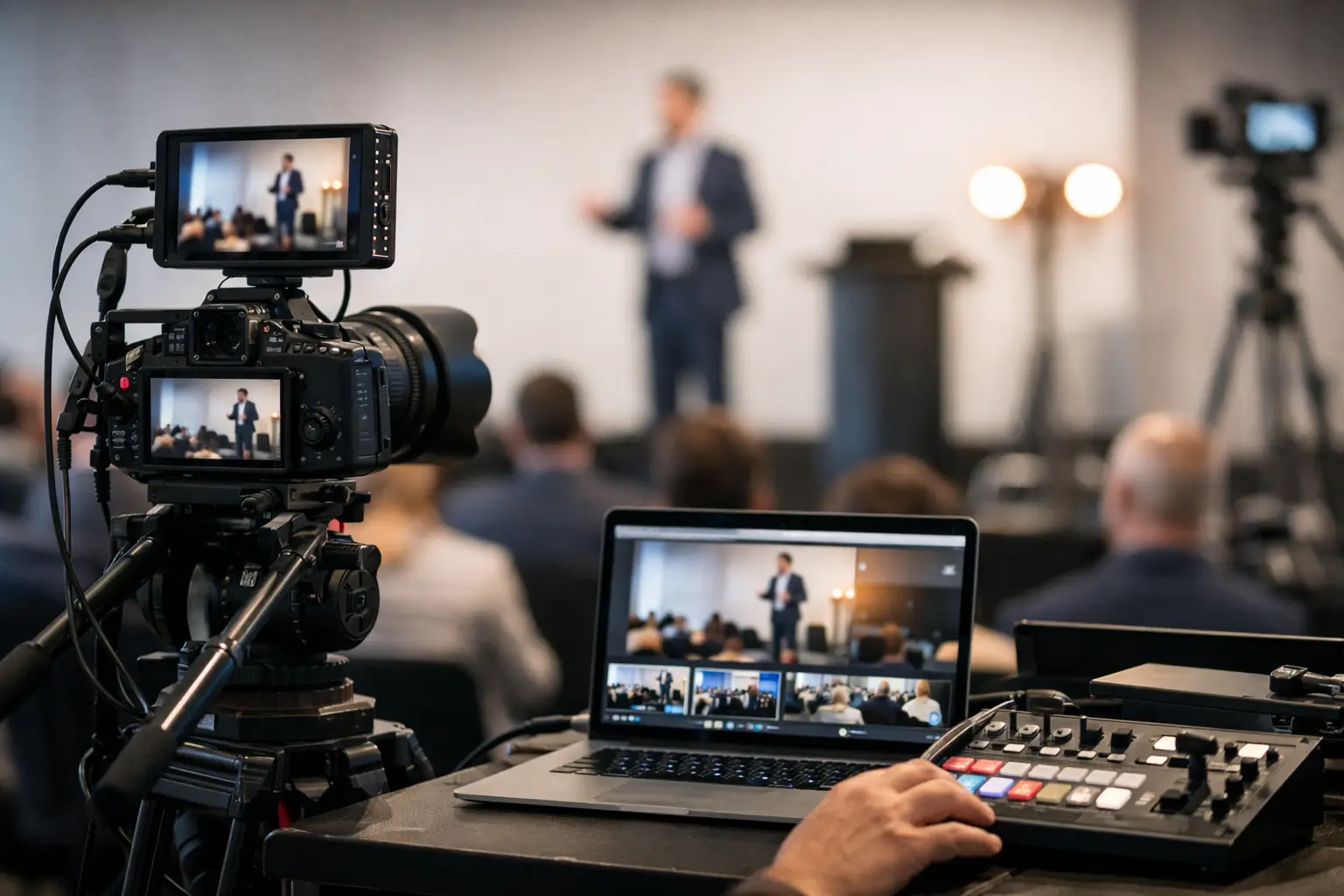
Corporate Live Streaming Services in SF Bay Area
When a keynote starts late, audio drops for remote viewers, or the stream freezes during a product reveal, the issue is rarely one bad cable or one missed setting. It usually comes down to production planning. That is why choosing the right corporate event live streaming service matters so much for conferences, internal broadcasts, investor updates, town halls, and hybrid meetings where there is no room for technical guesswork.
In the San Francisco Bay Area, corporate live streaming has become a critical part of conferences, product launches, and internal communications. From San Jose to Silicon Valley, companies rely on experienced AV teams who understand both the technical and production side of live events. A professional live streaming setup is not just about sending video online — it requires precise coordination, reliable systems, and experienced operators to ensure everything runs smoothly in real time.
For corporate teams, live streaming is not just about getting video online. It is about protecting the message, the brand, and the audience experience at the same time. The standard is higher than it was a few years ago. Viewers expect clear audio, stable video, polished graphics, reliable playback, and a stream that works on every device without confusion. Internal stakeholders expect one production partner who can coordinate the moving parts and keep the event on schedule.
What a corporate event live streaming service should actually cover
A professional stream starts long before the first camera goes live. The real work happens in pre-production, when the team maps out the run of show, confirms the venue power and internet conditions, selects camera positions, plans graphics and playback, and decides how the in-room audience and online audience will experience the event differently.
That last point matters. A hybrid event is not simply an in-person event with a camera pointed at the stage. Remote viewers need intentional coverage. That may mean dedicated presenters looking into the lens, lower-third graphics for speaker identification, screen capture for slides, confidence monitors for talent, and a switching plan that makes the content easy to follow. If the online audience is an afterthought, it shows fast.
A strong corporate event live streaming service also includes the technical backbone that most attendees never see. Encoder settings, audio routing, backup recording, internet redundancy, stream monitoring, platform testing, and communication systems between camera operators, audio, graphics, and show calling all affect the final result. These are not extras. They are the difference between a webcast that feels polished and one that feels fragile. For example, professional streaming software such as vMix live production software is commonly used in corporate events to manage multi-camera switching, graphics, and streaming output in real time.
Why corporate events need more than a basic webcast setup
There is a big difference between streaming a casual presentation and producing a corporate event where brand perception is on the line. A leadership town hall may need multiple cameras, walk-up music, presentation playback, remote guest integration, audience Q and A, and clean records for post-event editing. A product launch may need LED walls, custom screen management, lighting design, and camera framing that works for both the room and the stream.
This is where many teams underestimate scope. They assume live streaming is one service line, separate from audio, lighting, staging visuals, and video capture. In practice, these systems depend on each other. Poor room audio leads to poor stream audio. Bad lighting makes presenters look flat on camera. Slides that are readable in the ballroom may not be readable online. If one vendor handles sound, another handles video, and another handles streaming, troubleshooting gets slower when time is tight.
An in-house production approach is often the cleaner solution for corporate clients because it reduces handoffs. When the same team manages cameras, switching, audio integration, playback, screen feeds, and stream delivery, there is more control over timing and quality. That is especially useful for Bay Area corporate events where venues vary widely, schedules move quickly, and executive presentations often change right up to show time.
The production elements that affect stream quality most
Video gets the attention, but audio is usually the make-or-break factor. Viewers will tolerate slight variation in camera shots more than they will tolerate muffled speech, echo, or inconsistent volume. A professional setup should account for lavaliers, handhelds, panel mics, playback audio, room reinforcement, and separate stream mixes when needed. The mix that sounds right in the room is not always the mix that sounds right online.
Camera coverage is the next major factor. One camera may be enough for a simple webcast, but most corporate events benefit from a multi-camera approach. Different angles help maintain viewer attention, support natural transitions, and give the switching team options during Q and A, demos, and audience reactions. It also creates a stronger archive for edited recaps and future content.
Graphics and screen content matter more than many teams expect. Lower thirds, title slates, holding slides, countdown timers, and branded transitions create structure. Slide integration is just as important. If the audience cannot read data on a screen share or if the presentation source is not routed cleanly, even a high-end camera package will not save the experience.
Then there is connectivity. A venue may advertise strong internet, but advertised bandwidth and actual production-ready bandwidth are not always the same thing. Reliable streaming often calls for on-site testing, bandwidth verification, and a backup path. Depending on the event, that could mean bonded cellular support, redundant encoders, or local recording protection in case the live destination has an issue.
How to evaluate a corporate event live streaming service
The first question is not price. It is whether the provider understands corporate production requirements. Ask how they handle run-of-show planning, speaker support, presentation playback, platform testing, graphics, audio mixing, backup recording, and internet contingency. If the answers stay vague, that is a warning sign.
The next question is whether they can support the full event, not just the stream. Corporate clients usually need more than encoding and camera operation. They may need projectors, LED walls, confidence monitors, switching systems, room audio, lighting, photography, and content capture for use after the event. A team that can supply and operate those systems in-house usually brings better coordination and fewer day-of surprises.
Local presence also matters. For events in San Jose, San Francisco, Silicon Valley, and across the Bay Area, nearby support can reduce logistics friction. It is easier to do site visits, easier to respond to venue changes, and easier to scale equipment and crew based on updated requirements.
There is also a practical trade-off between a full production partner and a lighter rental-only approach. If your team already has experienced operators and a clear technical plan, renting specific gear may be enough. But if the event includes executives, clients, media visibility, or hybrid complexity, full-service support is usually the safer investment. The more moving parts you have, the more valuable it becomes to work with one team that can own the result.
What corporate teams often miss during planning
The biggest miss is treating remote viewers like passive observers. They are an audience with their own expectations. They need direct sightlines, readable visuals, and clear pacing. If a speaker spends ten minutes referring to something only visible in the room, the stream audience disconnects quickly.
Another common issue is underestimating setup time. Corporate event live streaming service work includes testing signal flow, checking audio paths, verifying slides, rehearsing speaker transitions, and confirming that all destinations are working properly. When schedules are compressed, the risk moves upstream into every department.
The final miss is forgetting about what happens after the event. A well-produced live stream can also become a content library, highlight reel, training asset, or internal communications resource. That value depends on clean recordings, isolated sources when needed, and production decisions made with post-event use in mind.
Choosing a partner that can handle the pressure
For corporate events, reliability is not a buzzword. It is a production discipline. The right partner should be comfortable with executive messaging, changing agendas, venue constraints, brand standards, and technical troubleshooting under pressure. They should also be able to explain the plan in plain language so your internal team knows what is covered and what decisions still need to be made.
That combination of technical control and practical communication is what separates a vendor from a production partner. AV Land is built around that model – handling video production, live streaming, event AV, cameras, audio, lighting, LED walls, and screen management in-house so corporate teams can move faster with fewer handoffs.
If you are planning a webcast, conference, town hall, or hybrid event, the smart move is to look beyond the stream itself. Focus on the full production environment, the audience experience, and the team responsible when the countdown hits zero. That is where a live event either holds together or starts to come apart.
👉 Contact AV Land Production to discuss your next event and ensure your production runs smoothly from start to finish.