


How to Plan Product Launch Lighting for Impact
A product launch can have a perfect deck, a strong presenter, and a well-built LED wall, then lose impact because the lighting was treated as a late-stage add-on. When you plan product launch lighting early, it becomes part of the production system: it directs audience attention, keeps presenters credible on camera, supports the reveal, and protects video content from glare and poor contrast.
For corporate launches, lighting is not just about making the room look polished. It has to work across the live audience, IMAG screens, recorded content, press photography, and the livestream. That means the lighting plan needs to be developed alongside stage design, video playback, camera positions, screen placement, and show calling.
Plan Product Launch Lighting Around the Run of Show
Start with the actual moments the audience needs to see. A launch is rarely lit as one continuous scene. The opening walk-on, executive keynote, product reveal, demo, panel, customer video, Q&A, and closing each have different priorities.
Build a cue structure from the run of show before choosing fixture counts or looks. Identify where the room needs energy, where the audience must focus on a speaker, and where content needs visual space. A high-energy walk-on may call for movement and stronger color, while a product demonstration usually needs stable front light and restrained effects so cameras can clearly capture the presenter and the product.
The key trade-off is between visual impact and visual clarity. Fast effects can make an entrance feel bigger, but they can distract from executive messaging or create inconsistent exposure for cameras. For a product reveal, the strongest cue is often not the brightest one. It is the cue that creates contrast, controls the audience sightline, and lands precisely with the reveal video, music, and presenter timing.
Map lighting to every camera-facing moment
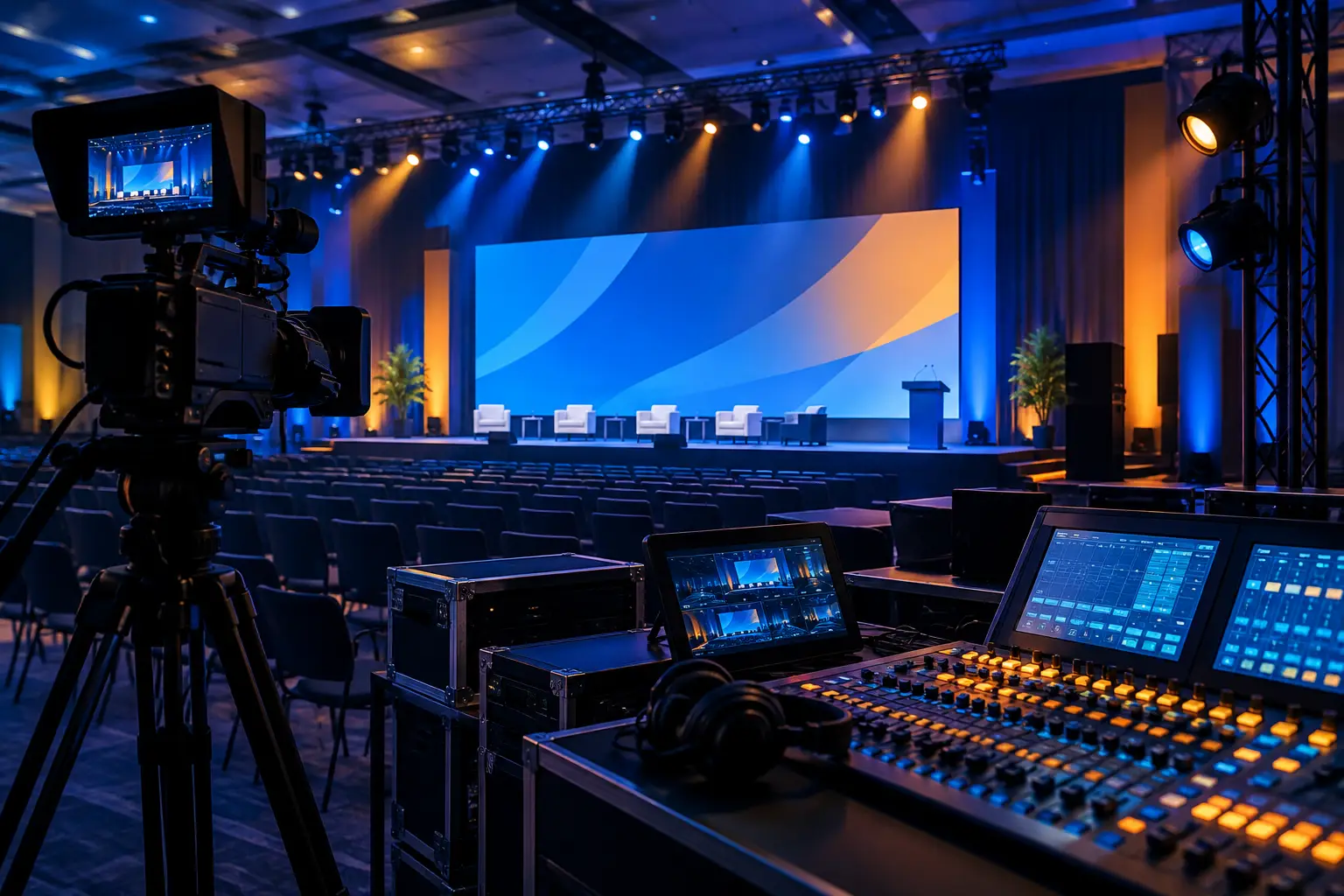
If the launch includes IMAG, a webcast, or recorded deliverables, camera coverage should shape the lighting design. Front light must be balanced enough for faces without flattening the stage. Backlight and side light can create depth, but excessive backlight may produce lens flare or silhouette a presenter against an LED wall.
Share camera positions and shot priorities with the lighting team early. A wide stage shot, a tight executive close-up, and a product hero shot do not expose the same way. The production team should test these looks in the actual venue, with the show content running on the actual displays, rather than relying on a lighting visualization alone.
This coordination is especially important when the program includes a hybrid audience. A room can feel adequately lit in person while faces appear underexposed on a webcast. Professional lighting and video teams need a shared target for skin tone, background separation, display brightness, and the visual character of the final program feed. For companies planning a broadcast-grade program, AV Land’s livestream services can be integrated with lighting, cameras, switching, and show operations from the same production plan.
Design for LED Walls, Projection, and Display Content
Large-format video is usually the visual center of a product launch. Lighting needs to support it rather than compete with it. An LED wall can deliver high brightness and saturated color, which changes how front light, scenic light, and practical lighting read in the room and on camera.
Keep direct fixture output off the LED surface whenever possible. Reflections, visible hot spots, and haze catching in front of the wall can reduce image quality. Strong wash light may also make the surrounding stage brighter than the content itself, lowering the perceived impact of a reveal animation or product image.
Projection requires even more control. Projected images lose contrast quickly when ambient light spills onto the screen. If projection is part of the launch, divide the room into controllable lighting zones so the stage and audience can remain useful without washing out the screen.
Video, lighting, and processing teams should agree on the content palette before rehearsals. A white-heavy presentation background can change perceived brightness dramatically from a dark product film. The lighting operator needs to know when those transitions occur and have programmed cues that maintain presenter visibility without fighting the screen. Complex screen layouts and timed source changes also benefit from a defined video-control workflow, including systems such as Barco image processing where appropriate.
Treat color as a communication choice
Color should reinforce the launch message, not simply follow a brand palette at full intensity. Deep corporate blue may look appropriate in the room but render poorly against certain wardrobe colors or product finishes. Red can create urgency, but it can also distort skin tones and make a black product silhouette disappear.
Test colors against presenter wardrobe, scenic finishes, product surfaces, and the actual camera chain. This is where rehearsal reveals the difference between a lighting look that appears dramatic from the back of the ballroom and one that works across every audience view.
Build the Stage in Layers
Corporate launch lighting generally works best when it is layered. The audience should be able to identify the presenter immediately, understand the stage architecture, and see the product at the intended moment. Those are separate jobs.
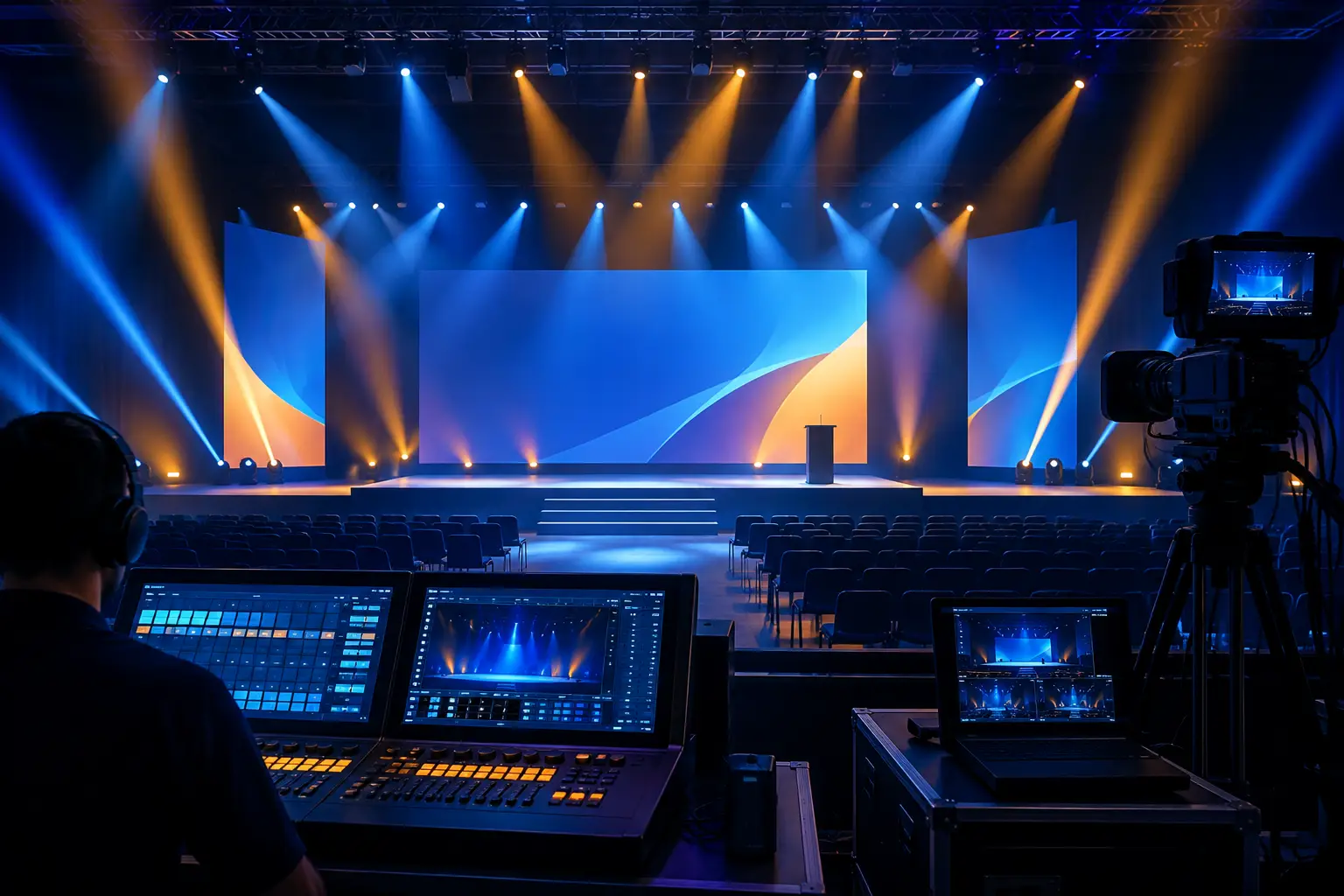
Key light establishes facial visibility. Fill light controls shadows. Backlight separates the presenter from the background. Side light adds shape and can help define a demonstration area. Scenic lighting gives set pieces, stage edges, and architectural elements dimension. Effects lighting adds motion and scale for transitions, walk-ons, and reveals.
Not every launch needs every layer at the same intensity. A minimalist keynote with a large LED canvas may need clean executive key light and subtle architectural accents. A hardware announcement with a physical product pedestal may need dedicated product lighting, tighter control of reflections, and a more theatrical reveal state.
For physical products, inspect the object under show lighting before final programming. Gloss surfaces, brushed metal, glass, and dark finishes each behave differently. The audience may need a controlled hero angle, while cameras may need a separate lighting adjustment to prevent specular highlights from obscuring details.
Plan Power, Rigging, Control, and Redundancy Early
Lighting equipment is only one part of the plan. Fixture locations affect sightlines, scenic builds, camera paths, projection, and access for other departments. Late fixture additions can mean rerouting cable, compromising a camera position, or losing the ability to focus a unit safely before doors open.
During preproduction, confirm the fixture inventory, control positions, power distribution approach, cable paths, trim heights, and any stage support requirements. The lighting console should be placed where the operator can see the stage and communicate directly with the show caller. If the launch is cue-dense, establish how lighting calls will be sequenced with playback, graphics, audio, camera direction, and video switching.
Redundancy should be proportional to the program’s risk. A short internal announcement may need a simpler approach than a global keynote with executive speakers and a live webcast. Either way, critical presenter coverage, core control, and the reveal sequence deserve more attention than decorative looks. The goal is not to overbuild every show. It is to protect the moments that cannot be repeated.
For Bay Area teams that need additional inventory or a complete package, lighting rental in the Bay Area can be coordinated with staging, video, audio, and on-site technical direction rather than treated as an isolated equipment order.
Rehearse the Reveal, Not Just the Presentation
A rehearsal should verify more than whether each fixture turns on. Run the actual cue sequence with presenters on stage, launch content on screen, cameras shaded, and audio playback at show level. Watch it from front of house, from the camera monitors, and from key audience positions.
Pay close attention to transitions. The reveal often fails visually in the seconds before it happens: the presenter is in the wrong light, a screen is already giving away the product, or the room never reaches the contrast needed for the audience to feel a change. A clean blackout is not always the answer. Often, a controlled reduction in ambient light with a focused product cue gives the reveal more definition while preserving safe presenter movement.
Keep time for adjustment after the first full run. Camera exposure may need refinement. A product pedestal may need repositioning. An LED wall may need a different brightness level for a specific video segment. These details are not cosmetic. They are the operational work that makes a launch look intentional instead of improvised.
Frequently Asked Questions
How early should lighting be planned for a product launch?
Lighting should enter the planning process as soon as the venue, stage direction, and video format are being discussed. Early planning prevents conflicts with screen placement, camera angles, rigging, scenic design, and power. The closer a launch gets to show day, the more expensive and limited significant changes become.
How does lighting change when a launch is livestreamed?
Livestreamed launches need lighting designed for camera exposure as well as the room. Presenter key light, LED-wall brightness, color temperature, and background separation should be checked through the program cameras. A look that works for the live audience may still require adjustment for the feed.
Do LED walls reduce the need for stage lighting?
No. An LED wall can provide a bright backdrop, but it does not replace controlled facial lighting or product lighting. In many cases, it makes those decisions more critical because the brightness and color of the screen influence camera exposure and perceived contrast.
A well-run launch gives the audience one clear place to look at every critical moment. If your event needs that level of control across lighting, video, cameras, and live production, request a production plan and quote from AV Land.