


LED Projection Comparison for Corporate Events
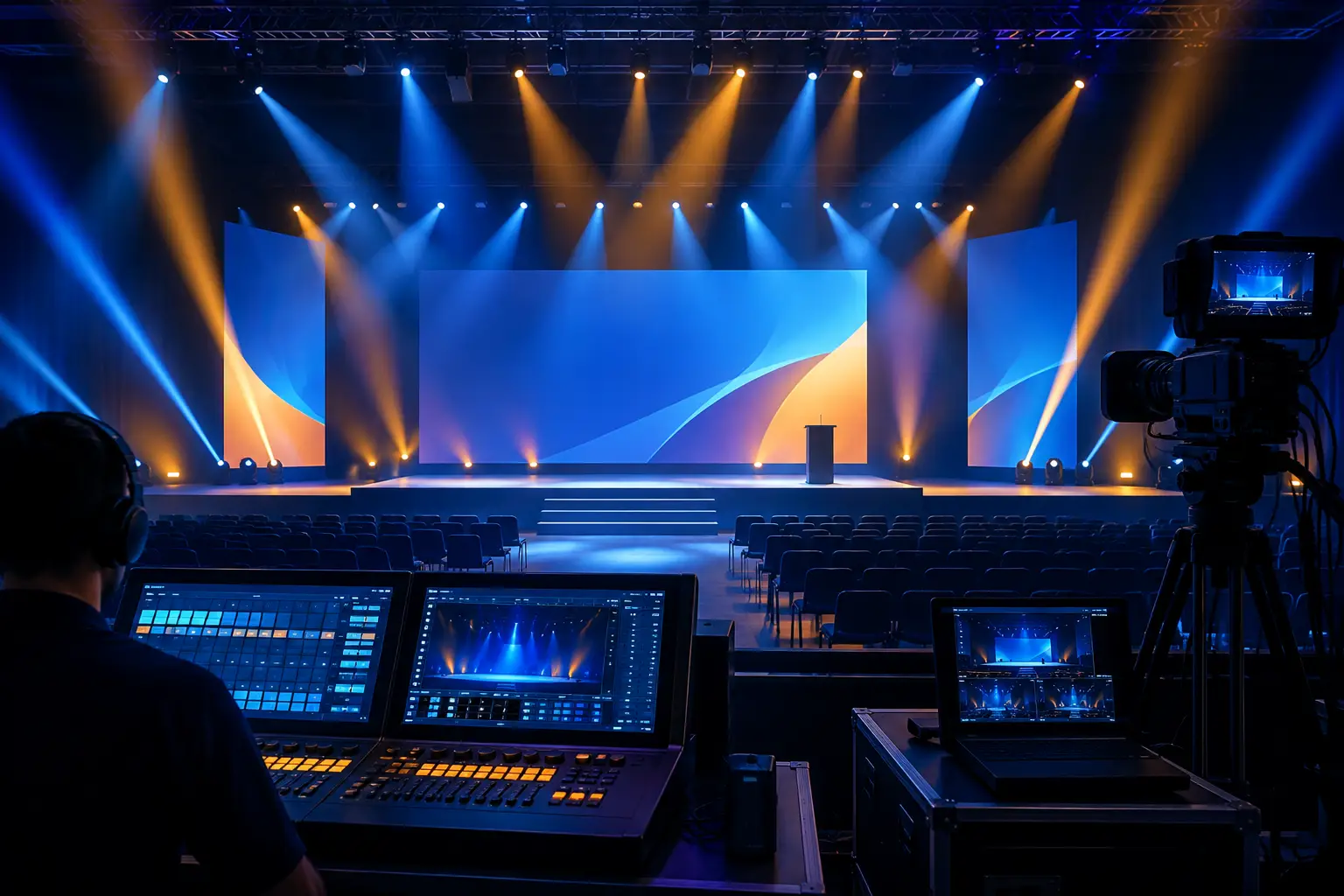
A display failure is more visible than almost any other failure on a conference stage. If the executive deck looks washed out, a product demo stutters, or camera shots show a moire pattern across the backdrop, the room notices immediately. A useful LED projection comparison is not about declaring one technology universally better. It is about matching the display system to the room, content, camera plan, budget, and tolerance for operational risk.
For corporate keynotes, product launches, executive meetings, and hybrid productions, LED walls and projection solve different problems. The right choice often becomes clear once the production team evaluates viewing distance, ambient light, screen size, scenic intent, and signal workflow together.
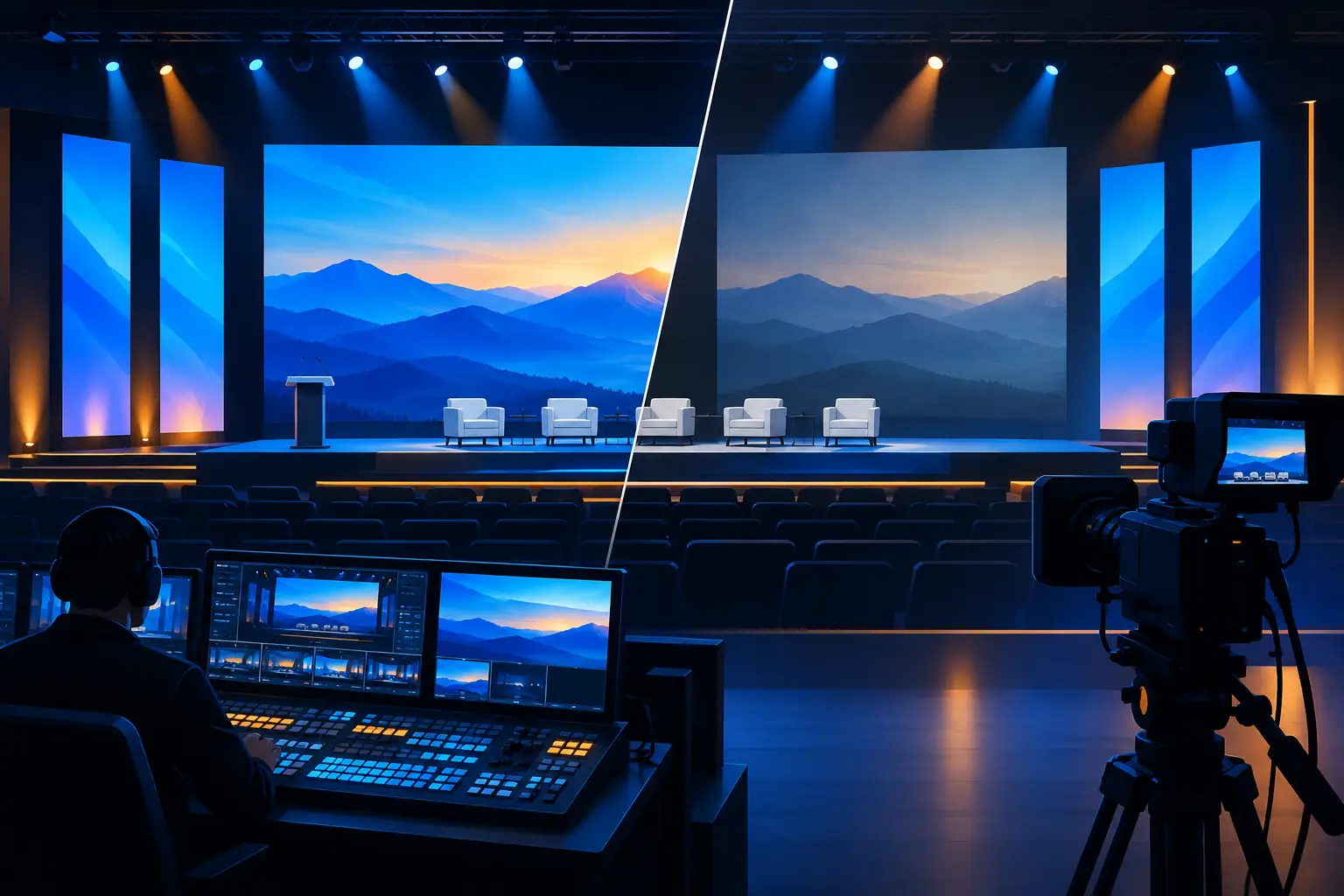
LED Projection Comparison: The Core Difference
An LED wall is a direct-view display made from modular panels. Each panel contains its own light source, allowing the surface to produce high brightness, strong contrast, and saturated color without a projector throwing light across the room. The wall can be built in many dimensions and can support wide canvases, custom aspect ratios, and large-format scenic video.
Projection creates an image by placing a projector at a calculated throw distance and aiming it at a screen or projection surface. It remains a highly effective option for large presentation screens, especially where a clean white image, traditional stage layout, or lower equipment footprint at the display position is preferred.
The practical difference is control. LED gives the production team more control over brightness and display shape. Projection gives more flexibility in certain stage designs and can be a more efficient choice when room lighting, screen material, and sightlines are favorable.
When an LED Wall Is the Better Choice
LED is typically the stronger option when the display must compete with significant room light. Corporate ballrooms and conference halls often require lighting on presenters, scenic elements, audience aisles, and cameras. A projection system can work in these conditions, but it requires disciplined lighting design. An LED wall retains impact with higher ambient light levels, making it well suited to keynote stages with active lighting looks.
It is also the preferred platform when cameras are central to the program. A well-configured LED wall can deliver a strong background for IMAG, remote speakers, motion graphics, and product visuals. That said, “well-configured” matters. Camera shutter settings, refresh behavior, panel calibration, processor configuration, content frame rate, and color management all need to be aligned. A wall that looks excellent to the room can still create visible scan lines or color inconsistencies on camera if the video system is not engineered as one chain.
LED becomes especially useful when the screen itself is part of the scenic design. Extra-wide canvases, center screens with flanking columns, curved configurations, and floor-to-ceiling digital backdrops are more achievable with modular LED than with conventional projection. For a product launch where motion content carries the visual identity of the show, that flexibility can materially change the stage design.
There are trade-offs. LED is not automatically the best answer for every room. Fine pixel pitch increases cost, and a wall that is too coarse for the audience’s nearest viewing distance will show its pixel structure. Panel seams, cabinet alignment, power distribution, rigging, and backup components must also be planned before load-in. The display may be modular, but the production cannot be improvised.
When Projection Is the Better Choice
Projection remains a smart choice for many general sessions, breakout rooms, internal meetings, and presentation-driven conferences. In a controlled lighting environment, a properly specified projector and screen can provide a clean, familiar image with excellent readability for slides, charts, and video.
A projection screen can also be the more appropriate surface when presenters need to refer directly to white-background content, detailed spreadsheets, or documents. LED walls can display that material, but bright all-white slides can feel visually aggressive in a darker room and may require intentional adjustments to both content and lighting.
Projection supports certain creative options as well. Rear projection can keep equipment out of the audience sightline when sufficient backstage depth is available. Front projection can cover large screens efficiently, although it requires careful placement to avoid shadows from presenters, cameras, and scenic elements. Edge blending can create wide images across multiple projectors, but it adds alignment and calibration work that should be tested before doors open.
The primary limitation is ambient light. A projector does not simply need enough output on paper. It needs enough usable image brightness after accounting for screen size, screen gain, room lighting, lens selection, and image content. A room with bright windows, decorative uplighting near the screen, or camera lighting on presenters may push the project toward LED or demand a more controlled projection design.
Viewing Distance and Pixel Pitch Change the Answer
The most common LED selection mistake is choosing a wall based only on overall size. Pixel pitch and viewing distance are equally important. A large LED wall may look impressive from the back of a ballroom but distracting to attendees seated close to the stage if the pixel pitch is not appropriate for that first row.
The decision should begin with the nearest expected viewer, not the farthest. From there, the team can determine a reasonable pixel pitch range and wall resolution for the content. Presentation decks with small type, software interfaces, and detailed product screenshots need more care than abstract motion graphics. Increasing the physical wall size without enough resolution can make fine content harder to read rather than easier.
Projection has its own viewing-distance calculation. Screen size must support readable type from the rear of the room, while the projector and lens must produce an image with consistent focus and brightness across the full surface. A screen that is oversized for the projector choice can become dim. A screen that is undersized can leave the back of the room disconnected from the content.
Content and Processing Are Part of the Display Decision
Neither display technology fixes weak content preparation. Slides built for a laptop display often contain small text, thin lines, low-resolution images, and color choices that do not hold up on a large stage display. Before show day, content should be reviewed at its actual output resolution and in the intended aspect ratio.
For LED, native canvas resolution matters. The media server, playback system, switcher, and LED processor need a defined signal path that preserves image quality without unexpected scaling. For projection, the same discipline applies across switchers, scalers, projector inputs, and blended outputs.
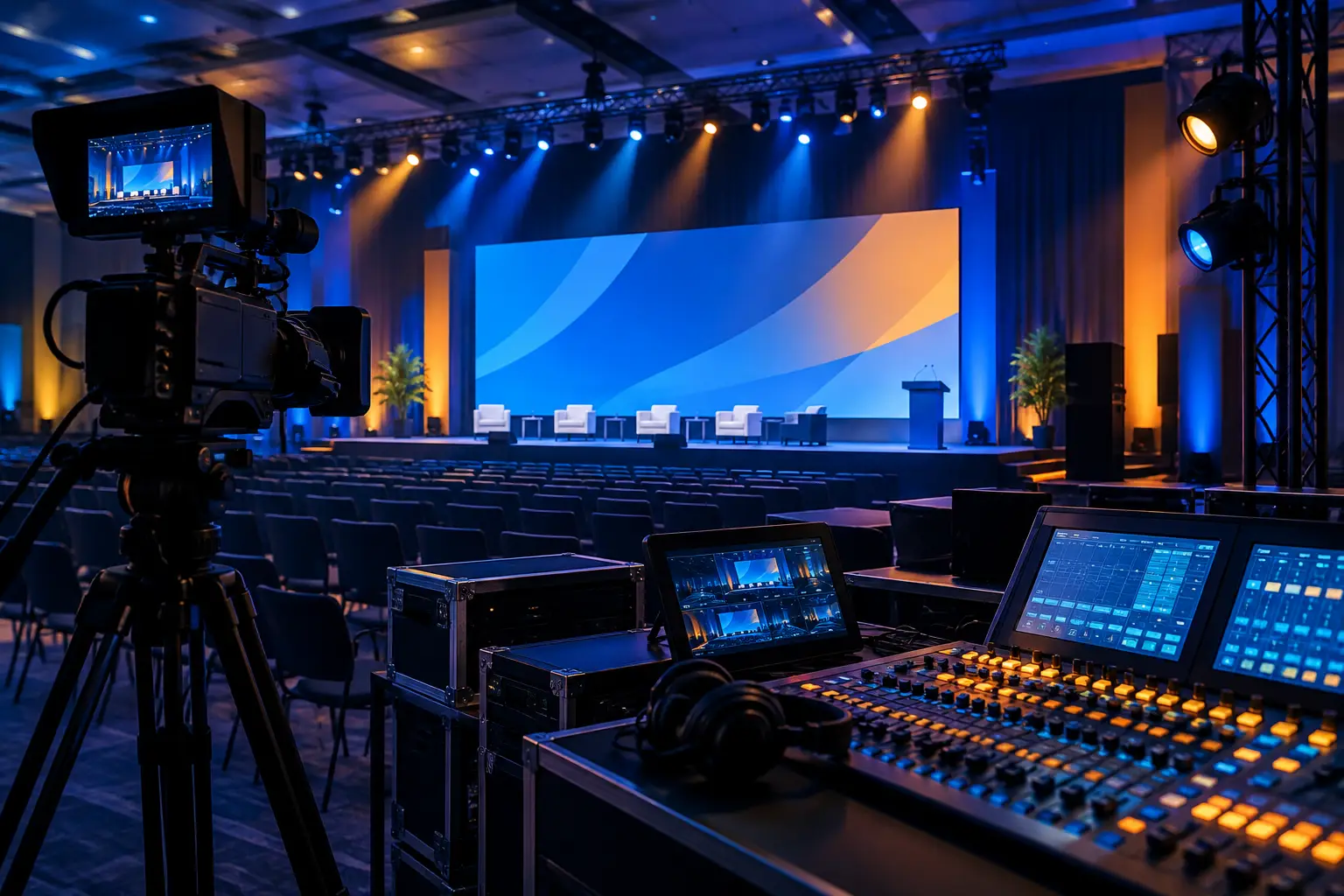
Complex shows benefit from a video processing plan that separates confidence monitoring, presentation playback, camera sources, remote callers, and record feeds. Barco E2/E3 processing can be used to manage multi-source screen compositions and live show transitions when the design calls for more than a single presentation feed. The display surface is only one part of the video system. The switching, routing, monitoring, and redundancy behind it determine whether it performs reliably under show pressure.
How Cameras Affect the LED vs. Projection Decision
For hybrid events and executive webcasts, the camera audience may be as important as the audience in the room. LED often provides a bright, controllable background, but it requires testing with the actual cameras and lenses whenever possible. Fine patterns, graphics with tight lines, and certain wardrobe fabrics can interact poorly on camera.
Projection can provide a softer visual background, but camera exposure becomes a balancing act. If the projected image is exposed correctly, the presenter may be underlit. If the presenter is lit for a strong image, the projection can appear dim. A camera team can manage this with deliberate lighting, shading, and composition, but it needs to be part of the plan rather than a late adjustment.
For either option, avoid treating the screen as a passive scenic element. Build camera angles, presenter positions, stage lighting, and content placement around it. That approach is particularly important for multi-camera live production, where a readable screen in the room may not automatically look good in a tight camera shot.
Budget the Entire System, Not Just the Screen
Comparing a projector day rate to an LED panel day rate does not produce a useful production budget. The complete system may include screens or panels, projectors or processors, rigging or ground support, power, distribution, signal transport, switching, playback, engineering, camera integration, labor, and contingency equipment.
Projection may look less expensive at first, but high-brightness requirements, specialty lenses, rear-projection layouts, or multi-projector blends can change the equation. LED may command a larger initial equipment allocation, while reducing the need for light control or enabling a stage design that would otherwise require more scenic construction.
The right question is not, “Which display costs less?” Ask which option produces the required visual result with the fewest compromises and the clearest operational plan.
FAQ
Is LED always better than projection for a keynote?
No. LED is often better in bright rooms, camera-heavy programs, and digital-scenic stage designs. Projection can be the right choice for controlled environments, conventional presentation screens, or layouts where a projection surface fits the stage and budget more efficiently.
Can an LED wall display PowerPoint slides clearly?
Yes, provided the wall resolution, pixel pitch, viewing distance, and content design support the required detail. Small type and dense spreadsheets should be reviewed before the event, not assumed to work because the wall is physically large.
Does projection work for livestreamed events?
Yes, but the lighting and camera plan need attention. The presenter, projected image, and camera exposure must be balanced together. Test shots during rehearsals are far more valuable than last-minute adjustments during a live program.
What should be decided first: stage design or display technology?
Decide them together. Screen shape, scenic placement, presenter movement, lighting positions, camera angles, and audience sightlines are interdependent. A display decision made after the stage is locked often creates avoidable compromises.
For a Bay Area corporate event, the best display choice is the one that holds up from the front row, the back row, and the camera frame. Request a quote from AV Land with your venue, audience size, content type, and live-production requirements, and start the technical conversation before the stage plan becomes fixed.