


Presentation Signal Backup for Corporate Events
A CEO is seconds from walking onstage. The confidence monitor is live, the LED wall is carrying the show look, and the webcast audience is already connected. That is the moment when presentation signal backup stops being a line item and becomes the production plan. A single failed laptop, HDMI adapter, cable run, or output path should not decide whether a corporate keynote stays on schedule.
For conferences, product launches, executive webcasts, and hybrid events, backup is not one spare cable in a road case. It is a deliberately designed signal path with known failover points, tested content, and operators who can make the switch without forcing the presenter or audience to wait.
What presentation signal backup actually covers
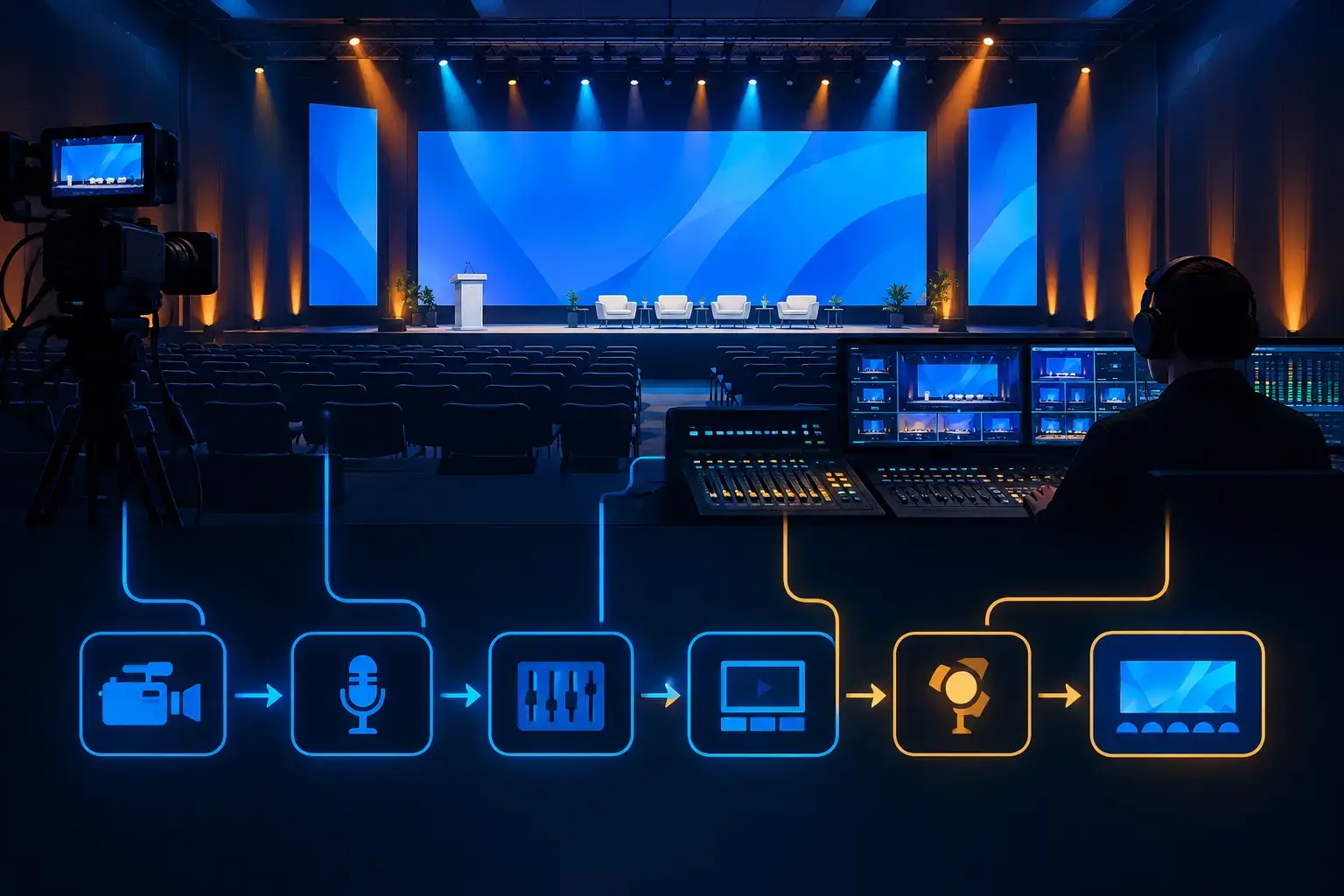
Presentation signal backup is the ability to keep content visible when part of the primary presentation chain fails. That chain often starts with a presenter laptop or playback computer and runs through adapters, distribution, switching or screen management, transport, displays, confidence monitors, recording, and livestream outputs.
A weak point anywhere along that route can take down more than the room screen. When one source feeds an LED wall, side displays, a confidence monitor, and a livestream graphics system, a single failure can affect the speaker, the in-room audience, and remote viewers at the same time.
The right backup design depends on the show. A breakout room with one screen needs a different plan than a mainstage keynote with multiple LED surfaces, camera IMAG, lower thirds, and a broadcast feed. The goal is the same: preserve the intended audience experience while the technical team isolates and corrects the problem.
Build redundancy around the actual points of failure
Reliable systems do not duplicate everything blindly. They identify which failures would be visible, disruptive, or slow to recover from, then provide a practical alternate path. A professional production team will normally review the show flow, room layout, content format, display destinations, and streaming requirements before deciding where redundancy is necessary.
Source backup: protect the presenter’s content
The presenter laptop is often the least predictable device in the signal chain. It may have unfamiliar display settings, an operating-system update, a sleep setting, a damaged port, or content that changes at the last minute. For executive sessions, the safest approach is usually to receive and test final presentation files on a dedicated playback system while retaining the presenter computer as an available source.
That gives the operator choices. If the presenter laptop loses output, the show can move to the tested backup playback file. If a last-minute edit exists only on the laptop, the operator can keep that source available while holding a known-good version ready.
For sessions involving demos, a duplicate demo device or alternate content route may be more useful than a static backup file. It depends on whether the live interaction is central to the presentation. The point is to decide that before doors open, not while a speaker is waiting at the podium.
Signal-path backup: do not rely on one cable route
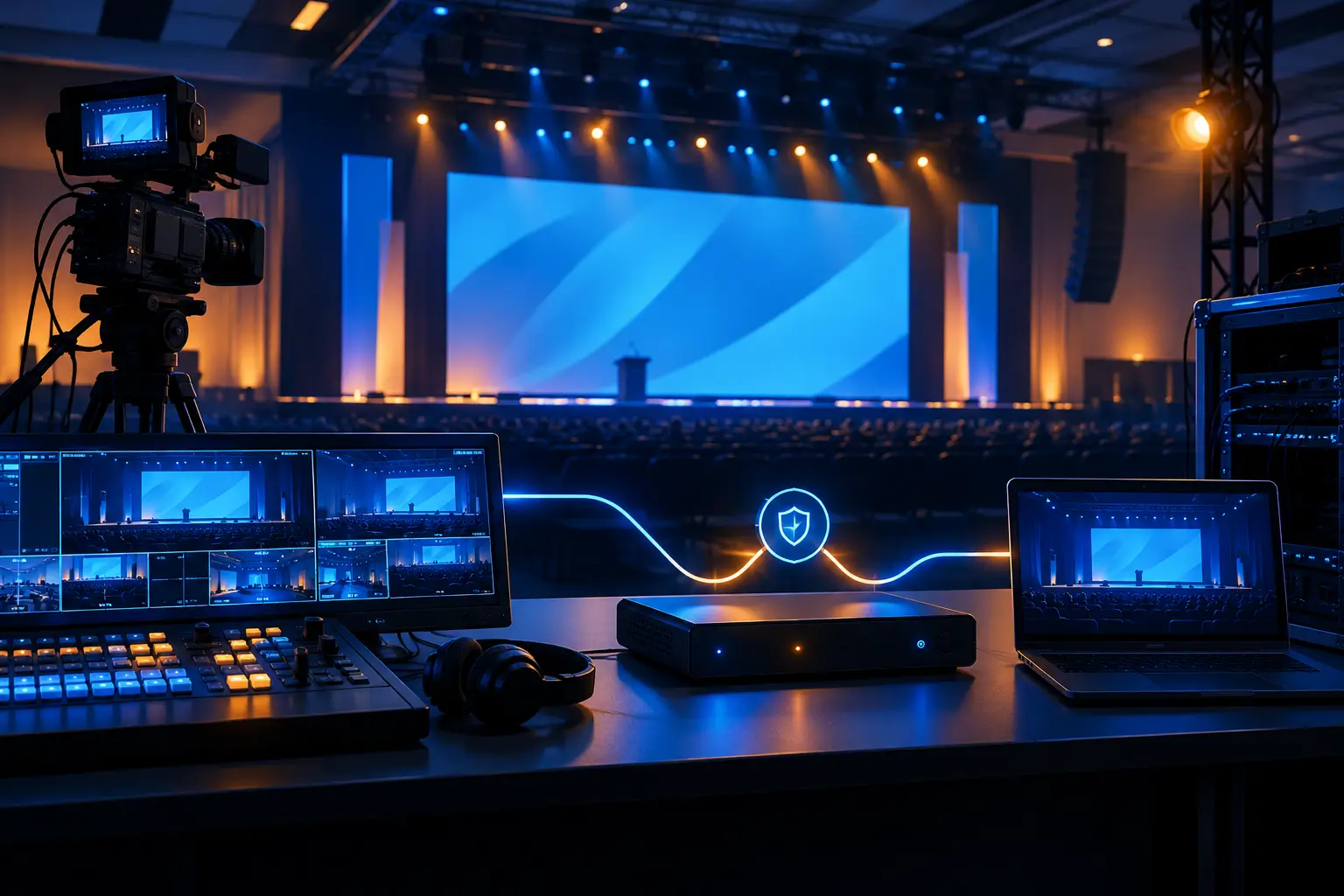
A tested alternate source is not helpful if all sources share the same vulnerable path. Critical presentation systems may need alternate cables, spare adapters, backup distribution, and independent input routes into the switcher or screen-management system.
Long cable runs deserve special attention. A cable that passed signal during setup can still be bumped, strained, or disconnected during rehearsals, room resets, or stage activity. Labeling, strain relief, protected routing, and accessible spare paths reduce recovery time. The practical question is simple: if this cable or converter fails, can the operator move to another input without rebuilding the system?
For complex main rooms, video processing is where a contingency plan becomes operational. A processor such as a Barco E2 or E3 can manage multiple presentation sources and destinations, but capability alone does not create redundancy. The show file, input assignments, backup stills, routing plan, and operator workflow all need to be prepared for a fast recovery. AV Land provides Barco E2 rental in the Bay Area for productions that require advanced screen management and experienced operation.
Destination backup: keep the room informed
Not every display failure can be solved at the source. An LED wall processor, projector, display input, or confidence monitor can also fail independently. For a high-stakes keynote, identify what must remain visible first: the presenter’s confidence feed, the primary audience surface, or the livestream program output.
This priority order affects how the team responds. If the main LED wall develops a problem, a backup side screen or projection surface may carry presentation content while technicians address the wall. If the confidence monitor is lost, the speaker may need a temporary reference display or a modified presenter workflow. There is no universal answer, but there should be an agreed decision path.
Separate the room program from the livestream plan
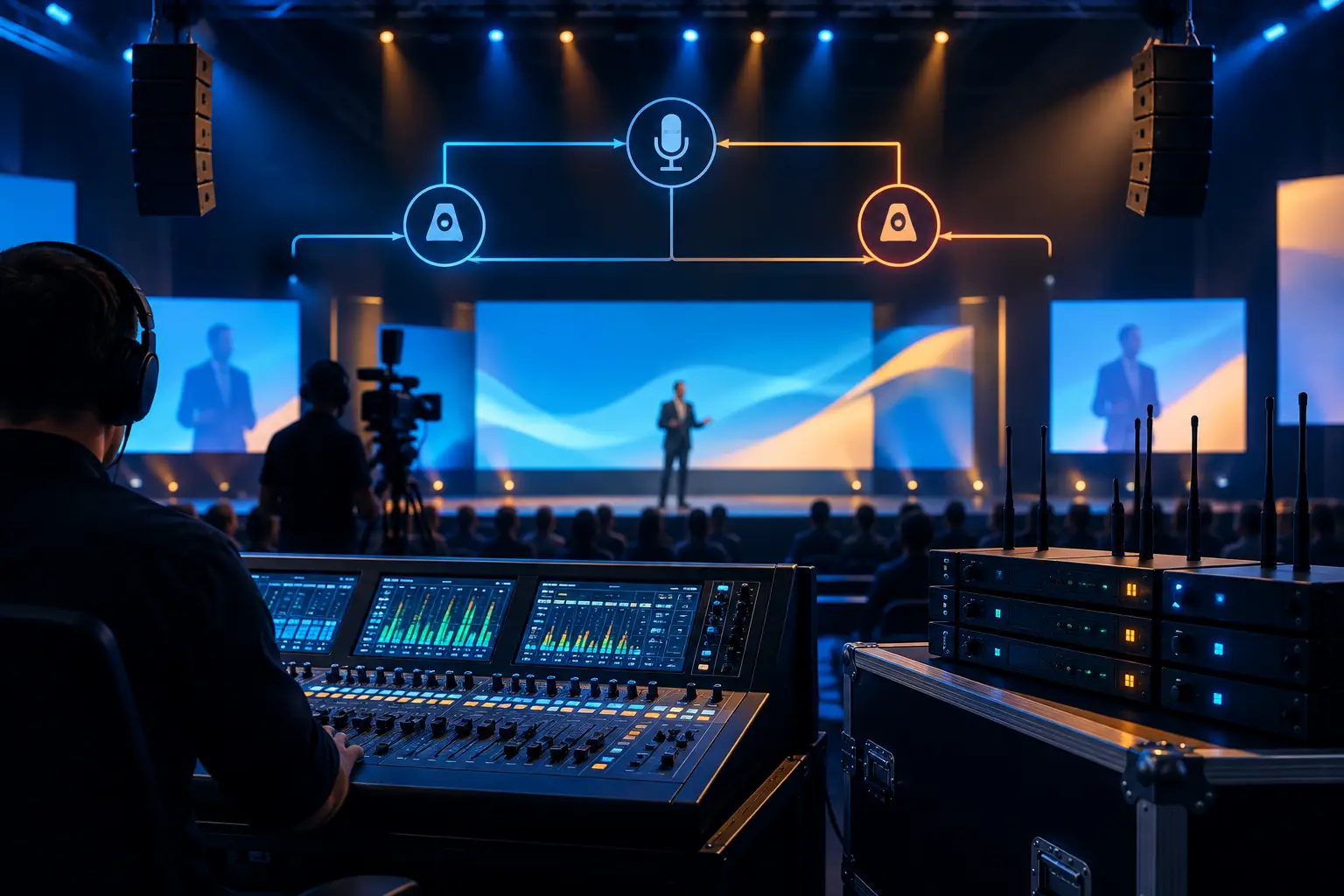
Hybrid events add another layer. The signal feeding the room is not always the same signal that should feed remote attendees. A room may prioritize wide-format presentation content, while the livestream needs a composed program with cameras, slides, speaker graphics, and remote callers.
Treating the webcast as an afterthought creates avoidable risk. A presentation source failure may affect camera capture, confidence, recording, and the online program differently. The production team should know which backup image, camera look, holding slide, or alternate playback source is appropriate for each destination.
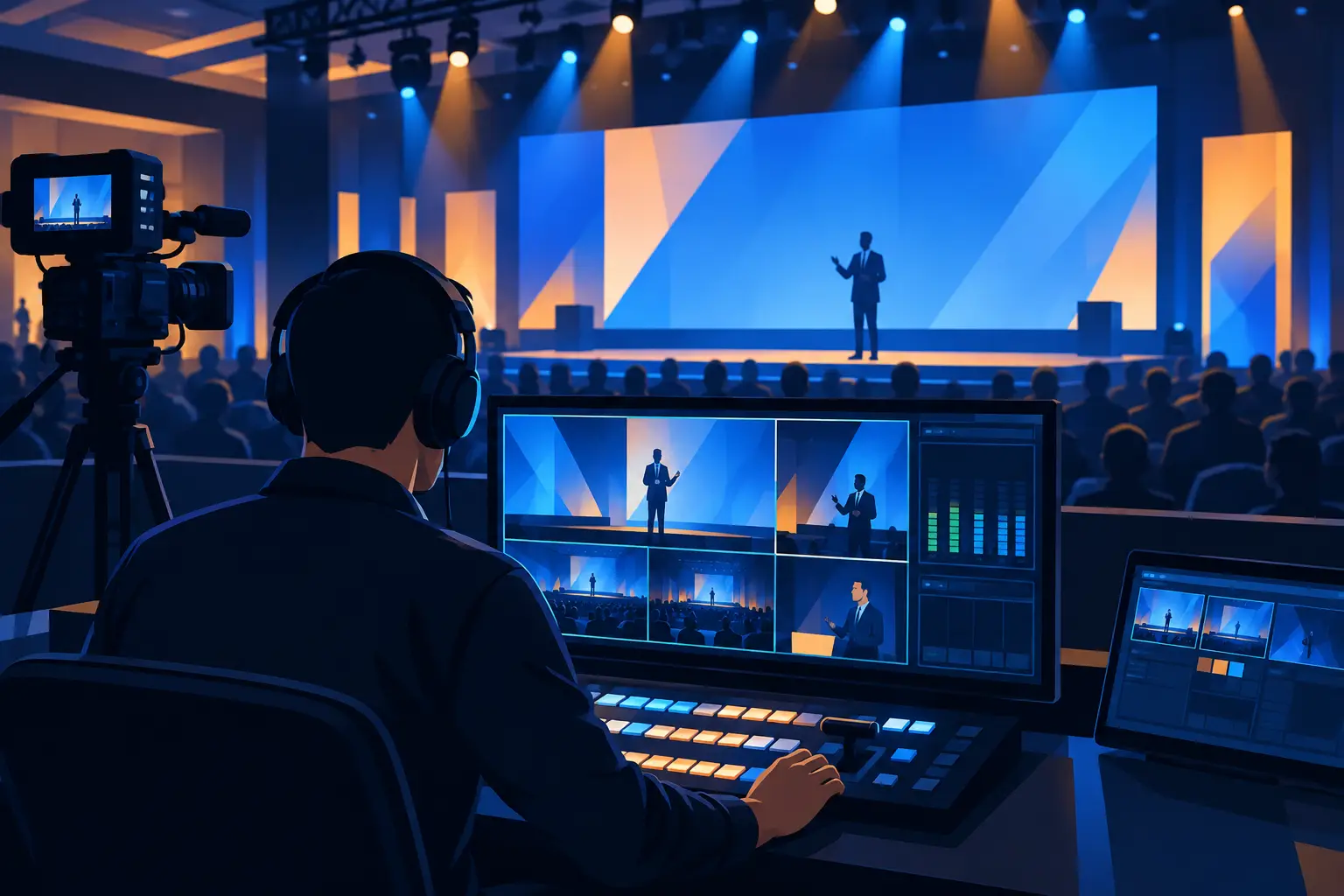
That is why video switching, presentation playback, camera production, and streaming should be planned together. AV Land’s livestream services are built around the full production chain, including the operational handoffs that matter when a source needs to be replaced during a live session.
Test failover during rehearsal, not during the keynote
The difference between a backup system and a backup plan is rehearsal. Equipment can be present and still fail operationally if no one knows who calls the change, which input is selected, what appears on each display, or how the presenter is supported.
A useful pre-show test intentionally breaks selected paths. Switch from the primary laptop to backup playback. Confirm that the backup presentation lands correctly on the LED wall, confidence monitor, room displays, and webcast output. Verify that aspect ratio, scaling, audio, embedded video, fonts, and animations behave as expected.
Do not assume duplicate content will render identically. Slide decks can depend on fonts, linked media, video codecs, speaker notes, or display-resolution behavior. Testing the actual show file on the actual playback system is more valuable than confirming that an older version opens successfully.
For high-visibility sessions, establish concise show-call language. The technical director should be able to direct an alternate source change clearly, while the stage manager or show caller manages the presenter. The objective is a controlled transition, not a visible troubleshooting conversation.
Common backup mistakes that create avoidable exposure
The most common mistake is treating redundancy as a pile of spare equipment. A spare laptop with no current content, an extra adapter that has not been tested, or a second cable that follows the same exposed route may not solve the failure that actually occurs.
Another problem is protecting the main screen but forgetting confidence and webcast outputs. A speaker who loses confidence may stop even while the audience screen remains live. Likewise, a remote audience may see a blank frame while the ballroom appears normal. Every critical destination needs a defined fallback.
Finally, avoid overbuilding without a reason. Full duplication of every component can add complexity, cost, and more opportunities for configuration errors. The best presentation signal backup plan is proportionate to the event’s stakes, duration, room complexity, and tolerance for interruption.
FAQ
What is the minimum backup for a corporate presentation?
At minimum, use a tested backup copy of the presentation on a dedicated playback device, plus tested spare adapters and a known alternate input path. For executive keynotes or launch events, add backup routing for the primary display and confirm how confidence and livestream outputs will behave.
Can a backup laptop replace a failed presenter computer immediately?
It can, if the current presentation file, fonts, media, display settings, and show cues were tested in advance. For live demos or content that changes just before showtime, the backup strategy may need to preserve both a prepared playback version and the presenter’s live device.
Does an LED wall need a separate backup plan?
Yes. The presentation source can be healthy while the issue sits at the processor, cable transport, receiving path, or display destination. A contingency may include an alternate display surface, a fallback graphic, or a route that keeps essential content visible elsewhere.
Should livestream and in-room content use the same backup source?
Often, but not always. The room and webcast may require different framing, graphics, or priority content. Plan backup behavior by destination so a recovery action does not solve one audience experience while disrupting another.
A clean recovery is rarely about luck. It comes from designing the presentation path before the event, testing the failure points that matter, and staffing the show with operators who can act decisively. For a corporate production that needs a practical redundancy plan, request a quote from AV Land.