


Conference Signal Flow Guide for Corporate AV
A conference signal flow guide is not a theoretical wiring diagram. It is the operating plan that determines whether a keynote presenter appears on the confidence monitor, the LED wall receives the correct program feed, remote attendees hear the room cleanly, and the recording captures a usable show. For corporate conferences, every source, destination, conversion, and backup path needs to be intentional before doors open.
A polished stage can still fail if the signal path is unclear. A laptop may be live on the center screen but missing from the stream. A panel microphone may sound fine in the room while feeding a distorted mix to remote attendees. A camera operator may frame a product demo perfectly, only for the switcher to receive the wrong format. Signal flow is where those risks get identified early.
Start With the Show Outputs, Not the Inputs
The most effective way to build signal flow for a conference is to work backward from the audience experiences that must be delivered. Start by defining every output: main LED wall or projection surface, confidence monitors, lobby displays, stage timer, in-room PA, press feed, webcast, recording, and remote presenter return feeds.
Each output has different requirements. The main room display may need a clean program image with graphics, while the confidence monitor needs presentation notes or a dedicated presenter view. The livestream may need switched cameras, presentation content, lower thirds, playback, and a separate audio mix. Treating all outputs as copies of one feed is a common planning mistake.
For a corporate keynote, the core video outputs often include program to the room, program to the stream, confidence, and a technical multiview for the production team. The audio plan may include a room mix, a broadcast mix, an isolated press feed, and communications for crew. Once outputs are defined, each source can be routed with a purpose.
Build a Conference Signal Flow Guide by Department
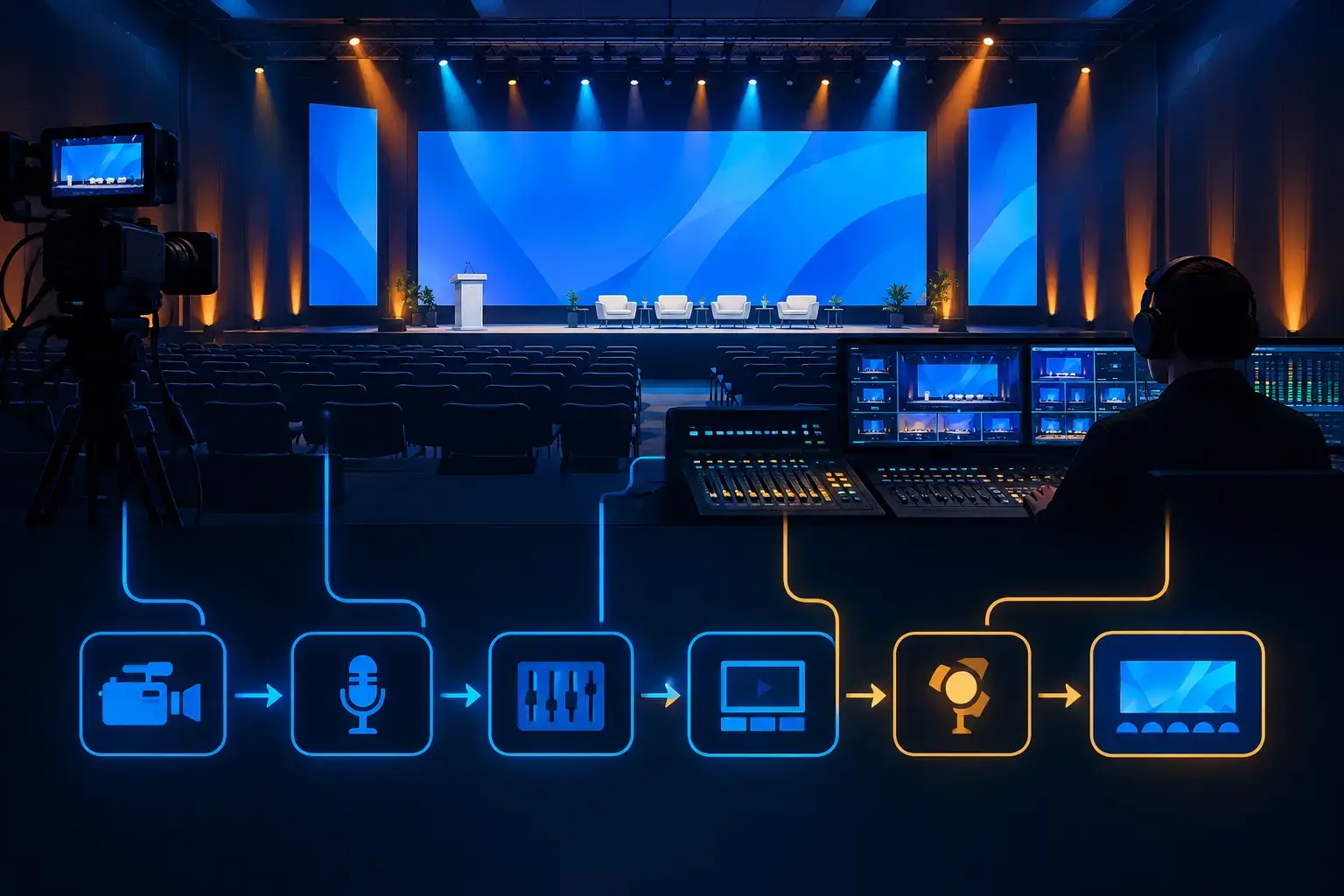
Video, audio, lighting, and show control are separate disciplines, but they meet at specific handoff points. The signal flow document should show those handoffs clearly enough that the technical director, audio engineer, graphics operator, camera team, and streaming engineer all understand what they are receiving and sending.
Video sources and switching
Start with every video source expected on show day. That includes presentation laptops, playback systems, remote callers, IMAG cameras, document cameras, sponsor content, walk-in loops, and any product demonstration feeds. Label each source consistently across the patch plan, switcher inputs, monitor labels, and crew communications.
A conference with multiple presenters needs more than a list of laptop inputs. Confirm which laptops require confidence returns, whether any presenter needs a timer or notes display, and whether slides must appear full-screen, picture-in-picture, or alongside camera shots. Also identify content that has unusual frame rates, high-resolution sources, embedded audio, or protected playback restrictions before rehearsals.
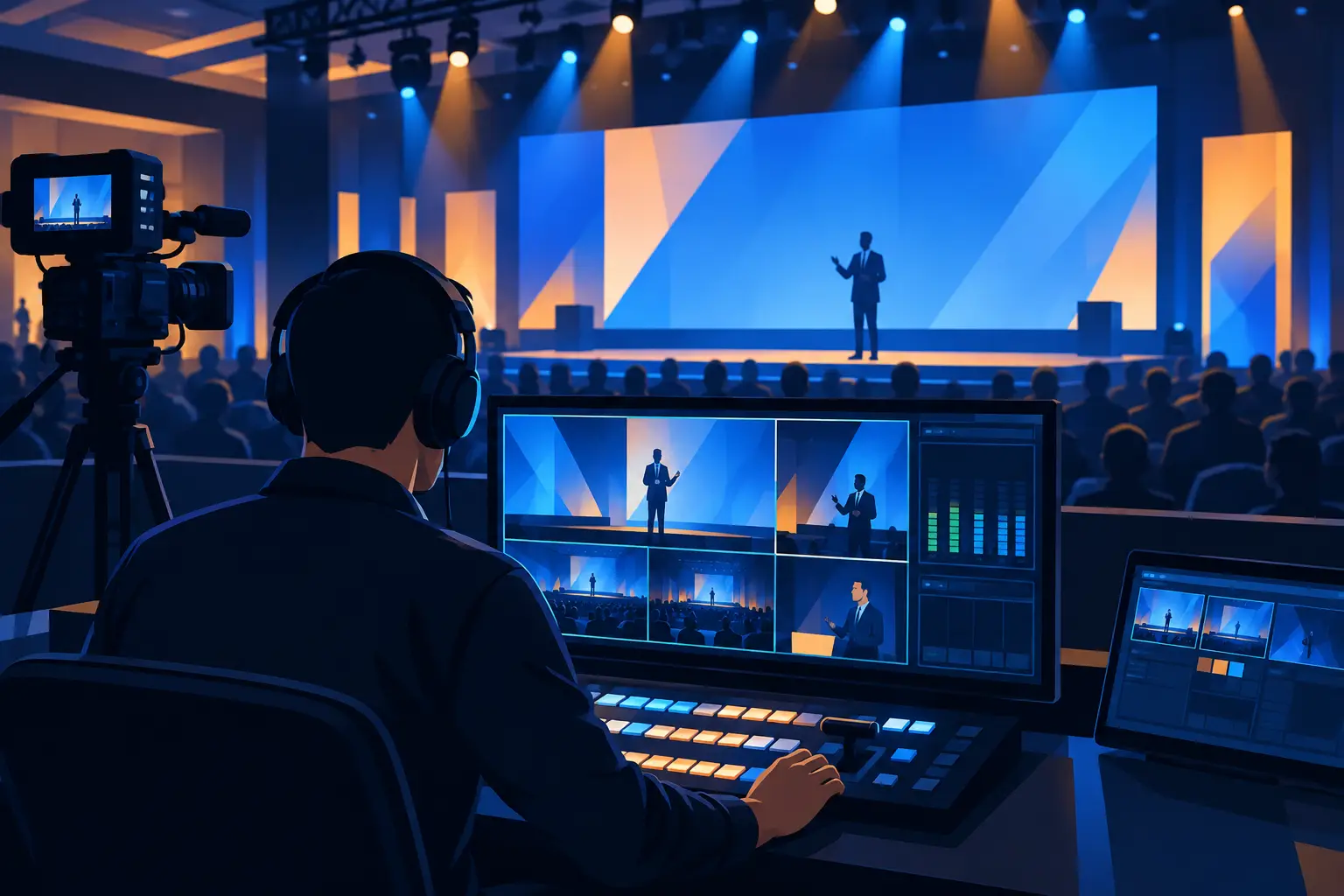
At the switching layer, determine what creates the room program and what creates the webcast program. They may be the same, but they do not have to be. A camera close-up that works well for a remote viewer can be distracting on a large center screen when the room audience is watching the presenter in person. Separate outputs and processing paths give the show team better control when the program requirements differ.
For larger general sessions, a video processor can manage screen layouts, destinations, scaling, and backup routing beyond what a single switcher output can handle. Systems such as Barco E2/E3 are particularly useful when a show includes wide LED canvases, multiple displays, presentation layers, cameras, and independent confidence outputs. The right approach depends on screen count, content design, and the consequences of a routing error during a live keynote.
Audio paths for the room and remote audience
Audio signal flow should begin at the microphone and end at each listener destination. List every stage microphone, panel microphone, handheld, playback channel, remote caller, audience Q&A mic, and interpreter or press requirement. Then define where each signal is mixed, processed, and distributed.
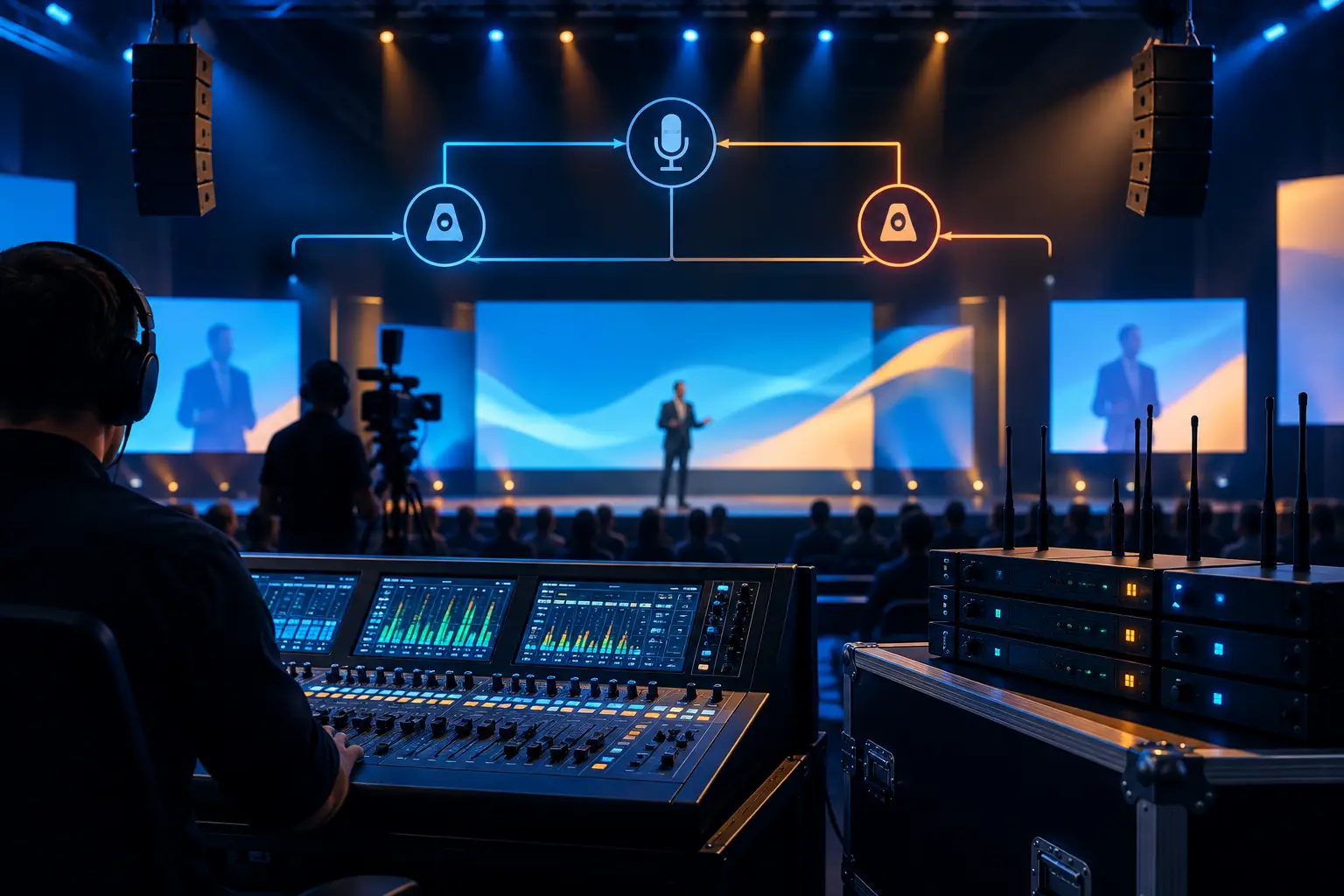
The room mix and stream mix should be treated as separate deliverables. In the room, the audience naturally hears applause, presenter voices, and some stage sound acoustically. Remote viewers do not. They need a deliberate broadcast mix that includes the right balance of microphones, playback, remote contributors, and ambient audience microphones.
A remote presenter requires two distinct paths: a return feed so they can see and hear the program, and a contribution path carrying their camera and microphone back to the event. Failure to account for mix-minus is one of the fastest ways to create echo or feedback in a hybrid session. The remote guest should receive the program without their own delayed voice returning to them.
Cameras, playback, and records
Multi-camera production adds another layer of routing. Cameras feed the switcher, but the camera team also needs return video, tally, intercom, and sometimes teleprompter or presentation reference. These are operational signals, not optional extras. Without a reliable return path, operators may be framing against incomplete information.
Recordings should be planned as independent paths, not assumed to be covered by a single stream archive. A program record captures the switched show. Isolated camera records, presentation captures, and clean feeds can be valuable for post-event edits, executive clips, and product-launch content. The right recording plan depends on the marketing team’s downstream needs and available storage, staffing, and turnaround time.
Document Primary and Backup Paths
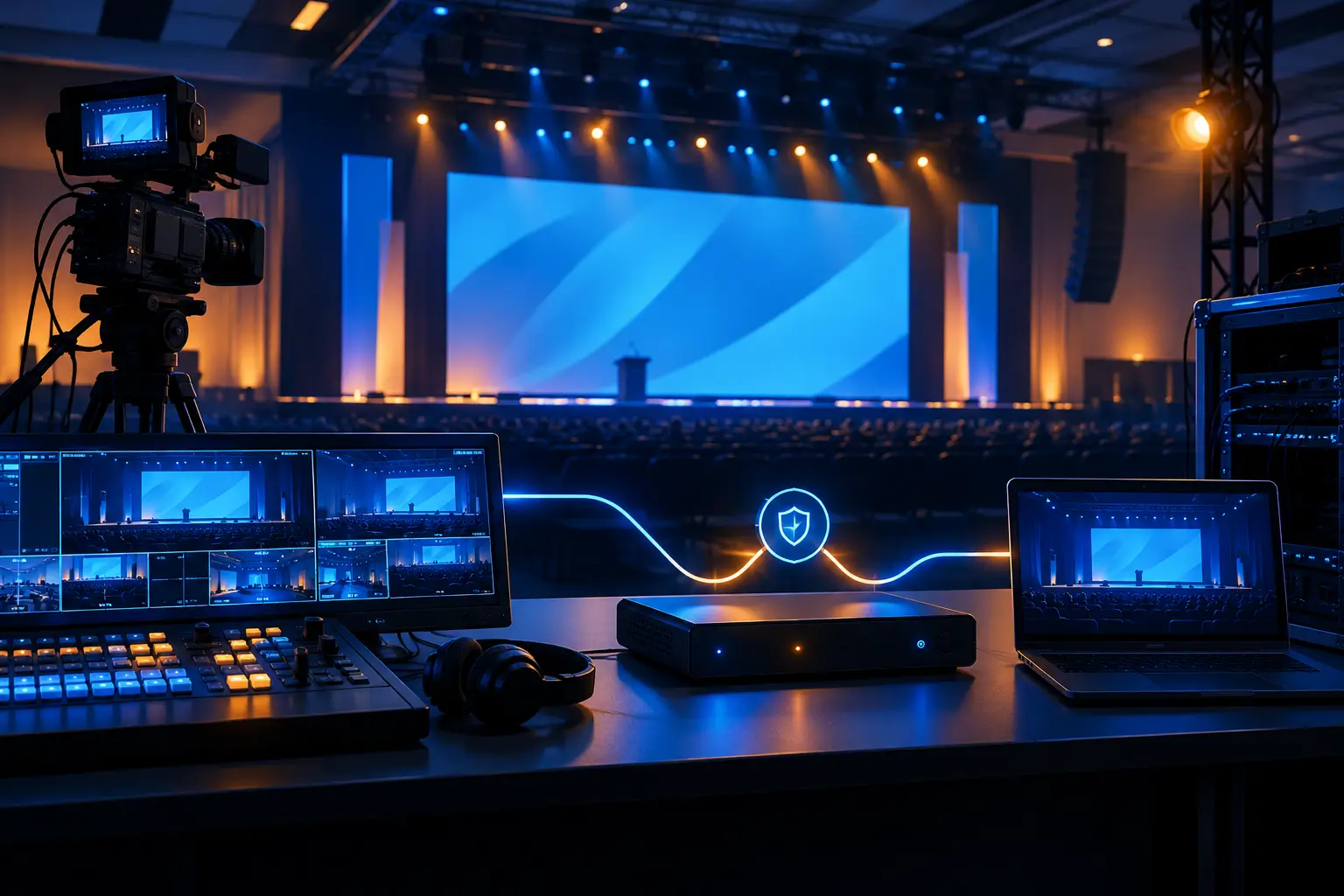
Redundancy is not simply adding duplicate equipment. It means deciding which failures are unacceptable and building a recovery path that the crew can execute quickly. A keynote playback machine may have a mirrored backup. A critical presentation input may be duplicated at the switcher. The webcast encoder may have an alternate output path. Power, network, and signal transport must be considered together.
Not every conference needs full redundancy at every point. A small internal meeting and a high-visibility product launch have different risk profiles. The key is to make the trade-offs explicit. If a signal converter, network connection, playback computer, or display processor fails, who recognizes it, what is the alternate path, and how long does the recovery take?
Your diagram should distinguish primary routes from backups instead of creating a confusing web of possible connections. Use clear naming, directional arrows, and a legend for formats, transport types, and backup lines. The production crew should be able to read the document under pressure.
Test the Whole Chain During Rehearsal
A line check confirms that a source exists. A rehearsal confirms that the complete production chain behaves correctly. Test the actual content, actual presenter laptops, actual camera looks, actual remote guests, actual graphics, and actual streaming destination. If a presenter will advance slides from the stage, test that workflow. If a remote attendee will ask questions, test the return audio and moderation process.
This is also the time to verify timing and latency. Video processing, streaming, remote contribution platforms, and display systems can each introduce delay. A short delay may be acceptable on a lobby display but problematic when a presenter watches their own camera image on a nearby monitor. Audio and video must remain aligned at every audience-facing destination.
For Bay Area conferences with compressed venue access and dense run-of-show schedules, the signal flow plan protects rehearsal time. It gives every department a shared reference, reduces last-minute guessing, and lets the show team focus on presentation quality rather than emergency rerouting.
Common Signal Flow Problems to Catch Early
Most live failures have ordinary causes: mislabeled inputs, unsupported source formats, missing audio embeds, incorrect display scaling, unplanned remote returns, or a stream receiving the room mix instead of the broadcast mix. These issues are manageable when identified during design and much harder to solve when the CEO is at the podium.
Another recurring problem is assuming that a presentation feed is identical everywhere. It may need different aspect ratios, resolution handling, graphics overlays, or audio treatment depending on whether it is headed to LED, projection, confidence, recording, or webcast. Define the destination before assigning the route.
A final issue is the absence of ownership. Every critical signal should have an assigned operator or department. If a remote guest cannot hear the room, the team should know whether the issue belongs to audio, streaming, video engineering, or communications without starting a debate on headset comms.
FAQ
What should a conference signal flow diagram include?
It should include all sources, processing points, destinations, signal formats, transport paths, and backup routes. For a hybrid event, include remote contribution and return feeds, stream encoding, recording, and network dependencies.
Do room video and livestream video need separate feeds?
Sometimes. A shared program feed can work for a straightforward presentation, but separate feeds offer more control for camera framing, graphics, remote speaker layouts, and content designed specifically for online viewers.
When should signal flow be finalized?
Finalize the working plan before technical rehearsal, then update it when content, speaker, screen, or streaming requirements change. The document should reflect the actual show build, not the first production concept.
When your conference has multiple screens, cameras, remote speakers, presentation systems, and a live webcast, signal flow needs experienced ownership. AV Land handles full-service corporate event production with the technical direction, video processing, audio coordination, and livestream operations required to keep complex shows on route. Request a quote to review your event’s signal paths before show day.