


Conference Video Switcher Planning for Live Events
A conference video switcher is the control point where cameras, presentation content, remote contributors, playback, and graphics become one program feed. For a corporate keynote, that feed may be driving an LED wall in the room, confidence monitors for presenters, a recording, and a livestream at the same time. The switcher matters, but the production plan around it matters more.
A basic show can be handled with a compact switcher and a disciplined operator. A multi-room conference, product launch, or executive webcast needs a larger system designed around signal routing, screen destinations, backup paths, and show-critical content. The right approach depends on the program, not just the number of inputs listed on a spec sheet.
What a Conference Video Switcher Actually Controls
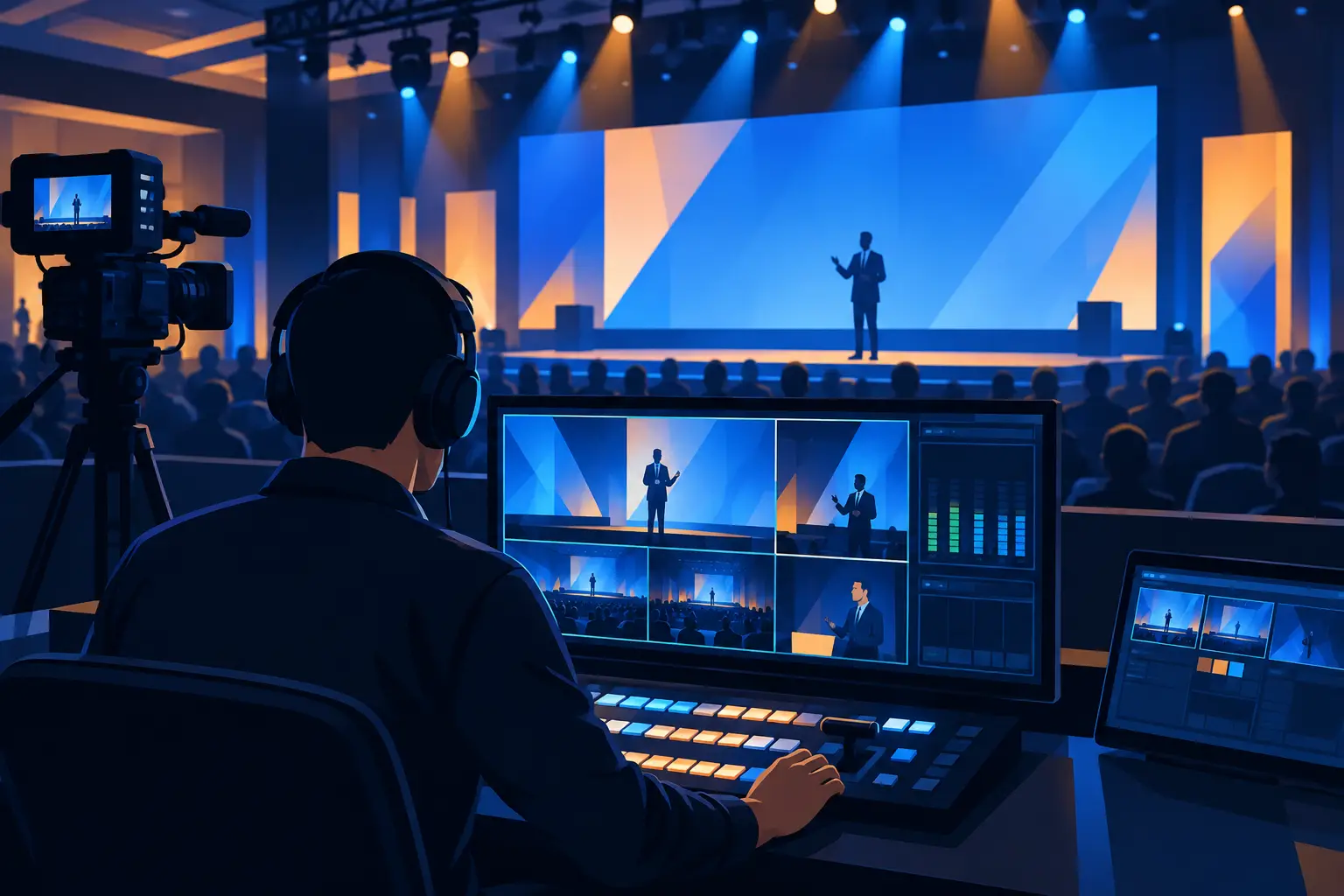
At its simplest, a video switcher selects which source is live: camera one, camera two, slides, a walk-in loop, or a remote guest. In corporate production, it also handles transitions, picture-in-picture layouts, lower-thirds, playback cues, and the relationship between content on stage and content sent to virtual attendees.
That distinction is where planning often gets missed. The audience in the ballroom may need presenter slides full-screen on an LED wall while the webcast audience needs a camera-and-slides composition. If both groups receive the same feed, one audience is likely getting a compromised experience. A capable switching and processing workflow creates separate outputs for each purpose.
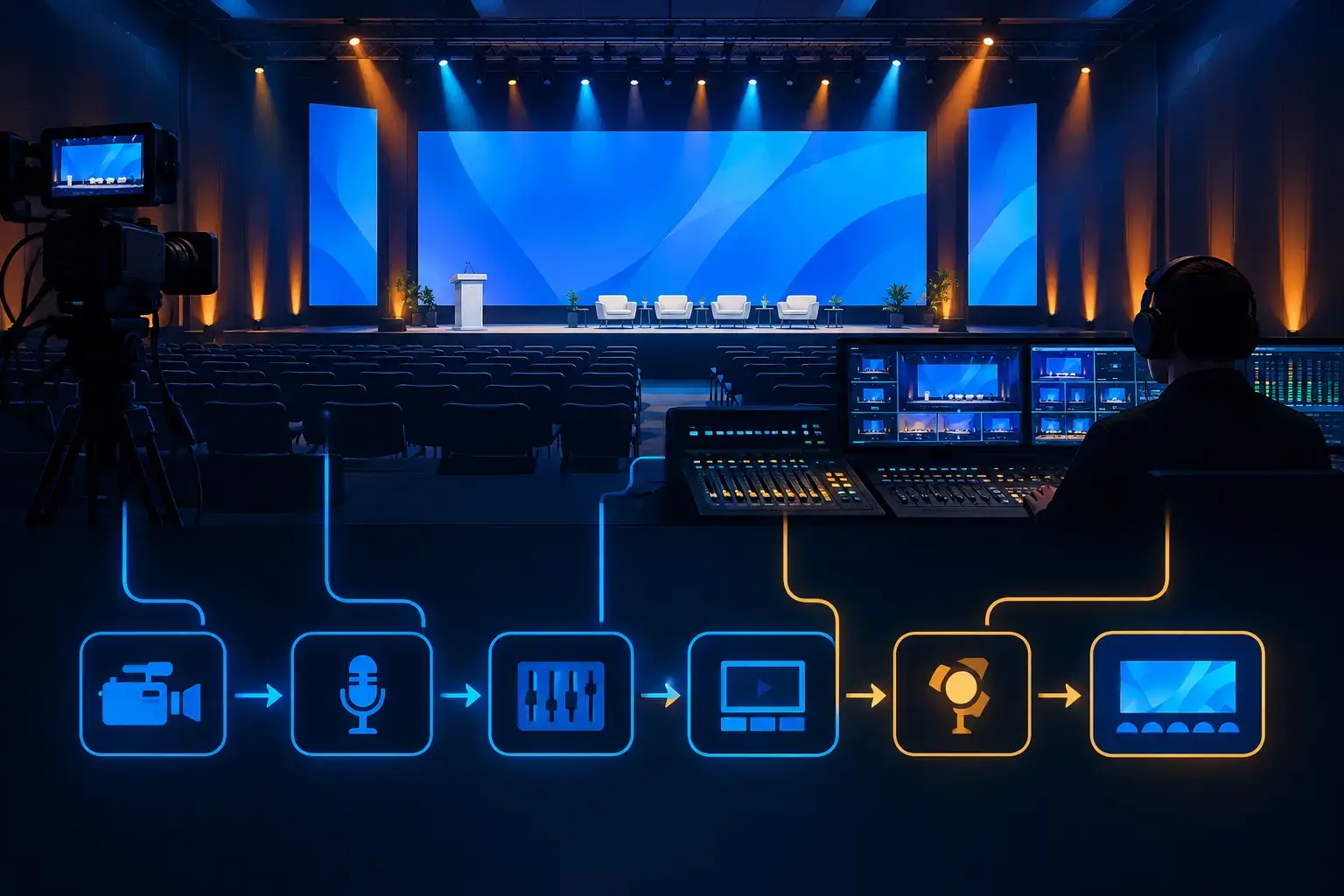
The switcher also has to work with the rest of the system: camera shading, graphics, playback, audio mix-minus, streaming encoders, projection or LED processing, and records. It is not an isolated box at front of house.
Start With Outputs, Not Inputs
Teams often begin by asking how many cameras and laptops they need. That is useful, but outputs define the architecture. Before selecting a conference video switcher, identify every destination that needs a feed.
For a keynote, destinations may include the main LED wall, left and right image magnification screens, presenter confidence monitors, an in-room relay display, a stream encoder, an isolated program record, and a dedicated confidence feed for remote speakers. Each destination may require a different format, aspect ratio, resolution, or content layout.
A single program output is appropriate when the show is straightforward and every audience needs to see the same thing. Once the room needs one look and the virtual audience needs another, separate mixes become necessary. That can mean an auxiliary output, a second switcher, or a video processing platform that manages multiple canvases and destinations.
For larger general sessions, systems such as Barco E2 or E3 are often used alongside switching infrastructure to manage screen layouts, scaling, layers, and redundancy. AV Land provides Barco E2 rental in the Bay Area for productions where display management is as critical as camera cutting.
Match the Workflow to the Conference Format
General sessions need presentation discipline
A keynote is usually driven by tightly cued slides, executive walk-ons, camera coverage, playback, and show graphics. The operator needs clear show calls, a final slide deck, confirmed playback files, and an agreed rule for how slides are advanced. A last-minute laptop swap can be managed, but it should not become the normal workflow.
For camera coverage, a common setup includes a wide safety shot, a tight presenter shot, and a roaming or audience camera when the agenda supports it. The goal is not to cut constantly. It is to change shots with purpose, preserve a clean view of important slide content, and give virtual viewers context when something happens on stage.
Breakouts require repeatable systems
Breakout rooms typically have fewer sources, but there may be many more rooms to support. Consistency is the advantage: the same camera placement, confidence routing, presentation workflow, and operator checklist can be deployed room to room. A reliable breakout workflow is usually more valuable than a complex switcher feature that operators will not use under pressure.
Hybrid programs need independent thinking
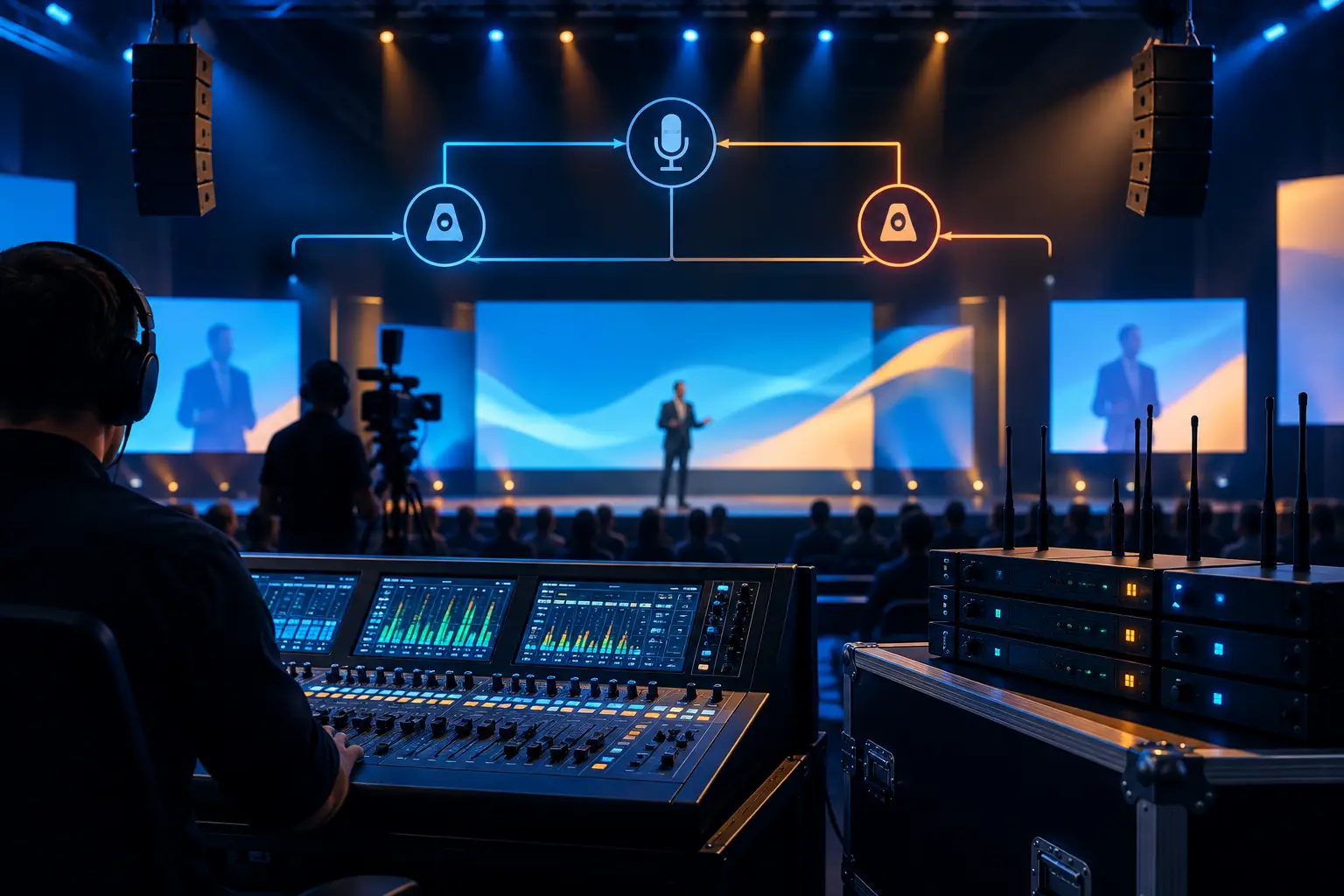
Hybrid conferences introduce sources that do not exist in an all-in-room show: remote speakers, virtual moderators, return feeds, chat or Q&A support, and audio mix-minus. Remote contributors need a return view that helps them participate, not simply a delayed copy of the public stream.
The video team should decide in advance whether the remote guest sees the program feed, the presenter, slides, or a custom multiview. That decision affects both switching and audio. For organizations building a broadcast-ready virtual component, AV Land’s livestream services can combine live cameras, graphics, encoding, and technical direction into one coordinated show flow.
Build a Signal Plan Before Show Site
The most dependable conference video systems are designed on paper before equipment is unloaded. A signal plan documents every source, route, destination, format, and conversion point. It gives the technical director, video engineer, graphics operator, audio team, and client stakeholders a common reference when the schedule gets tight.
At minimum, label camera feeds, presentation inputs, playback machines, graphics outputs, program buses, auxiliary outputs, screen processors, streaming paths, records, and confidence monitors. Also document the required resolution and frame rate at each handoff. A display that is fed the wrong format may still show an image, but it can introduce scaling delays, aspect-ratio problems, or unstable behavior that appears only when the show is live.
Content management deserves the same attention. Slides should be tested from the exact playback computer, at the intended output resolution. Embedded video, unusual fonts, animations, and presenter notes can all create surprises. If presentations come from several speakers, use a controlled intake process rather than accepting untested files minutes before doors.
Redundancy Should Follow the Risk
Not every meeting needs duplicate equipment. A small internal presentation may be adequately served by a simple, well-tested path. A CEO keynote, externally promoted product launch, or investor-facing webcast has a different tolerance for failure.
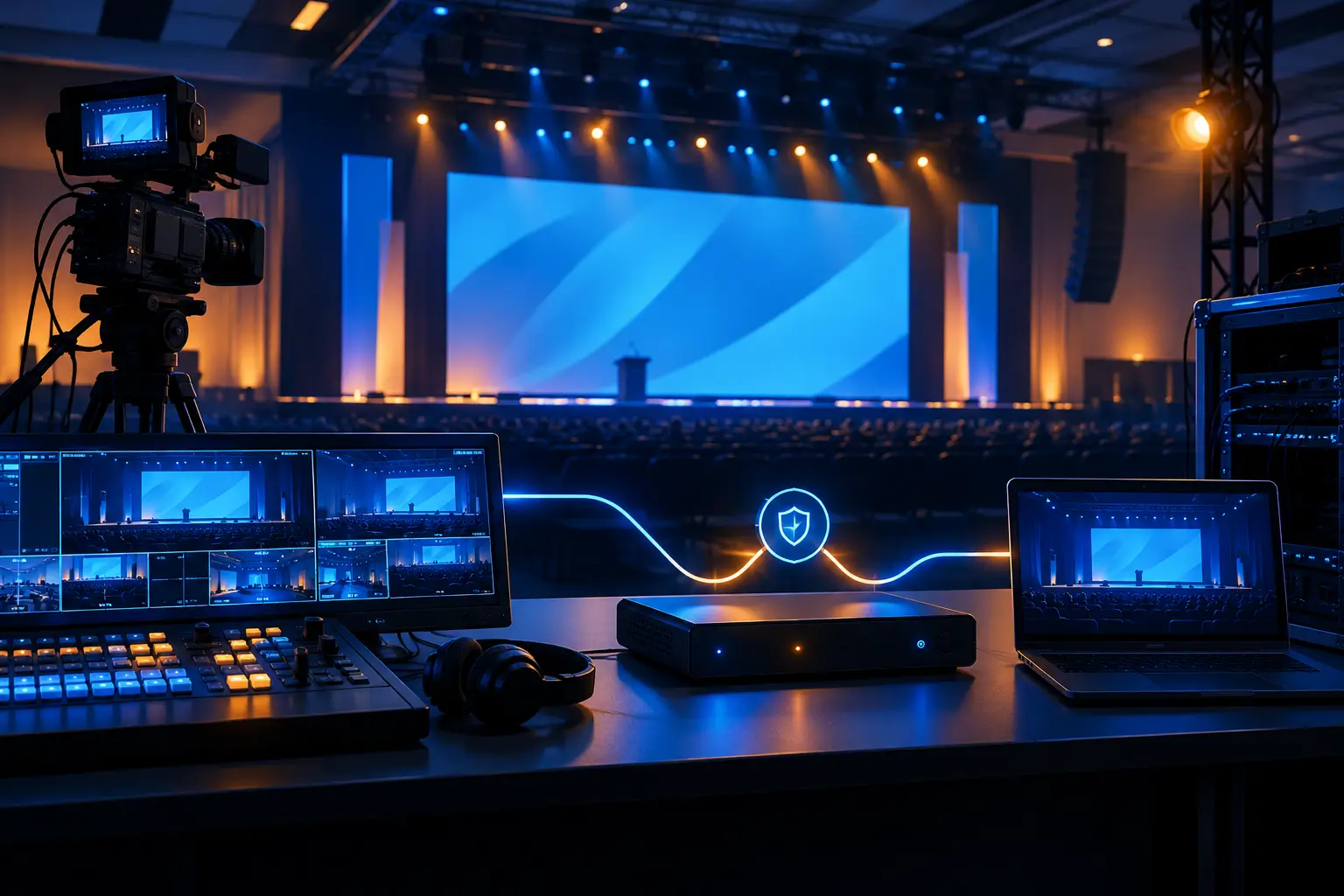
Redundancy should be targeted at failure points that would stop the show. That may include backup presentation playback, alternate program routing, spare camera paths, duplicate stream encoders, backup internet strategy, or a secondary record. The best choice depends on what cannot be recreated afterward.
Redundancy is also operational. A backup switcher does not help if no one knows how to transfer to it. Build changeover procedures into rehearsal, keep inputs consistently labeled, and make sure the crew understands who has authority to call a transition. Experienced technical direction turns backup equipment into a usable recovery plan rather than expensive insurance sitting in a rack.
For standards context and professional AV education, production teams often reference resources from AVIXA, alongside venue requirements and the specific needs of the event.
Rehearsal Is Where the Switching Plan Becomes Real
A technical rehearsal should test more than whether every camera has a picture. It should run the actual sequence: walk-in content, opening video, presenter entrance, slide changes, remote handoffs, panel discussions, audience Q&A, and closing cues.
This is the time to confirm what happens when a speaker advances slides early, a remote guest drops momentarily, or the room display and webcast need different visual priorities. It is also where the team can check lip sync, camera framing, confidence monitor readability, and whether lower-thirds remain legible on both the room screens and the stream.
A good technical director will ask practical questions that may not appear in the agenda. Which camera covers an executive who leaves the lectern? Does the presenter need notes on confidence? Can the playback operator roll the video on a verbal cue? Who confirms that the stream is live before the host begins? Those answers make the show feel controlled to the audience.
FAQs About Conference Video Switchers
How many inputs does a conference video switcher need?
Count every active source, then allow room for late additions and backup. Inputs commonly include cameras, presentation laptops, playback, graphics, remote guest returns, and a spare connection for an executive device. The number alone is not enough – confirm the formats, resolutions, and required outputs as well.
Can one switcher run the room screens and the livestream?
Yes, for some programs. If the room and online audience need the same program feed, one switcher may be sufficient. If the room needs full-screen slides while viewers need a camera-and-content layout, plan for separate outputs and potentially additional switching or processing.
When should a conference use a video processor?
Use video processing when the display environment is complex: multiple LED walls, projection surfaces, unusual canvas sizes, layered screen content, or several independent destinations. A processor handles display composition and scaling, while the switcher focuses on live source selection and program execution.
What should be recorded at a corporate conference?
At minimum, many teams record the final program feed. For high-value sessions, isolated camera records and presentation captures can provide more options for post-event edits. Decide this before show day because records affect routing, storage, and operator responsibilities.
A conference video switcher should make the live show easier to operate, not add complexity for its own sake. If your keynote, launch, or hybrid program needs a video workflow built around the actual room, audience, and distribution plan, request a quote from AV Land and put the technical plan in place before rehearsals begin.