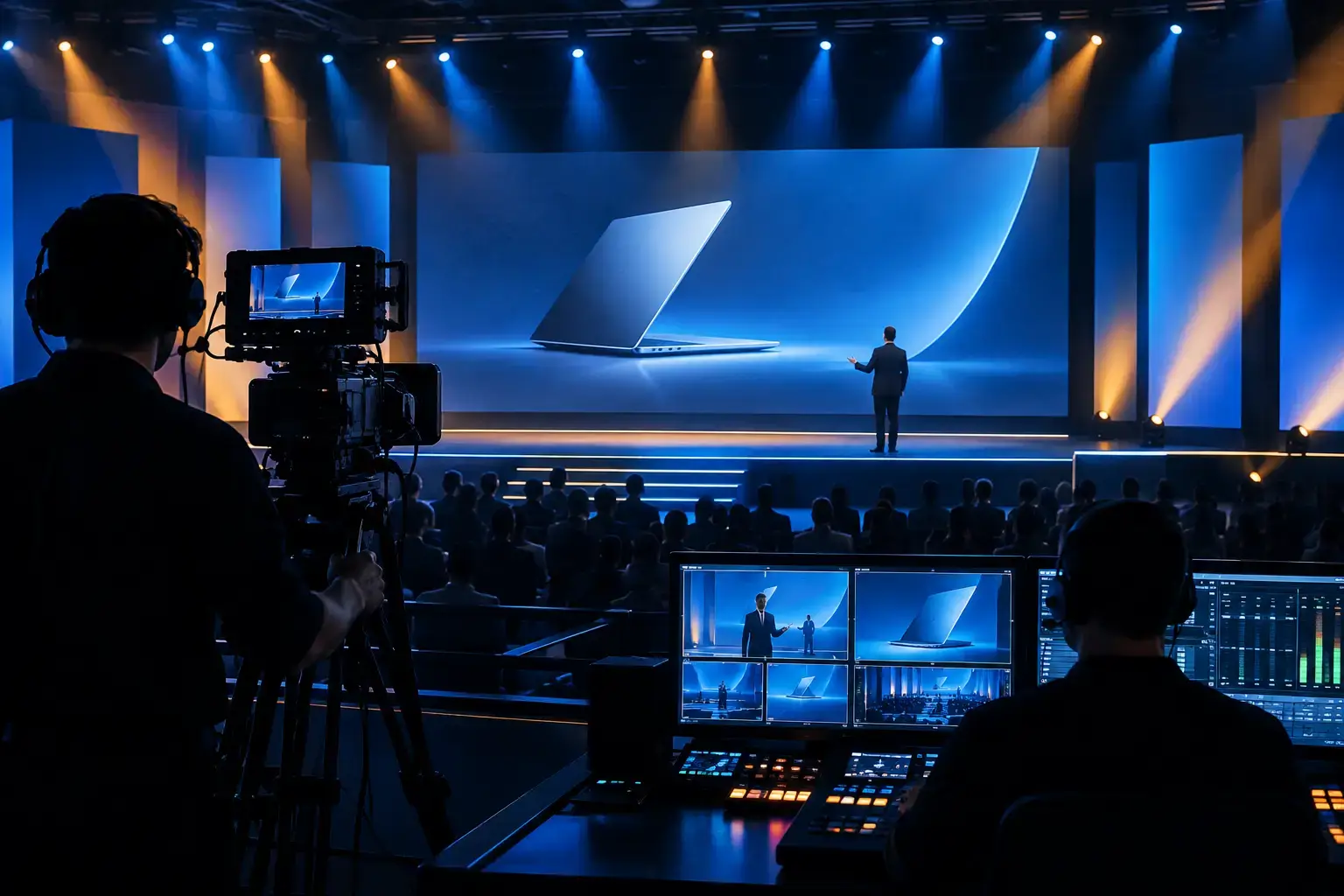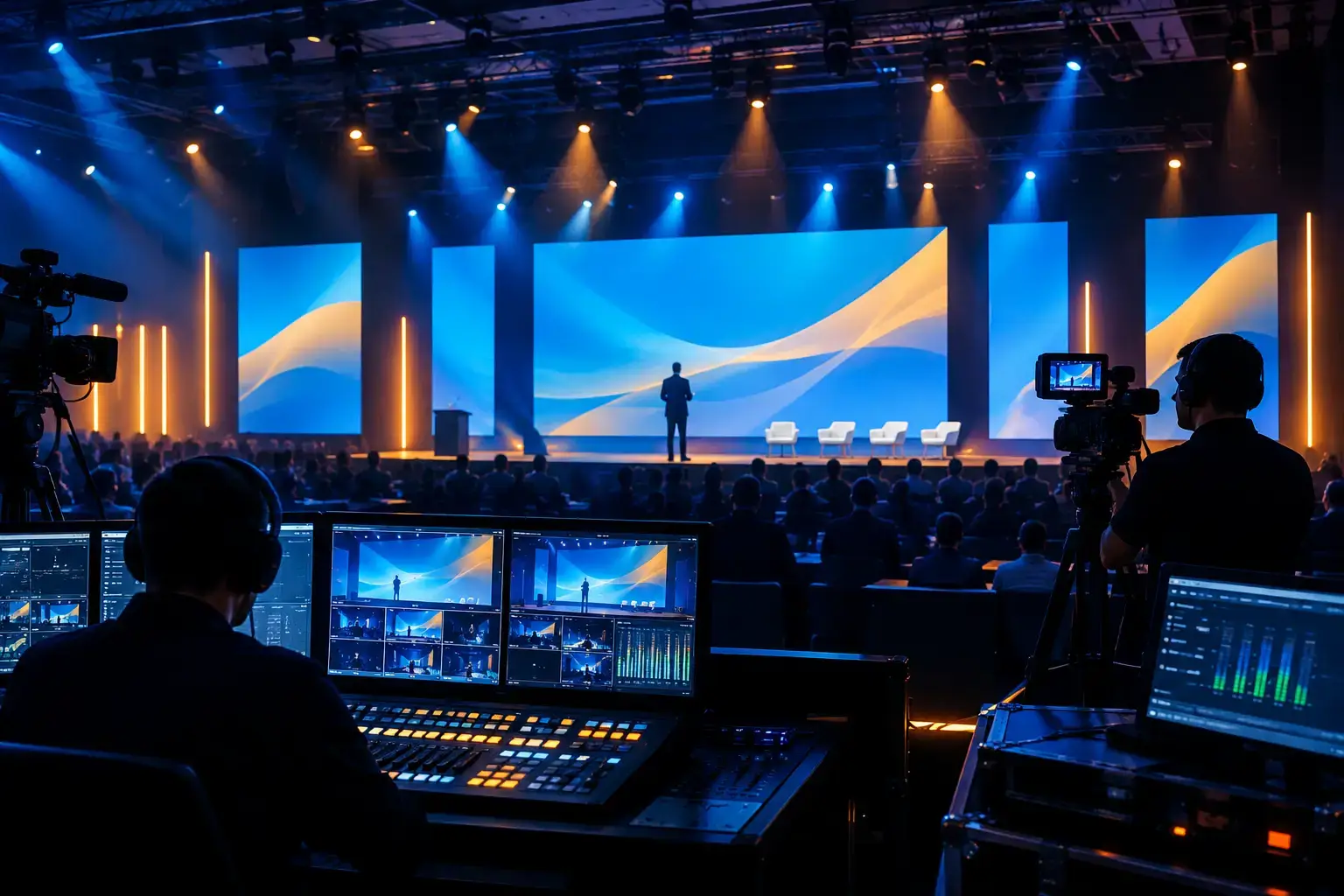



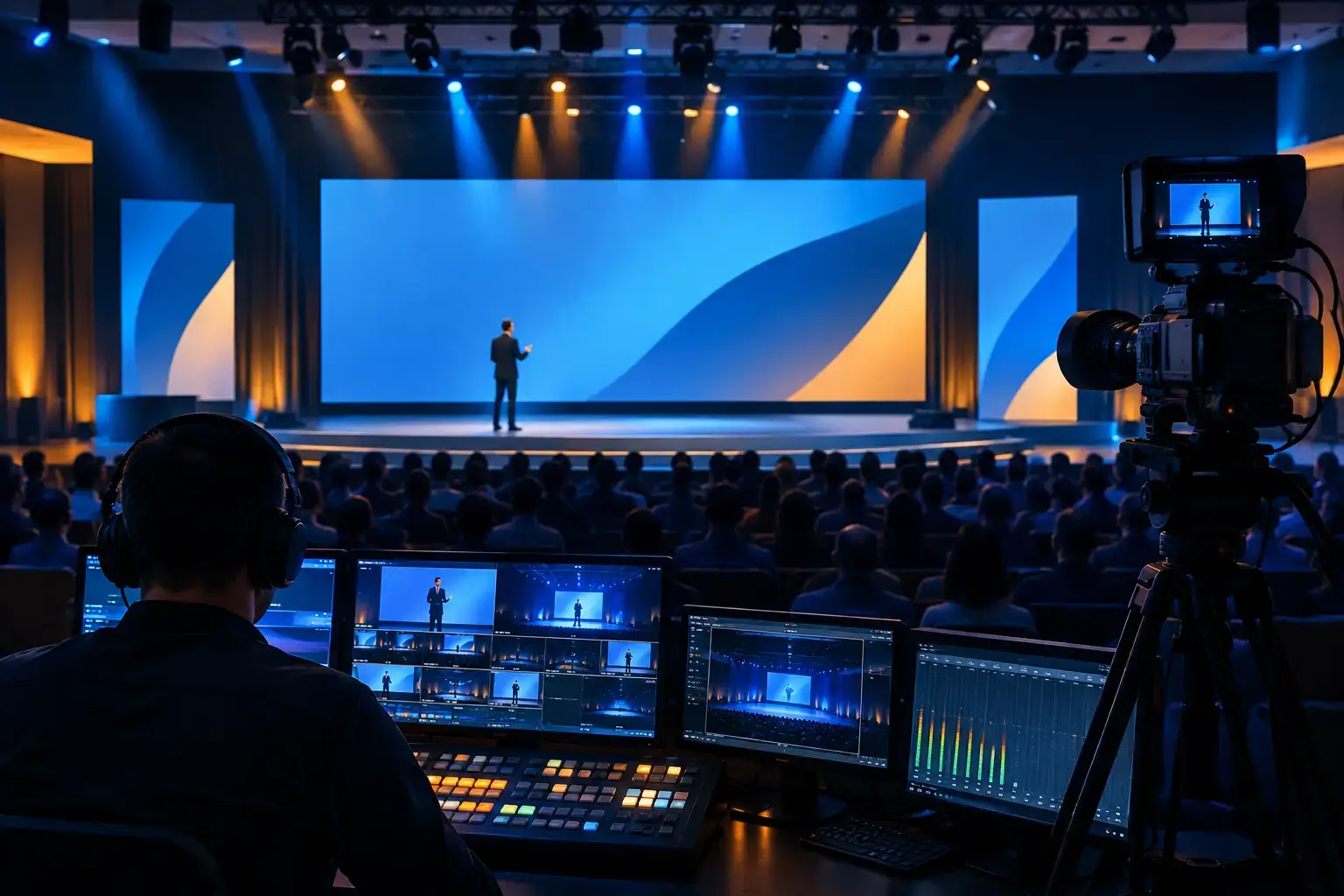
A Keynote Production Example That Holds Up Live
A keynote production example is only useful if it reflects what happens when the executive walks on stage, the show caller takes the cue, and every system has to perform at once. For a corporate conference, that means more than a large screen and a lectern. It means a controlled signal path, readable content, clear reinforcement, camera coverage that serves both the room and remote viewers, and an operating plan built around the agenda.
Here is a representative production model for a one-day product keynote in the Bay Area. It is not a fixed package. The room, audience size, executive presentation style, scenic design, and broadcast needs all affect the final system. But the planning logic applies to conferences, technology launches, leadership meetings, and hybrid events where failure is visible immediately.
The Event Brief: What the Production Team Is Solving
Picture a 600-person corporate keynote in a hotel ballroom or conference venue. The program includes an opening video, a CEO presentation, two product demonstrations, a remote guest interview, and a closing panel. The in-room audience needs a strong visual experience. A remote audience needs a separate viewing experience that does not feel like a camera pointed at the back of the room.
The production objective is not simply to put content on an LED wall. It is to make every segment readable, audible, and cueable while allowing presenters to move quickly between formats. That requires full-service corporate event production across video, audio, lighting, staging support, cameras, graphics playback, show calling, and livestream operations.
A useful early question is: what is the audience expected to see at each moment? The answer determines the screen layout, camera plan, confidence monitoring, and graphics workflow. A presenter showing a dense product interface has different requirements than an executive delivering a short opening address against branded motion graphics.
System Design for This Keynote Production Example
The display system starts with sightlines, not screen size
For this example, the stage uses a center LED wall as the primary presentation canvas, supported by confidence monitors facing the presenters. The LED processor receives presentation, playback, camera, and graphics sources, then routes the correct composition to the wall for each cue.
A processor such as a Barco E2 is valuable when the show requires multiple live sources, picture-in-picture layouts, clean transitions, and fast changes between presentation content and cameras. The actual processor choice depends on the canvas size, source count, outputs, and desired redundancy. A simple single-screen keynote may not need the same switching architecture as a product launch with IMAG, side screens, and broadcast graphics.
For content-heavy sessions, the design should preserve native computer resolution as long as possible. Avoid building a show around improvised adapters or last-minute laptop scaling. Presenters should be tested on the actual display surface, with the exact slide deck, fonts, embedded videos, and any live demo environment they will use.
Cameras serve two audiences with different needs
This setup uses multiple cameras: a tight camera for executive close-ups, a wider angle for stage movement and panels, and a roaming or dedicated position for product demos and audience moments when appropriate. The camera operator’s framing is coordinated with the director, not left to chance.
In-room IMAG needs disciplined camera cuts. Switching to a close-up at the wrong time can make a speaker’s movement feel delayed or disorienting on large displays. The same feeds may support the livestream, but the webcast typically needs more intentional coverage. Remote viewers need to see slides, demonstrations, lower thirds, and speaker reactions in a sequence designed for their screen.
For events requiring broadcast-style direction, AV Land can combine camera acquisition, switching, graphics, recording, and streaming through its video production services. The production team should determine whether the program feed is also the in-room screen feed or whether each output needs its own mix. Separate mixes add capability, but they add operator positions, routing, and rehearsal time.
Audio must support the room and the stream
The keynote audio plan includes lavalier or headset microphones for primary speakers, handheld wireless microphones for interviews and panels, playback audio from show content, and a dedicated mix for the stream. A room mix is not automatically a good webcast mix. In the ballroom, the PA carries the presenter naturally. Online, the viewer needs a balanced program feed with clear speech and controlled playback levels.
Backup microphones should be ready for the CEO, moderator, and any presenter whose segment cannot pause. The same applies to playback: opening videos, stingers, walk-on music, and remote caller audio should be cued and tested before doors open.
Lighting supports the camera, not just the stage
A stage can look acceptable to the room and still look flat or uneven on camera. Keynote lighting needs front light for facial clarity, controlled backlight for separation, and a design that works with the brightness of the LED wall or projected image. Camera shading and exposure should be checked while the final screen content is live.
This is especially relevant when presenters stand close to a bright LED background. The screen can dominate the exposure, leaving the speaker underlit. A production team has to balance screen output, lighting levels, camera settings, and wardrobe considerations during rehearsal rather than trying to correct the problem during the opening remarks.
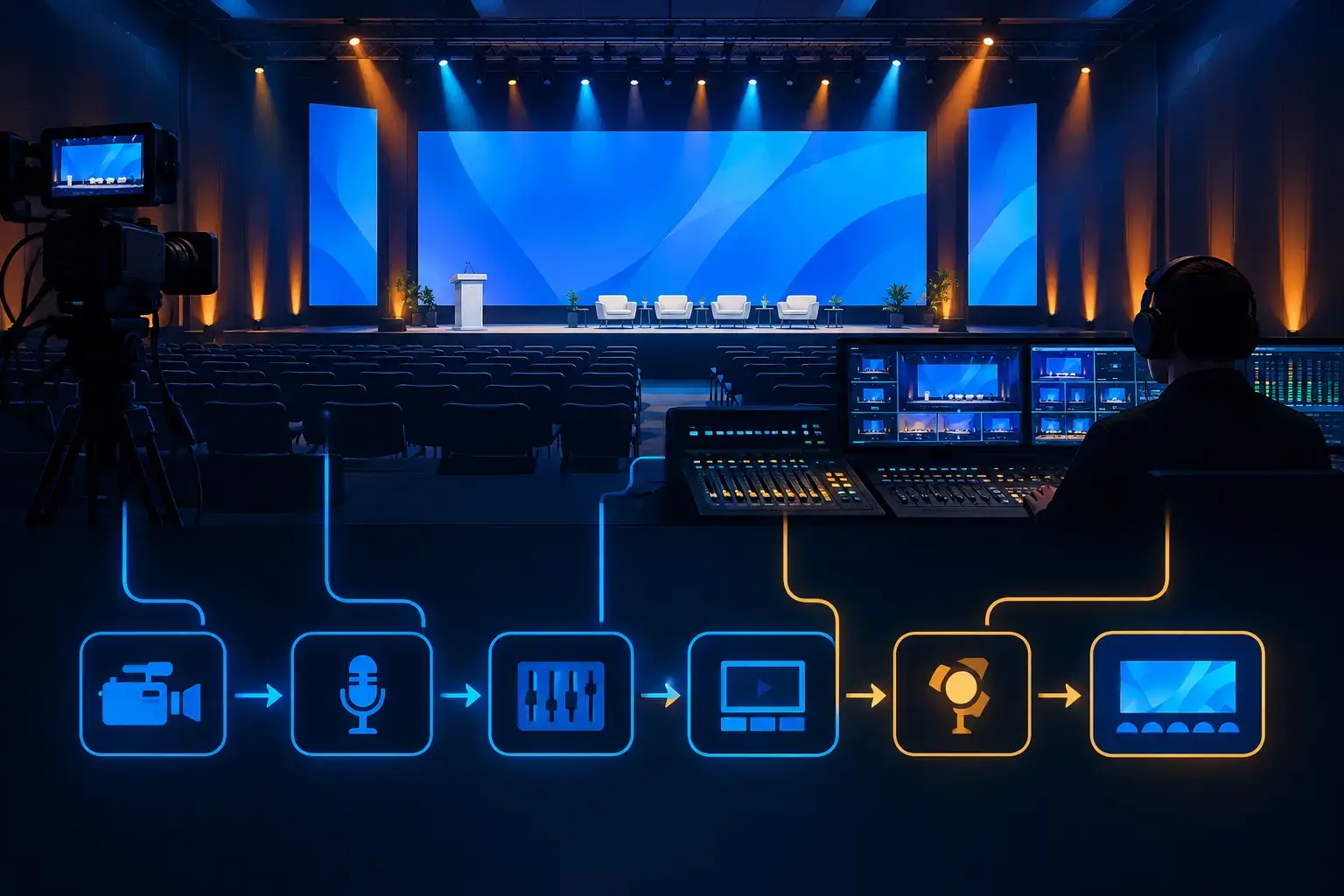
The Signal Flow Behind a Reliable Show
The audience sees transitions. The crew manages sources, routing, backups, and communications behind the scenes. In this keynote production example, presentation laptops and playback systems feed the video switcher or processor through tested signal paths. Camera feeds, graphics, remote contributors, and confidence returns are assigned before rehearsal.
The technical director runs the show from a documented cue stack. The show caller coordinates with the client producer, stage manager, graphics operator, audio engineer, camera team, and streaming operator. Every major cue has an owner. “Roll opening video” is not a vague instruction when the team knows who rolls it, who takes it to screen, who opens the walk-on microphone, and who gives the presenter the go signal.
Redundancy should be designed around the real points of failure. For a high-stakes keynote, that may include backup playback, alternate presentation paths, spare microphones, recorded walk-in content, redundant internet options where available, and a clear response plan if a remote guest loses connection. Not every event needs duplicate systems for every element. The right level depends on agenda risk, budget, venue infrastructure, and how disruptive a failure would be.
Rehearsal Is Where the Show Becomes Operable
A technical rehearsal should not be the first time a speaker sees the confidence monitor or discovers that a product demo requires a different screen layout. Build enough time for the team to validate cue order, walk-on positions, microphone changes, playback levels, remote guest timing, and camera marks.
For executive keynotes, a presenter rehearsal is equally important. The crew can confirm whether the speaker advances slides, uses a show operator, needs notes on confidence, or prefers a fixed position for camera framing. If the executive is using a teleprompter, that changes the camera and lighting setup and needs early coordination.
The best rehearsal outcome is not perfection in a quiet room. It is a crew that has already handled the likely changes: a revised slide, a presenter who runs long, a video that needs to replay, or a panel that starts before the previous cue is fully clear.
When Hybrid Changes the Production Plan
Adding a livestream turns the keynote into two simultaneous productions. The remote audience may need a holding slide before the program begins, music that is cleared for webcast use, moderated Q&A, captioning workflow if required by the organization, and a plan for attendee support.
The stream should also be monitored independently. A feed that appears correct on the in-room LED wall may have an issue in the encoder, audio embed, or remote platform output. Dedicated monitoring lets the operator catch a silent channel, delayed source, or incorrect layout before it affects the full audience.
For programs with remote attendees, livestream services should be scoped with the same care as the physical room. Confirm the platform, registration flow, viewer count expectations, privacy requirements, remote speaker workflow, recording deliverables, and whether the stream needs a separate producer-led run of show.
FAQ
What should be included in a corporate keynote production plan?
At minimum, plan for the stage layout, display system, presentation workflow, audio reinforcement, lighting, camera coverage, crew positions, communications, rehearsal schedule, show cues, and contingency paths. A hybrid event also needs streaming, remote contributor, monitoring, and recording decisions documented before show day.
How early should keynote content be tested?
Test final content as early as possible, then schedule another check on the show system during rehearsal. This matters most for keynote decks containing embedded video, custom fonts, live web content, product demos, animation, or multiple presenter laptops.
Does every keynote need a large LED wall?
No. LED walls work well for many corporate stages because they are bright, scalable, and camera-friendly, but projection or a different display design can be appropriate depending on room size, ambient light, viewing distances, scenic goals, and budget. The production design should follow the message and venue conditions, not a default equipment list.
Who calls cues during a keynote?
For a complex program, a show caller or technical director manages cues from the approved run of show while coordinating each department on comms. The client-side producer remains essential for content approvals, speaker readiness, and agenda decisions.
Plan the Show Before the Crew Arrives
A keynote succeeds when the visual design, technical system, and operating plan agree before doors open. If you are producing a corporate conference, launch, or executive webcast in San Francisco, San Jose, or Silicon Valley, request a production quote with the agenda, venue, audience format, and key content requirements. A detailed advance plan gives the crew room to execute cleanly when the live program starts.