How to Produce Executive Webcast Right
A CEO webcast can go sideways in under 30 seconds. A bad camera angle makes leadership look unprepared. Thin audio makes the message feel cheap. A dropped stream during a company update creates the exact kind of distraction executives were trying to avoid.
That is why knowing how to produce executive webcast events is not really about pushing a signal online. It is about building a controlled production environment where the message is clear, the talent is supported, and the technical plan holds up under pressure. For corporate teams, especially around product launches, investor-facing updates, internal town halls, and leadership communications, the webcast is part broadcast, part risk management.
What makes an executive webcast different
An executive webcast is not just a smaller keynote. The audience expectation is different, and so is the tolerance for failure. Viewers are usually there for information that matters — strategy, company performance, organizational change, customer direction, or market positioning. They are paying attention to details, even when they do not realize it.
Executives also tend to have less time for rehearsal than a professional presenter. They may arrive close to start time, want to adjust talking points at the last minute, or prefer a conversational delivery instead of a scripted read. That changes how the production should be designed. The right setup needs to protect the speaker from common on-camera issues without making the process feel overly complicated.
This is where experienced corporate production matters. A webcast for senior leadership should feel calm and deliberate, even if there is a lot happening behind the scenes.
How to produce executive webcast events with fewer failure points
The first decision is format. Before anyone talks about switchers, encoders, or graphics, define what the executive is actually doing on camera. A single-camera fireside chat needs a different plan than a global all-hands with slides, walk-on music, remote callers, and moderated Q&A.
Most executive webcasts fall into one of three structures. The first is a direct-to-camera address, which works well for concise internal messages or customer communication where authority and clarity matter most. The second is a moderated conversation, which tends to feel more natural for leaders who are better in dialogue than in a monologue. The third is a presentation format with slides, demos, or supporting video content. Each option affects staging, pacing, confidence monitors, and operator count.
Once format is set, keep the run of show tight. Executive content almost always performs better when the timing is disciplined. That does not mean rigid. It means every segment has a purpose, every playback cue is confirmed, and every transition has ownership.
Build around audio first
If there is one place not to compromise, it is audio. Viewers will tolerate a modest set. They will not tolerate weak speech intelligibility. Lavalier mics are common for executive webcasts, but not always the best answer. Wardrobe, movement, and room acoustics all matter. In some cases, a headset mic gives more consistent gain before feedback and more reliable pickup. In others, a carefully placed lav is the better visual choice.
Room noise needs the same level of attention. HVAC rumble, lobby spill, hallway traffic, and adjacent meeting rooms regularly show up in executive broadcasts. That is why site surveys matter. A room that looks polished can still be a poor webcast environment.
For executive webcast workflows, the production platform and delivery path should be chosen based on the audience, security requirements, and show format. Some events may use Zoom, Microsoft Teams, or Google Meet for internal meetings and remote participation, while more produced broadcasts may use tools such as Wirecast or vMix for live switching, streaming, recording, and multi-source production.
Light for authority, not drama
Executive webcast lighting should make the speaker look credible and easy to read on camera. This is not the place for theatrical contrast unless the brand specifically calls for it. The safer approach is soft key light, clean fill, controlled background separation, and consistent color temperature across the room.
Glasses, bald heads, and glossy stage furniture can all create reflections that look minor in the room and distracting on camera. The fix is rarely more light. It is usually better placement, diffusion, and camera-aware adjustments.
Camera framing affects trust
A surprising amount of webcast quality comes down to framing. Camera height should usually be near eye level. Lens choice should avoid distortion. Composition should give the speaker presence without feeling stiff. If slides are sharing the screen, plan for that in the shot so the executive does not appear cramped or misplaced.
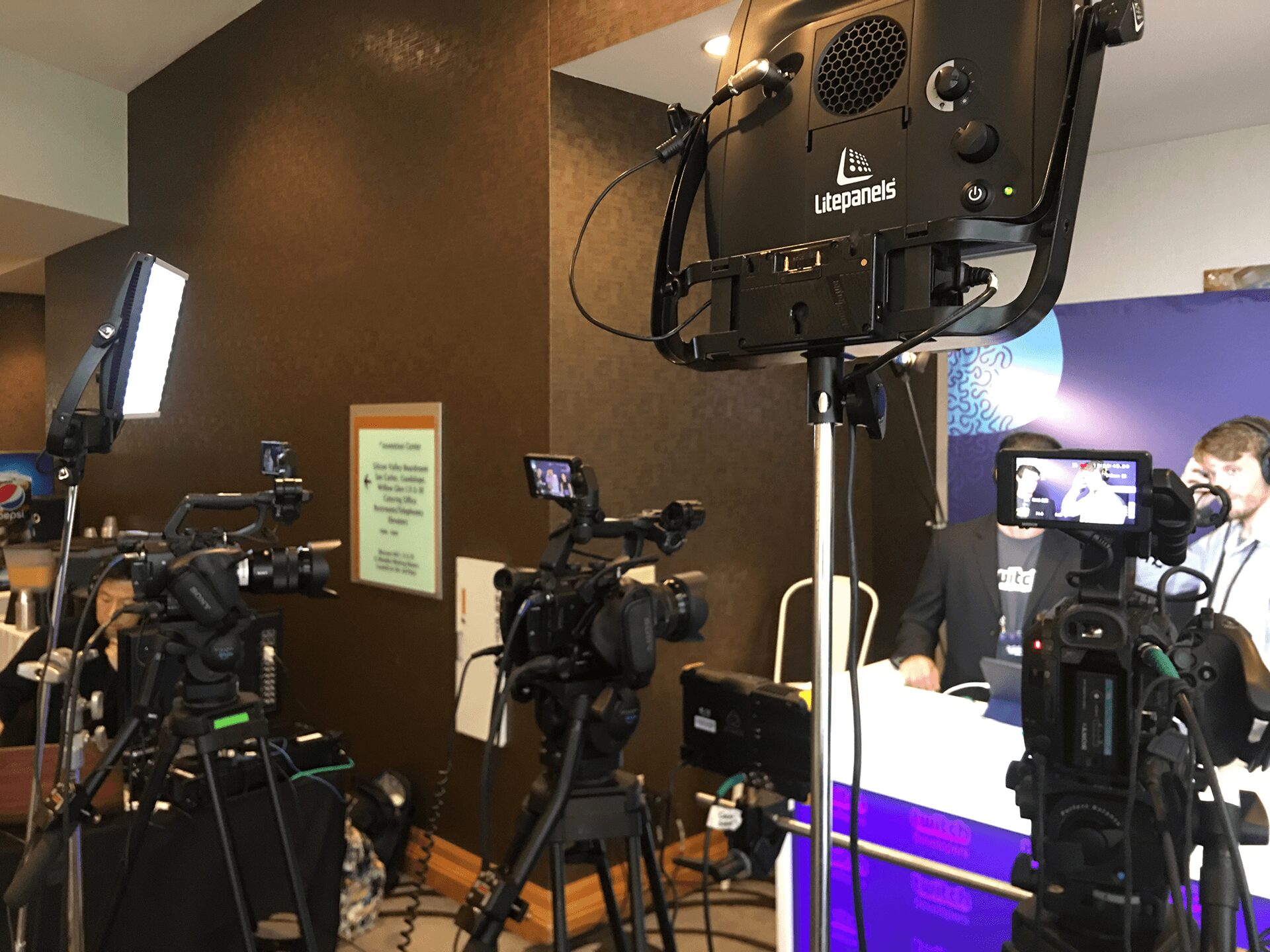
Multi-camera coverage is worth it when the webcast includes conversation, audience interaction, or any need for visual pacing. A locked-off wide and a single close-up can work for simple formats, but if the message carries real business weight, live switching gives the event a more finished result. For larger corporate environments, a proper live production workflow also makes it easier to integrate playback, lower thirds, and backup sources. AV Land’s live streaming support is built for that kind of execution: https://av.land/livestream-services/
The technical plan should match the stakes
This is where many teams underbuild. An executive webcast may only have one room and one presenter, but the business risk can still be high. That means the signal path should be designed with redundancy where failure would be unacceptable.
At minimum, think through backup internet, redundant power for key devices, duplicate playback availability, and a recovery plan if the primary stream fails. In some shows, that means bonded internet or a secondary encoder. In others, it means a local record master so content can be republished immediately if live delivery is interrupted.
The same goes for presentation sources. If the CEO is driving slides from a laptop that has not been tested with the switcher, scaler, and confidence monitor chain, that is not a production plan. That is optimism.
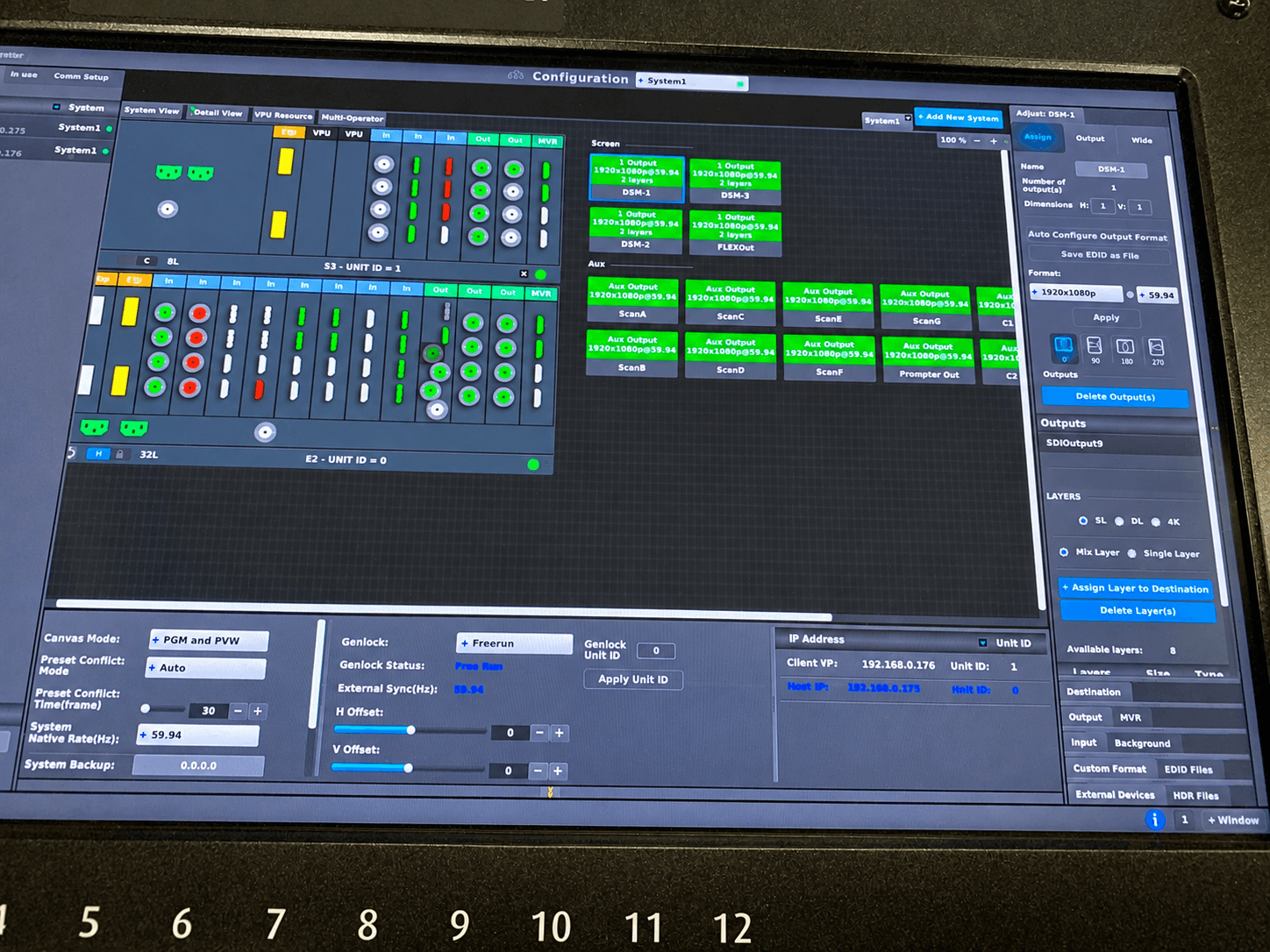
For executive rooms with multiple image destinations, layered graphics, or complex presentation switching, video processing becomes critical. That is especially true when you need clean outputs for stream, in-room displays, and confidence feeds at the same time. Barco’s Event Master platform is widely used for these higher-control environments.
Rehearsal is less about performance than risk reduction
When people ask how to produce executive webcast programs successfully, they often focus on equipment. The better question is how the speaker will interact with the system under real conditions.
A good rehearsal confirms more than script timing. It tests whether the executive can find the correct camera, whether the confidence monitor is readable, whether graphics timing feels natural, and whether transitions support the message instead of interrupting it. It also surfaces small problems early — the chair squeaks, the table reflects light, the lav cable prints through the jacket, the teleprompter pace feels too slow.
If the executive cannot attend a full rehearsal, run a technical stand-in and keep a short executive check before show time. Even ten focused minutes with the actual speaker can save a live segment.
Prepare the room like a control environment
Executive webcast rooms need tighter discipline than many event teams expect. Limit unnecessary personnel. Keep comms clear. Lock down walk paths near camera positions. Silence desktop alerts and disable screen savers. Confirm who has authority to approve script, graphics, and timing changes.
This is one reason in-house technical direction matters. When the same production partner handles switching, audio, camera shading, playback coordination, and streaming workflow, decisions happen faster and with fewer handoff errors. For teams producing leadership events with live graphics and presentation support, integrated event production services are usually more reliable than patching together separate vendors: https://av.land/event-services/
Platform choice matters, but not as much as delivery discipline
Teams often spend too much time debating platform features and not enough time on operational control. The destination matters, whether the webcast is delivered through Zoom, Microsoft Teams, Google Meet, an internal webcast portal, or a public-facing streaming destination. But once the business and security requirements are covered, the main challenge becomes consistent delivery.
For more produced executive webcasts, software platforms such as vMix and Wirecast can support live switching, graphics, recording, and streaming workflows. The platform is only one part of the system. The bigger question is whether the production team has tested the full path, including cameras, audio, playback, graphics, encoder settings, network stability, and backup recording.
That includes matching frame rate and resolution across sources, checking captioning requirements, validating remote guest returns, and confirming what the audience sees during pre-show, holding slides, and post-show. Good executive webcasts feel intentional from the first frame, not just once the speaker starts talking.
There is also a trade-off between flexibility and stability. More remote contributors, more animated graphics, and more live data inputs can make a webcast more dynamic, but they also add more points of failure. Not every executive message benefits from complexity.
What corporate teams should expect from their production partner
If the webcast matters enough to involve senior leadership, the production partner should be able to speak clearly about contingencies, timing, and signal flow — not just gear lists. You want a team that asks where the content is going, who approves changes, what happens if a presenter is late, and how backups are handled if the stream destination has issues.
That is usually the difference between a vendor that rents equipment and a crew that actually knows how to support executive communications. The latter plans for calm on the surface because they have already thought through the ugly scenarios.
In the Bay Area, where executive announcements often sit close to product, investor, and media timelines, that level of preparation is not overkill. It is standard operating procedure.
A strong executive webcast does not call attention to the production. It gives leadership a controlled, credible way to communicate when the message has to land cleanly the first time. If you build for clarity, rehearsal, and backup from the start, the technology stays where it belongs — in the background.