Screen Management for Live Events That Holds Up
A CEO steps to the lectern, the confidence monitor is late, and the LED wall still shows the walk-in loop. That is not a screen problem. It is a planning, signal-flow, and show-control problem. Screen management for live events is the discipline of making every visual destination show the right content, at the correct resolution, at the exact cue, with an operator who can respond when the run of show changes.
For corporate keynotes, product launches, conferences, and hybrid broadcasts, screens are no longer a single presentation surface. They may include a center LED wall, side displays, confidence monitors, downstage return screens, teleprompter feeds, overflow rooms, streaming outputs, and presenter laptops. Each destination has a different purpose, and treating them as one output is how show-day failures begin.
What Screen Management Actually Covers
Screen management is broader than putting slides on an LED wall. It starts with deciding what each screen is supposed to communicate and continues through content preparation, routing, processing, cueing, monitoring, and contingency planning.
A typical corporate stage may require the audience to see full-screen presentation graphics while presenters see timer data, notes, or a program return. A remote audience may need a camera-led program mix rather than the same widescreen canvas displayed in the room. An overflow room might need a clean program feed with audio delay matched to the image. Those are separate destinations, even if they share common source material.
The production team needs a clear source-to-destination map before equipment is loaded in. That map identifies every input, every output, required resolutions, aspect ratios, backup paths, ownership of content, and the operator responsible for each cue. It also exposes conflicts early, such as a 16:9 speaker deck being placed next to a 3840-by-1080 LED canvas or a playback machine that cannot support the show’s required output count.
Screen Management for Live Events Starts With Signal Flow
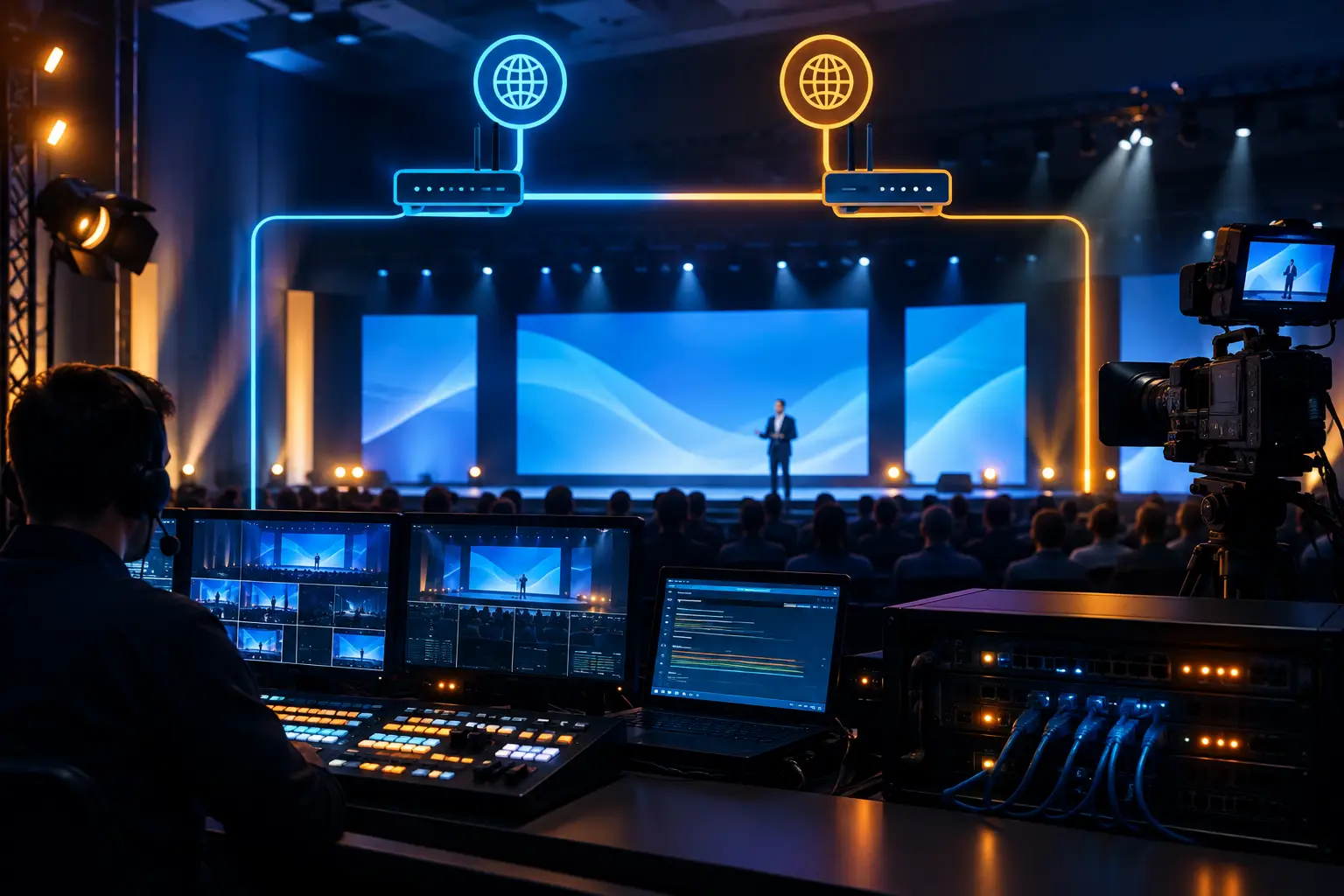
Signal flow is the technical backbone of the visual system. At its simplest, a presentation laptop or playback system feeds a switcher or presentation processor, which then delivers content to displays, LED processors, recorders, confidence monitors, and broadcast systems. In practice, corporate productions add cameras, remote callers, lower-third graphics, walk-in loops, holding slides, and backup sources to that chain.
The goal is not to create the largest possible system. It is to build a system that is understandable under pressure. When a presenter changes a deck minutes before doors open, the operator should know exactly where that file enters the system and which outputs it affects. When a source loses sync, the team should be able to isolate the issue without taking down the main screen.
Processors are not just large-format scalers
Barco E2 and E3 systems are often central to high-end screen management because they provide flexible routing, multi-layer composition, scaling, and destination control. They allow a production team to build screen looks that go beyond a full-screen slide: a speaker camera with branded side panels, multiple product demos, presenter content plus a live remote guest, or different looks across center and side displays.
The capability matters, but the operating plan matters more. Every layer should have a purpose. Every look should be named consistently. Every destination should be tested with its real source and real content. Barco’s Event Master E2 product page outlines the input, output, and layer capacity these systems are built around. A complex show file without disciplined labeling can slow down cueing just as much as an undersized system.
Resolution and canvas decisions affect everything downstream
A 16:9 projection screen, a 4K LED wall, and an ultrawide stage canvas do not behave the same way. Content built for one may look cropped, stretched, or poorly balanced on another. Marketing teams often create assets before screen geometry is finalized, which can lead to last-minute compromises that are visible to every attendee.
Lock the display layout early enough for content teams to build to actual pixel dimensions. If the event needs both a room presentation and a broadcast experience, identify whether the show will use one shared composition or separate screen and stream looks. A shared look can reduce complexity. Separate looks can improve the viewing experience for each audience, but require additional processing, staffing, and rehearsal time.
Build the Screen Plan Around the Audience
A screen plan should answer one practical question: what does each audience need to see at this moment? The answer changes by destination.
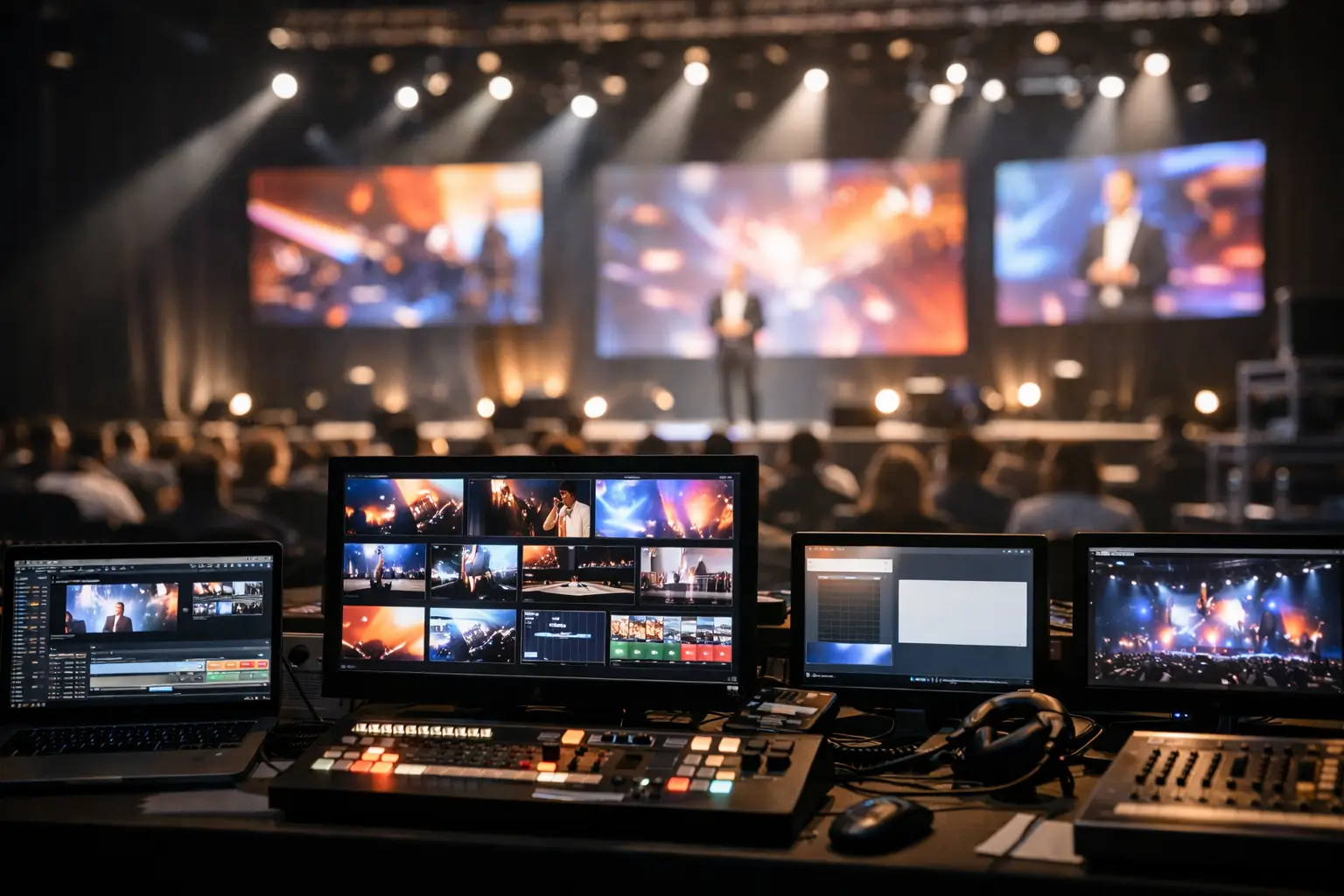
The in-room audience needs readable text, clear IMAG camera coverage when appropriate, and visual pacing that supports the speaker rather than competes with them. Presenters need confidence feeds that help them maintain timing and orientation. Remote viewers need a program mix designed for smaller displays and viewing conditions that may not be ideal. Production staff need multiview monitoring that confirms every source and output is behaving as expected.
This is why a camera feed placed on a large LED wall may work well for a leadership discussion but be unnecessary during a dense product-demo slide. It also explains why a speaker’s confidence monitor should not automatically mirror the audience display. A mirrored feed may be enough for a short keynote. For a tightly timed executive presentation, a dedicated confidence layout with a timer, current slide, next-slide preview, and program return may be worth the added setup.
Content Intake Needs Rules, Not Hope
The most common visual failure at a corporate event is not a processor fault. It is unmanaged content. A late deck arrives with embedded videos, unsupported fonts, unusual aspect ratios, animation builds that do not survive conversion, or video clips that were never played through the actual show system.
Set a content deadline and enforce an intake process. That process should define slide dimensions, accepted file formats, naming standards, font handling, embedded media requirements, and when presenters lose the ability to make independent changes. It should also specify whether presenters will advance their own slides or hand control to a playback operator.
For high-stakes keynotes, operator-controlled playback is usually the safer choice. The presenter can focus on delivery while the playback operator follows the show caller and watches for deviations. Presenter-controlled decks can be appropriate for breakout rooms, workshops, or sessions with frequent audience interaction. The trade-off is less cue precision and more exposure to accidental exits, notifications, display-setting changes, and missed slides.
Test media in the real chain
A video that plays correctly on a laptop can fail when routed through a production system. Frame rate, codec, audio channel mapping, HDCP behavior, and output scaling can all create surprises. Playback should be tested from the actual machine, through the actual processing path, to the actual display or capture destination.
The same applies to remote contributors. Test their return feed, audio mix-minus, camera framing, platform permissions, and backup contact method before the rehearsal. A hybrid event becomes fragile when the remote participant is treated as an ordinary laptop input instead of a live contributor with a dedicated technical plan.
Redundancy Should Match the Consequence of Failure
Not every display requires a fully redundant signal chain. A sponsor monitor in a hallway and the primary LED wall behind a product-launch keynote do not carry the same risk. Redundancy should be based on consequence, recovery time, and available budget.
For a primary stage destination, that may mean backup playback, spare output paths, duplicate critical adapters, redundant signal transport, a backup processor configuration, and a tested holding look that can be called instantly. For broadcast-facing programs, redundancy may also include independent record paths and a backup stream plan.
Redundancy is only useful when it is operational. A backup laptop that has not received the current deck is not a backup. A spare cable located in a case across the venue is not an immediate recovery path. The team should rehearse failover: identify who calls it, who takes the action, what the audience sees during the transition, and how the show returns to normal.
Rehearsal is Where Screen Systems Become Reliable
A rehearsal should not be a casual content review. It is the point where presenters, show callers, playback operators, camera directors, graphics operators, and technical directors align on timing and visual responsibility.
Run the opening sequence exactly as it will happen. Rehearse walk-on music, holding looks, keynote entrances, video rolls, presenter transitions, remote segments, and closing cues. Confirm that speaker notes are not accidentally visible to the room, that confidence displays have the right source, and that the stream does not inherit a layout intended only for the ballroom.
When schedules are compressed, prioritize the moments with the highest visibility: executive entrances, major video playback, live demos, remote guest appearances, and any segment that switches between presentation content and camera coverage. Those are the cues most likely to expose an unclear handoff or an untested route.
The Right Crew Is Part of the System
Screen management is not solved by equipment alone. The system needs operators who understand both the technical signal path and the pace of a live corporate show. A playback operator manages decks and videos. A graphics operator manages live visual elements. A technical director coordinates sources and destinations. A video engineer verifies processing, routing, and display health. On smaller shows, one experienced operator may cover several of these functions. On complex programs, combining them can create unnecessary risk.
AV Land plans screen systems for corporate events around the actual show flow, from LED-wall processing and presentation playback to camera integration and livestream outputs. For Bay Area conferences and executive productions, that means defining the visual architecture before load-in, documenting the backup plan, and staffing the control position appropriately for the number of live decisions required.
A reliable screen experience is rarely noticed by the audience, which is exactly the point. They should see the right message, follow the speaker, and stay focused on the program. The production team earns that result by treating every screen cue as a controlled outcome, not a hopeful click.
Need screen management for live events you’re planning? Request a quote with your screen layout, content format, and run of show.