Technical Direction for Conferences That Holds Under Pressure
A conference usually looks calm from the audience side. On headset, it rarely is. A keynote speaker is early, the walk-in video is still rolling, a remote presenter cannot hear program audio, and the confidence monitor is showing the wrong source. Technical direction for conferences is what keeps those moving parts from turning into visible problems.
At the corporate level, technical direction is not just calling camera shots. It is the control layer that ties show flow to signal flow. That includes coordinating switching, playback, presentation handoffs, audio cues, lighting transitions, stage timing, livestream outputs, and backup plans when something fails. For event planners and marketing teams, that role matters because the audience only sees the result. They do not see the decisions that prevent a dead screen, a missed cue, or a webcast outage.
What Technical Direction for Conferences Actually Covers
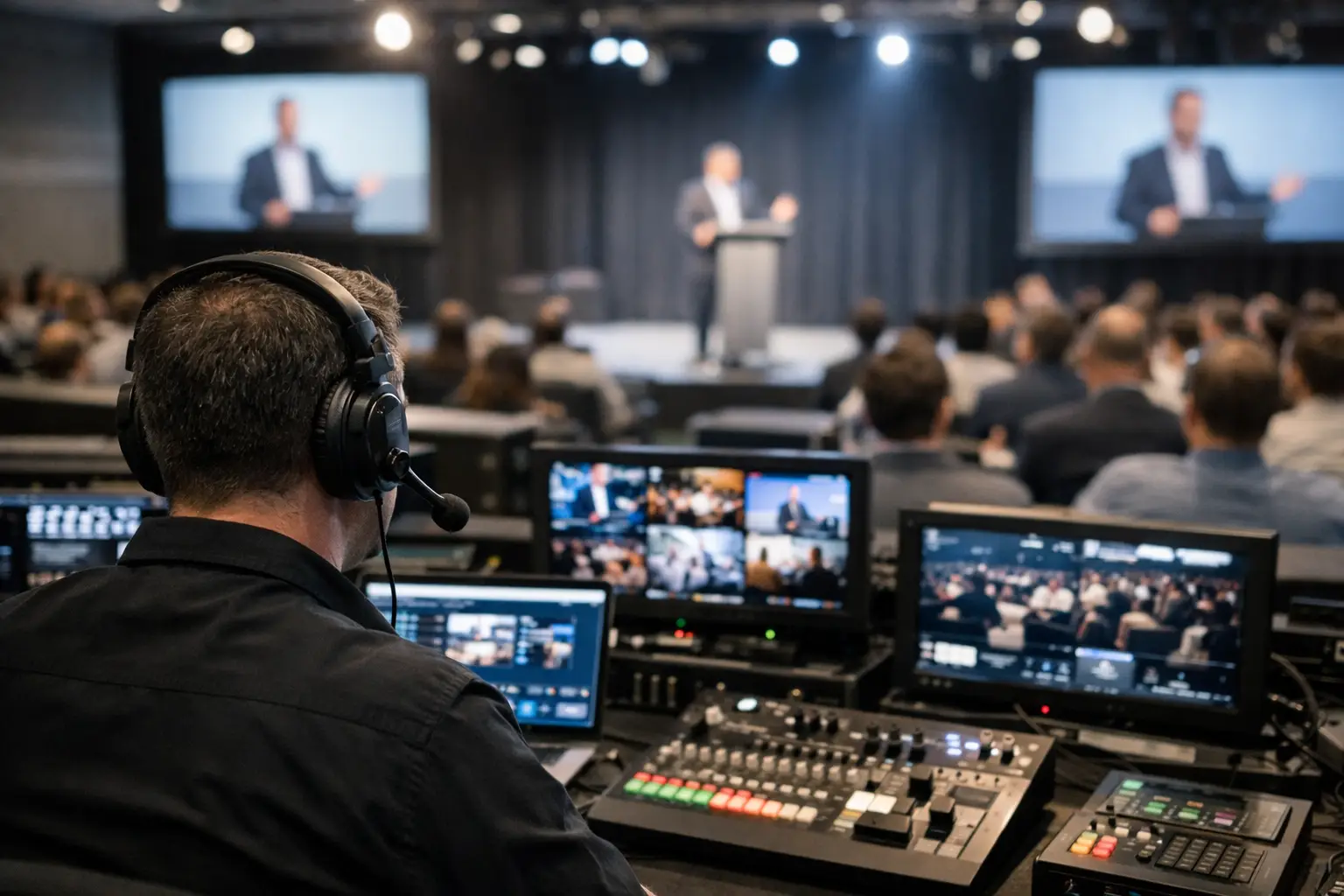
In a simple breakout room, the technical lead may also be the operator. In a general session with multiple screens, remote presenters, confidence monitors, recording, and live streaming, technical direction becomes a dedicated job. The technical director sits at the center of timing and routing, making sure every department is working from the same plan.
That plan starts well before show day. A good technical director reviews the run of show, presentation format, room layout, display systems, graphics package, camera positions, audio needs, and streaming requirements. They look for pressure points early. Are there too many presenter laptops? Is there enough time for scene changes? Does the LED wall need custom canvas management? Are there enough outputs for room IMAG, confidence, overflow, records, and stream feeds? These are not abstract questions. They determine whether the system is stable when the room fills up.
On site, the technical director becomes the live decision-maker for execution. They are not guessing from the back of the room. They are watching source status, checking comms, calling transitions, and adjusting when the schedule shifts. If the presenter skips three slides and jumps straight to video, the TD keeps the system in step without forcing the audience to watch the recovery.
Technical Direction Is Really About Control
Most conference failures are not caused by one dramatic breakdown. They come from small disconnects between departments. Graphics are framed for the center screen but the side screens have different scaling. The audio team has not been told that a remote guest is joining from Teams. Playback is set for 1080p59.94 while recording was built around 29.97. A confidence monitor is pulling the wrong output and the presenter loses trust in the room.
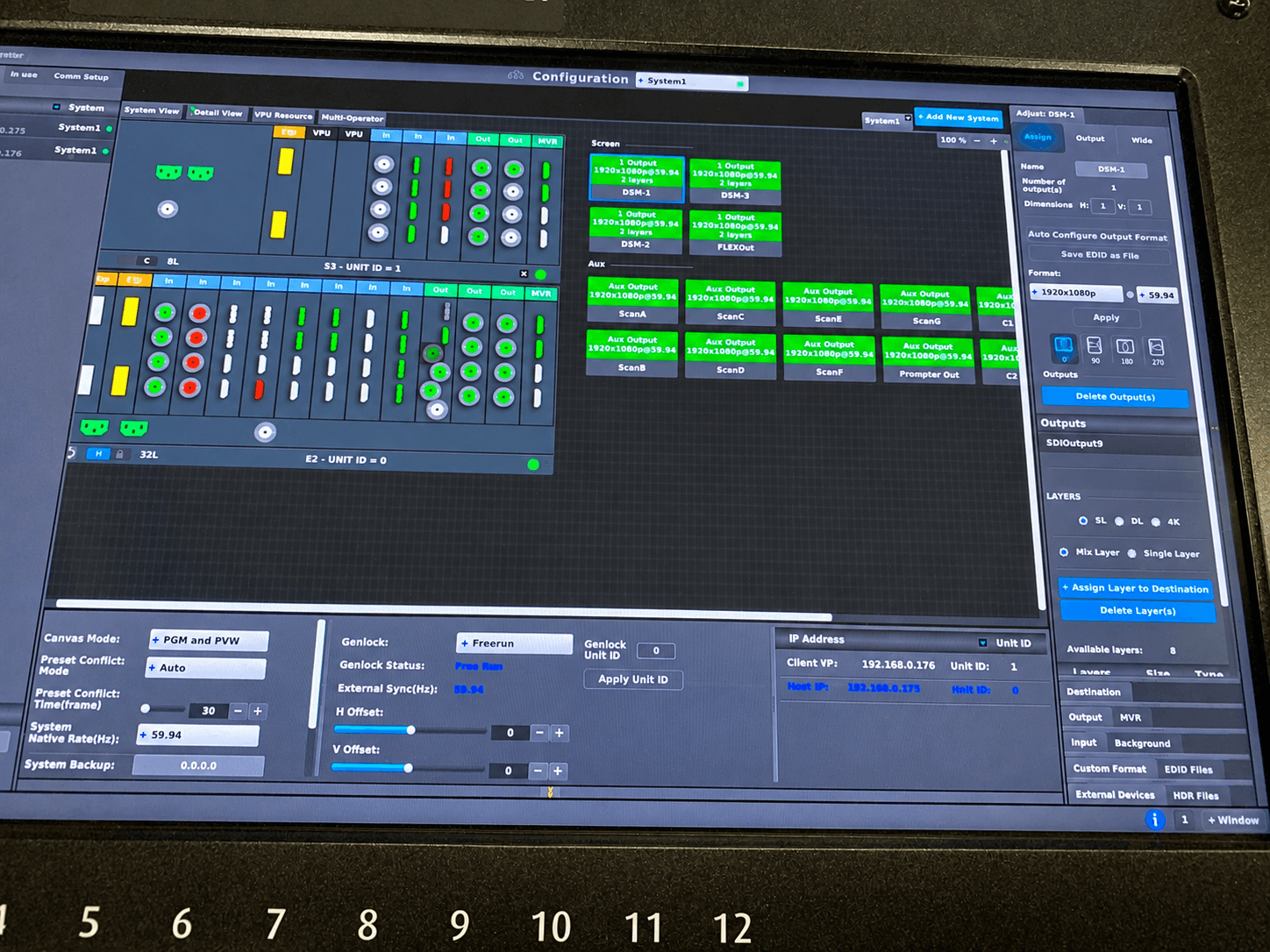
Technical direction reduces those gaps by centralizing decisions. In a well-built show system, the TD knows what each output is doing, what each source is supposed to feed, and what backup path is available if the primary path goes down. That is why larger conferences often rely on advanced switchers and processors such as Barco E2 and E3 systems for screen management, layering, and routing flexibility. More on that platform is available through the Barco Event Master platform.
This matters even more in hybrid events. Once the room feed and the stream feed diverge, the TD has to think in parallel. The in-room audience may need wide scenic shots and clean stage transitions. The remote audience may need lower-thirds, tighter camera framing, return audio management, and dedicated records. One show can have multiple valid outputs, and each one needs to stay intentional.
Where Conferences Get Complicated Fast
Corporate conferences tend to stack complexity in ways that are easy to underestimate during planning. A single general session can involve show graphics, speaker support, walk-on music, video playback, a live demo feed, confidence monitors, teleprompter, interpreter audio, camera shading, stream encoding, and room relays. Any one element is manageable. The interaction between them is where technical direction earns its keep.
The most common trouble spots are presentation handoffs, mismatched resolutions, last-minute agenda changes, and remote contributors. Presentation handoffs sound simple until five different speakers arrive with five different laptops, one has HDCP-protected content, another is set to mirrored output at an unusable resolution, and a third wants presenter view on the confidence monitor. Without a clear switching and conversion plan, handoffs become pauses.
Remote contributors add another layer. Zoom, Microsoft Teams, and browser-based platforms are workable in conference environments, but only if they are treated like show sources rather than casual meeting tools. Return audio, mix-minus, local confidence, and latency all need to be planned. If you wait until the session starts to solve those paths, you are already late.
Good Technical Direction Starts in Pre-Production
The cleanest show days usually come from the least glamorous prep work. That means version control for decks, a real input list, output map, comms plan, playback standards, naming conventions, and a cue structure that every department understands.
For planners, one of the best signals that a production team is ready is how they talk about redundancy. Not as a buzzword, but as an actual operating method. Which playback source is primary, and what is backup? Is there a second stream encoder? Are key show machines on conditioned power? What happens if the presenter laptop fails? Can the router or screen processor be reconfigured quickly if a destination drops? These are practical questions, especially in executive keynotes, general sessions, and product launches where there is little tolerance for visible recovery.
A good TD also protects the show from overdesign. More gear does not always mean more control. Sometimes it creates more failure points. The right system is the one that matches the room, the agenda, and the consequence of downtime. A ballroom general session with a center projection screen has different needs than a multi-screen LED wall conference with breakout overflow and livestream distribution.
The Relationship Between the TD and the Show Caller
People often combine these roles, but they are not identical. The show caller focuses on cue timing, stage flow, and communication across departments. The technical director focuses on execution across the production system. In smaller shows, one experienced lead may handle both. In larger conferences, splitting the roles usually improves clarity.
That trade-off depends on complexity. If the show has heavy media playback, multiple display surfaces, and a live webcast, separating the jobs can reduce mistakes. If the program is straightforward and the crew is tight, one operator may be enough. The point is not title purity. The point is making sure someone owns the technical chain end to end.
Why Bay Area Conferences Often Need Deeper Technical Planning
In San Francisco, San Jose, and Silicon Valley, conference content tends to be technically dense. Product launches, investor-facing sessions, executive presentations, and developer events often involve custom aspect ratios, software demos, remote speakers across time zones, and high expectations around livestream quality. That changes the TD brief.
The room is not just supporting speeches. It is supporting brand risk. A failed demo feed or unstable webcast does not feel like a minor production issue when customers, press, and internal stakeholders are all watching. That is why technical direction should be involved early, especially when the event includes LED walls, multi-camera coverage, or hybrid distribution.
For teams planning those formats, AV Land handles full-service corporate event production and livestream execution in-house. The value is not only equipment access. It is having one team that understands how the room, the switcher, the stream, and the schedule affect each other.
What to Ask Before You Hire a Technical Director
The best questions are operational. Ask how they build output maps. Ask how they handle last-minute deck swaps, remote caller integration, and backup playback. Ask what they need from your presenters before rehearsal. Ask how they coordinate with audio, lighting, and video shading. Ask what changes when the event includes LED processing or a dedicated stream mix.
A strong answer will sound specific. It will reference frame rates, EDID management, presenter confidence, machine redundancy, signal conversion, cueing discipline, and rehearsal priorities. It will not stay at the level of general event language.
If your conference includes multiple screens, remote presenters, show graphics, records, and stream outputs, technical direction is not an optional layer. It is the operating system of the event. The audience should never have to notice it. That is the whole point.
When the room gets busy and the schedule starts to move, the real test is simple: can the show stay clean under pressure? That is what technical direction for conferences is there to answer.