Bay Area Conference Video Crew for Corporate Events
Bay Area Conference Video Crew for Corporate Events
A keynote can go off script faster than most run-of-shows admit. A CEO adds two slides five minutes before walk-on. A remote speaker joins from a hotel network that barely holds. The confidence monitor needs a last-second feed change. That is exactly where a Bay Area conference video crew for corporate events proves its value — not by simply showing up with cameras, but by keeping signal flow, switching, recording, playback, and streaming under control when the room gets dynamic.
For corporate teams running conferences, product launches, executive forums, general sessions, or hybrid events, video is the system that ties the show together. It is what the in-room audience sees, what remote attendees rely on, and what marketing teams need afterward for content. Hiring a crew based on day rate alone can create problems later. Hiring based on technical depth, crew structure, and live event experience gives your show a much better chance of staying clean from rehearsal through final record.
What a Bay Area Conference Video Crew Actually Does
At a professional conference, the video crew is not just a group of camera operators. The crew is responsible for building and managing the full video path from source to destination. That can include cameras, switching, playback, graphics, scaling, display outputs, records, confidence monitors, livestream encoders, remote presenter integration, and backup plans for all of it.
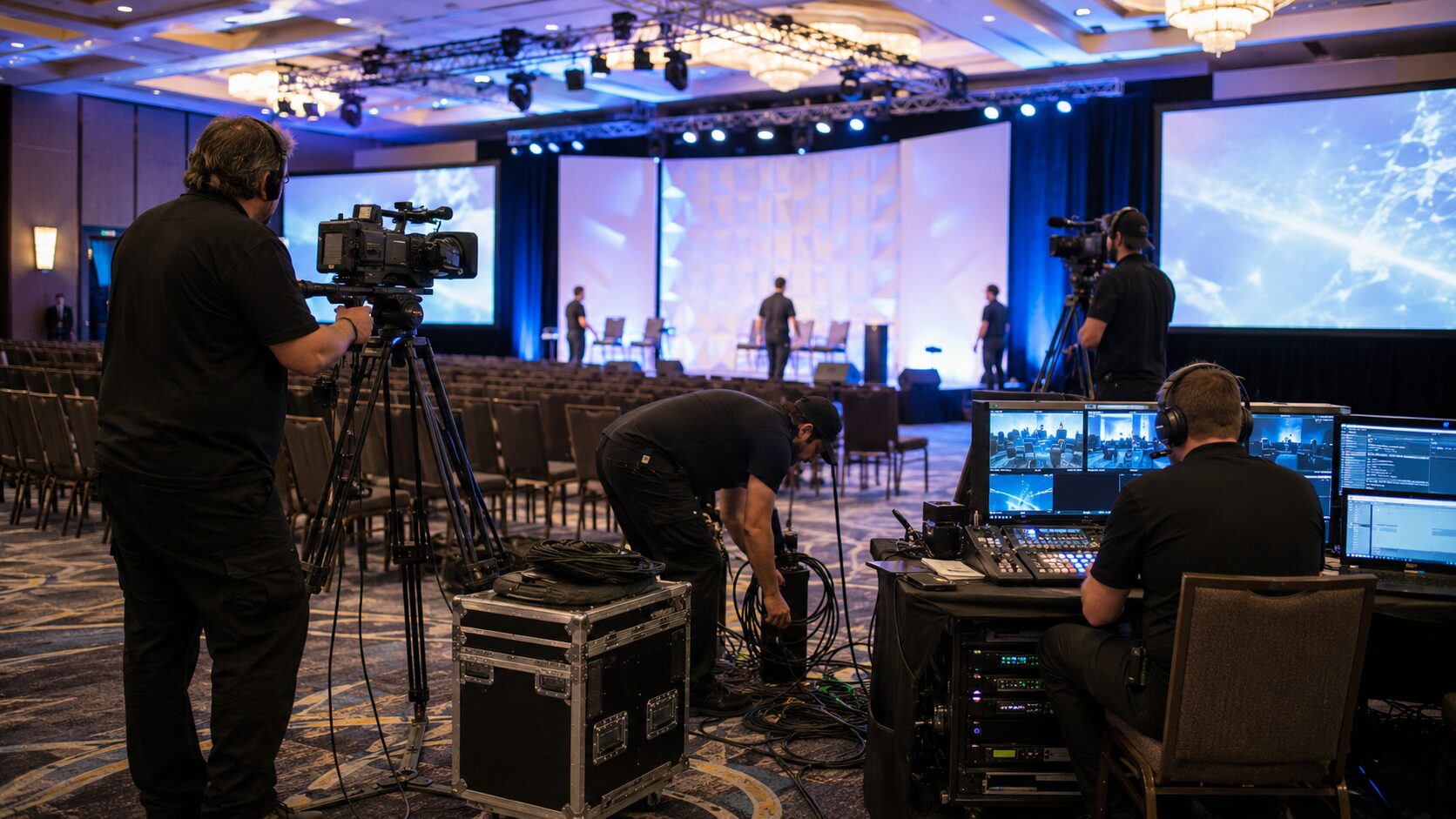
In a general session, the crew may be managing multiple camera positions, a live switch, presentation capture, lower thirds, walk-in content, and feeds to LED walls or projection screens. In a breakout environment, the same team may need to simplify the system while still maintaining consistent recording quality and brand-safe image capture.
The room size may change, but the standard should not. Every source needs to land where it is supposed to go, on time, at the right resolution and frame rate.
This is why experienced corporate production crews ask technical questions early. What is the screen destination? Are there separate outputs for the room, confidence monitor, livestream, recording, and press feed? Is the show running PowerPoint only, or are there playback packages, remote callers, and live demos? Will graphics be embedded upstream or switched live? These are not minor details. They determine staffing, equipment, routing, and failure points.
Why Corporate Conferences Need a Different Kind of Video Team
A conference crew for corporate work needs to operate with more discipline than a team built around simple event coverage. Corporate shows often involve executive presenters, sensitive launch content, legal review, branded templates, remote stakeholders, and hard show-call timing. There is less tolerance for improvisation and more need for process.
That usually means having a dedicated technical director or video engineer, not just a camera operator who can also switch in a pinch. It may also mean using image processing systems that can handle layered content and multiple destinations cleanly. If the event includes LED walls, wide-format canvases, IMAG, presenter support, and livestream outputs at the same time, the switching and processing layer becomes central.
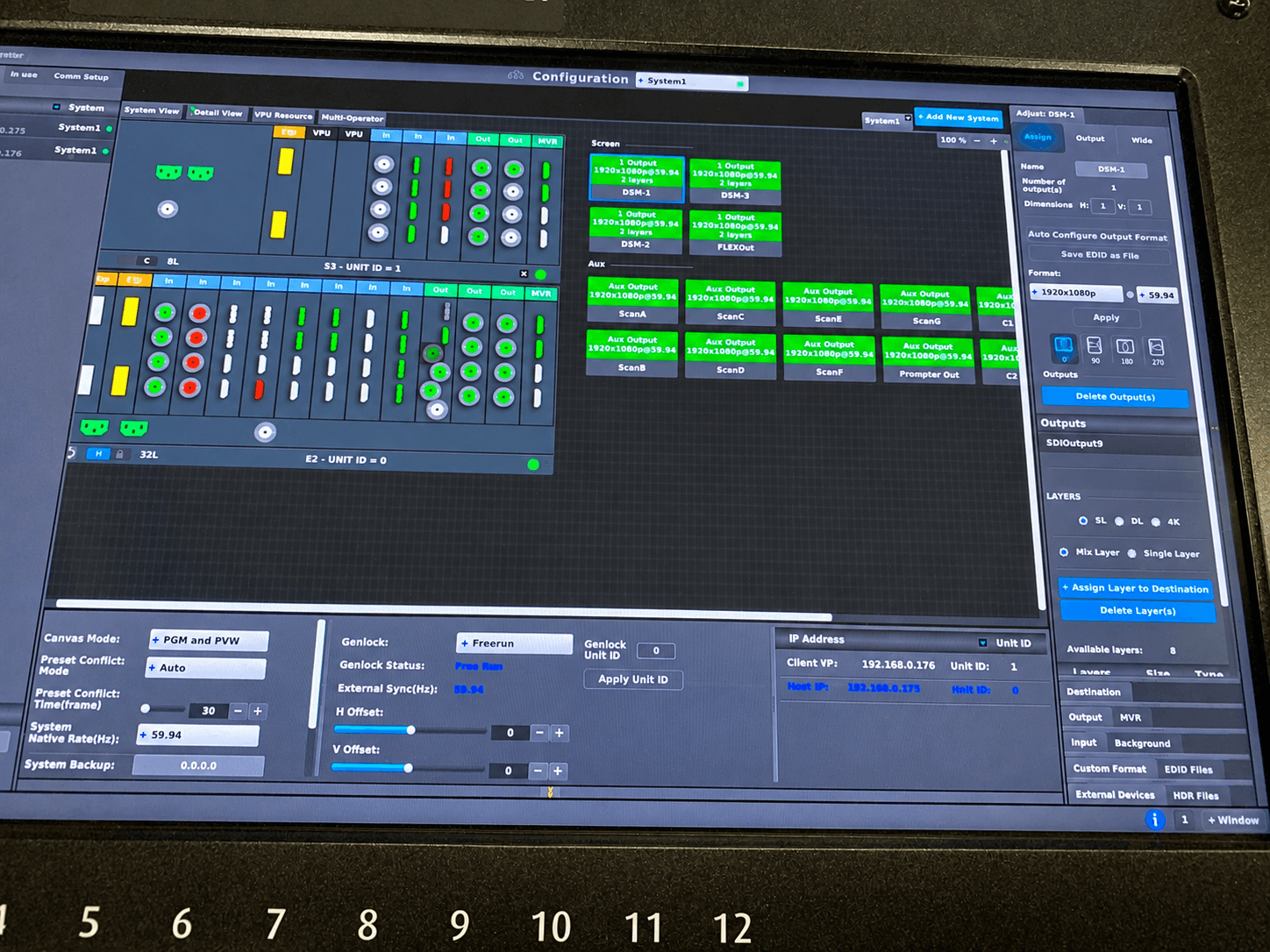
For larger corporate shows, platforms such as Barco image processing systems are common because they support complex routing, scaling, and screen management with precision. For planners and marketing teams, the visible result is straightforward: presenters look good, slides display correctly, remote viewers get a stable feed, and recordings are usable afterward.
The invisible result is just as important: fewer surprises during rehearsal, cleaner transitions between sessions, and less scrambling when changes happen live.
The Crew Structure Matters as Much as the Gear
A well-equipped show can still fail if the labor plan is wrong. The right Bay Area conference video crew for corporate events is built around responsibilities, not just headcount.
A typical corporate setup may include a technical director, video engineer, playback operator, graphics operator, camera operators, and a stream engineer if the event is hybrid. For larger shows, you may also need a dedicated LED processor tech, utility, or stage tech coordinating source changes at the podium and backstage.
If one person is expected to switch cameras, troubleshoot presentation issues, manage records, watch the livestream return, and support remote presenters at the same time, you do not have an efficient setup. You have a staffing problem.
Smaller events do not always require a full control-room model, but even when the footprint is lean, the core responsibilities still need to be covered by people who understand live corporate workflows. Saving money by collapsing too many roles into one position often shows up later as delayed rehearsals, missed cues, weak troubleshooting, or inconsistent recordings.
What to Ask Before Hiring a Conference Video Crew
The best production conversations get specific quickly. Before hiring a video crew, ask how the team handles source management, output mapping, and failover. Ask whether they can build separate records for program and ISO cameras. Ask how they support remote presenters and what backup path they use if a platform call drops.
If the answer stays at the level of “we can handle it,” keep asking questions.
You also want to know how the crew approaches rehearsal. A strong team will want slide decks early, will verify format compatibility, and will test every show-critical source before doors. They will also think through presenter confidence, timer placement, backstage monitoring, and confidence returns. Those details affect stage confidence more than most people realize.
For hybrid events, ask who owns the stream path from room audio and switched video through encoding and platform delivery. That line of responsibility should be clear. Platforms like Zoom, Microsoft Teams, and Google Meet are familiar to clients, but integrating them into a managed live event still requires deliberate engineering and monitoring.
Signal Flow and Redundancy Separate Good Crews from Average Crews
Corporate buyers do not always need every engineering detail, but they should care about the fundamentals. Redundancy is not a buzzword in live production. It is the difference between a recoverable issue and a public failure.
A serious conference video team will think in primary and backup paths. That may include redundant records, spare playback machines, backup encoders, backup confidence feeds, secondary converters, tested cabling, and clean routing that avoids single points of failure.
It also means building the system around the actual room and schedule, not dropping in a standard package and hoping it fits.
This becomes especially important when multiple systems intersect. Maybe the room feed needs to hit a center screen, side screens, overflow room, livestream encoder, press mult, and backstage confidence monitor. Maybe a product demo laptop arrives with an unusual resolution and needs to be integrated without destabilizing the rest of the system. These are routine live-event realities, and they need to be planned before show day.
For teams evaluating production partners, AVIXA provides industry education and standards that can help frame what professional AV execution should look like. On the streaming side, vMix is one example of a platform commonly used in managed live and hybrid workflows when flexible production and remote contribution are part of the show.
Matching the Video Crew to the Show Format
Not every conference requires the same video approach. A single-room executive forum has different demands than a multi-day user conference with general sessions, breakouts, sponsor activations, and a hybrid audience. The crew should scale accordingly.
For a keynote-heavy show, camera coverage, IMAG timing, and screen management usually lead the plan. For a product launch, playback accuracy, color consistency, and screen confidence may matter even more. For a hybrid event, stream reliability, latency management, and remote presenter handling move to the front of the list.
There is no single ideal package. The right crew aligns labor and systems with the risk profile of the event.
That is also why it helps to work with a team that handles corporate event production and livestream systems in-house rather than splitting responsibilities across too many vendors. When one group owns the room video architecture, switching, recording, and live distribution, troubleshooting gets faster and accountability stays clear.
AV Land supports this type of workflow through our corporate AV production services, livestreaming services, and LED wall and video display support.
Local Bay Area Experience Helps When the Schedule Is Tight
In the Bay Area, venue access windows can be narrow, loading conditions can be difficult, and conference schedules often compress because executive calendars change late. A crew that understands local corporate venues, regional labor expectations, loading logistics, and tight rehearsal schedules has an operational advantage.
That does not mean local alone is enough. The real value is local experience combined with a strong technical process. You want a team that can advance a show properly, adapt to venue realities, and still deliver the same engineering discipline whether the event is in San Francisco, San Jose, Santa Clara, Mountain View, Palo Alto, or a Silicon Valley campus space.
The Cheapest Bid Usually Costs More on Show Day
Conference video is one of those categories where under-scoping hurts twice. First, it creates risk during rehearsals and live show. Second, it limits the usefulness of the content afterward. If the switched record is poor, the framing is inconsistent, or the stream archive has glitches, your internal teams may spend more time trying to salvage assets that should have been captured correctly the first time.
A capable crew is not only protecting the live audience experience. It is also protecting downstream marketing use, executive communications, internal training, sponsor deliverables, and post-event editing value.
That is why experienced buyers evaluate technical planning, crew roles, signal flow, and redundancy before they compare line items.
AV Land Conference Video Crew Support
AV Land provides corporate-focused video crew and production support for Bay Area conferences, keynotes, general sessions, executive meetings, livestreams, hybrid events, and multi-camera recordings. Our work is built around clean switching, reliable signal flow, organized show execution, and technical planning before show day.
Depending on the event, we can support camera operation, technical direction, Barco E2 operation, playback, recording, livestreaming, LED wall support, confidence monitors, and hybrid meeting integration. The goal is simple: build a video system that holds up when the show changes.
If you are hiring a Bay Area conference video crew for corporate events, the practical question is simple: can this team build a video system that holds up under change? Corporate conferences rarely fail because of one dramatic mistake. They fail because small technical assumptions stack up until there is no margin left.
The better approach is to choose a crew that thinks like operators, advances like engineers, and treats every output as show-critical from the first planning call.
Need a Conference Video Crew in the Bay Area?
AV Land supports corporate conferences, keynotes, livestreams, hybrid events, LED wall shows, and multi-camera recordings throughout the Bay Area.
Contact AV Land to discuss your next event.
Phone: 415-799-1315
Email: info@av.land
Frequently Asked Questions
What does a conference video crew include?
A conference video crew may include camera operators, a technical director, video engineer, playback operator, graphics operator, stream engineer, and utility crew depending on the size and complexity of the event.
Do corporate conferences need a dedicated technical director?
Many corporate conferences benefit from a dedicated technical director, especially when the show includes multiple cameras, presentation sources, livestreaming, recording, LED walls, projection, or remote presenters.
Can AV Land support livestreaming and recording?
Yes. AV Land supports livestreaming, hybrid event workflows, multi-camera recording, program records, and conference video capture for corporate events.
Does AV Land work on weddings or private parties?
No. AV Land focuses on corporate events, conferences, keynotes, general sessions, livestreams, and professional event production.
What areas does AV Land serve?
AV Land serves corporate events across the Bay Area, including San Francisco, San Jose, Santa Clara, Mountain View, Palo Alto, Sunnyvale, Oakland, and surrounding cities.