


Conference Staging That Holds Up Under Pressure
A conference can have a strong agenda, sharp speakers, and a full room, then lose momentum in seconds when the walk-in video is late, a presenter cannot advance slides, or a remote speaker appears with unusable audio. Conference staging is the production discipline that prevents those moments. It combines stage design, video, audio, lighting, playback, cameras, show calling, and technical direction into one controlled live system.
For corporate conferences, keynotes, product launches, and hybrid events, the stage is not simply a backdrop. It is the operating center for every message delivered in the room and every signal sent to remote viewers. The production plan has to support the content, the presenters, the audience sightlines, and the schedule without forcing the event team to troubleshoot technical details during show hours.
What conference staging actually includes
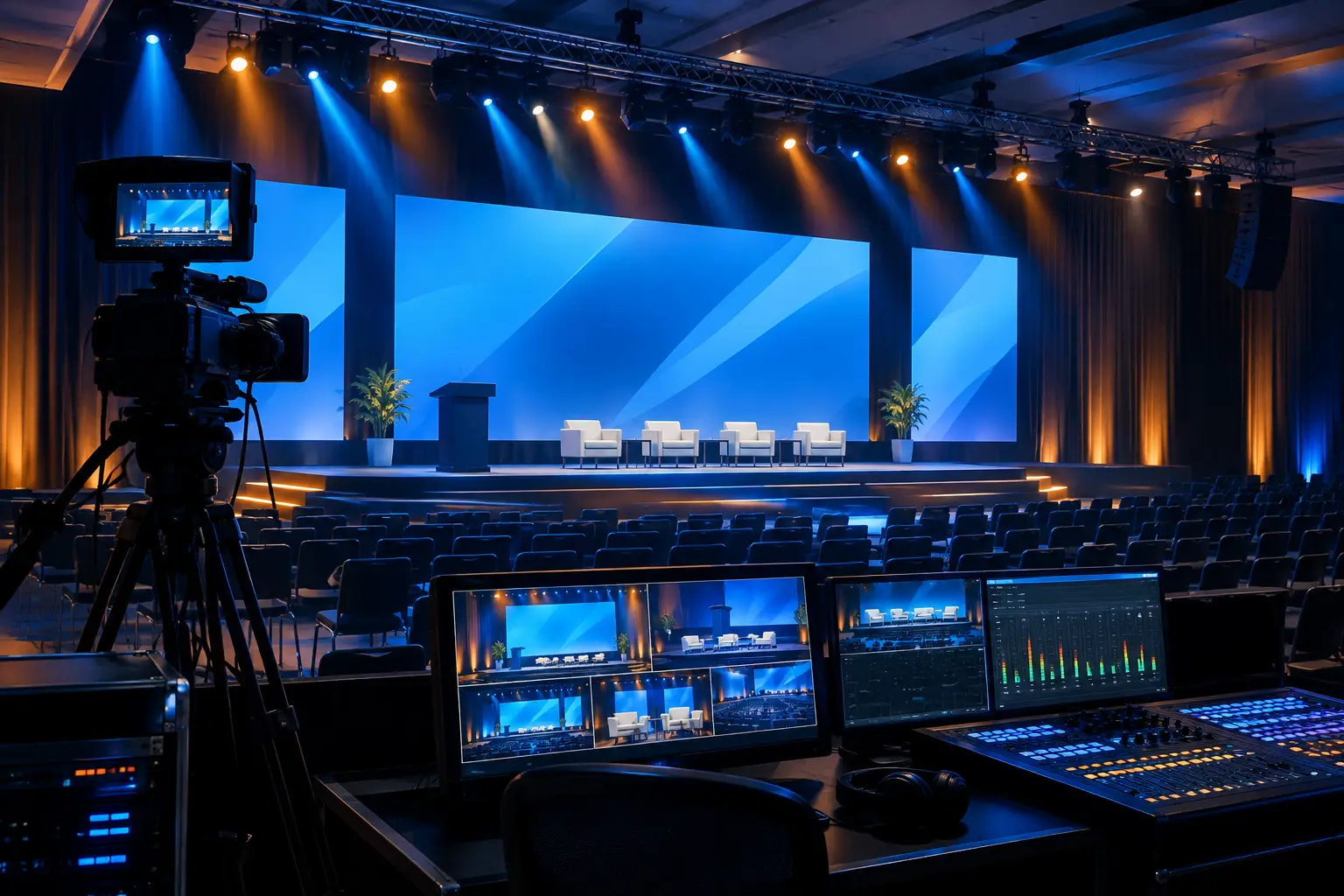
Conference staging begins with the physical platform, but the real scope is broader. It covers how the stage looks, how it functions, and how content moves through the system. A proper plan accounts for screens or LED walls, speaker confidence monitors, presentation clickers, lecterns, stage lighting, audience reinforcement, camera positions, cable paths, backstage communications, and the people responsible for each cue.
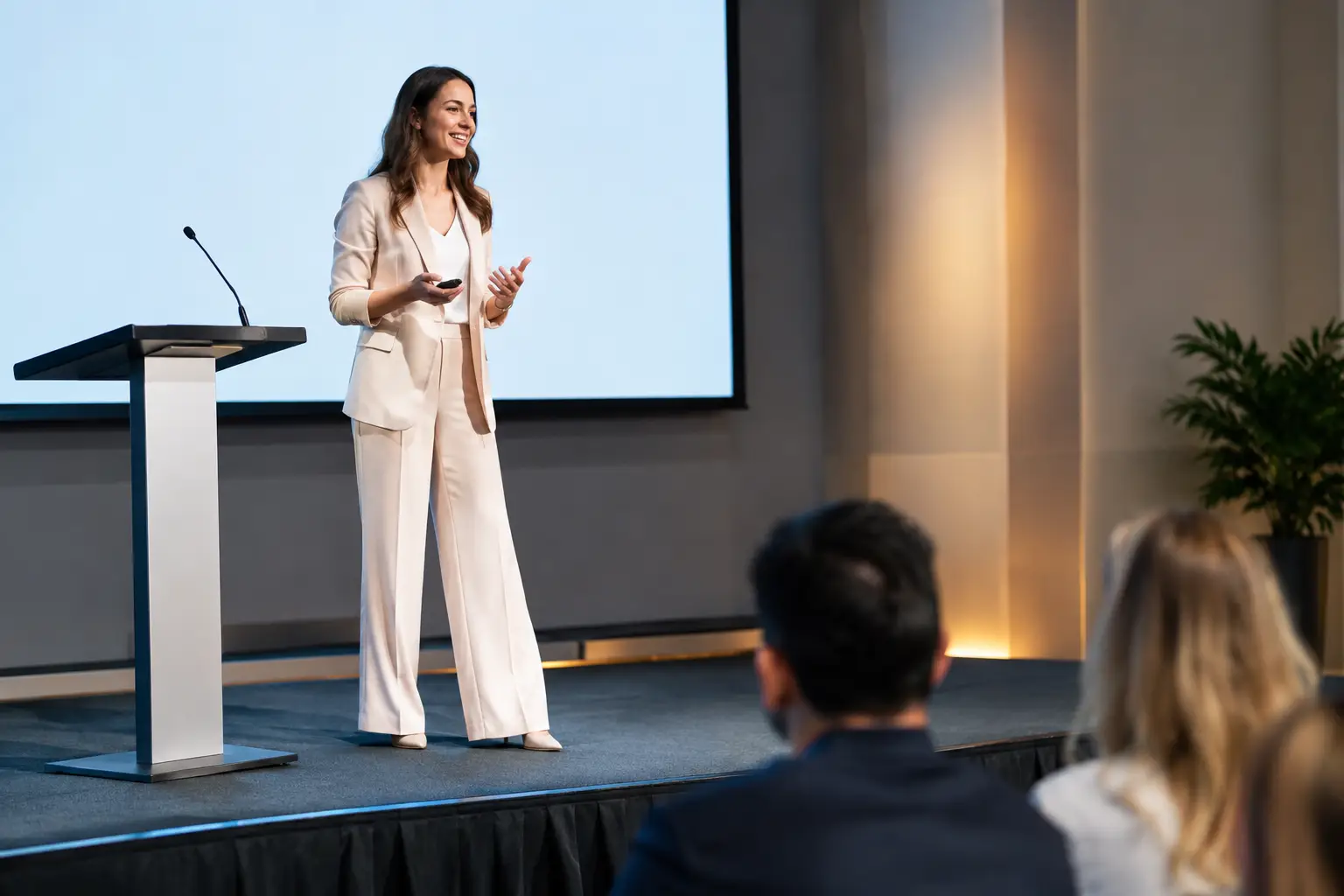
The objective is simple: presenters should walk onstage knowing where to stand, what they will see, and how their content will appear. The audience should be able to read every slide, hear every word, and stay focused on the program rather than the equipment.
That requires decisions well before load-in. Room dimensions, ceiling height, house lighting, rigging options, power locations, seating orientation, and the event run of show all affect the technical design. A keynote in a hotel ballroom needs a different approach than a multi-track conference in a convention center or a product launch in a converted industrial venue.
Start with the program, not the equipment list
It is easy to start a planning conversation with LED wall size or camera count. Those are valid questions, but the program should drive the system design. Ask what must happen onstage and when: executive keynotes, product demos, panel discussions, walk-on music, awards, live remote contributors, audience Q&A, pre-produced video, or live social content.
A single executive presentation may need a clean widescreen canvas, redundant playback, confidence monitors, and focused key lighting. A technical product demo may need camera magnification, a dedicated demo signal path, and switching that lets the audience see the product, presenter, slides, and live application output at the right moment. A panel needs enough microphone channels, clear foldback for participants, and camera coverage that does not block audience sightlines.
This is also where content discipline matters. Slide aspect ratios, playback codecs, presenter notes, embedded video audio, and last-minute revisions can affect show reliability. Build a content intake process with deadlines, version control, and a final playback test. The most expensive video system cannot solve a deck that arrives minutes before doors with untested media and missing fonts.
Video systems need a real signal plan
High-end conference staging relies on intentional video routing, not a collection of displays connected at the last minute. Every source and destination should be mapped: presentation laptops, playback machines, cameras, confidence monitors, lobby displays, overflow rooms, LED processors, recording feeds, and livestream outputs.
For programs with multiple screen looks, live cameras, graphics, and presenter content, a production switcher and image processing platform allow operators to build and recall layouts quickly. Platforms such as Barco E2 and E3 are commonly used where screen management, multi-layer compositions, and dependable show control are central to the design. The appropriate platform depends on the complexity of the program, display configuration, source count, and required outputs.
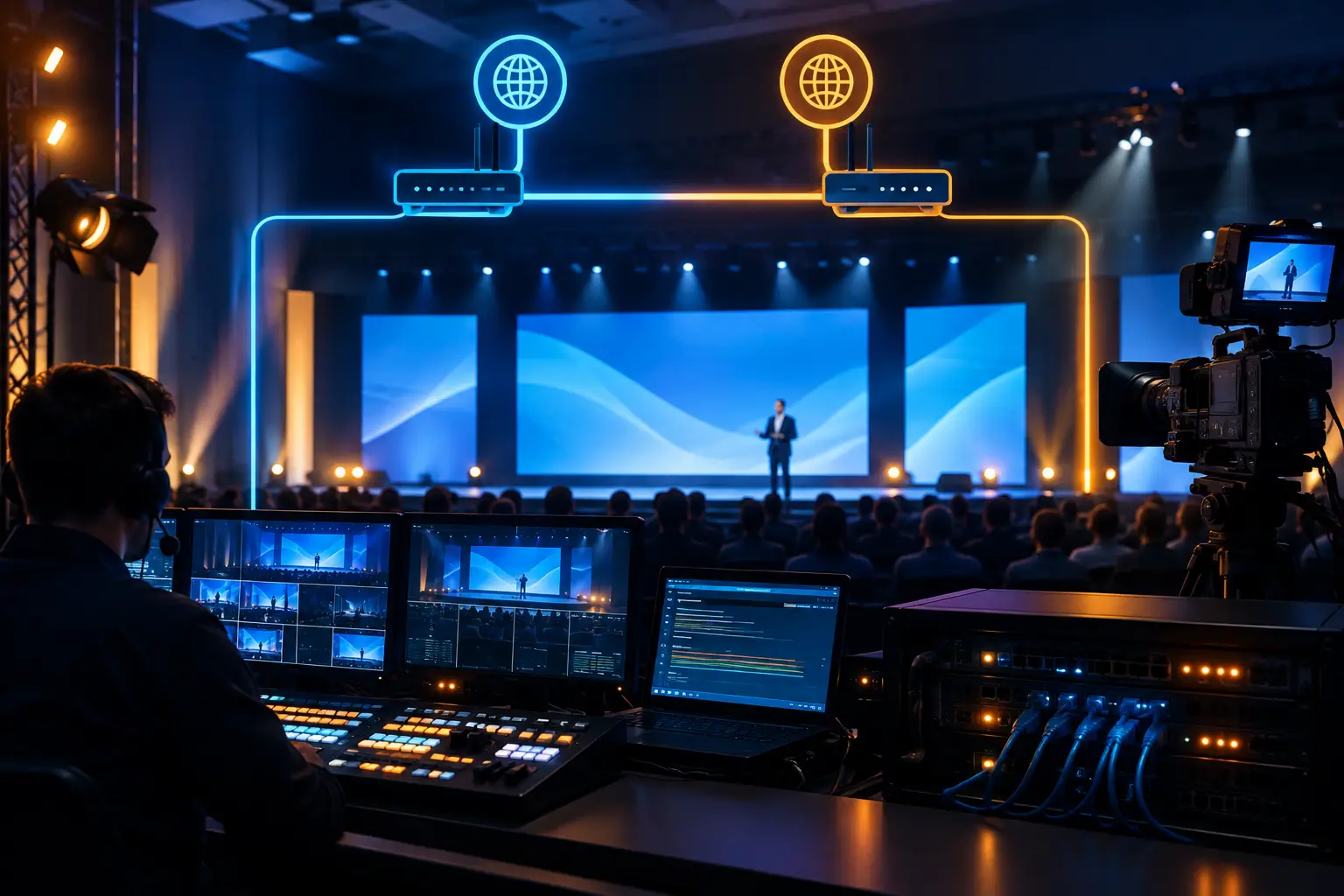
Redundancy should be planned where a failure would interrupt the program. That can mean backup playback, duplicate presentation paths, spare signal conversion, alternate network connectivity for a virtual contributor, or an independent recording path. Redundancy is not a generic add-on. It should protect the specific points of failure that would be most disruptive to the show.
For Bay Area teams producing a high-visibility keynote or conference, AV Land’s Barco E2 rental service can support advanced screen management with operators who understand how the processor fits into the larger video system.
LED walls versus projection
LED walls offer high brightness, strong contrast, flexible layouts, and camera-friendly results when configured correctly. They can be especially effective in rooms with ambient light, wide stages, or content that needs to hold up on camera. They also create opportunities for panoramic canvases and dynamic stage looks.
Projection can still be the right choice for some conferences, particularly when room geometry, screen size, budget priorities, or content needs favor it. The trade-off is sensitivity to ambient light, projector placement, sightlines, and surface quality. Neither choice is automatically better. The decision should follow the room, audience scale, camera plan, and content format.
Audio and lighting carry the room
A polished screen does not compensate for poor speech intelligibility. Conference audio needs to be designed around the number of presenters, microphone types, room acoustics, audience size, playback requirements, and remote participation. Wireless handhelds may suit audience Q&A, while lavalier or headset microphones can support keynote presenters who need to move freely. Panels often need individual microphones so each participant is clear in the room, on recording, and on the livestream.
Lighting has an equally practical role. The stage needs to look intentional for the in-room audience while providing enough exposure and separation for cameras. Key light, fill, backlight, scenic lighting, and screen brightness must be balanced together. If the stage is dramatically underlit to make an LED wall pop, camera images and speaker visibility can suffer. If lighting is too bright, screen contrast can fall away.
The right answer is usually a tested compromise based on what viewers need to see. A camera-heavy hybrid event may prioritize consistent speaker lighting. A room-first experience with a large scenic reveal may call for a different balance. Rehearsal is where those choices become visible before they become problems.
Technical direction keeps departments aligned
Conference staging is often treated as separate audio, video, lighting, and camera tasks. In practice, the audience experiences one show. Technical direction connects those departments to the event schedule and gives every cue a clear owner.
A technical director works with the producer, show caller, content team, and department leads to define transitions, source changes, playback timing, camera assignments, lighting cues, and contingency actions. During a keynote, this coordination determines whether a walk-on, lower third, slide change, video roll, and camera cut land together or compete with each other.
A working run of show should identify more than session titles and start times. It should show presenter entrances, confidence needs, playback assets, microphone assignments, screen looks, camera requirements, and hold points. The document will change, especially on complex corporate programs. That is normal. The production team needs a process that can absorb changes without losing control of the show.
Build rehearsal time into the schedule
Rehearsal is where the conference moves from a design to an executable production. At minimum, key presenters should test slides, clickers, microphone position, stage marks, confidence monitors, and walk-on timing. Video playback should be reviewed at show resolution, not only on a laptop. Remote guests need a connectivity check, a clear audio return path, and a backup contact method if their primary connection fails.
A full cue-to-cue rehearsal is especially valuable when the program includes executive transitions, product demos, multiple presenters, or a live broadcast. It reveals practical issues that are difficult to see on a floor plan: a monitor that is too low, a lectern that blocks the screen, an entrance path that crosses a camera shot, or a presenter who needs larger notes.
For events that will be broadcast, staging and streaming should be planned as one operation. Livestream production services can integrate camera coverage, graphics, audio mixes, recording, and distribution with the room show rather than treating the online audience as an afterthought.
FAQ
How early should conference staging be planned?
Start as soon as the venue and program direction are known. Early planning gives the production team time to evaluate the room, define stage and screen layouts, identify power and rigging considerations, and establish a realistic rehearsal plan. Late changes are manageable, but they reduce options and can increase risk.
What information should a production partner receive first?
Share the venue, dates, room layout, estimated audience, agenda, presenter count, screen requirements, livestream needs, content types, and any known brand guidelines. A preliminary run of show is useful even if it is not final. It gives the technical team a basis for designing the system around the actual program.
Does every conference need live cameras?
No. Camera systems are most useful when the room is large, panels need image magnification, presentations include close-up demonstrations, remote audiences are watching, or the event requires a polished recording. For smaller internal meetings, cameras may add complexity without improving the attendee experience. The decision should follow the audience and the content.
What makes a conference staging plan reliable?
Reliability comes from clear system design, tested content, experienced operators, defined communications, rehearsed cues, and redundancy at critical failure points. It is less about adding equipment everywhere and more about knowing which parts of the show cannot be allowed to fail.
A well-staged conference gives your speakers a controlled environment to deliver the message and your production team a clear path through every cue. If your next Bay Area program needs that level of preparation, request a quote from AV Land and start with the program, room, and outcomes that matter most.