


Technical Director for Hire: Bay Area Corporate Events
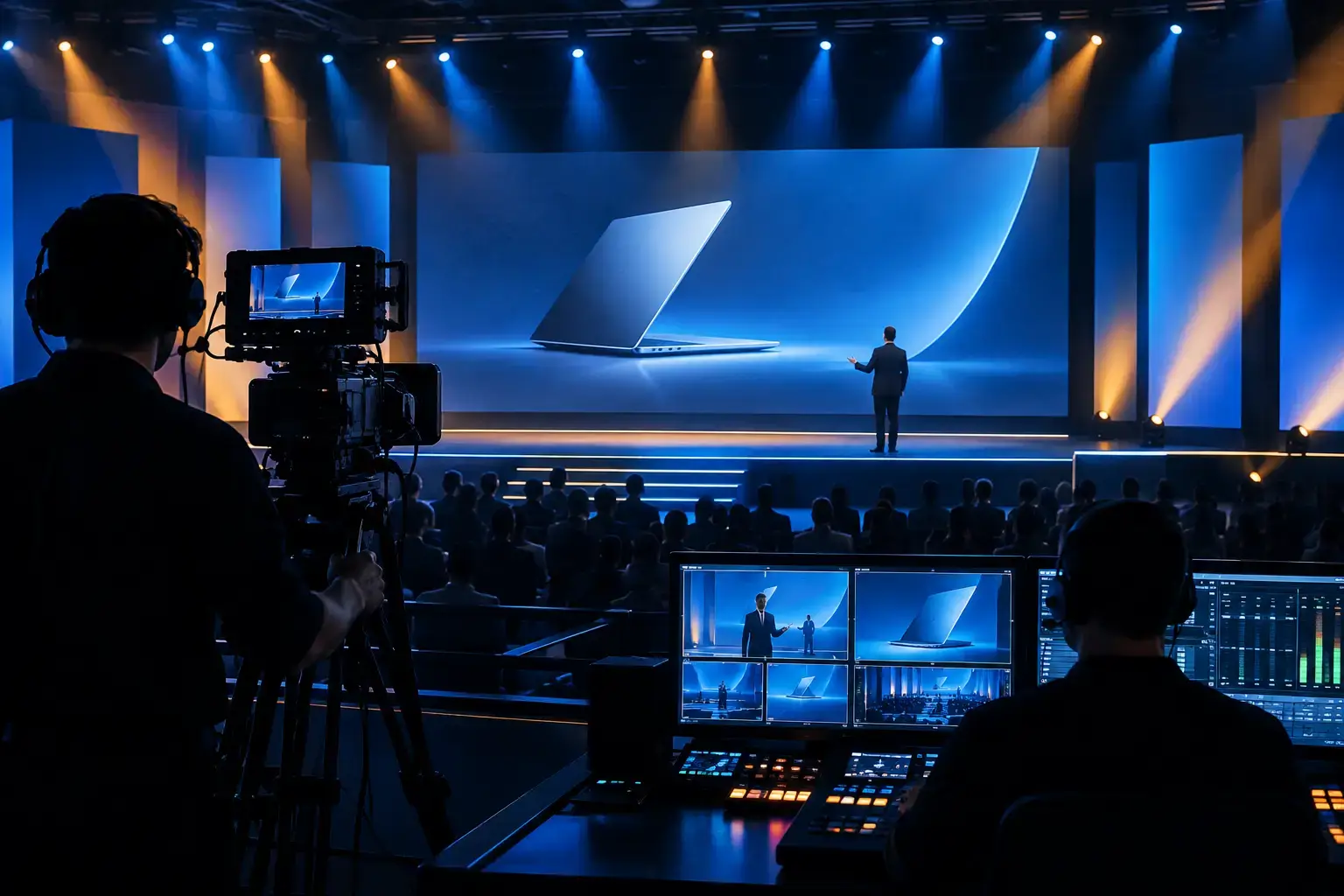
A technical director for hire on a Bay Area event isn’t simply an extra pair of hands at front of house. For a corporate keynote, product launch, executive webcast, or multi-room conference, the technical director is the person accountable for turning an approved production plan into stable execution under live conditions. That means knowing what’s on every output, who owns every cue, where the backup path sits, and what happens if a source, network connection, display, or playback system fails.
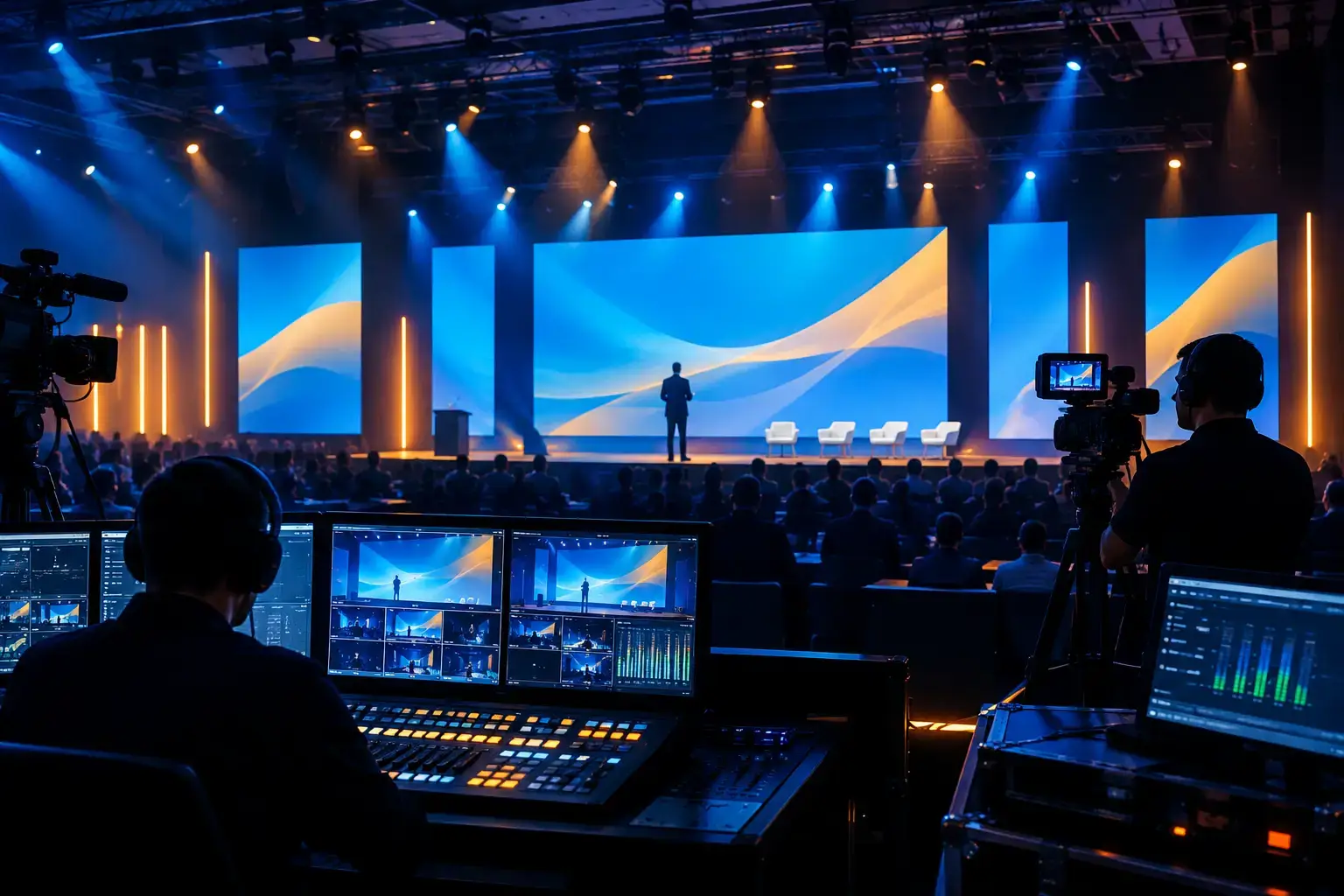
For corporate teams, this role becomes most valuable when the program has real technical consequence: executive presentations, LED walls, confidence monitors, IMAG camera coverage, remote contributors, recorded content, and a livestream audience that can’t be asked to wait while the room resets.
What a Technical Director Owns During a Corporate Event
The title can mean different things across production companies. In some settings, a technical director focuses mainly on live video switching. In a corporate production environment, the job usually extends further. The technical director coordinates the technical system as a whole while working closely with the producer, show caller, audio engineer, camera team, graphics operator, and venue contacts.
Before doors open, that includes reviewing the run of show, confirming screen layouts, mapping presentation and playback sources, assigning communications channels, and checking the transition between every program segment. During the show, the technical director manages cue flow and makes decisions when the plan meets reality. A presenter may arrive with a revised deck. A remote guest may connect late. A session may run long and compress the changeover window. Those are production decisions as much as equipment decisions.
A capable TD keeps the crew aligned without creating noise. The objective is clear: the room, stream, recording, and presenter experience have to stay controlled even when inputs change.
Why Bay Area Corporate Events Need Technical Direction
San Francisco, San Jose, and Silicon Valley events often combine a high production standard with compressed planning cycles. A conference might need breakout rooms, a general session with multiple aspect ratios, remote executives joining from different time zones, and a presentation schedule with little recovery time between segments.
That complexity creates dependencies. A camera feed may be needed for in-room image magnification, the webcast program, speaker confidence, and an isolated recording. A presentation computer may feed a primary LED wall, a downstage monitor, and a capture system. If those paths get improvised onsite, small changes can create failures that hit multiple audiences at once.
Technical direction establishes ownership of those dependencies. The TD doesn’t need to operate every device personally. Instead, they make sure every operator understands the signal path, cue order, fallback procedure, and escalation path. That structure matters more than adding equipment at the last minute.
The Difference Between a Technician and a Technical Director
A technician may be highly skilled at setting up displays, patching audio, operating cameras, or troubleshooting a video system. A technical director needs those skills, but also has to see the entire show system. They decide whether a new request is safe to implement, what it affects, and whether the available time supports proper testing.
Adding a confidence monitor, for instance, seems straightforward until it requires a new output format, an EDID decision, a distribution path, and confirmation that presenter notes aren’t appearing on the program feed. A TD turns that request into a controlled change rather than a cable swap made minutes before show time.
What to Look for When Hiring a Technical Director
The best fit depends on the program. A one-camera executive interview has different needs than a three-day conference with live graphics and hybrid attendance. Still, a few capabilities should be non-negotiable for complex corporate work.
First, ask about show-control experience, not just equipment familiarity. Your technical director should be comfortable reading a detailed run of show, building cue structures, leading rehearsals, and communicating with presenters and stakeholders under time pressure.
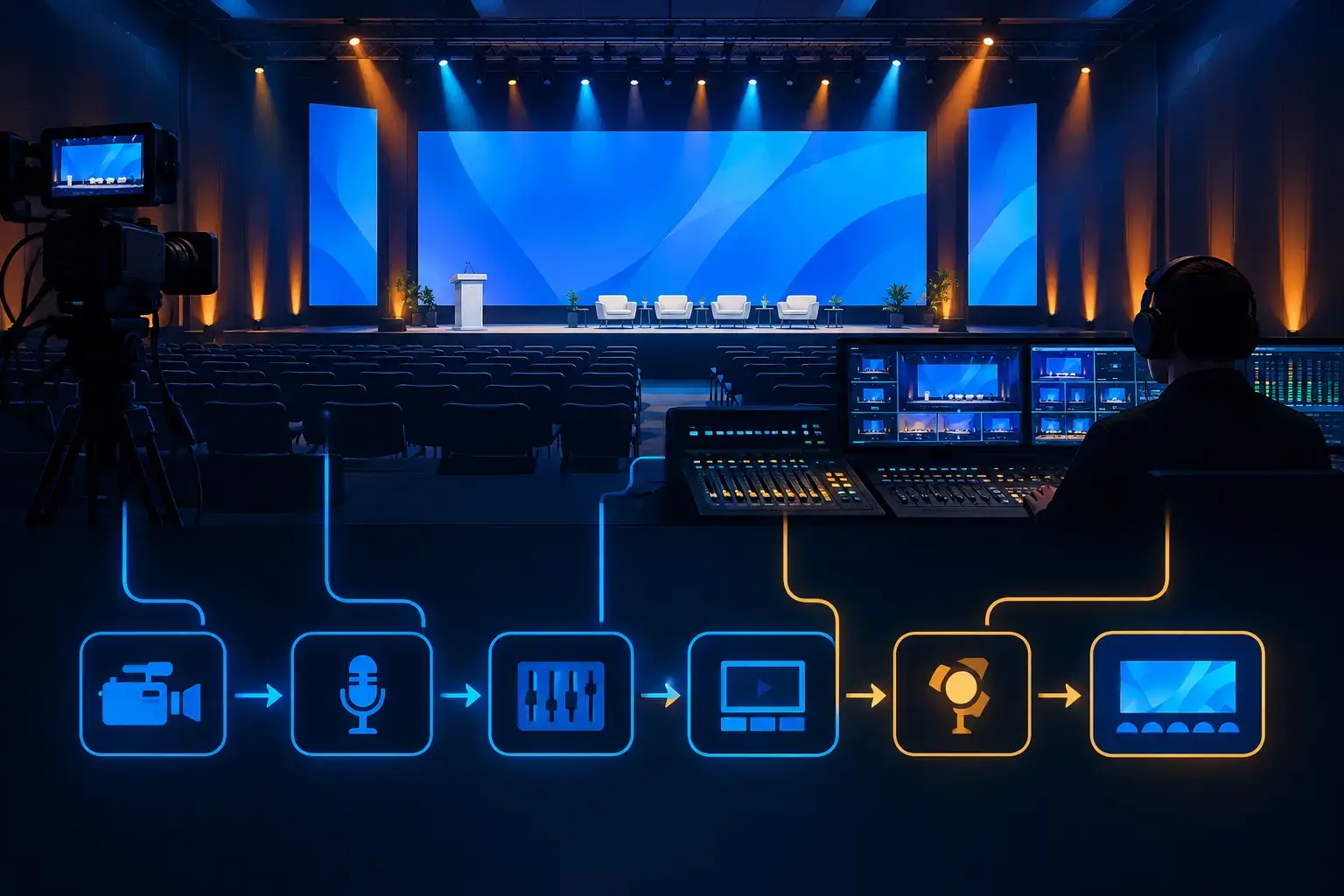
Second, ask how they approach signal flow. The answer should cover inputs, processing, outputs, conversion points, distribution, monitoring, and backup paths. A technical director who can explain the system clearly before setup is more likely to diagnose it quickly during a live program.
Third, verify experience with the tools the show actually requires. For large-format, multi-screen corporate programs, that may include Barco E2 or E3 processing, presentation switching, media playback, camera shading and routing, LED wall management, recording, and livestream encoding. Experience should match the actual show architecture, not just a list of logos. AVIXA’s CTS certification is one reasonable baseline to ask about, though hands-on show experience matters more than the credential alone.
Finally, ask how the person handles failure. No live system is immune to problems. The question is whether the production has a documented fallback, enough independent monitoring to identify the fault, and an operator who can act without disrupting the show call.
Technical Direction Starts Before Load-In
A strong technical director should be involved before equipment arrives at the venue. Early planning prevents expensive onsite revisions and exposes issues a floor plan or equipment list may not reveal.
The process starts with the show objectives. Is the priority room impact, a broadcast-quality webcast, clean recordings for post-event use, or all three? Is content arriving in 16:9, ultra-wide, or custom LED canvas formats? Will presenters advance their own slides? Are remote participants appearing as full-screen speakers, picture-in-picture guests, or moderated panels?
From there, the TD builds a practical system plan — primary and backup presentation paths, camera assignments, screen destinations, intercom needs, playback sources, recording requirements, and network responsibilities. It should also establish who supplies show files, when they’re locked, and how late revisions get introduced without compromising output quality.
Rehearsal Is a Technical Test, Not a Formality
A rehearsal is where cueing, content, personnel, and technology meet. It’s not just a chance for speakers to practice. The technical director uses rehearsal to verify slide decks display properly, videos play with correct audio, walk-on music is timed, remote callers can hear return audio, and camera framing supports the presentation style.
For executive presenters, rehearsal is also where confidence gets built. When leaders know where to stand, what monitor they’re seeing, when their content appears, and how remote interaction will work, they can focus on the message instead of the mechanics.
Redundancy Should Protect the Program, Not the Gear List
Corporate clients often request redundancy, and they should. But redundancy only helps when it protects a specific point of failure. Duplicating equipment without planning the switchover adds complexity without improving reliability.
A technical director should identify the program-critical components first: primary presentation playback, switcher or processor output, network connection for remote contribution, recording, and power distribution. From there the team can decide what needs a hot backup, what can be recovered quickly, and what’s acceptable to lose without affecting the audience.
For a livestream, that may mean separate internet paths, a backup encoder, local program recording, and a way to keep the in-room program running if the online platform has an issue. For an LED wall keynote, it may mean backup content playback, spare signal conversion, and validated processor configuration. The right plan depends on the event, venue, and consequences of downtime.
When a Dedicated TD Is Worth the Investment
Not every meeting needs a dedicated technical director. If the program is limited to a single presentation screen, a basic microphone package, and no live switching or remote participation, a lead technician may be enough.
A dedicated TD becomes worthwhile when there are multiple video destinations, a live audience plus online viewers, frequent presenter transitions, camera coverage, LED walls, complex graphics, or senior stakeholders who need the show to run on a precise clock. It’s especially valuable when the production manager needs one technical lead who can translate business priorities into crew assignments and production decisions.
AV Land provides technical direction as part of full-service corporate event production for conferences, keynotes, hybrid programs, and livestreams across the Bay Area. The team coordinates Barco E2/E3 processing, camera production, LED displays, audio, lighting, presentation systems, recording, and streaming under one technical plan.
The most useful next step isn’t starting with an equipment list. Start with the agenda, room plan, audience experience, content requirements, and risk points. A technical director can then build the system and crew structure that gives every cue a clear path from rehearsal to show close.
FAQ
Do I need a technical director, or is a lead AV technician enough? It depends on complexity. A single-screen presentation with no live switching usually doesn’t need a dedicated TD. Multiple video destinations, camera coverage, LED walls, or a livestream audience usually do.
What’s the difference between a technical director and a producer? The producer owns the agenda, content, and stakeholder relationships. The technical director owns the system that delivers it — signal flow, cue execution, and recovery when something changes live.
When should a technical director get involved in planning? Before load-in, ideally weeks out. Early involvement catches signal-flow and venue issues that a floor plan or equipment list alone won’t surface.
Ready to plan your show? Request a quote with your agenda, venue, and technical requirements.