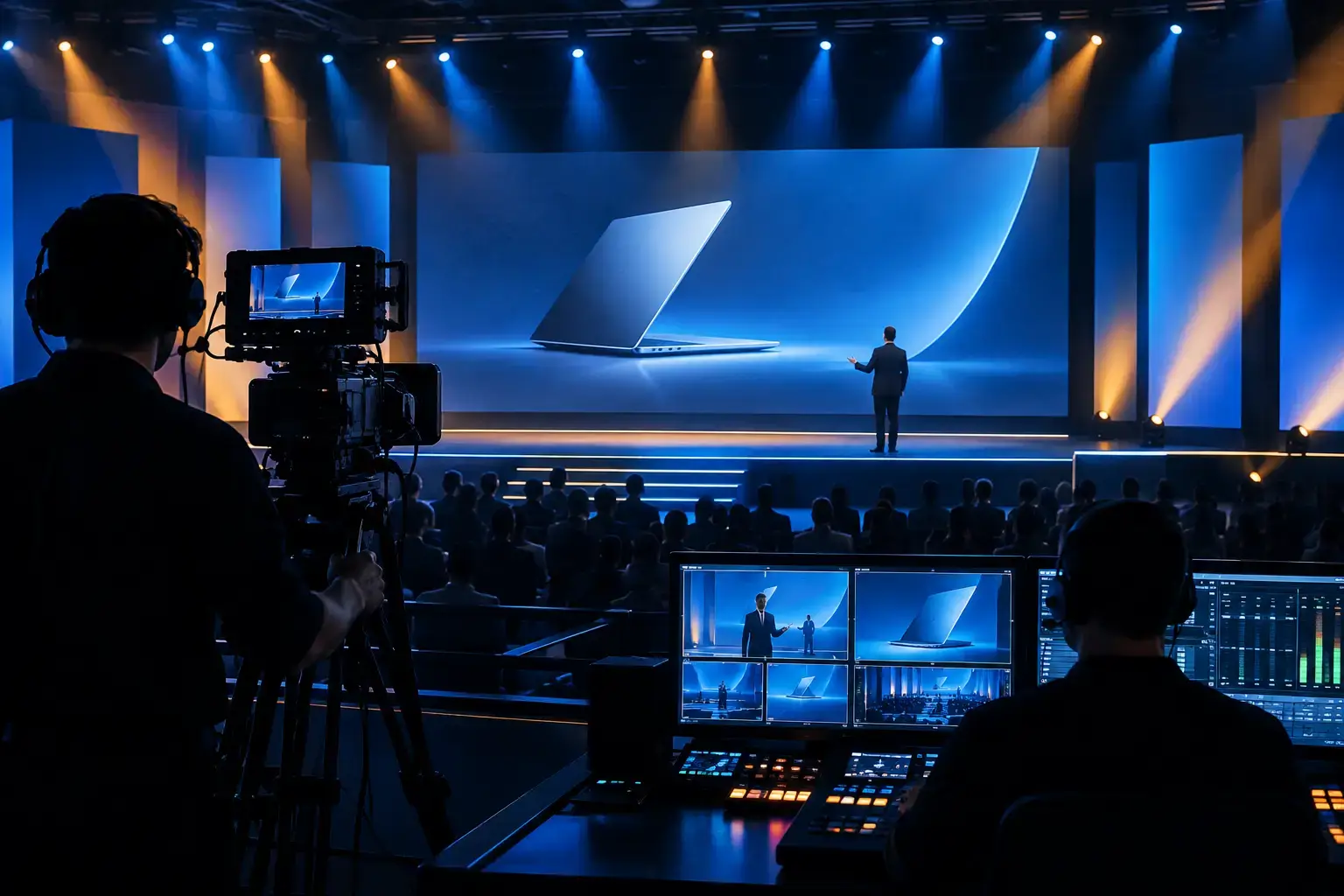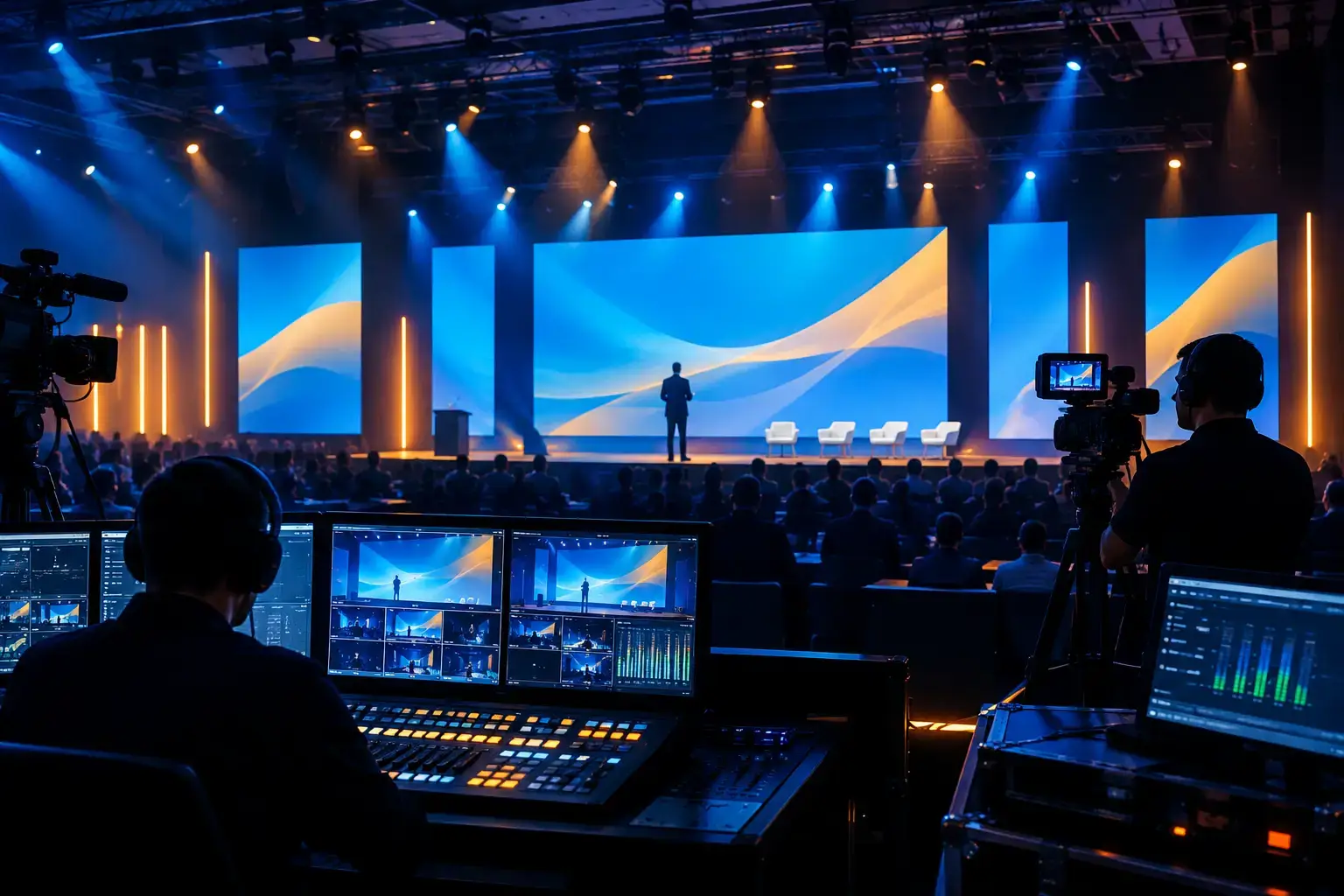



Event Webcasting That Holds Up Under Pressure
A webcast can look perfectly fine in a rehearsal and still fail when the CEO walks onstage. The difference is rarely the streaming platform alone. Event webcasting is a live production system: camera coverage, show calling, presentation playback, audio routing, internet paths, graphics, confidence monitoring, and a crew that knows which problem to solve first.
For corporate conferences, executive town halls, product launches, and hybrid events, the webcast is often the primary experience for a large part of the audience. Remote viewers notice bad audio before they notice almost anything else. They also notice delayed slides, missed speaker entrances, frozen video, and a camera operator who is not ready for the handoff. A credible production plan treats each of those points as an operational responsibility, not a last-minute technical detail.
What Corporate Event Webcasting Actually Requires
A corporate webcast is more than putting a camera in the back of the room and sending its feed to an online meeting. That setup can work for a small internal update, but it does not hold up well for a keynote with executive speakers, media playback, audience Q&A, walk-on music, presentation changes, and remote attendees expecting broadcast-quality coverage.
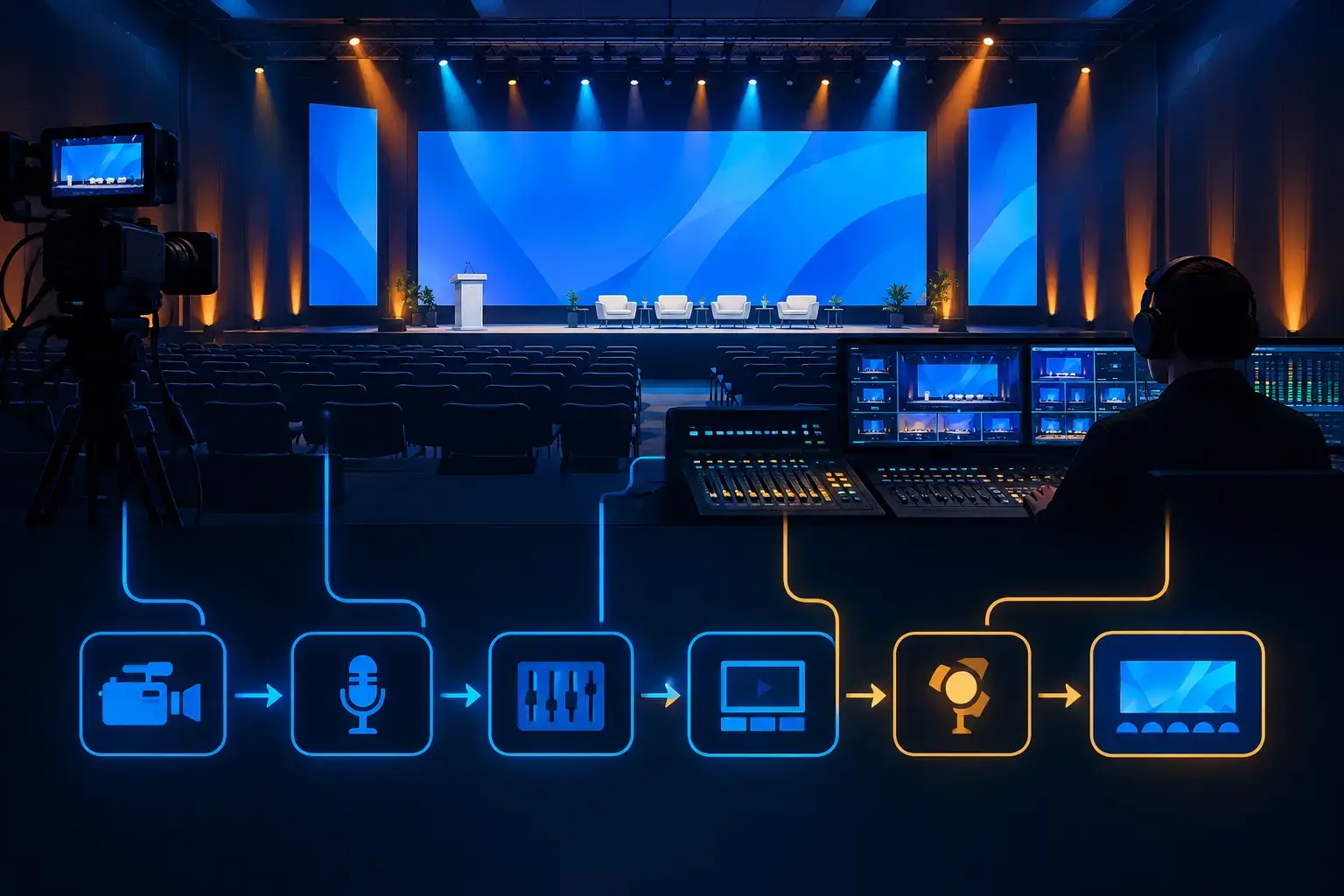
A properly built show starts with signal flow. Cameras, playback machines, graphics sources, presentation outputs, and remote guests must arrive at a switcher or production system in the correct format and at the correct frame rate. Program audio has to be mixed for the online audience, not copied blindly from the room mix. Those are different mixes with different requirements.
The room audience can hear a presenter directly from the PA system. The remote audience cannot. They need close, intelligible speech, properly mixed walk-up music, clean playback audio, and any remote contributor routed back into the program feed without echo or delay. If this routing is not designed before show day, the webcast becomes reactive very quickly.
The Program Feed Is a Produced Experience
The webcast program should have intention. During a keynote, that may mean cutting between a tight speaker shot, a wide stage angle, presentation content, and a two-box layout that keeps the speaker visible beside the slides. During a panel, it may mean isolating the active speaker while retaining a wide safety shot for transitions.
Camera count depends on the format. A single-camera executive update can be appropriate when the message is simple and the set is controlled. A product launch or conference keynote usually needs multiple cameras: at least a primary speaker camera, a wide stage camera, and a dedicated angle for audience response, demos, or roaming coverage. The goal is not constant cutting. It is giving the technical director options when the schedule changes or a presenter moves off mark.
Presentation content also needs its own plan. Feeding slides directly into the production switcher preserves text clarity and keeps the remote audience from watching a camera pointed at an LED wall or projection surface. For complex shows, a video processor such as Barco E2 or E3 can manage screen layouts, source scaling, backups, and content routing for both the room and the webcast.
Build Redundancy Around the Real Risks
Redundancy is not a checklist item. It should match the consequences of failure. A webcast with a few hundred employees may need a backup internet path and a recording. A public launch with customers, press, and executive leadership may justify redundant encoders, isolated network connectivity, duplicate program records, spare cameras, backup playback, and a contingency plan for platform failure.
Internet is the most common point of concern, but it is not the only one. Venue Wi-Fi should not be considered a primary broadcast connection. A dedicated hardline, validated upload capacity, and a tested path from the encoder to the streaming destination are the baseline. The production team should test under load, confirm the actual ingest settings, and keep nonessential network traffic off the broadcast path.
Local recording matters just as much. If a streaming platform has a problem, a clean program record can protect the content and support a fast post-event release. For higher-stakes productions, recording isolated camera feeds can also help the marketing team create recap edits, session clips, executive interviews, and social-ready cuts after the event.
There is a trade-off. More backup systems mean more equipment, more labor, and more coordination. Not every internal meeting needs full broadcast redundancy. But when the webcast represents a major product announcement, investor-facing message, or company-wide leadership moment, the cost of a preventable interruption is usually far higher than the cost of proper contingency planning.
Plan the Webcast Before the Room Is Built
Webcast quality is decided well before cameras roll. The stage design affects sightlines. LED wall brightness affects camera exposure. Lighting positions determine whether a presenter looks polished or disappears into a dark background. Teleprompter placement changes where executives look. Even the position of the confidence monitor can affect whether speakers address the audience or stare at their slides.
The most efficient approach is to plan room AV and broadcast together. If the presentation team, lighting lead, camera crew, and technical director are working from separate assumptions, time is lost during rehearsal. A single show flow should identify walk-on cues, video rolls, presentation operators, camera assignments, remote guest segments, audience questions, and planned holds.
For Bay Area events, this is particularly relevant in hotel ballrooms, convention venues, and converted event spaces where loading access, ceiling height, power distribution, and network availability vary widely. A site survey can expose problems early: a camera position blocked by a pillar, a projection throw that conflicts with the stage, or a network demarcation point located far from the control position.
Rehearsal Is Where the Production Becomes Reliable
A technical rehearsal should test more than whether the stream is live. It should run the actual show sequence. That includes opening music, presenter walk-ons, slide advances, video playback, panel transitions, remote guest returns, Q&A, and closing remarks.
Executives do not always follow the script exactly. They may skip slides, start early, ask for a video again, or change their position on stage. Experienced operators build the show so that those changes are manageable. The technical director needs clear communication with camera operators, graphics, playback, audio, and the stage manager. The crew needs a shared understanding of who calls each critical cue.
This is also the right time to confirm speaker comfort. Check lavalier placement, handheld microphone handoffs, teleprompter speed, return audio for remote guests, and the confidence monitor view from each speaking position. These details can feel small until they interrupt a live executive presentation.
Choose the Right Viewing Platform for the Audience
The platform should support the event, not dictate the production. An internal all-hands may be best delivered through the company’s established meeting or enterprise video environment. A customer-facing keynote may need branded registration, moderated chat, controlled access, captions, and analytics. A hybrid conference may require a separate system for remote speakers, audience interaction, and session recordings.
Platform selection affects workflow. Some destinations accept a standard broadcast feed with minimal setup. Others require speaker permissions, attendee management, preconfigured events, or separate methods for captions and recordings. Confirm those requirements early, then run a destination test from the actual encoder configuration.
Accessibility should be part of the plan rather than an add-on. Closed captions, readable lower thirds, legible presentation content, and intentional camera framing all improve the experience for remote attendees. If the event has global viewers, consider time zones, language needs, and whether the content will remain available on demand.
When to Bring in a Full Production Team
A basic webcast can be handled with a lean crew when the format is controlled. Once the event includes multiple cameras, live switching, LED walls, keynote graphics, remote presenters, recorded sessions, or a high-visibility audience, the value of an integrated production team becomes clear.
AV Land handles corporate event production with the broadcast and in-room systems planned as one operation. That means camera coverage, audio, lighting, video processing, livestreaming, and on-site technical direction are coordinated from the same show plan. It reduces handoffs and gives the client one technical team accountable for the program feed and the room experience.
FAQ: Event Webcasting
How many cameras does a corporate webcast need?
It depends on the format. A controlled executive message may work with one or two cameras. Keynotes, panels, product demos, and conferences typically benefit from three or more angles so the director can cover speakers, slides, audience response, and transitions without rushed camera moves.
Should we stream using venue Wi-Fi?
No. Venue Wi-Fi can support attendee use, but it should not be the primary path for a high-stakes webcast. Use a dedicated hardwired connection that has been tested for sustained upload performance, and plan a backup path based on the event’s risk level.
Can the webcast be recorded for later use?
Yes. Record a clean program feed at minimum. For campaigns, recap edits, or session-by-session content, isolated camera recordings and separate audio tracks provide more flexibility in post-production.
How early should webcast planning begin?
Begin as soon as the event format and venue are under consideration. Early planning protects camera sightlines, network access, lighting positions, and stage layouts. For complex productions, the show flow and technical design should be underway weeks before the event.
A webcast earns trust when it keeps working while the room is moving fast. If your conference, keynote, or launch has no margin for improvised technical decisions, request a production quote early enough to design the system around the show, not around whatever is left on the schedule.