


How to Budget Conference AV Without Costly Gaps
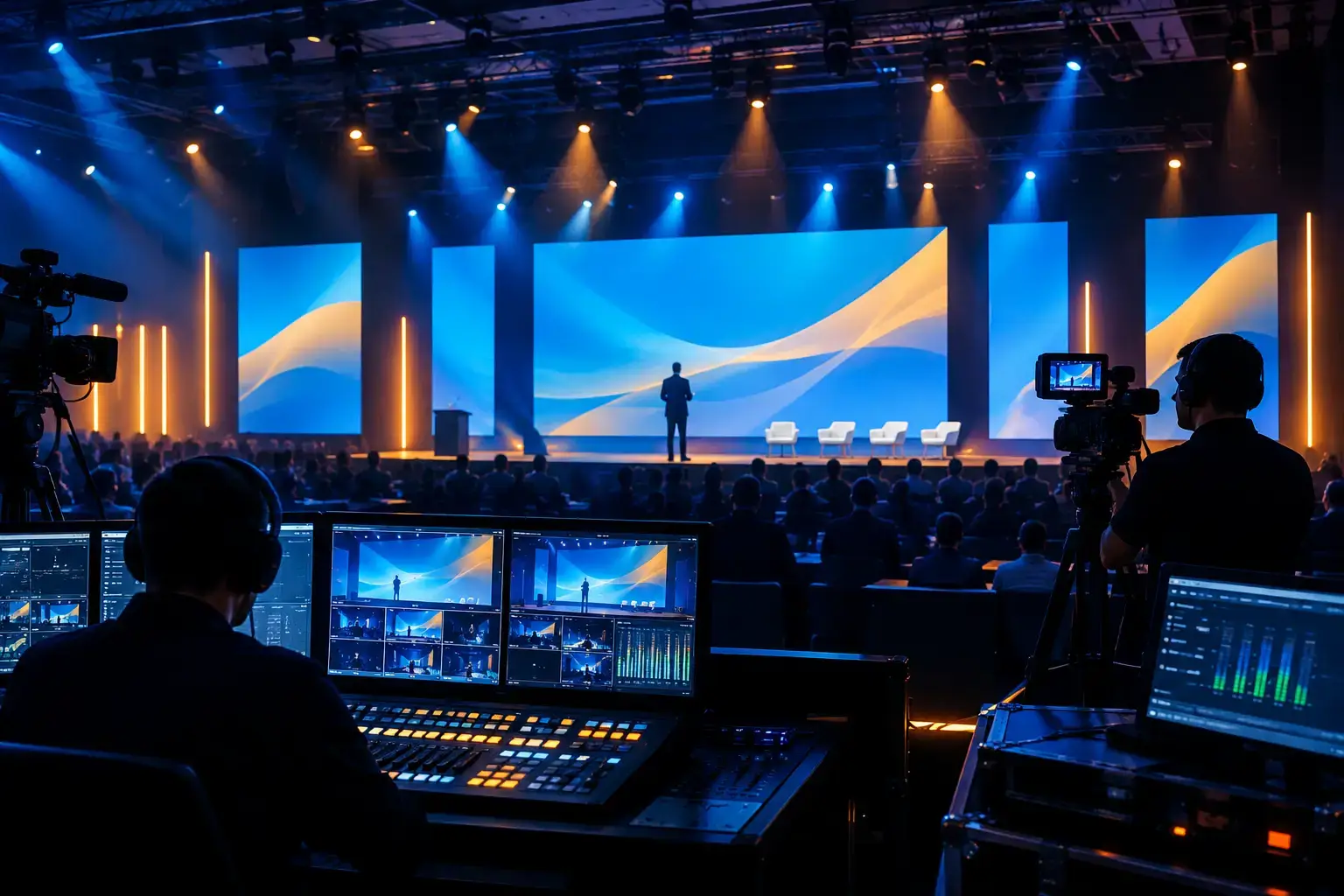
A conference AV budget can look reasonable on a spreadsheet and still fail the room. The usual issue is not that a planner forgot microphones or screens. It is that the scope was priced as a list of equipment instead of a live operating system: signal flow, crew positions, rehearsals, backup paths, content management, and show-day decisions. Knowing how to budget conference AV starts with budgeting for the production your audience will actually experience.
For a corporate conference, keynote, product launch, or executive webcast, the least expensive quote is rarely the lowest-risk option. The goal is to put dollars behind the elements that protect clarity, timing, and confidence on stage, then make informed trade-offs where the audience will not feel them.
Start With the Program, Not the Equipment List
Before pricing an LED wall, projector, camera package, or audio system, define what the show has to do. A one-day general session with a single presentation source has a different technical profile than a two-day conference with walk-in content, executive walk-ons, remote guests, panel discussions, breakout rooms, sponsor videos, and a live stream.
Build the AV scope around the run of show. Identify each moment that requires a cue, a source change, a microphone handoff, an operator, or a visible screen change. That exercise quickly exposes the line items that matter: playback, presentation switching, camera coverage, confidence monitors, show calling, lighting cues, stream graphics, and recording.
A useful budget brief should answer a few operational questions in plain language. How many rooms are active? Is the program presentation-driven, camera-driven, or both? Will remote speakers join live? Does every breakout need recording? What must be on screen for presenters, and what must be visible to the audience? Is the event a single general session or a multi-room production with concurrent programs?
If those answers are still moving, set aside a contingency rather than forcing a premature fixed scope. Changes made after crew calls, video routing, and content workflows are designed often cost more than decisions made during preproduction.
Separate Fixed Production Costs From Scalable Costs
The most useful way to budget conference AV is to distinguish between costs that exist because the show is live and costs that scale with size, complexity, or duration.
Fixed production costs commonly include technical direction, show management, systems design, equipment prep, testing, load-in coordination, basic switching infrastructure, and communications. Even a compact program needs competent people to build, test, and operate the system.
Scalable costs increase as the scope grows. These may include additional LED wall area, larger projection surfaces, more cameras, extra breakout rooms, added wireless microphones, duplicate playback systems, lighting fixtures, streaming destinations, and extended show days. Hotel access windows and venue labor rules can also change the number of crew hours needed to complete the same technical plan.
This distinction prevents a common mistake: trimming the labor and infrastructure that make the show work while preserving visible gear that is not doing enough for the program. A larger display is valuable when it improves sightlines and content legibility. It is not a substitute for a properly staffed control position or a tested backup playback path.
Price the Signal Path, Not Just the Screens
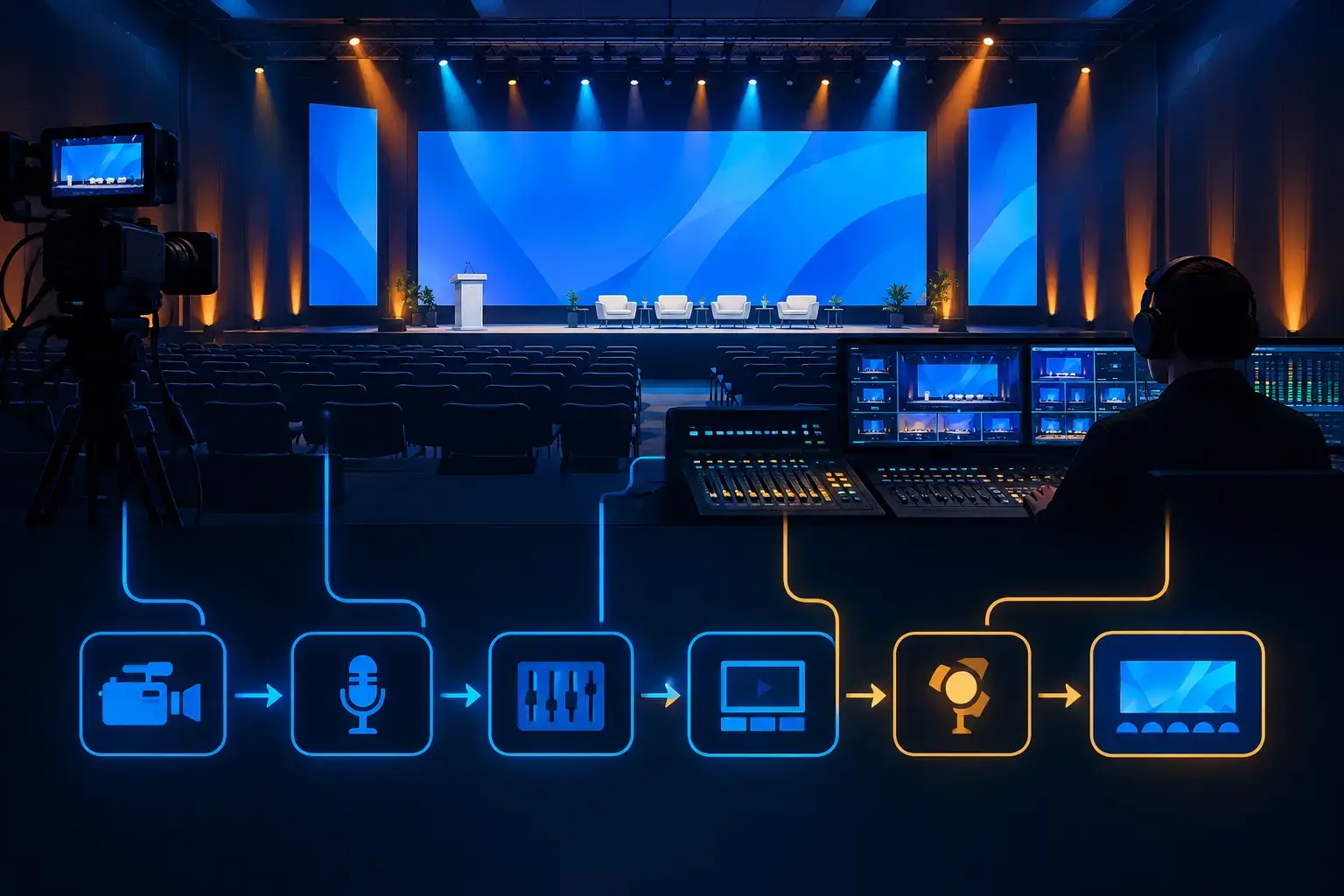
Video is often the largest AV spend in a conference budget, especially for executive keynotes and product launches. But the display is only one part of the system. The budget must account for how content gets from presentation laptops, playback machines, cameras, and remote callers to the room displays, confidence monitors, recording devices, and stream encoder.
For larger or more layered shows, video processing and routing become central. A Barco E2 or E3 workflow, for example, is not simply a line item for a processor. It involves inputs, outputs, signal conversion, backup planning, screen layouts, graphics, camera sources, and operators who can execute changes accurately under show conditions.
Ask a production partner to describe the signal flow in practical terms. Which sources appear on which screens? How are presenter notes handled? Can the program feed be recorded independently of the stream? What happens if a presentation computer fails? Does the team have a defined path for remote callers and return audio?
The same principle applies to audio. Budget for the room size, audience count, stage format, and program density. Panel discussions can require multiple wireless channels, mix-minus feeds for remote participants, playback audio, walk-in music, and dedicated audio mixing. A keynote with just one handheld microphone and a playback video is a materially different operation.
Put Redundancy Where Failure Is Visible
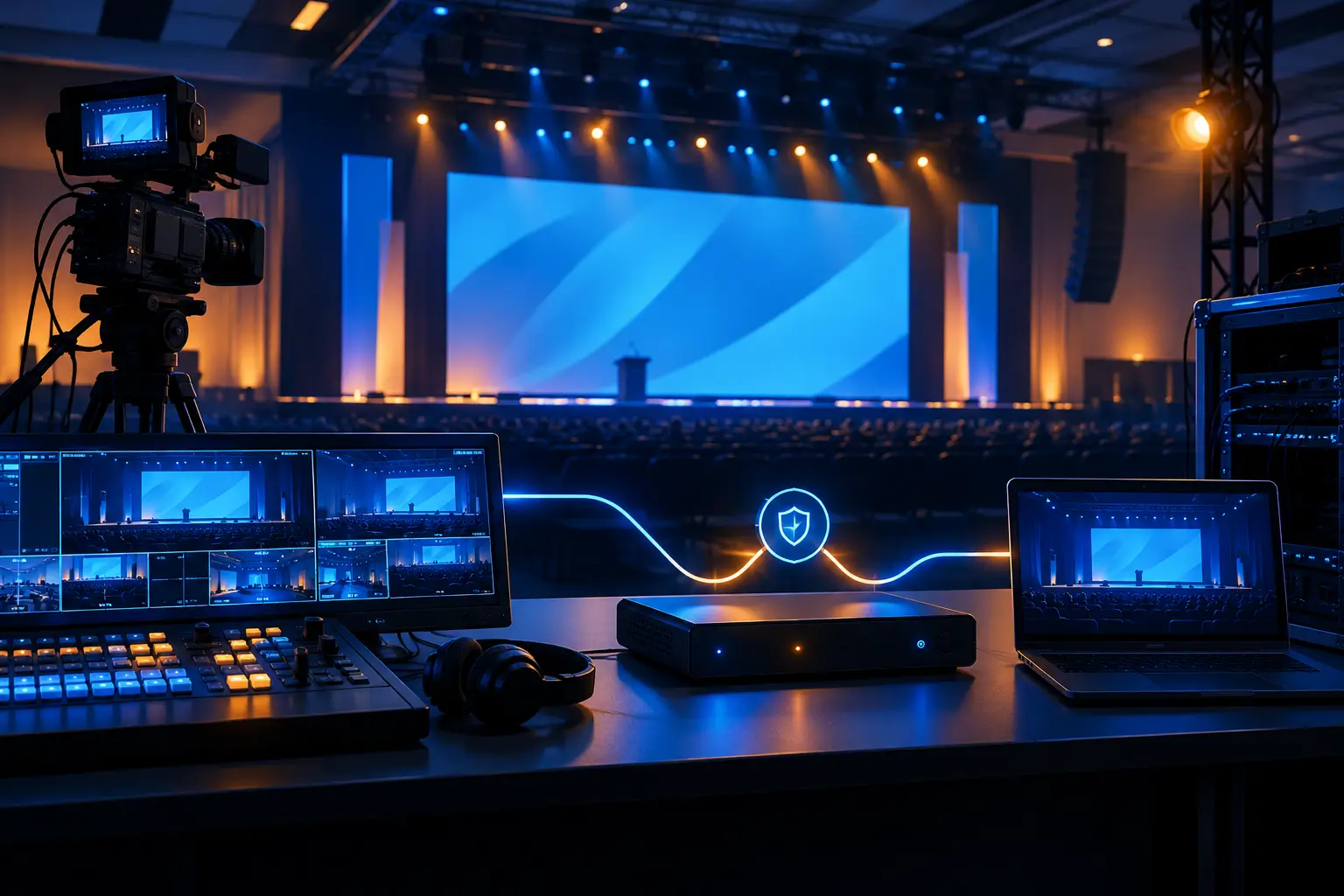
Redundancy should not be treated as an expensive luxury or applied evenly across every item. It should be assigned to the points of failure that would stop the program, damage comprehension, or create a highly visible delay.
For a high-stakes general session, that can include backup presentation playback, spare microphones, redundant power or signal paths where appropriate, duplicate recording, additional network options for streaming, and backup communication between key production roles. The correct level depends on the event’s complexity, audience expectations, venue infrastructure, and consequences of interruption.
A small internal meeting may accept a simpler plan. A product announcement with executive leadership, press, and remote viewers usually should not. The right question is not, “Can we remove this backup?” It is, “If this component fails, what does the audience see and how quickly can the crew recover?”
Budget Labor as a Core Deliverable
Corporate AV is often under-budgeted because the crew is viewed as support for the equipment. In live production, experienced operators are the equipment’s operating layer. They build the system, verify content, manage cues, monitor signals, mix audio, shade or switch cameras, troubleshoot faults, and keep the show moving when the agenda changes.
Budget labor based on positions, not just headcount. A multi-camera session may need camera operators, a video engineer, a director or technical director, graphics or playback support, and an audio engineer. A hybrid program can add streaming and remote-guest management. If the same people are expected to perform incompatible jobs at the same moment, that is a production risk, not an efficiency.
Also account for preproduction and rehearsal. Content review, speaker walk-throughs, remote caller tests, show-flow meetings, and a technical rehearsal can prevent expensive show-day corrections. Executive presenters benefit from confidence-monitor checks and clear instructions on slide advancing, walk-on timing, and microphone use.
Protect Content Time and Build Time
Content is where many conference schedules get tight. A deck that arrives late may require font fixes, video codec changes, aspect-ratio adjustments, last-minute graphic revisions, and cue rebuilding. If there are multiple presenters, version control can become as important as the display technology.
Set a content deadline that leaves enough time for review and a final show file. Define who is authorized to approve changes after that deadline. If last-minute changes are unavoidable, budget a content management position and enough time during rehearsal to validate the new material.
Build time matters just as much. Room access, dock access, ceiling height, rigging points, power locations, network availability, and union or venue requirements all influence the schedule. A compressed load-in may require more labor or constrain the system design. It is better to see that cost early than discover it when the general session room is supposed to open.
Decide What the Audience Must See Clearly
Not every production dollar needs to go to the main screen. Allocate budget according to audience experience and business purpose. If the event is launching software with detailed interfaces, screen resolution, camera framing, and confidence monitors deserve close attention. If the main goal is leadership communication, audio intelligibility, presenter lighting, and reliable image reinforcement may carry more weight.
For hybrid events, make a separate decision about the remote audience. A room camera pointed at the stage is not automatically a strong webcast. Remote viewers need intentional camera shots, clean program audio, graphics, playback integration, and a stable stream workflow. Treat the live stream as its own deliverable with its own operating plan.
For Bay Area conferences with dense agendas and senior audiences, a full-service corporate event production team can help turn those decisions into an executable scope. The value is not in adding gear by default. It is in designing the right technical system, crew plan, and contingency level for the program.
Questions to Ask Before Approving the AV Quote
A good quote should make the production understandable, not hide it under broad labels. Ask whether labor, preproduction, content support, rehearsals, show-day hours, transportation, and any anticipated venue requirements are included or estimated separately.
Ask what the proposed system can and cannot do. Confirm camera count and coverage, display destinations, microphone count, presentation workflow, recording deliverables, streaming destination, and backup strategy. If the show involves multiple rooms, ask how communication and technical support are assigned across them.
Most importantly, compare proposals against the same run of show. A lower quote may represent a simpler scope, fewer operators, less build time, or no redundancy. That can be the right choice for some programs, but it should be a deliberate trade-off.
FAQ
How early should conference AV be budgeted?
Budget AV during initial venue and program planning, before room layouts, access schedules, and agenda formats are locked. Early planning gives the production team more options for screen placement, camera positions, power, networking, and labor scheduling.
What usually increases a conference AV budget?
Multi-room programs, LED walls, multi-camera production, livestreaming, remote speakers, extended show days, late content changes, limited load-in windows, and added redundancy are common cost drivers. None are automatically unnecessary. Each should be tied to a specific program requirement.
Should we use the venue’s AV package?
It depends on the program. Venue AV can be appropriate for straightforward meetings, particularly when the included scope matches the agenda. For complex keynotes, product launches, and hybrid productions, compare the package against the technical plan, crew roles, content workflow, and required backup paths before deciding.
How much contingency should an AV budget include?
The amount depends on how final the agenda, venue details, and content plan are. A contingency is especially useful when room access, network needs, remote presenters, screen layouts, or creative content are still under development.
A well-built conference AV budget is not just a number to approve. It is a plan for what the room needs to see, hear, and recover from under live conditions. If you are building a conference, keynote, or hybrid program in the Bay Area, request a quote with the agenda, venue, room count, and production goals. That gives the technical team the information needed to scope the show correctly before the costly decisions become fixed.