


Conference Audio Redundancy That Holds Up Live
A keynote microphone drops out 30 seconds before a product announcement. A panel feed disappears from the livestream while the room still hears every word. A playback computer loses its audio device after a restart. Conference audio redundancy is what turns these moments from a visible production failure into a controlled switch by the audio team.
For corporate conferences, redundancy is not simply buying two of everything. It is designing independent paths for the failures that can actually stop a session: wireless RF issues, microphone failure, console failure, transport loss, playback problems, power loss, or a disconnected feed to the broadcast control room. The right plan depends on the show format, room count, speaker profile, and how much of the program is being sent beyond the room.
What conference audio redundancy needs to protect
The first step is separating critical program audio from convenient production audio. The CEO keynote, executive panel, walk-on music, remote guest return feed, and livestream mix are critical. A confidence monitor cue mix or a backstage utility speaker may matter, but it does not require the same protection level.
At a minimum, the production team should identify the audio sources and destinations that would create immediate audience impact if lost. For a typical general session, that includes podium and presenter microphones, panel microphones, playback audio, the front-of-house PA, recording, and the program audio feeding the livestream or overflow room.
A failure can occur at any point in that chain. A spare handheld microphone does not solve a console output problem. A second streaming encoder does not help if both encoders receive audio from the same failed interface. Useful redundancy avoids common points of failure rather than adding duplicate gear that shares the same vulnerability.
Build independent audio paths, not duplicate clutter
A well-designed system uses backups that can be activated quickly by operators who know the show. That means clear routing, labeled inputs and outputs, tested changeover procedures, and a technical director who understands when a switch will affect the room, the stream, or both.
Start at the microphone and RF layer
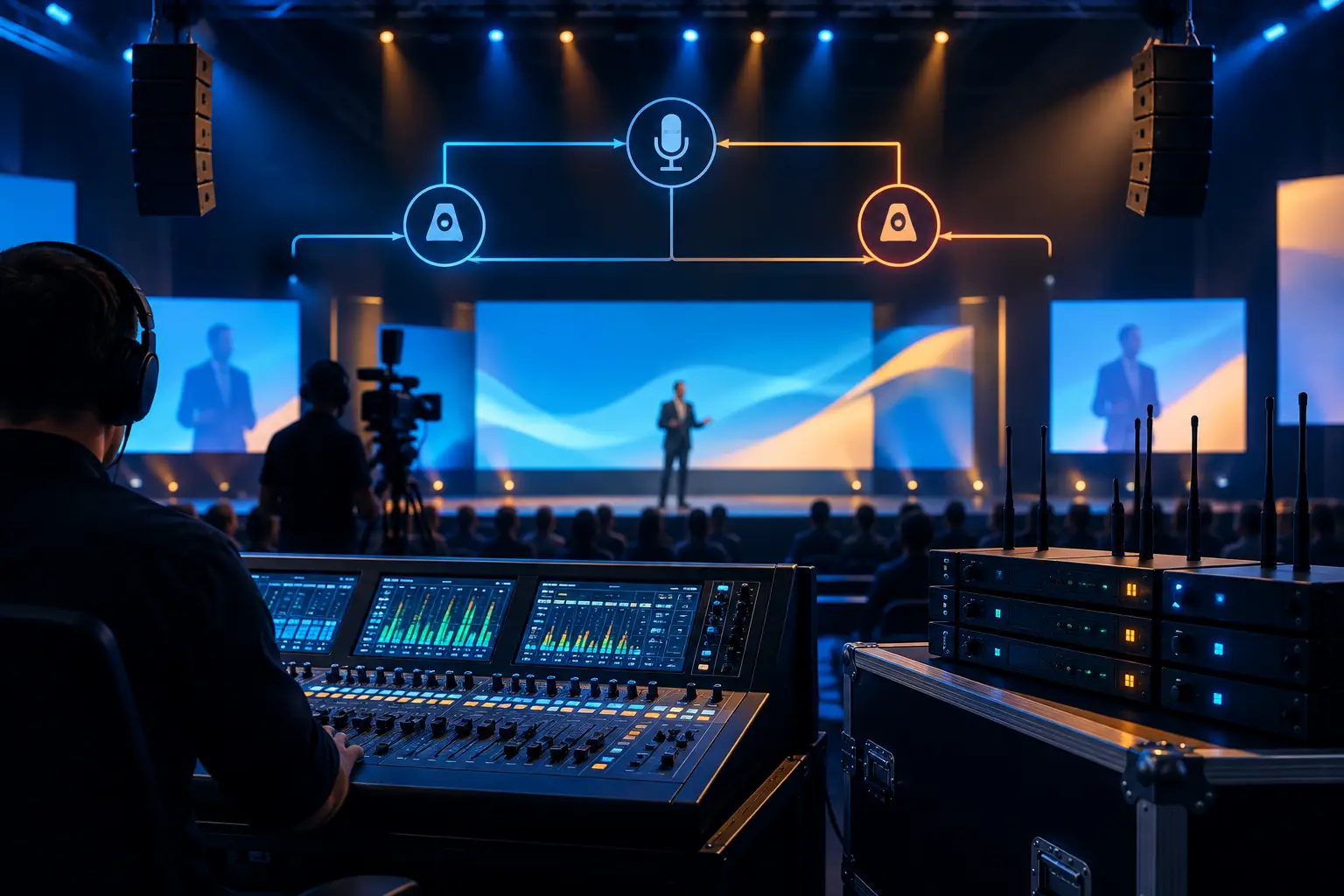
Wireless microphones need a practical recovery plan. For key presenters, that often means a prepared spare microphone that can be handed off immediately, along with replacement batteries and a coordinated frequency plan. For a high-stakes keynote, a second microphone may be staged nearby or fitted as a secondary lavalier, depending on wardrobe, presentation style, and tolerance for visibility.
Redundancy at this level is not always about running two active transmitters. Two transmitters on one presenter can complicate RF coordination, gain structure, and operator attention. In many cases, a properly staged spare handheld and an experienced A2 provide faster, cleaner recovery. The decision should be based on show risk, not on a checklist.
For larger wireless packages, frequency coordination and receiver monitoring are part of the protection plan. Modern professional wireless systems offer valuable tools for monitoring RF and battery conditions, but the system still needs operators who can act on that information. Manufacturers such as Shure provide professional wireless and audio platforms commonly used in conference production.
Split critical sources before they reach the console
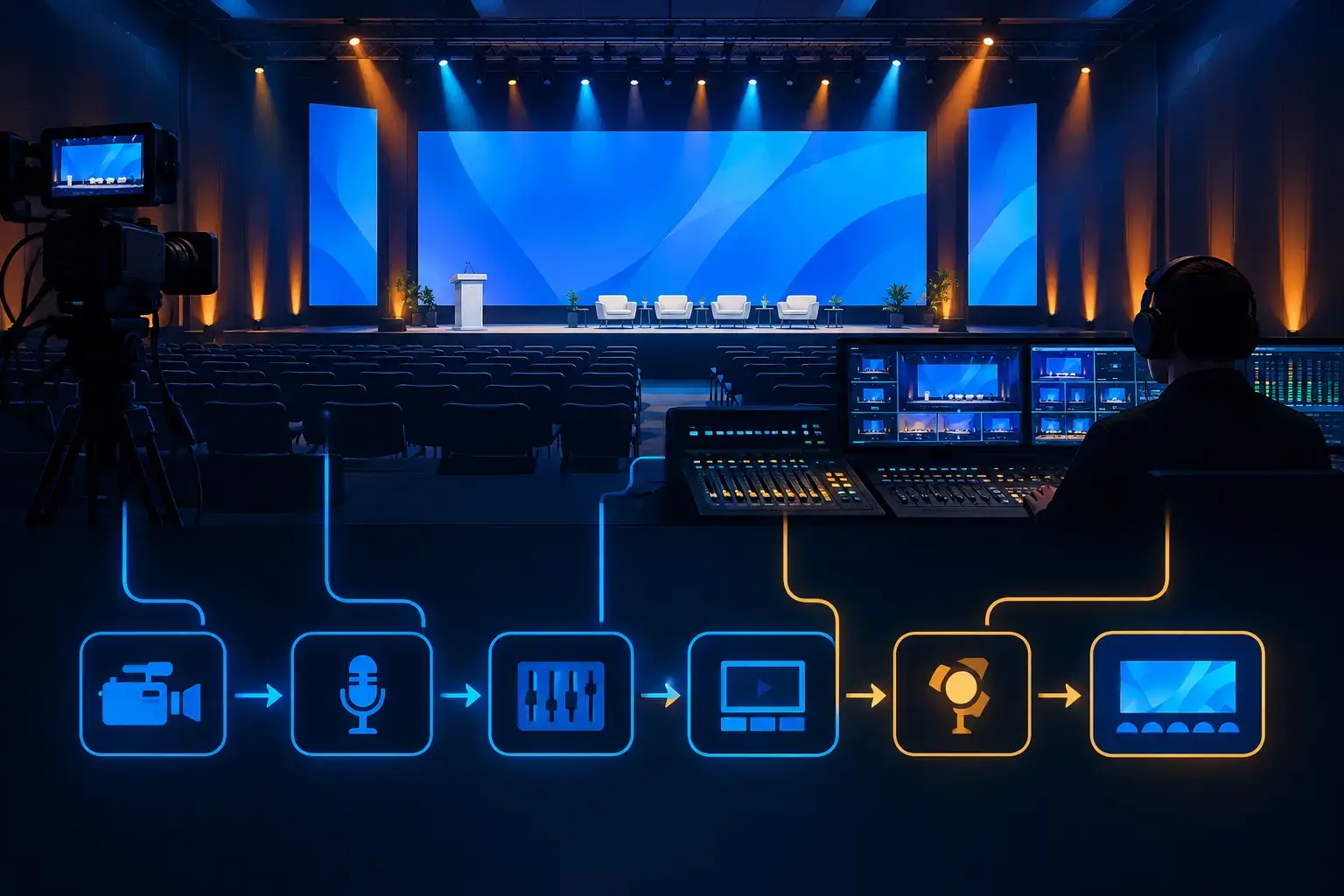
The most meaningful console backup begins upstream. Critical microphone and playback sources can be split to a primary and secondary audio path, allowing a backup console, recorder, or broadcast mixer to receive its own copy of the source.
The split method matters. It must be planned around microphone power, gain control, isolation, and the required signal type. A production team should confirm who controls preamp gain, how the backup path is checked, and whether the secondary system can take over without creating a level jump, feedback risk, or missing source.
For an executive webcast, the front-of-house mix and the stream mix may need different priorities. The room mix is built around PA coverage and speaker comfort. The broadcast mix needs consistent speech level, clean playback, remote guest management, and no room-only elements that do not translate online. A separate mix position or dedicated broadcast audio workflow prevents the stream from becoming dependent on decisions made solely for the room.
Protect playback and show cues
Playback is frequently underestimated because it often works perfectly in rehearsal. Then a session opens with a walk-on track, a product video arrives with embedded audio, and the only playback computer loses output, crashes, or is routed to the wrong destination.
Critical playback should have a defined backup source and a tested way to switch to it. That can mean a second playback system, a loaded standby device, or alternate playback content available to the operator. The correct approach depends on whether the audio is time-sensitive, tied to video, or part of a tightly cued keynote.
When video and audio must remain synchronized, a backup plan needs to account for both. Switching only the audio source can create a noticeable mismatch with a presentation video. For complex keynotes, audio, video playback, screen content, and show calling should be reviewed as one recovery workflow.
Redundancy for the room is different from redundancy for the stream
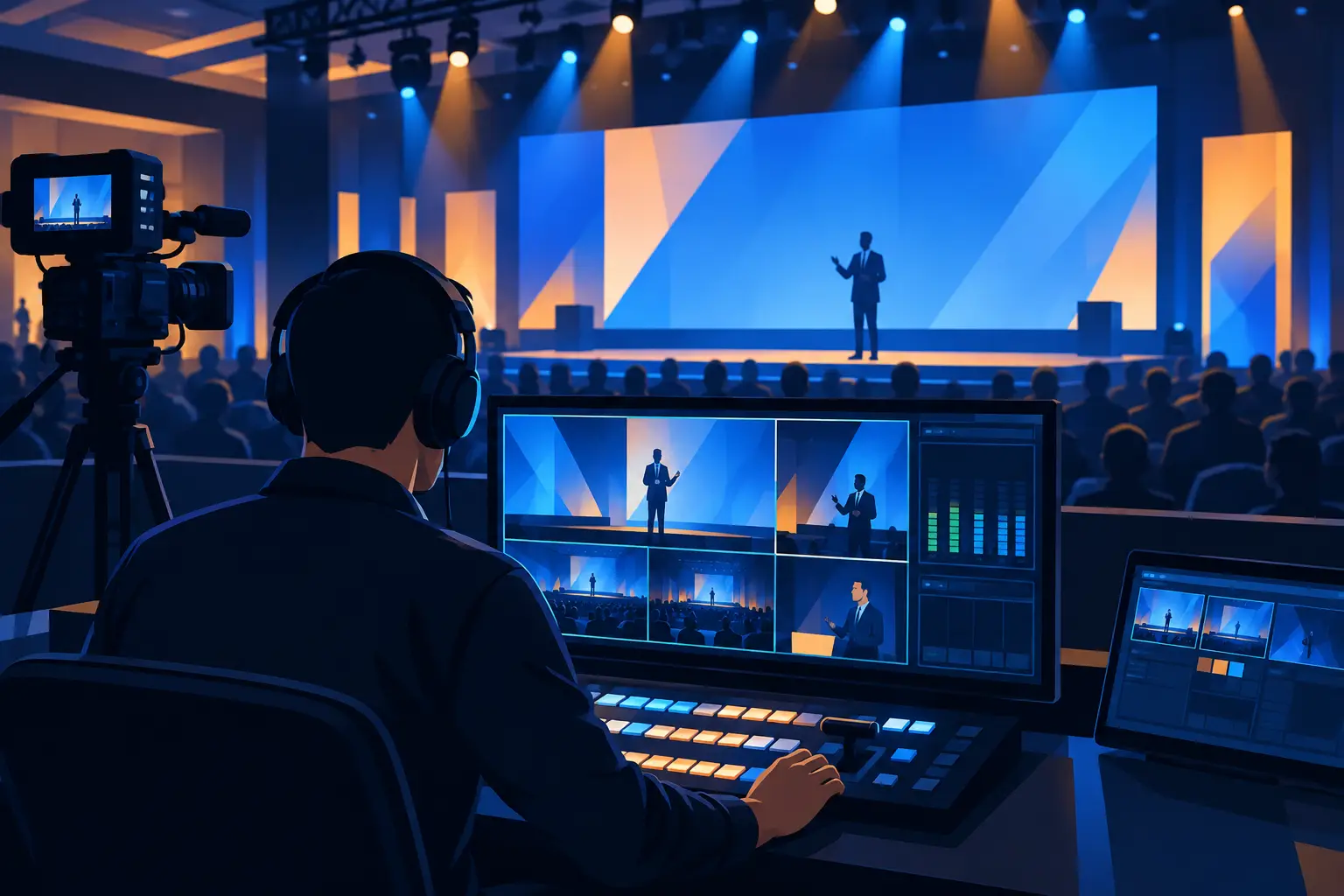
Hybrid events have at least two audiences, and each can experience a different failure. The in-room audience may continue hearing a presenter while the livestream receives silence. Conversely, the stream can stay live while a PA zone loses coverage. Treating the broadcast feed as a simple auxiliary output is a common weak point.
A dedicated program audio path for the stream should be monitored independently. The team needs confidence that the feed has left the audio console, reached the video or streaming workflow, and is present at the encoder. Headphone monitoring, meters, reference speakers, and return monitoring each catch different problems.
Remote contributors add another layer. Their return audio, mix-minus feeds, talkback, and communications routing need testing before doors open. If a remote guest cannot hear the moderator, the issue might sit in the conferencing platform, the audio interface, the communications system, or a routing matrix. A backup call path can be worthwhile for high-profile guests, but only if the team has rehearsed moving the guest to it.
For events with live broadcast, recording, and remote presenters, livestream production services should be planned alongside the conference audio system, not after it is installed. The technical plan needs to show program feeds, IFB or return feeds, backup recordings, and the people responsible for each handoff.
Power, transport, and monitoring are part of the design
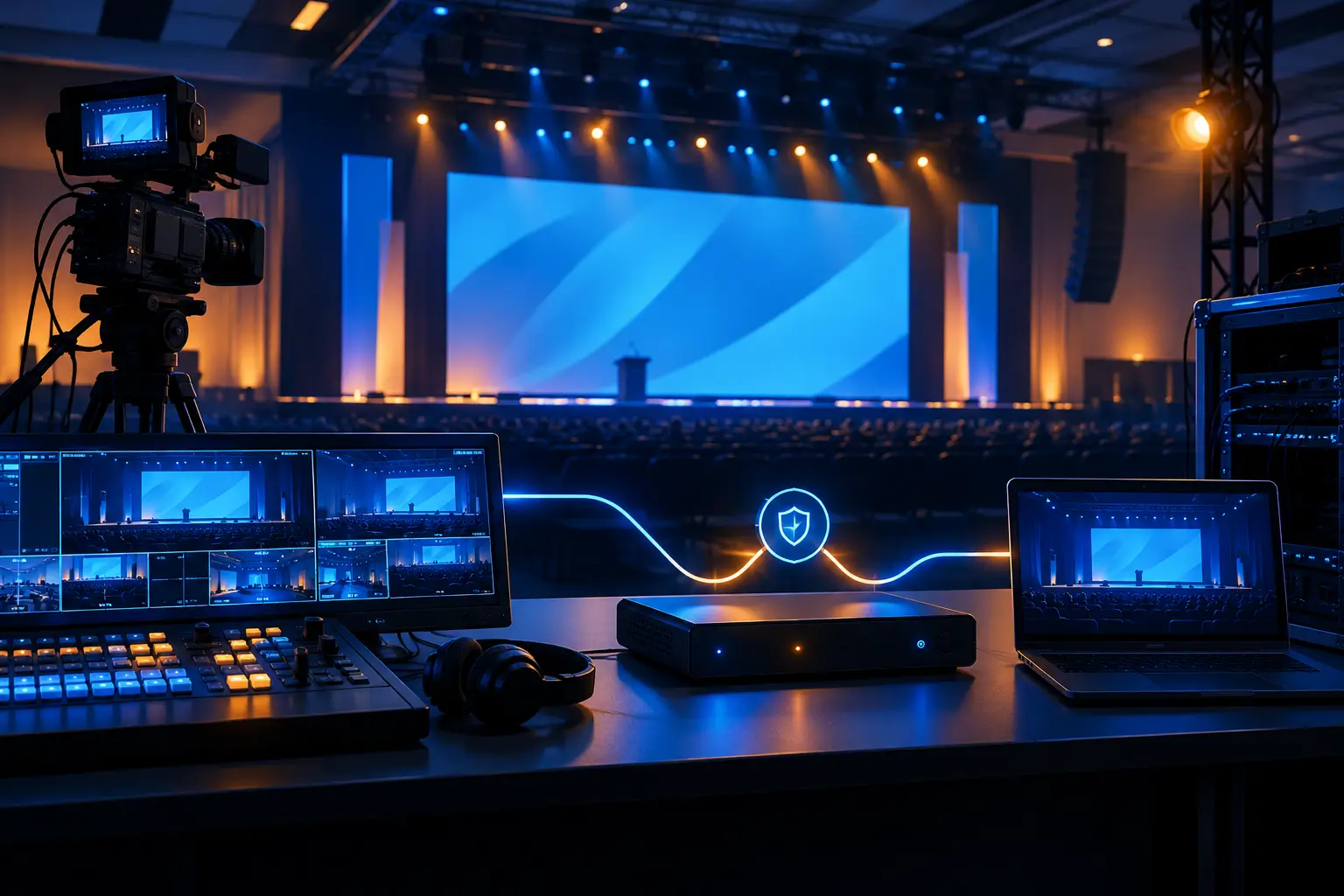
Audio redundancy fails when both paths depend on the same power strip, network connection, stage box, or fiber run. The goal is not total independence at every point. That can be costly and operationally unnecessary. The goal is to identify shared dependencies and protect the ones with meaningful consequences.
A primary and backup console fed from the same isolated source may be sensible in one ballroom. In another environment, separate power support or an alternate transport route may be warranted. The level of protection should track the consequence of failure, the complexity of the system, and the time available to recover.
Monitoring deserves the same attention as backup gear. A backup system that is not receiving signal, has incorrect gain, or has an unpatched output is not a backup. During rehearsal, the audio team should verify each critical source through the secondary path and confirm what happens when primary outputs are interrupted.
This is also why documentation matters. Input lists, patch sheets, console scenes, playback naming, and routing diagrams give operators a common reference under pressure. Clear labeling at stage boxes, racks, consoles, and video handoff points reduces the time spent tracing a problem while a live audience waits.
How to right-size the redundancy plan
There is no single redundancy package for every conference. A one-room leadership meeting with a local audience has different exposure than a multi-camera product launch streaming to distributed teams. The latter may justify independent program paths, dedicated broadcast audio, backup playback, redundant recording, and more formal rehearsal time.
Ask practical questions early: What content cannot be repeated? Which presenters have executive visibility? Is the event live to remote audiences? Are there multiple rooms, overflow spaces, or press feeds? How quickly must the team recover before the audience notices?
Those answers should shape the scope before equipment is loaded in. If additional wireless channels, playback systems, or console paths are needed, securing them early also improves labor planning and rehearsal quality. For standalone requirements, audio equipment rental in the Bay Area can support the system, but the strongest result comes from integrating the equipment into a complete signal and staffing plan.
Frequently asked questions
Does every conference need a backup audio console?
No. A backup console is most appropriate when a console failure would have significant consequences and a switch can be executed cleanly. Smaller meetings may be better protected by spare microphones, backup playback, careful power planning, and a tested recovery procedure. The key is matching the solution to actual event risk.
Can front-of-house audio also feed the livestream?
It can, but it is not always the best approach. The room mix is optimized for loudspeakers in a physical space, while the stream mix is optimized for headphones, laptops, and remote viewers. A dedicated broadcast mix or controlled split provides better consistency for hybrid programs.
When should redundancy be tested?
Test it before the show day when possible, then test it again during system check and rehearsal. Do not stop at confirming that backup equipment powers on. Verify the complete changeover: source, routing, level, destination, and operator action.
A conference does not need more gear for its own sake. It needs a recovery plan that has been designed, patched, monitored, and rehearsed by people who can execute it. If you are planning a high-stakes conference, keynote, or hybrid event in the Bay Area, request a production quote from AV Land and build the audio plan around what cannot be allowed to fail.