


Corporate Event Technology That Holds Up Live
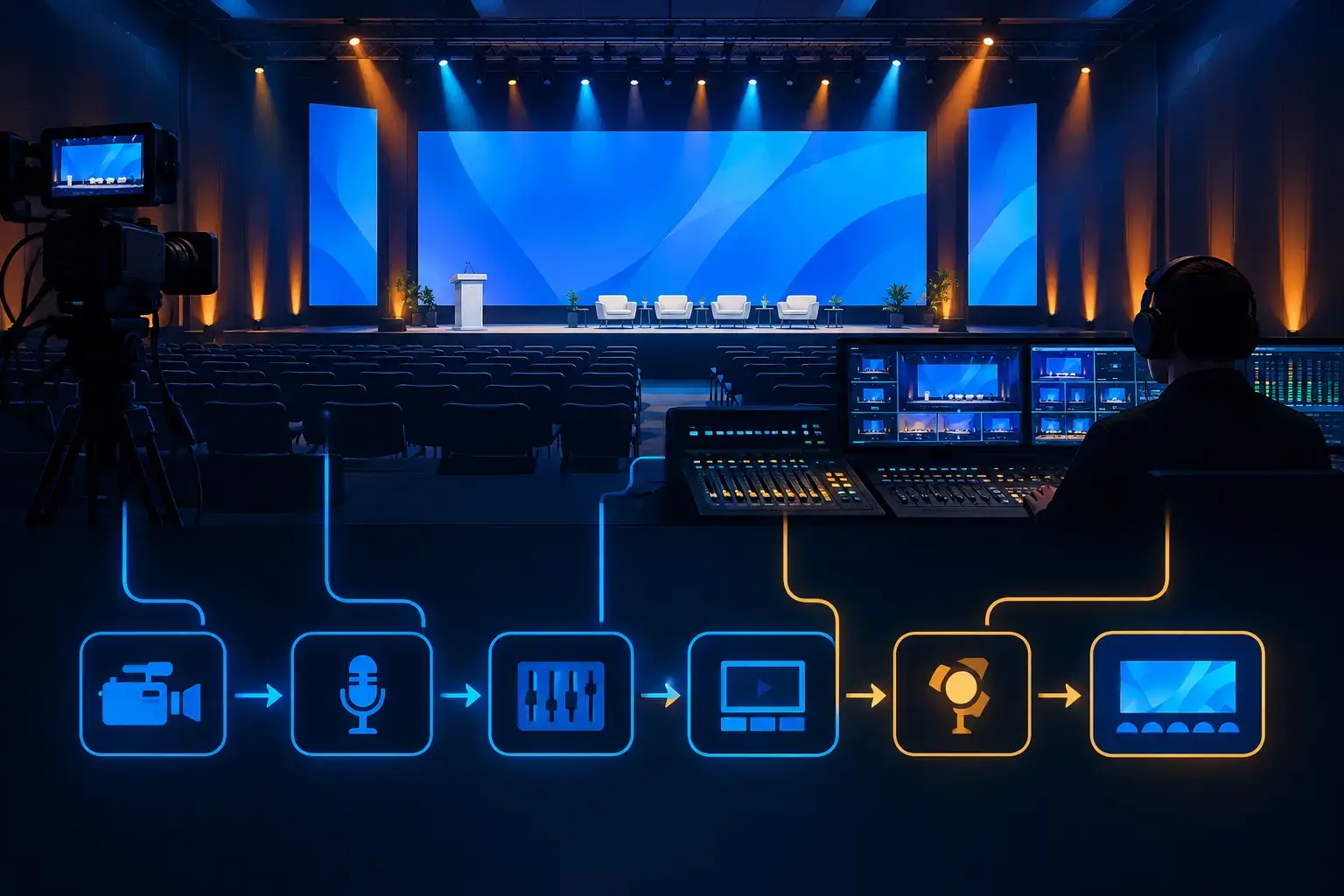
A keynote can have a strong speaker, a polished deck, and a full room, then lose momentum in seconds when the confidence monitor goes dark or a remote presenter cannot hear the panel. Corporate event technology is not a collection of screens and cables. It is the production system that keeps content, presenters, audiences, and remote viewers connected under live conditions.
For conferences, product launches, executive webcasts, and hybrid programs, the best technology plan starts with operational questions: What must the audience see and hear? What changes during the show? What cannot fail? Those answers determine the crew, signal paths, switching workflow, backup strategy, and rehearsal schedule.
Start With the Show Flow, Not the Equipment List
A technical plan should be built around the run of show. A single executive presentation has different demands than a multi-day conference with walk-in content, panel discussions, playback roll-ins, audience Q&A, sponsor loops, and remote contributors. Adding equipment before defining those moments often creates a system that is expensive but difficult to operate.
Map every content source and destination. That includes presentation laptops, playback machines, cameras, remote guests, confidence monitors, LED walls, projection surfaces, recording feeds, streaming outputs, and overflow rooms. Then identify who owns each handoff. Marketing may own slide approvals, a speaker manager may coordinate presenters, and the production team should control how those assets are tested, routed, and called during the show.
For Bay Area programs with tight load-in windows, this planning step matters even more. A clean technical drawing and a confirmed cue structure prevent last-minute changes from becoming live failures.
Video Systems Must Handle Change in Real Time
Corporate audiences expect screens to behave like the content is native to the room. That means correct resolution, stable scaling, intentional layouts, accurate color, and fast transitions between sources. It also means planning for the moments that tend to create problems: an executive arriving with a revised laptop, a demo that needs a different aspect ratio, or a speaker who wants notes while the audience sees a full-screen presentation.
Processing Creates Control
For complex screen layouts, a presentation switcher alone is not always enough. Video processing platforms such as Barco E2 and E3 allow operators to build layered compositions across LED walls, projection, and auxiliary displays. A camera image can sit beside presentation content. A lower third can be added for a webcast. A walk-in loop can be routed to the room while a different feed is sent to recording.
The value is not the processor by itself. It is the ability to make controlled changes without breaking the look of the show. If your program includes multiple screen destinations or high-resolution LED content, review the production requirements before choosing a system. For background on the platform, see . For a Bay Area deployment with experienced operators, AV Land also provides .
Cameras Turn a Room Event Into a Content Asset
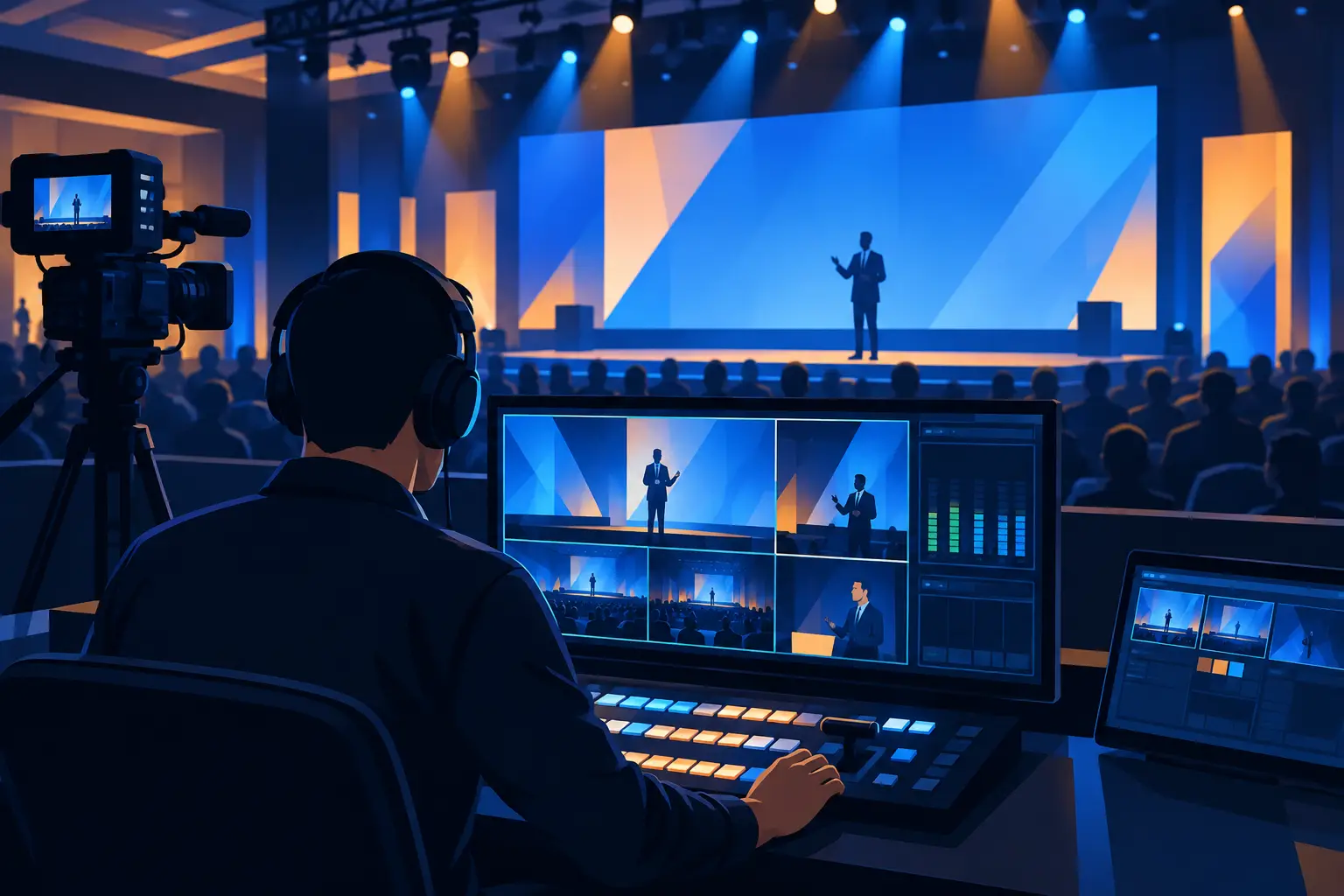
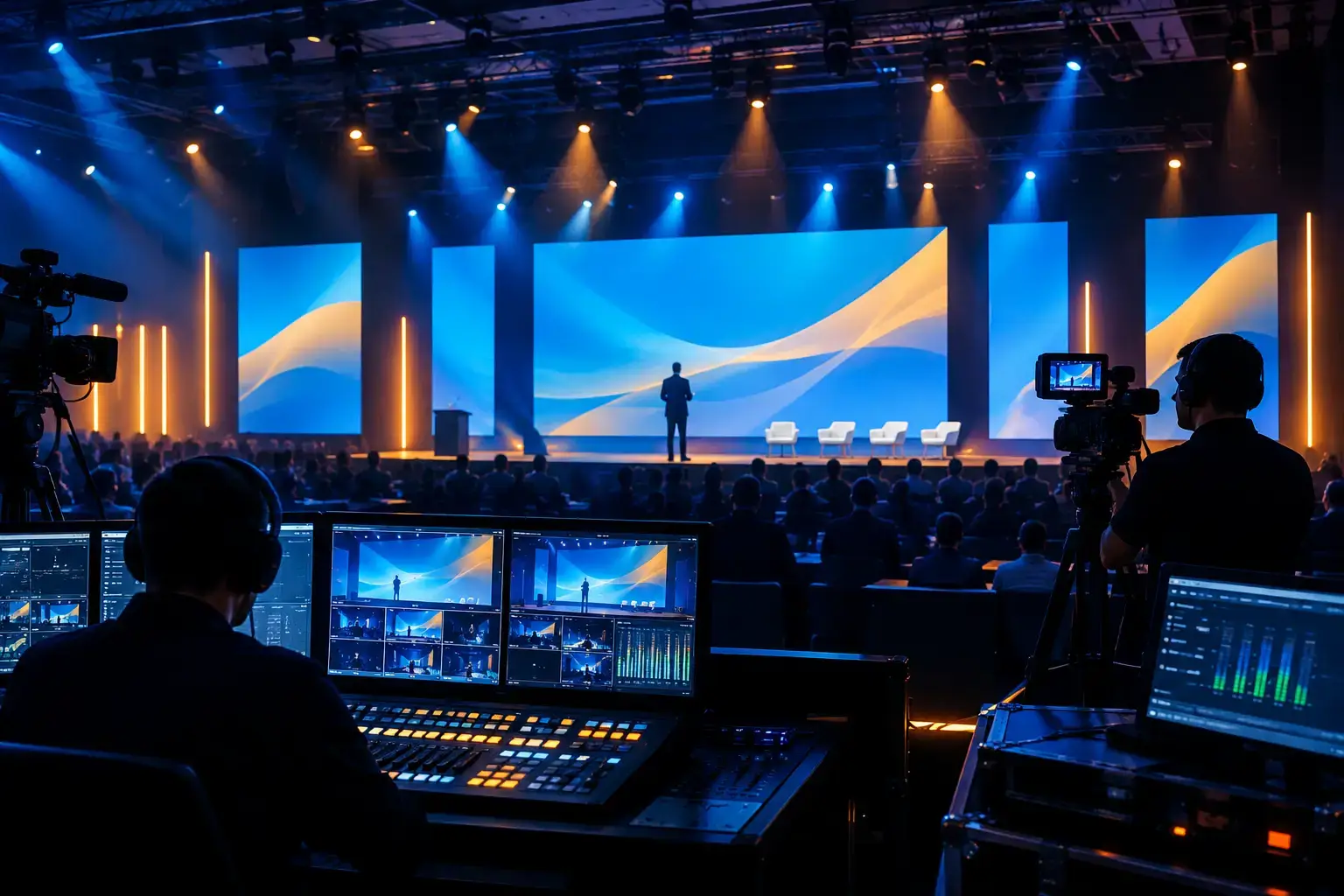
Multi-camera production is essential when the room experience also needs to serve remote attendees, recordings, or post-event editing. A wide shot establishes the stage, while tighter camera positions capture speakers, demos, panel reactions, and audience questions. The technical director can then cut the program feed with the pacing required for a live audience rather than relying on one static view.
Camera planning depends on the venue, stage geometry, sightlines, and desired deliverables. A compact executive webcast may need a focused camera package and clean interview lighting. A larger keynote may require multiple camera positions, camera shading, playback integration, and dedicated feeds for in-room displays and livestream viewers.
Audio Is the First Reliability Test
Attendees will tolerate a brief visual delay more readily than they will tolerate unintelligible speech. Clear reinforcement begins with microphone selection, RF coordination, speaker placement, console mixing, and enough time to test every presenter. It continues with disciplined stage management: microphones are labeled, battery changes are planned, and presenters know where they need to stand.
Hybrid events add another layer. The room mix is not automatically the right mix for a livestream. Remote viewers need intelligible dialogue, controlled playback levels, and a way to hear questions from the room. A dedicated broadcast mix or properly managed audio routing avoids the common result where the online audience hears applause but misses the speaker.
Redundancy should match the consequence of failure. For an executive broadcast, that may mean backup playback, alternate microphones, reserve communications, and recorded content staged on more than one approved device. Not every event needs duplicate systems everywhere, but every critical path needs a deliberate fallback.
Lighting and Scenic Technology Support the Message
Lighting is frequently treated as an aesthetic add-on, then becomes urgent when cameras are already in place. For corporate production, lighting has a practical job: make presenters look consistent on camera, separate them from the background, maintain visibility for the room, and support transitions without distracting from the content.
LED walls, projection, scenic elements, and lighting should be designed as one visual environment. An LED wall may be the right solution when brightness, flexible layouts, or camera-friendly backgrounds are priorities. Projection can be effective where the room supports controlled ambient light and the desired image size. The right choice depends on content, viewing distance, room architecture, and budget, not a default preference for one display technology.
Hybrid Production Needs Separate Attention
A hybrid event is not simply a room program with a streaming link attached. Remote participants need a deliberate viewing experience, defined interaction options, and reliable access to the content. That can require graphics, dedicated camera framing, moderation, remote presenter checks, return video, confidence feeds, and a streaming operator who is not also trying to manage the room show.
Before committing to a platform, determine whether attendees need registration, chat, Q&A, breakout sessions, on-demand access, or only a high-quality live player. Then test the actual presenter workflow. A remote guest may need to share slides, see program return, hear a mix-minus feed, and receive cueing from the show caller. Those requirements affect both the technical design and the staffing plan.
For complex broadcasts, use a production team that can manage live switching, graphics, audio, recording, and stream health as separate responsibilities. Details on that approach are available at .
Rehearsal Is Where Corporate Event Technology Becomes Reliable
The most expensive technology cannot compensate for an untested show flow. Rehearsal should confirm presentation formats, embedded video playback, remote guest connections, camera blocking, microphone technique, walk-on music, confidence monitor content, and cue language. It also gives executives and presenters a chance to understand what the audience will see.
A useful rehearsal is not just a slide check. It runs the transitions that carry the most risk: opening sequence, video roll-ins, live demos, remote handoffs, panel microphone changes, and closing remarks. If the show includes content revisions, establish a cutoff and a controlled process for loading final files. Last-minute updates are sometimes unavoidable, but they should be made through an operator who can verify the result on the actual display system.
FAQ
What corporate event technology is most important for a keynote?
Prioritize intelligible audio, reliable presentation playback, the correct display system for the room, confidence monitoring for speakers, and a production team that can call and execute transitions. Cameras and livestreaming become essential when the keynote must reach remote attendees or create a recording asset.
When should an event use an LED wall instead of projection?
Use an LED wall when brightness, flexible sizing, strong camera performance, or visibility in a higher-ambient-light environment are major concerns. Projection may be a better fit for certain room layouts, screen sizes, and budgets. A site review and content test will clarify which system serves the program better.
How much redundancy does a corporate event need?
It depends on the consequence of failure. Executive keynotes, product launches, and live broadcasts typically justify backup playback, alternate signal paths, spare microphones, and contingency planning. Smaller internal meetings may need less duplication, but they still benefit from tested equipment and experienced operators.
Can one crew run the room show and the livestream?
For a simple program, some responsibilities can overlap. For a high-stakes hybrid event, separating room operations from stream production is usually the safer choice. It lets the team protect the in-room experience while actively monitoring audio, video, graphics, recording, and the online feed.
The goal is not to put more technology on stage. It is to build a production system that gives speakers confidence, keeps the audience focused, and gives your team a clear response when conditions change. For a technical plan and equipment package built around your next corporate program, request a quote at .