Corporate Town Hall Production That Holds Up
An executive town hall can look deceptively simple: a leader at a lectern, a presentation, a few questions, and a remote audience watching from offices around the world. Corporate town hall production is what makes that simple format dependable under pressure. It determines whether employees hear a clear message, remote viewers see the right content at the right moment, and leadership can stay focused on the agenda instead of the technology.
For Bay Area technology companies and enterprise teams, the stakes are usually higher than a standard meeting. A town hall may cover quarterly performance, organizational changes, a major product direction, or difficult questions from employees. The production system has to support that message without becoming part of it.
Start With the Audience, Not the Equipment
The first technical question is not whether the event needs an LED wall, projection, or a specific camera package. It is who needs to receive the message and how they will participate. An all-hands meeting for 150 people in one room has different requirements from a hybrid town hall with 500 attendees on-site and 8,000 employees joining through a webcast platform.
That distinction affects every production decision. A room-first event may prioritize reinforcement audio, sightlines, confidence monitors, and screen brightness. A remote-first event needs broadcast-quality camera framing, dedicated program audio, clean presentation capture, captioning coordination, and a reliable streaming path. Most corporate town halls are both, which is where planning becomes more exacting.
The right production design protects the experience for each audience. People in the room should not feel like they are watching a webcast. Remote employees should not feel like they are listening to a room microphone from the back of a ballroom.
Build Corporate Town Hall Production Around Signal Flow
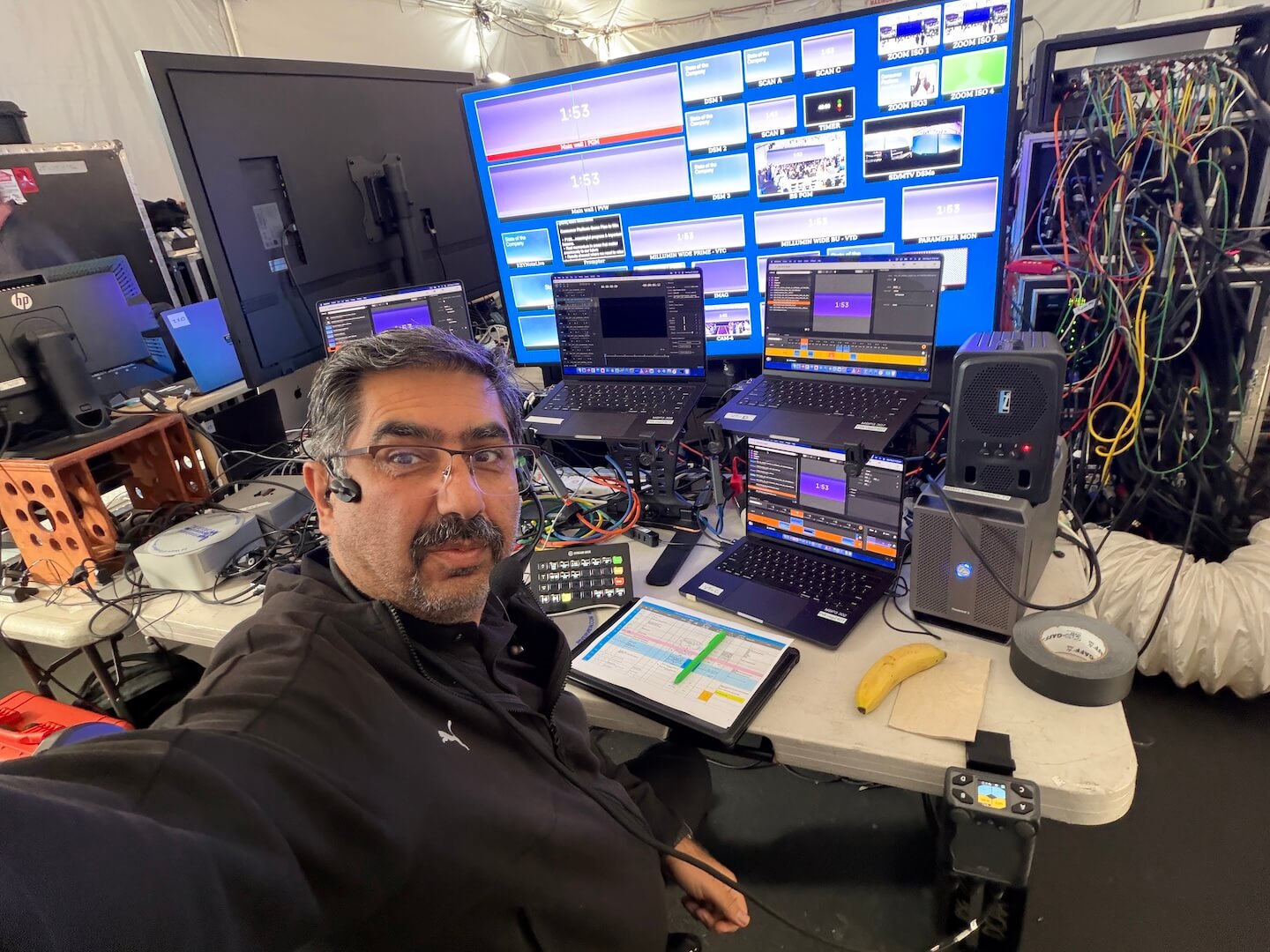
A production plan becomes reliable when every source, destination, format, and operator responsibility is documented before load-in. That means mapping executive laptops, playback machines, cameras, microphones, confidence monitors, in-room displays, the livestream encoder, recording feeds, and backup paths.
Presentation Content Needs Its Own Plan
Slides are frequently the weak point in an otherwise well-produced town hall. Last-minute edits, mixed aspect ratios, embedded video, presenter notes, and screen-sharing requests can introduce avoidable risk. The production team should collect presentation files early, test them at native resolution, confirm font behavior, and decide whether playback will come from a show computer or a managed executive laptop feed.
For high-visibility presentations, a dedicated playback workflow is usually safer than relying on a single laptop at the lectern. It gives the operator control of transitions, video playback, and fallback content while keeping a verified backup ready. If executives need to advance slides themselves, that can work too, but it should be rehearsed with the actual clicker, confidence monitor layout, and display switching path.
Video Switching Is More Than Camera Cuts
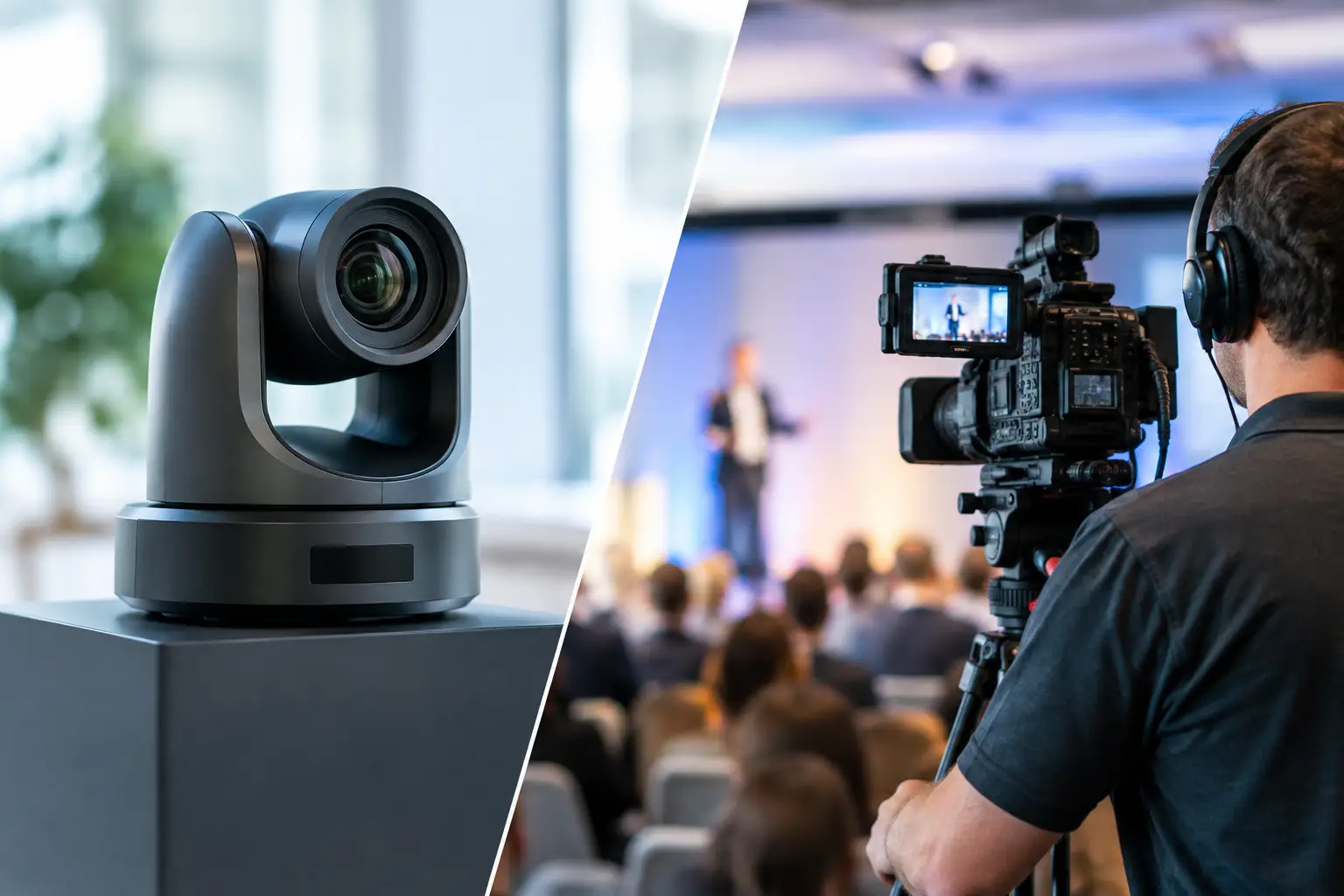
A multi-camera town hall needs more than a wide shot and a close-up. It needs intentional coverage: a primary executive camera, a second angle for natural cut points, a room or audience camera for Q&A, and a presentation source that is framed correctly for remote viewers. A wide room shot may be useful context, but it should not carry a detailed financial slide or product roadmap.
The technical director must also manage what each audience sees. The screen in the room may display slides full-frame while the webcast receives a picture-in-picture layout with the speaker and content. That requires a switching and processing workflow designed for independent outputs, not a single program feed copied everywhere.
For larger formats, Barco E2 or E3 processing can provide the canvas control and output flexibility needed for LED walls, projection surfaces, confidence displays, and webcast feeds. The value is not the processor by itself. It is having an operator who understands scaling, layer priorities, EDID behavior, backup routing, and how to recover quickly if a source changes resolution during a live segment.
Treat Audio as the Primary Message Path
Employees will tolerate a camera shot that is slightly less dynamic than expected. They will not tolerate an executive message that is hard to understand. Audio planning should begin with microphone selection, room acoustics, loudspeaker coverage, and a separate mix strategy for the stream.
The front-of-house mix is built for the room. The webcast mix is built for listeners on headphones, desktop speakers, and conference-room systems. They are rarely identical. A panel discussion, for example, may need closer microphone control and more deliberate mix-minus routing for remote contributors than the room itself requires.
Wireless microphones should be coordinated, tested in the venue, and supported with spare channels and batteries. Lectern microphones, handheld microphones for Q&A, lavaliers for presenters, and headset options each have a place. The choice depends on movement, wardrobe, presentation style, and how much audience interaction is expected.
Q&A Needs Production Rules Before It Goes Live
Live questions are often the most valuable part of a town hall and the most difficult to manage technically. Decide in advance whether questions come from room microphones, a moderated chat, a designated host, or a combination. Remote questions should be reviewed and routed to the moderator with enough lead time to avoid dead air or duplicated prompts.
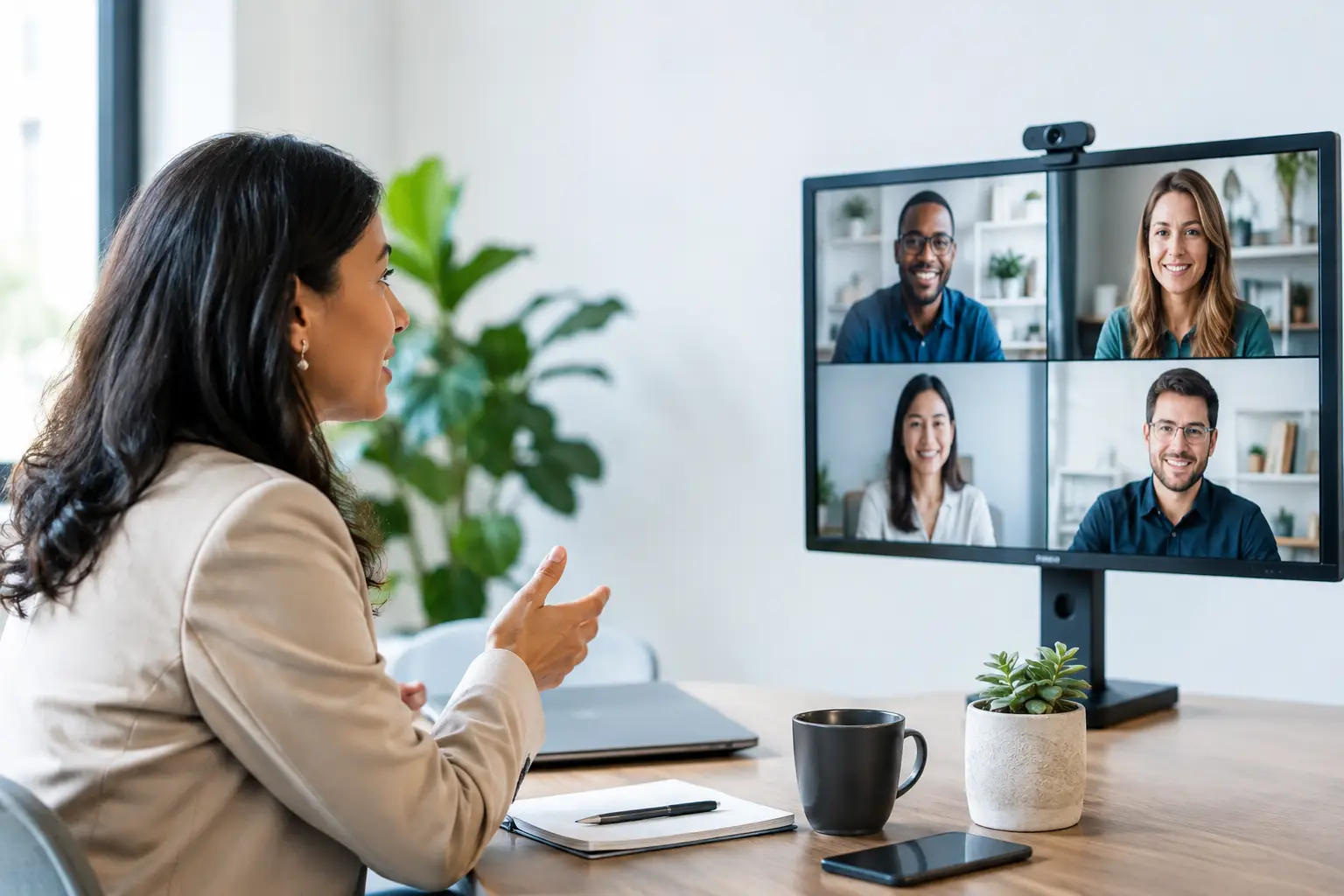
If remote participants will appear on screen, test their connection, camera position, lighting, audio device, and return feed before the event. A remote executive joining from a laptop can become the most visible point of failure unless there is a clear contribution workflow and a backup method for participation.
Redundancy Should Match the Consequence of Failure
Not every town hall requires duplicate systems for every cable and device. That would add cost and complexity without necessarily improving the show. Redundancy should be based on the consequence of losing a specific component.
A single noncritical comfort monitor may be acceptable in a lower-risk setting. A single encoder for a company-wide executive webcast is not. At minimum, critical events often warrant backup presentation playback, spare wireless microphones, redundant recording, alternate internet access, backup power where appropriate, and a tested contingency for the streaming platform.
Internet deserves special attention. Venue Wi-Fi is not a production internet plan. A wired dedicated connection, confirmed bandwidth, a tested upload path, and a separate backup connection should be part of the advance. The team should also test under realistic conditions, including the actual streaming resolution and bitrate, not just a browser speed test.
At AV Land, this planning is handled as a live production system rather than a collection of rented equipment. The goal is to identify single points of failure early, assign operators to the critical positions, and give the show caller clear options when the agenda changes.
Rehearsal Is Where Technical Planning Meets Executive Reality
A technical rehearsal confirms that equipment works. A show rehearsal confirms that people, content, and timing work together. Both matter.
Run the executive walk-on, opening video, slide transitions, panel seating, Q&A handoffs, remote guest joins, and closing remarks in sequence. Confirm where speakers stand, what they see on confidence monitors, when walk-in music stops, and who has authority to call a hold if a critical feed is not ready.
This is also where teams discover the practical details that never appear on an agenda: a speaker who needs larger notes, a panelist who cannot use an earset, a video with unexpected audio, or a CEO who wants to take questions from a different place in the room. These are normal adjustments. They are far easier to solve during rehearsal than during a live broadcast.
Design the Room for Cameras and People
Corporate town hall production has to serve both physical and virtual environments. Camera positions should not block key audience aisles or distract from the executive team. Lighting should make presenters look natural on camera while keeping screens visible and avoiding glare on glasses, lecterns, and LED surfaces.
Stage design should support the format. A keynote-style town hall may need a clean lectern position, generous screen real estate, and a strong walk-on path. A conversational leadership update may work better with chairs, side tables, a moderated host position, and tighter camera framing. Neither approach is automatically better. The agenda, leadership style, and remote-viewing priority should drive the choice.
Plan the Finish Before the Event Starts
A town hall often has value after the live program ends. Teams may need an executive recap, an edited recording, isolated speaker clips, internal social content, or a version with corrected captions. Decide what must be recorded and in what format before the event begins.
A program recording captures the live experience. Isolated camera records and separate audio tracks offer more flexibility for post-production, but they require additional planning, storage, and operator oversight. For a major announcement, that added capability can be worthwhile. For a brief internal update, a clean program record may be enough.
The best town halls do not feel technically ambitious to employees. They feel clear, composed, and credible. That result comes from disciplined planning, experienced operators, and production systems built to keep working when the schedule, content, or live environment changes.