7 Hybrid Event Examples for Corporate Teams
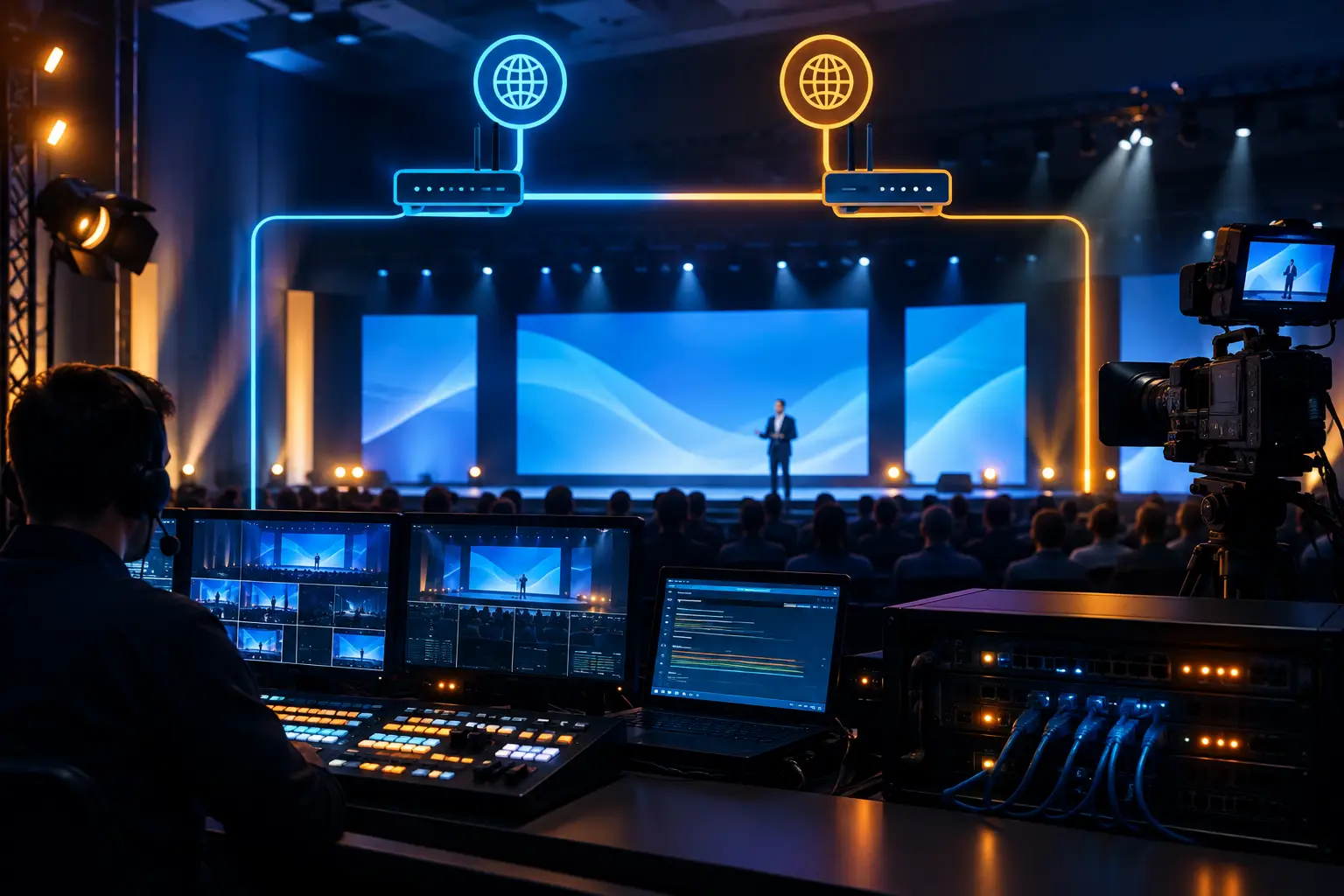
A hybrid event is not simply an in-room program with a webcam pointed at the stage. The strongest hybrid event examples treat onsite and remote audiences as two distinct viewing experiences supported by one coordinated production system. That means intentional camera coverage, dedicated audio mixes, presentation routing, audience interaction, and a backup plan for every critical path.
For corporate teams, the difference shows up quickly. A remote viewer who cannot hear a question from the room, read a slide, or see a product demo will disengage. Meanwhile, an onsite audience will notice if the program slows down because presenters are waiting on video calls, confidence monitors, or technical handoffs. Hybrid production succeeds when the show flow accounts for both audiences from the first planning meeting.
What Makes a Hybrid Event Work
The technical challenge is not sending video to a platform. It is managing signal flow between cameras, playback, presentation computers, remote speakers, in-room displays, and the outbound stream without adding confusion or delay.
A typical corporate hybrid setup may include multiple cameras, a dedicated presentation capture path, program and confidence displays, a graphics system, audio playback, wireless microphones, IFB or return audio for remote presenters, and a production switcher. For larger keynotes, a Barco E2 or E3 system can manage layered screen content independently from the broadcast program. The room screens may show one composition while remote viewers receive a camera-led program with lower thirds, speaker identification, and close views of demos.
That separation matters. The content that reads well on a 16:9 livestream is not always the content that works across a wide LED wall or multi-screen stage. Planning for those formats early prevents last-minute compromises.
1. The Executive Town Hall
An executive town hall is one of the most common hybrid formats for technology companies and distributed organizations. Leadership speaks from a headquarters auditorium or conference venue, while employees join from regional offices and home offices.
The onsite program needs polished lighting, clean presentation playback, and camera coverage that gives remote employees a clear view of each executive. The remote experience needs more: a dedicated audio mix, readable graphics, moderated Q&A, and a reliable method for bringing remote questions into the room. Enterprise platforms such as Microsoft Teams town halls include moderated Q&A tools that the producer can route to the stage.
A practical approach uses two or three cameras: a wide stage camera, a tight camera for executives, and a roaming or audience camera when the format includes employee participation. Remote questions should be curated by a moderator and fed to the stage manager or producer rather than interrupting the presentation through an open chat feed.
For sensitive updates, redundancy is not optional. Primary and backup internet paths, redundant recording, backup playback files, and an alternate presentation computer reduce exposure during a live executive broadcast.
2. The Product Launch With Live Demonstrations
A product launch often has the highest visual expectations and the least tolerance for technical hesitation. The room may include customers, analysts, partners, and media, while the remote audience expects broadcast-quality views of the announcement and product demonstration.
This format works best when the stage presentation and the streaming program are designed separately. A presenter may be standing beside a large LED wall while a demo operator runs software from an isolated computer. The in-room screen can display the product interface at full scale, while the stream receives a direct screen capture combined with a camera shot of the presenter.
The key production decision is how to show the demo. A camera pointed at a screen is rarely sufficient. Direct capture preserves text clarity, cursor movement, color accuracy, and small interface details. The technical director can then build a picture-in-picture composition that keeps the presenter visible without shrinking the product experience to the point of uselessness.
For launch programs with pre-produced videos, live keynotes, and several screen destinations, video processing becomes central to the show. Every source, resolution, and destination should be mapped before rehearsal. There should also be a fallback state for every cue if a demo machine or remote feed fails.
3. The Multi-Track Conference
A hybrid conference becomes more complex when it has general sessions, breakout rooms, remote speakers, sponsor content, and an audience moving between physical spaces. It is not one livestream. It is a collection of programs that require scheduling discipline and clear technical ownership.
The general session may need a full camera crew, IMAG screens, graphics, and a dedicated webcast mix. Breakouts may use a lighter footprint, but they still require proper microphones, presentation capture, remote presenter monitoring, and recording. The mistake is assuming that a breakout can run well with the room’s standard conferencing camera and ceiling microphones.
A better model assigns production levels based on audience size and business value. The keynote gets full live production. High-priority breakouts receive operator-led switching and camera coverage. Lower-priority sessions may use a controlled single-camera setup with a direct presentation feed and a technician assigned to speaker support.
This is also where staffing matters. One person should not be expected to mix audio, switch cameras, manage remote speakers, troubleshoot presentations, and monitor chat at the same time. Hybrid events require defined roles because failures usually occur during handoffs.
4. The Remote Speaker Keynote
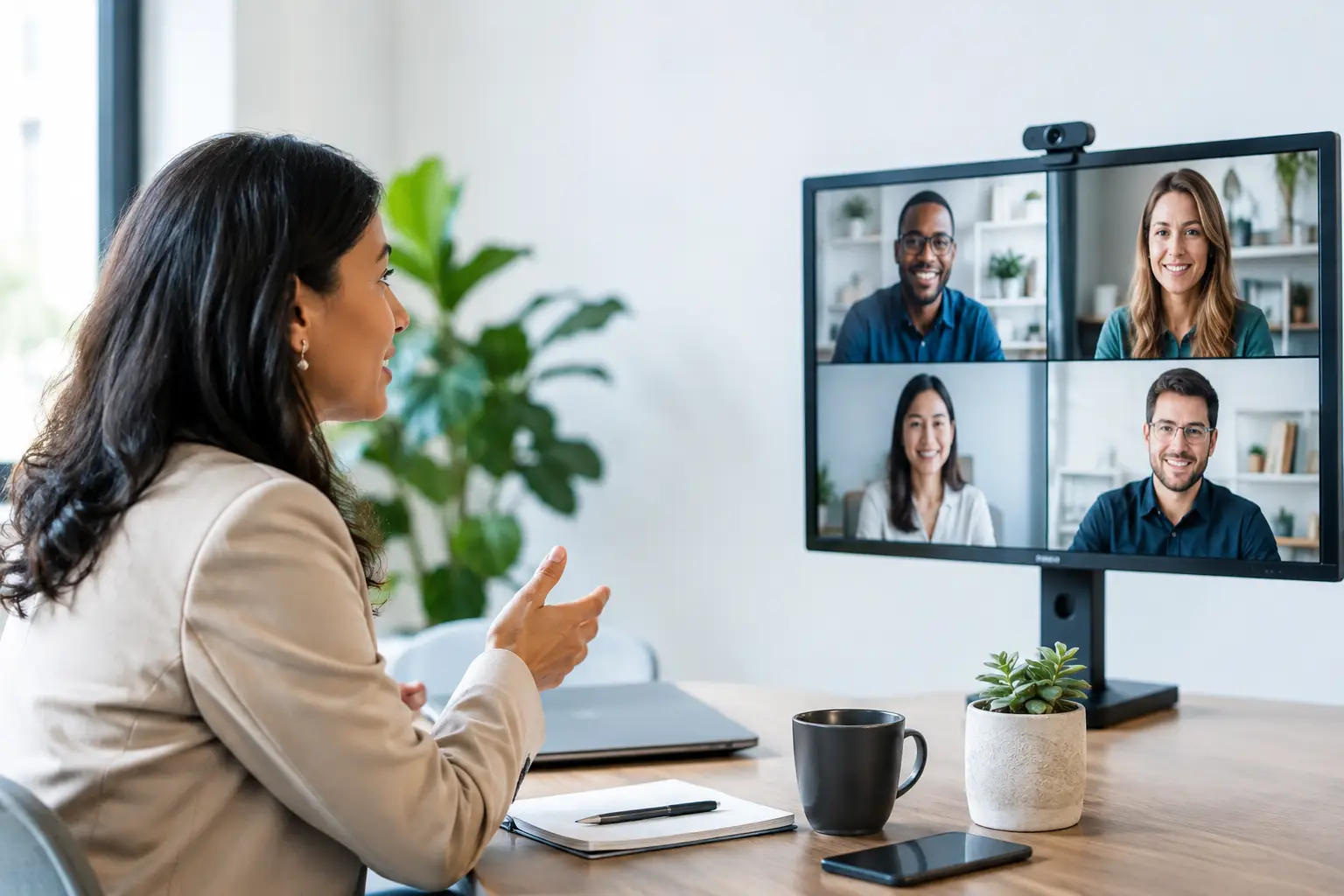
A remote keynote speaker can work extremely well, but only if the speaker is treated as part of the live show rather than an external video call. The audience needs to see and hear the remote presenter at a quality level that fits the rest of the production.
Before show day, test the speaker’s camera, lighting, microphone, network connection, and presentation setup. A laptop camera in a backlit room may be acceptable for an internal meeting, but it will look disconnected on a conference stage beside professionally lit presenters.
For high-stakes sessions, provide the speaker with a simple remote kit or arrange a staffed location. At minimum, establish a wired internet connection, a USB microphone or professional audio interface, front-facing light, and a clean background. Build in a return feed so the speaker can see the room and hear audience reactions without disruptive echo.
A local backup recording of the keynote is often worth the preparation time. If the connection drops, the producer can make a controlled decision: pause, move to a backup segment, or roll the recorded version.
5. The Hybrid Panel Discussion
Panels become difficult when some speakers are onsite and others are remote. The technical issue is not just screen placement. It is conversational timing.
The onsite moderator needs a confidence display positioned so they can maintain eye contact with the audience while seeing remote panelists. Remote speakers need a return view that includes the moderator, the current speaker, and any presentation content. Audio mix-minus prevents them from hearing their own delayed voice sent back from the room.
Camera direction should follow the conversation. Remote viewers need close shots of each onsite panelist, not a static wide shot where facial expression disappears. In the room, the remote panelist should appear large enough on the display system to feel present, with audio that is intelligible and properly time-aligned.
A producer should actively cue panelists, manage timing, and decide when remote questions enter the discussion. Left unmanaged, hybrid panels can become a series of interruptions. Proper moderation keeps the exchange useful for both audiences.
6. The Training Session With Hands-On Content
Training programs are often hybrid because teams need a live instructor, recorded material, product screens, document cameras, and remote attendance at the same time. The production priority is clarity, not visual spectacle.
For software training, send a direct screen capture to the stream and to the room display system. For physical products or technical procedures, an overhead camera or document camera can show detail that a rear-of-room audience cannot see. Camera shots should support the instruction, not simply prove that an instructor is standing on stage.
Recording should be planned around future use. Capture the program feed, isolated presenter camera, and presentation output where appropriate. Those assets give marketing, enablement, and internal learning teams more flexibility after the live session.
7. The Customer Briefing Center Broadcast
A customer briefing can combine an in-person executive meeting with remote stakeholders who need to participate in real time. These programs usually involve confidential content, product roadmaps, and multiple presenters handing off between slides, demonstrations, and discussion.
The right setup is often more controlled than a large conference. A small camera package, discreet lighting, professional microphones, confidence monitors, and a managed streaming or meeting platform can create a high-quality experience without making the room feel like a television studio.
Security and access control should be part of the technical plan. Confirm who can enter the virtual session, whether recording is permitted, how files will be stored, and who owns the final recording. For customer-facing programs, a detailed rehearsal is especially valuable because it exposes unclear presenter handoffs and screen-sharing problems before stakeholders join.
Plan the Production Around the Audience Experience
The best hybrid event format depends on the program, venue, audience size, content sensitivity, and expected production value. A quarterly town hall may need a practical multi-camera webcast. A product launch may require LED walls, broadcast graphics, video playback, and separate screen and stream compositions. Both demand a disciplined technical plan.
For Bay Area corporate events, AV Land builds hybrid productions around the actual show flow: cameras, display systems, livestream delivery, audio routing, remote contributors, rehearsals, and backup paths. The goal is straightforward: give the audience in the room and the audience online a program that feels intentional, stable, and worth their time.
Before approving a run of show, ask one operational question: what does each audience see, hear, and do at every major moment? When that answer is clear, the production design usually becomes clear too.
Want one of these hybrid event examples built for your next program? Request a quote with your format, venue, and audience size.