PTZ Versus Manned Cameras for Corporate Events
A camera plan can make or break a keynote long before the first executive walks onstage. PTZ versus manned cameras is not simply a question of whether to reduce crew count. It determines how confidently a production team can follow unscripted moments, protect program output, frame presenters, and deliver usable video to the room, the stream, and post-event editors.
For Bay Area conferences, product launches, executive webcasts, and hybrid events, the right answer is often a mixed camera package. The decision starts with the show format, not the equipment list.
PTZ Versus Manned Cameras: The Real Trade-Off
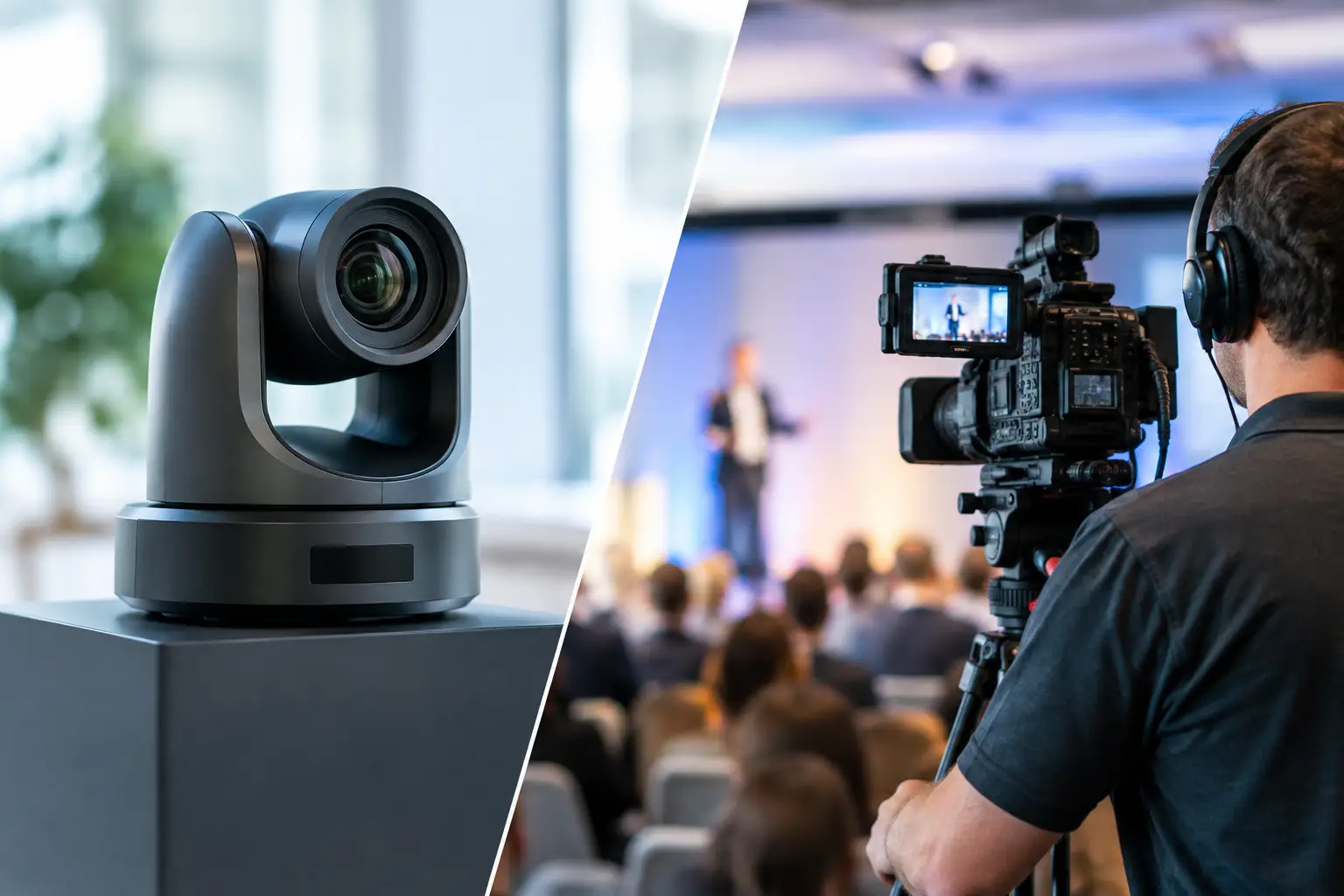
A PTZ camera can pan, tilt, and zoom remotely from a controller, typically operated by one technician who may manage multiple cameras. A manned camera is operated at the camera position by a dedicated camera operator using a pedestal, tripod, handheld rig, or other support system.
PTZ systems offer efficient coverage from positions where an operator would be impractical. Professional models, such as Panasonic’s PTZ range, can be mounted high, placed on a lighting truss, installed at the back of a ballroom, or positioned in tight side-stage locations. For a structured presentation with a known stage area, they can hold clean medium and tight shots all day.
Manned cameras deliver better situational awareness. An experienced operator sees the stage, audience, confidence monitors, walk-ons, and presenter behavior in real time. They can anticipate movement rather than react after it occurs. That distinction matters when a CEO abandons the comfort zone, a product demo requires a quick reframing, or a panelist turns toward a display rather than the audience.
The practical comparison is not automation versus people. It is controlled repeatability versus human judgment.
Where PTZ Cameras Perform Well
PTZ cameras are highly effective when the event has defined blocking and repeatable sightlines. A center-rear PTZ can provide a protected wide of the stage. Side-stage PTZs can cover podium positions, seated interviews, or presenters standing in predictable marks. In a breakout room, one operator may be able to manage a wide shot and a presenter close-up while also supporting a confidence-monitor feed.
They are also useful when physical access is limited. Corporate venues often have narrow aisles, fixed seating plans, fire-lane requirements, or architectural constraints that make multiple staffed camera positions unrealistic. A compact PTZ package reduces floor footprint and can keep camera personnel out of guest sightlines.
For remote speakers, PTZ cameras can be a practical part of a larger hybrid workflow. They provide dependable room coverage while the technical director switches between local cameras, presentation playback, remote contributors, and lower thirds. When the show needs a stable record or webcast feed rather than cinematic movement, this approach can be cost-effective without looking compromised.
That said, PTZ performance depends on proper planning. Camera placement, focal length, lighting level, control protocol, shading capability, and network design all affect the result. A PTZ mounted too far from the stage may technically reach a close shot but produce a flat image with visible atmospheric haze or an unflattering angle. Remote control does not fix a poor camera position.
PTZ Limitations That Show Up on Air
PTZ movement has character. Even high-quality units can reveal a mechanical start, stop, or speed ramp that does not feel as natural as an operator reframing manually. A fast pan to catch an unexpected presenter can become distracting on a large LED wall or in a livestream.
Focus management is another issue. Autofocus can hunt when a speaker crosses in front of a bright screen, turns their head, or moves through changing stage light. Manual control helps, but the remote operator may be managing several sources at once. PTZs can deliver polished results, but they should not be assigned jobs that require constant improvisation.
When Manned Cameras Are Worth the Crew
Manned cameras are the stronger choice for keynote stages with active presenters, executive panels, live demonstrations, audience Q&A, and high-visibility product launches. The camera operator can compose a shot around the presenter rather than merely keep the presenter inside the frame.
A skilled operator also understands shot discipline. They know when to hold, when to reframe, when to avoid a distracting movement, and when to find a reaction shot that supports the story. During a panel, they can move from a two-shot to an individual close-up as the conversation changes. During an audience question, they can locate the microphone holder before the technical director calls for the shot.
For a premium corporate program, this is often the difference between documentation and live production. The image feels intentional because a person is actively interpreting the event.
Manned cameras are especially valuable when camera feeds are being displayed in the room. IMAG, or image magnification, makes framing errors obvious. A camera operator can maintain appropriate headroom, protect eyelines, and avoid framing that feels awkward at large scale. This is important for general sessions using LED walls, projection screens, or wide-format displays.
The Operational Cost Is More Than Labor
A manned camera package requires operators, camera platforms or positions, intercom, cabling, power, and clear coordination with the show caller or technical director. Those are real budget and logistics considerations. But cutting operators can create hidden risk if the remaining team is asked to manage too many critical tasks at once.
One person operating three PTZ cameras may work well in a controlled breakout. The same setup can fail under the pressure of a fast-paced keynote with walk-and-talk presenters, audience interaction, and frequent transitions. The issue is not whether the equipment works. The issue is whether the crew can make the right decision at the right second.
Build the Camera Plan Around Show Flow
A productive camera conversation begins with the run of show. How many presenters will be onstage? Will they use a podium, stand in fixed locations, or move freely? Is there a live demo table? Are there remote guests, audience questions, awards, or walk-on music cues? Will program video be shown on in-room displays, streamed to remote viewers, recorded for later editing, or all three?
From there, determine which shots must never be missed. A typical executive keynote may need a locked wide for protection, a dedicated manned close-up for the primary speaker, a second manned camera for alternate angles and audience response, and PTZ cameras for podium, stage-left, or back-up coverage. A smaller webcast may need one manned camera for natural presenter tracking and one PTZ for a stable wide.
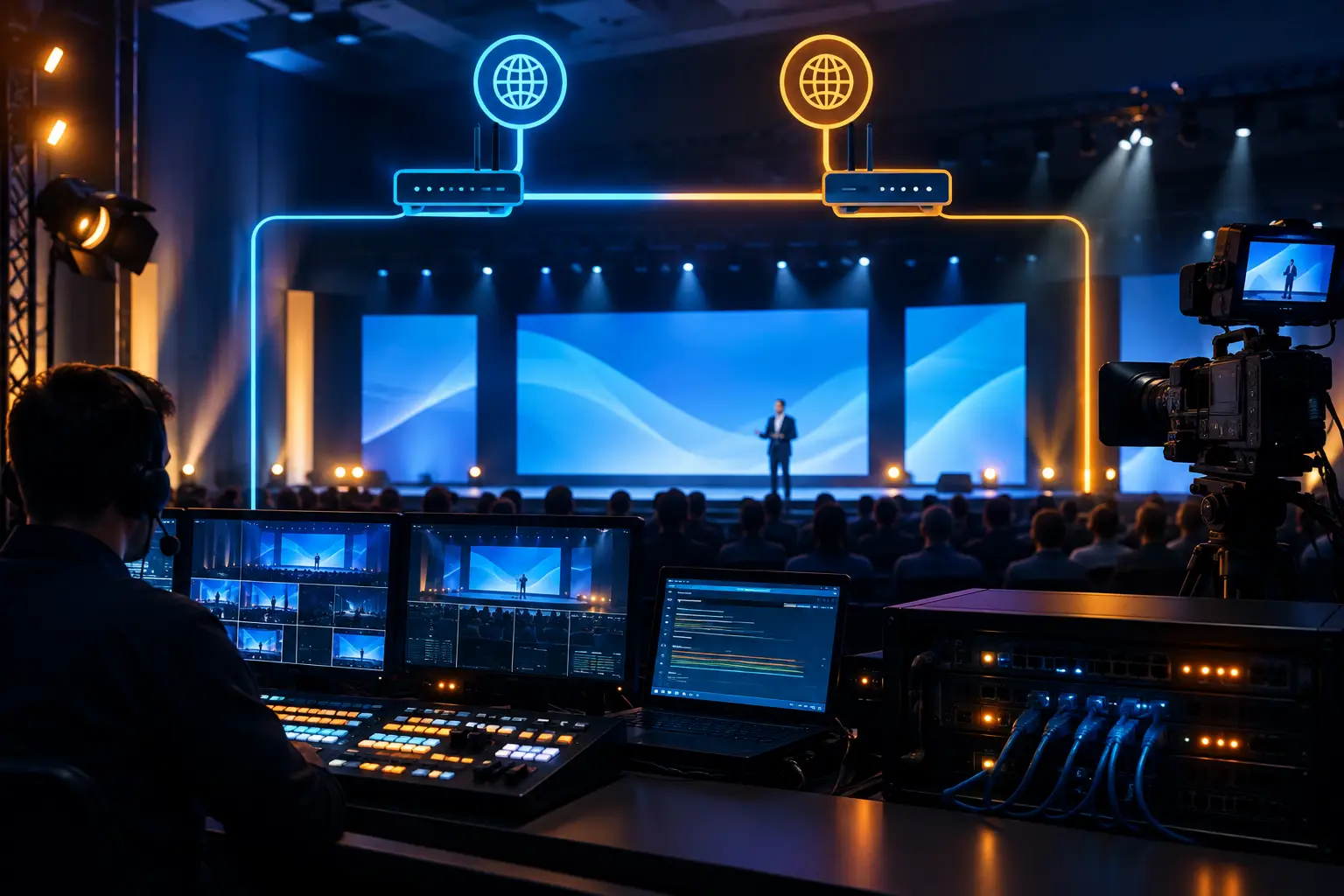
The switcher workflow matters just as much as camera count. Camera sources need matching frame rates, reliable genlock where appropriate, consistent color balance, and dependable communications. If video is routed through a Barco E2 or E3 environment, the production team should define source routing, multiviewer layouts, backup paths, and screen destinations before doors open. Camera coverage is part of the full signal flow, not a standalone department.
Redundancy Should Guide the Decision
For high-stakes corporate programs, a protected wide shot is one of the most useful forms of redundancy. If an operator needs to reposition, a camera develops an issue, or a presenter moves unexpectedly, the technical director has a clean source available while the team recovers.
PTZ cameras are excellent for this role because they can remain locked on an established composition. But redundancy also requires more than an extra camera. It includes spare signal paths, tested control networks, backup recordings, disciplined cable management, and a production team that has rehearsed handoffs.
A single PTZ controller or unmanaged network switch can become a point of failure. Likewise, a manned camera without a clear backup framing option can create pressure during a live transition. The strongest designs identify failure points early and give the show caller options.
A Practical Recommendation for Corporate Events
Choose primarily PTZ coverage when the program is controlled, the stage footprint is limited, budget efficiency is a priority, and the primary need is clean documentation or a straightforward webcast. Use primarily manned cameras when the event depends on presenter movement, visual storytelling, audience engagement, or in-room image magnification.
For many conferences and product launches, combine both. Assign manned cameras to the moments that require anticipation and PTZs to stable, repeatable coverage. This protects the program feed while keeping the camera package efficient.
AV Land plans camera systems as part of full-service corporate event production and video equipment rental in the Bay Area, including camera positions, video shading, comms, switching, record paths, display feeds, and livestream delivery. That planning is what turns a collection of cameras into a dependable live system.
Before locking a camera package, walk the room with the agenda in hand. Identify where presenters will actually stand, where sightlines will be blocked, what the audience needs to see, and which source protects the show if the unexpected happens. The best camera choice is the one that gives your production team options when the room stops following the script.
Weighing PTZ versus manned cameras for your next event? Request a quote with your agenda, room layout, and streaming plans.