How to Budget Event AV Without Cutting Reliability
A corporate keynote can look straightforward on a floor plan: one stage, one screen, a lectern, a few microphones, and a livestream. But the production budget changes quickly once the real requirements are defined: executive walk-ons, playback, confidence monitors, camera IMAG, remote presenters, room overflow, branded content, and a show that cannot pause when a cable or laptop fails. Knowing how to budget event AV starts with treating AV as an operating system for the event, not a line-item equipment package.
For Bay Area conferences, product launches, and executive programs, the goal is not to buy the most technology. It is to fund the technical plan that protects the audience experience, the presenter experience, and the schedule.
Start with the show requirements, not a package price
The fastest way to create an inaccurate AV budget is to request a generic quote before defining what must happen in the room and online. A proposal based only on attendee count or room dimensions may omit the systems and labor needed to execute the actual agenda.
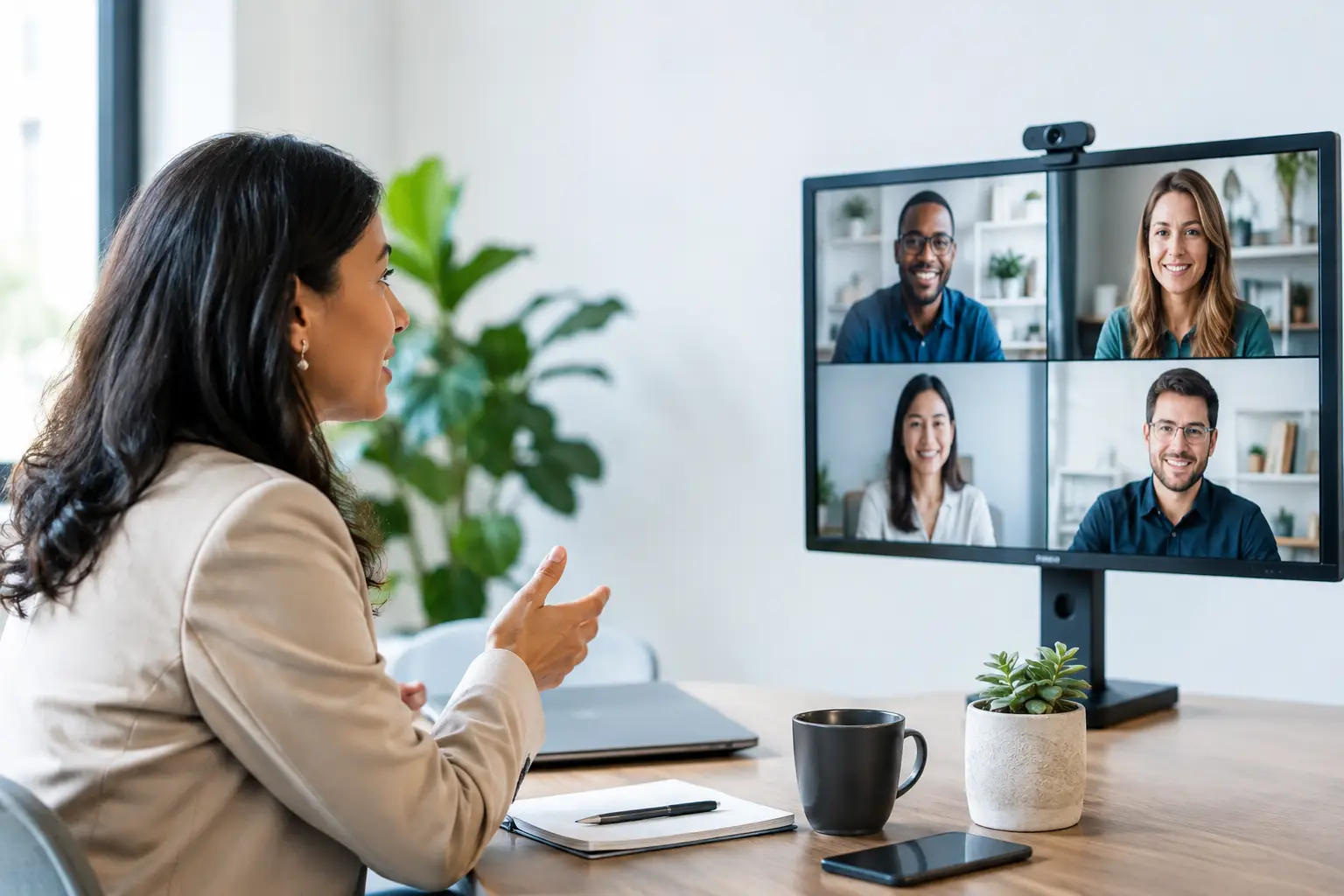
Begin with a working show brief. It should identify the venue and room layout, audience size, event days, rehearsal windows, agenda format, presentation sources, video playback needs, speaker count, lighting expectations, recording requirements, and whether remote viewers will participate. For hybrid events, document the streaming platform, remote presenter workflow, moderation plan, and what online attendees need to see and hear.
A 60-minute executive keynote with six speakers and two videos is technically different from a full-day conference with panels, demos, live camera feeds, and a virtual audience. Both may use the same ballroom. They should not carry the same AV budget.
Build the budget around the audience experience
A useful AV budget separates the technical systems that audiences directly experience from the systems that make those systems dependable. Both matter.
Display, video, and content playback
The display system is often the largest visual decision. Projection may be effective in controlled lighting conditions, especially for presentation-heavy sessions. LED walls can provide higher brightness, stronger camera performance, and more flexibility for wide scenic layouts, but they also require proper processing, rigging or ground support, power planning, and experienced setup labor.
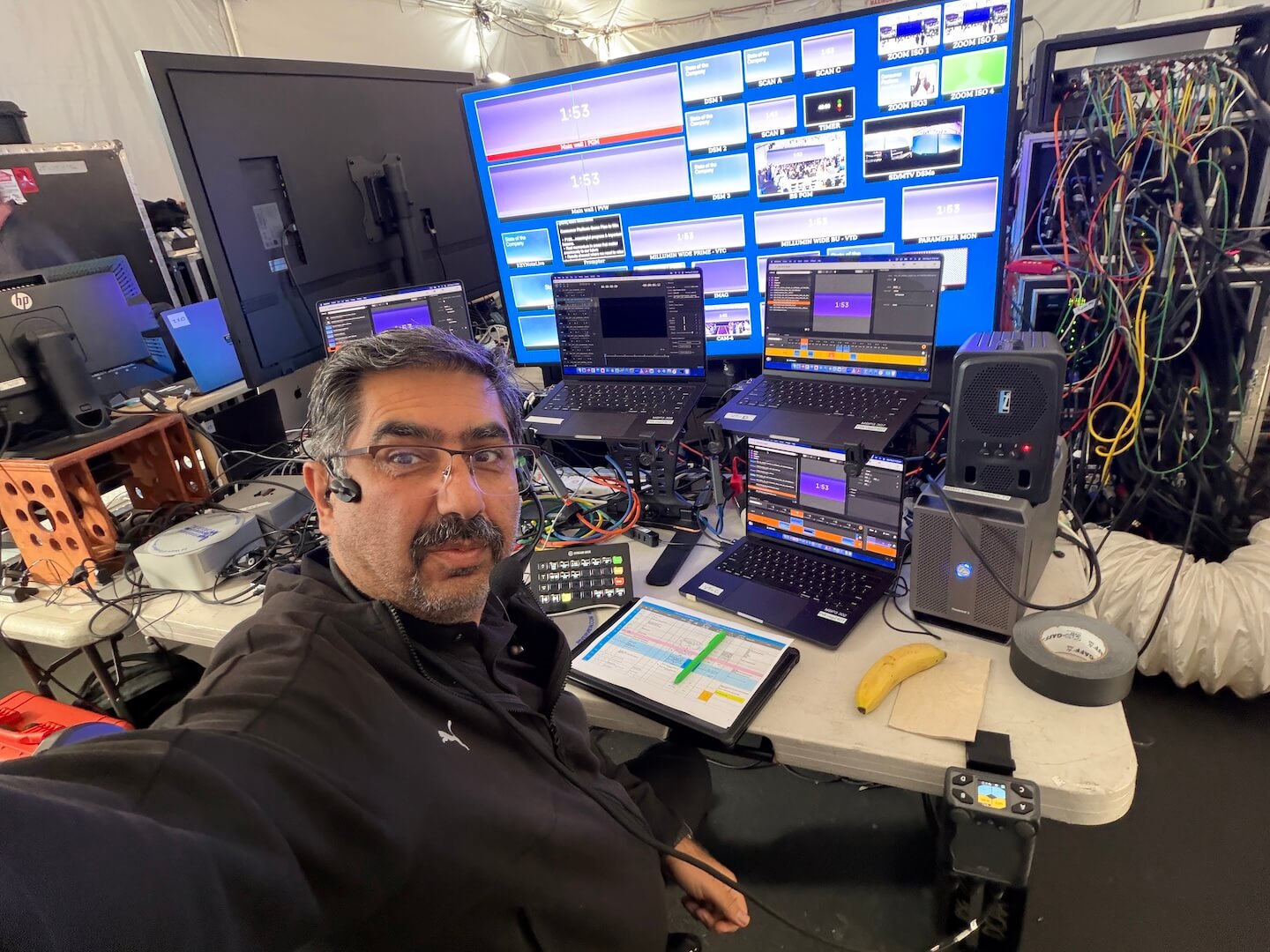
Do not budget a screen or LED wall in isolation. Account for the switcher or presentation system, playback computers, confidence monitors, signal distribution, cable paths, and the operator who calls and executes cues. A multi-source keynote may need a production switcher and a video processor such as a Barco E2 or E3 to manage layered content, screen destinations, camera feeds, and backup routing.
Content has a direct cost impact. If every speaker brings a different laptop, plan for more presentation management and conversion options. If all content is delivered in a standardized format and reviewed before rehearsal, the system can be simpler and the show less exposed to last-minute failures.
Audio, microphones, and communications
Audio is rarely where a corporate event should seek aggressive savings. A poor image is distracting. Poor speech intelligibility makes the program unusable.
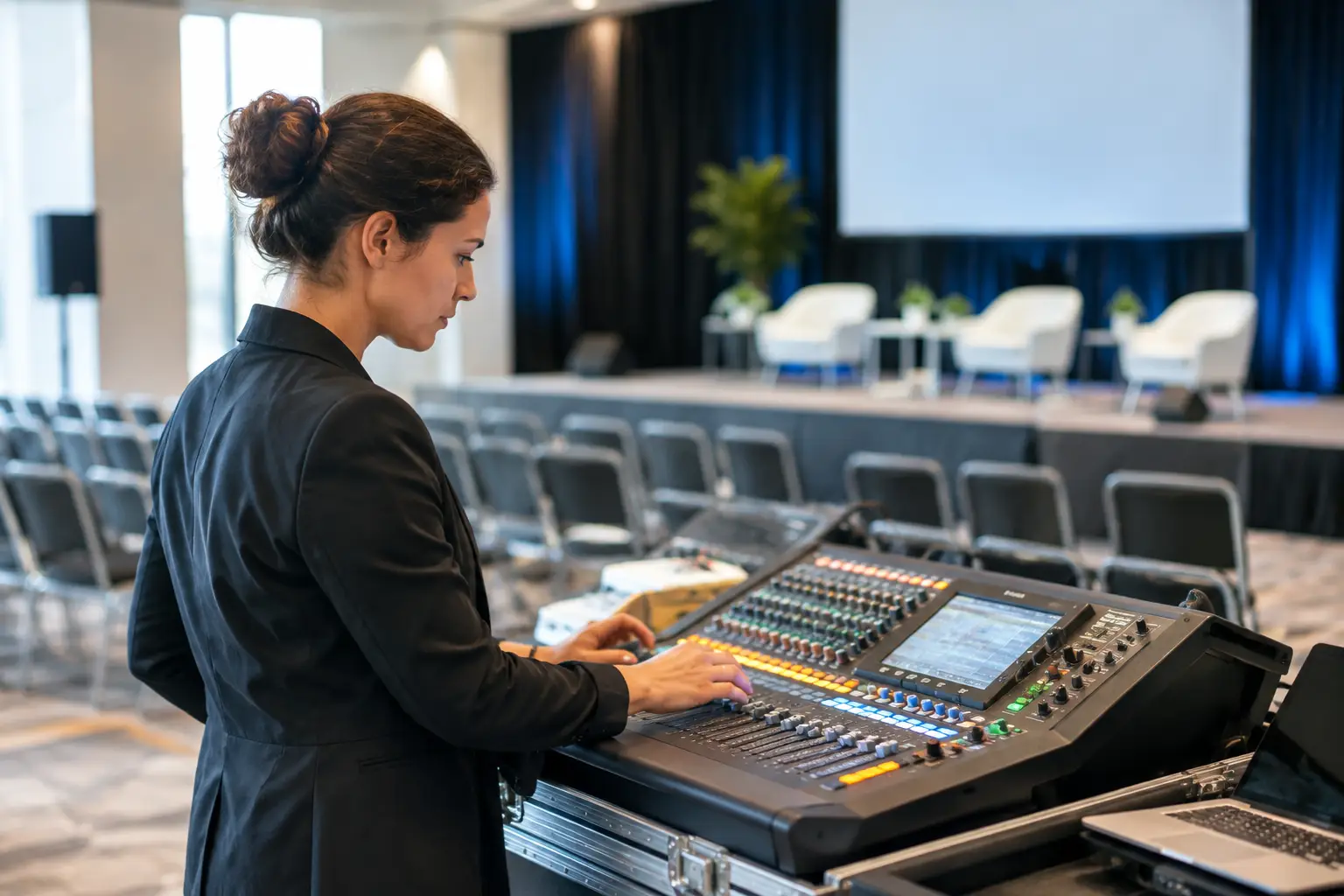
Budget for the microphone type that matches each role: handhelds for moderated discussion, lavaliers or headsets for presenters who need their hands free, podium microphones for formal remarks, and dedicated microphones for audience Q&A. Include a properly sized speaker system, mixing console, playback, recording feeds where required, and an audio engineer who can manage the room in real time.
Communications are equally operational. When a show has multiple cameras, stage cues, video switching, remote contributors, or a busy backstage area, crew intercom is not an optional accessory. It is how the production team coordinates transitions without adding confusion to the stage.
Lighting, cameras, and staging support
Lighting should be budgeted based on what must be seen. An executive presenting in a ballroom needs controlled key light and adequate stage coverage. A product launch with camera IMAG, recording, or livestreaming needs a more deliberate lighting design so presenters and scenic elements read correctly on screen.
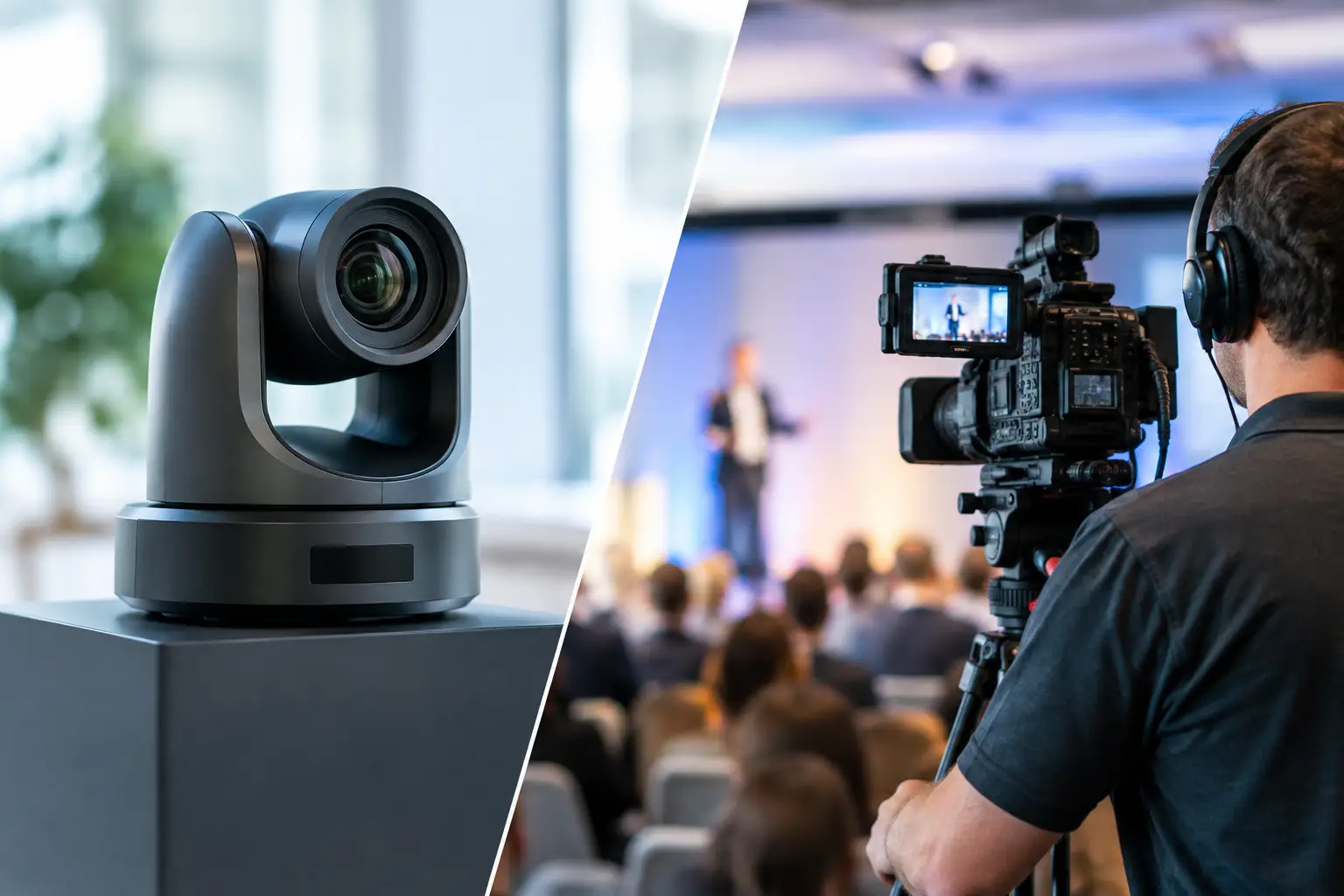
Camera coverage adds more than camera bodies. The budget should include tripods or pedestals, lenses, operators, shading or camera control when needed, routing, switching, and recording. One locked camera may be enough for a simple archival record. A broadcast-style program with executive speakers, panels, demonstrations, and audience cutaways requires multiple staffed cameras and a director-led workflow.
Price labor as part of the system
Equipment does not load in, patch itself, test every input, manage rehearsals, or solve a failure during a live session. Corporate AV labor is a core production cost, particularly in San Francisco and Silicon Valley venues where access restrictions, union requirements, loading docks, and short setup windows can shape the schedule.
Your budget should distinguish among prep, load-in, setup, testing, rehearsal, show operation, strike, and transport. A quote that appears lower may simply assume fewer technician hours, omit rehearsal coverage, or schedule a crew too tightly to complete proper testing.
For a simple meeting, one lead technician may cover multiple areas. For a high-stakes keynote, roles should be appropriately separated: audio engineer, video engineer, graphics or playback operator, lighting technician, camera operators, technical director, stage manager, and streaming engineer as applicable. The right crew size depends on cue density and system complexity, not just headcount in the room.
Fund redundancy where failure would be visible
The best way to reduce AV risk is not to duplicate every device. It is to identify single points of failure that would interrupt the show, then place redundancy where the impact justifies it.
For executive keynotes and live broadcasts, common priorities include backup playback, spare wireless microphones, redundant presentation paths, backup network access, recording redundancy, and a fallback stream path. A program using multiple content layers may also need protected video processing and routing. For livestreams, the production plan should account for both primary internet and a tested secondary connection rather than assuming venue Wi-Fi will carry the broadcast.
Redundancy has a cost, and the appropriate level depends on the event. An internal meeting with a short agenda may accept more risk than a customer-facing product announcement with thousands of remote viewers. The budget conversation should be explicit: what can fail without materially affecting the program, and what cannot?
Treat hybrid and livestreaming as separate deliverables
A livestream is not simply a camera pointed at a stage. Remote viewers need a purposeful program feed that combines cameras, presentation content, clean audio, graphics, and speaker feeds in the correct format. They also need confidence that the stream will start on time and remain stable through the program.
Budget separately for encoding, streaming operations, platform configuration, graphics, remote contributor management, audience Q&A workflows, captioning if required, and recording deliverables. A hybrid event may also need return feeds in the room so presenters can see remote speakers or moderated questions.
This is where many initial budgets come up short. The room system may be adequate for in-person guests while the online experience is underfunded. If the virtual audience matters, give it a defined scope, a dedicated operator, and a tested signal path.
Use a contingency that reflects the program
A contingency line protects the event from ordinary production changes: a late-added presenter, additional rehearsal time, revised scenic dimensions, new video content, a second breakout room, or extended operating hours. For a straightforward program with a stable scope, a modest contingency may be enough. For a launch event still evolving in the final weeks, the reserve should be larger.
Contingency is not permission for vague planning. It is a practical allowance for changes that occur after the technical design is sound. The earlier content, room layouts, and agendas are finalized, the more accurately AV can be scoped.
Compare proposals by scope and execution plan
When comparing AV quotes, do not start with the total at the bottom. Compare system design, labor hours, included rehearsal time, equipment quality, redundancy, delivery assumptions, and exclusions. Ask who is responsible for content intake, show calling, network testing, remote speaker checks, and final signal verification.
A lower number can be valid if the program is genuinely simpler. It is not a savings if it removes the backup playback system, cuts the video engineer, or leaves livestream operation as an add-on. For complex corporate programs, a detailed scope is more valuable than a low equipment rate with unresolved execution questions.
AV Land approaches corporate production budgets from the show flow outward: what the audience must see and hear, how the signal moves through the system, who operates each critical position, and how the production responds when conditions change. That approach keeps the budget tied to execution rather than a collection of gear.
Before approving your next AV budget, ask one final question: if the CEO walks on stage five minutes from now, has every source, cue, microphone, display, camera, and backup path been tested by the people responsible for running it? Budgeting for a confident yes is usually money well spent.