
AV Rentals for Corporate Events That Cannot Fail
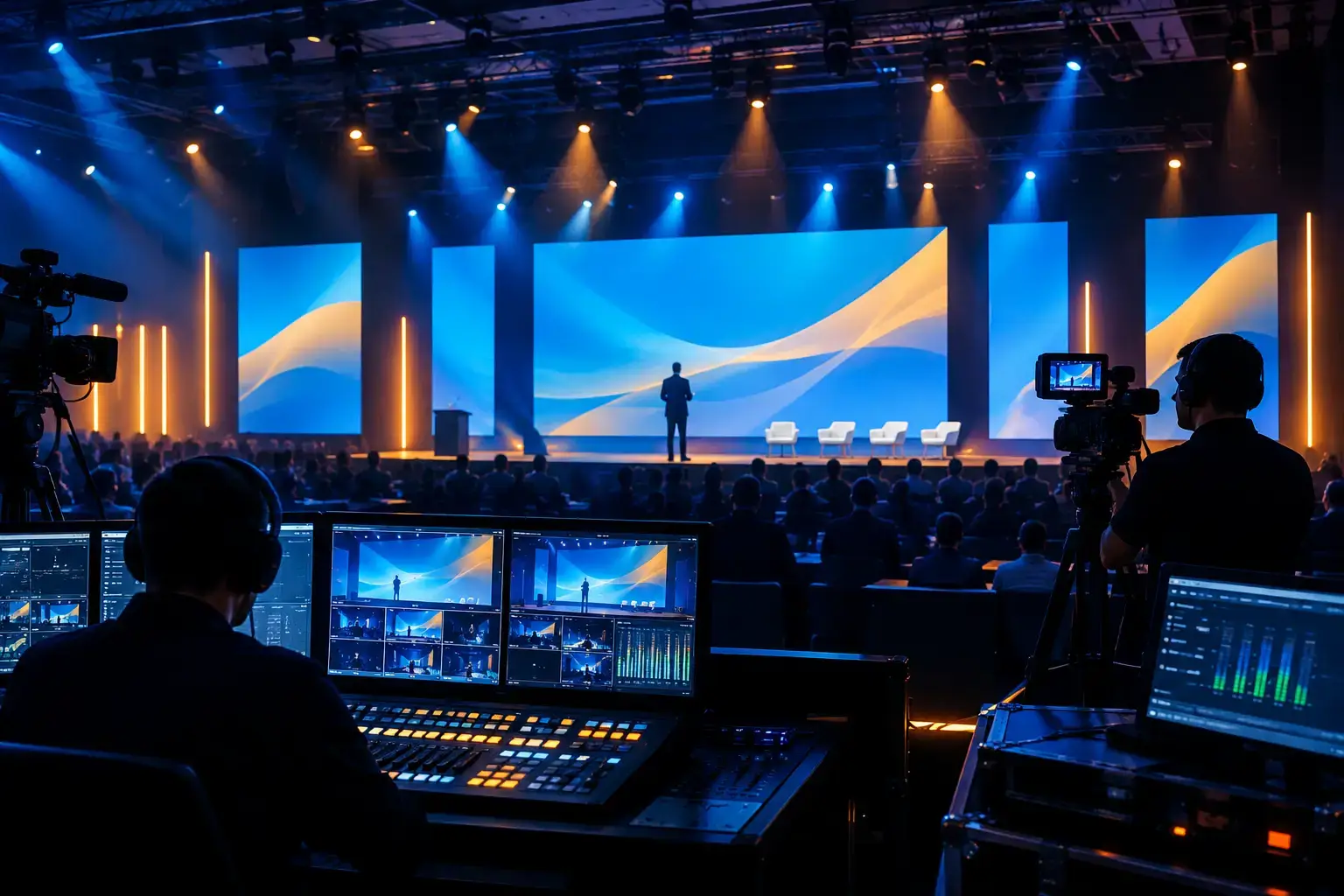
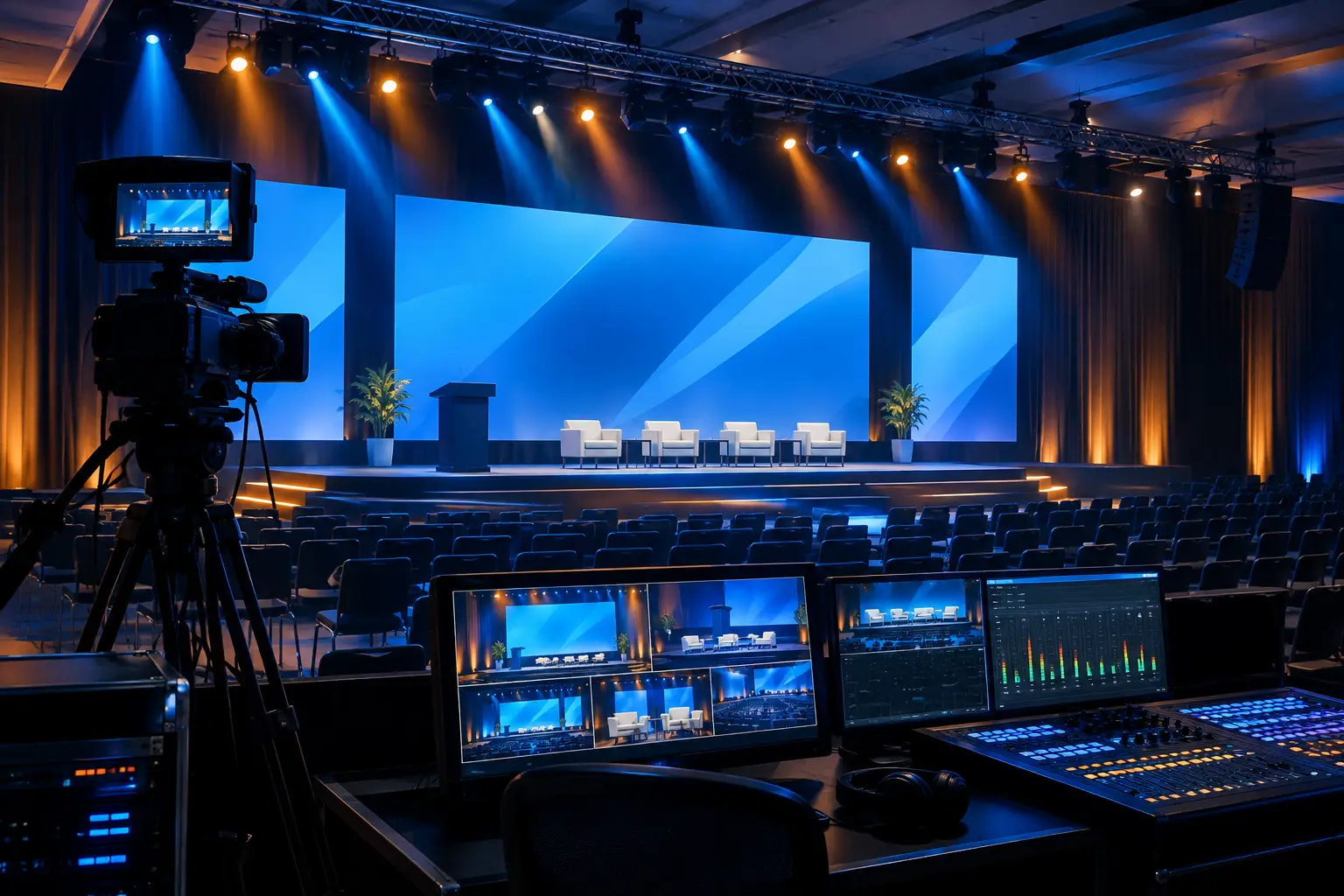
A keynote can have excellent content, polished speakers, and a full room, then lose momentum because a confidence monitor drops, a playback file arrives in the wrong format, or the webcast mix does not match the room. AV rentals are not simply a list of displays, microphones, and cables. For corporate events, they are a live production system that needs to be specified, tested, staffed, and backed up before the audience walks in.
For conferences, product launches, executive meetings, and hybrid programs, the right rental plan starts with the show flow. What must happen on screen, in the room, and online at each moment? Once that is clear, equipment selection becomes practical rather than generic.
AV Rentals Should Start With the Show, Not the Gear List
A basic equipment list rarely captures the actual production requirement. Two events may both request an LED wall, wireless microphones, cameras, and livestreaming, yet require very different systems. A single-speaker keynote with presentation playback is not the same as a multi-session conference with walk-on music, remote contributors, panel microphones, sponsor loops, and a live audience Q&A.
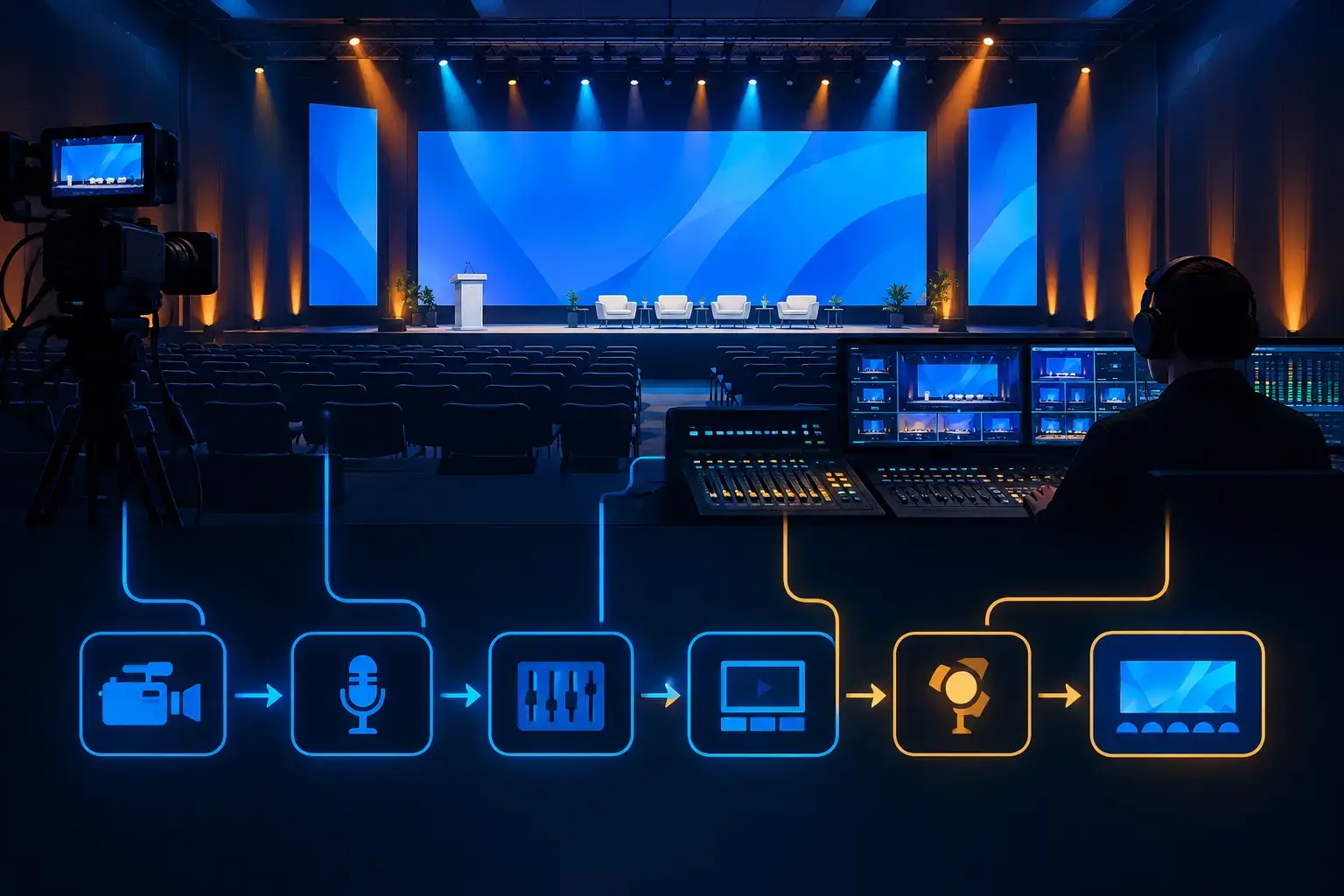
Start by mapping the program into technical moments. Identify opening content, speaker transitions, presentation formats, videos with audio, panel discussions, remote guests, award segments, and any broadcast-only elements. This reveals where switching, routing, playback, audio mixing, and camera coverage need to happen.
It also exposes the moments that deserve redundancy. If the CEO’s opening video is central to the program, it should not depend on one untested playback path. If remote attendees need to see product demonstrations, camera positions and graphics feeds need to be planned around that viewing experience rather than added after the room system is built.
Scale Equipment to Viewing Distance and Content Type
The largest screen is not automatically the best choice. LED walls, projection, and large-format displays each fit different rooms, content, and schedules. LED is often the practical choice where ambient light is difficult to control or where a bright, high-impact canvas is required. Projection can be effective in controlled lighting environments, especially when screen size and sightlines support it. Displays can work well for breakout rooms, confidence monitoring, digital signage, and secondary program areas.
Content matters as much as the physical display. Dense spreadsheets, product interfaces, small type, and detailed data visualizations require a different approach from full-screen motion graphics. A technical team should review source resolution, aspect ratio, and presentation templates before show day. A screen may be visually impressive while still being wrong for the content people need to read.
Audio Is a System, Not a Microphone Count
Corporate audiences notice poor audio immediately. They may not know why a room sounds thin, harsh, or uneven, but they will stop concentrating on the speaker. The rental scope should account for loudspeaker coverage, room acoustics, audience size, stage layout, playback audio, podium microphones, handhelds, lavaliers, and panel discussion needs.
Wireless microphone planning deserves particular attention. It is not enough to request several wireless units and assume they will coexist cleanly. The operating environment, nearby equipment, speaker handoffs, and backup needs all affect the plan. For executive presentations, a backup handheld at the stage and a disciplined mic check process are simple safeguards that prevent unnecessary interruptions.
For panels, use the format that matches the conversation. Individual lavaliers can keep a clean visual line but require careful placement and management. Gooseneck microphones offer consistent pickup at seated tables. Handheld microphones can work for audience interaction but change the pacing of the exchange. There is no universal answer, only the right decision for the room and agenda.
Where Professional AV Rentals Add Operational Value
Equipment availability is only one part of a successful rental. Corporate programs often need integrated video processing, camera systems, audio, lighting, staging support, and technicians who understand how those pieces affect one another. A disconnected rental package can create handoff problems when the schedule is tight and the program changes on site.
For larger screen environments, a dedicated video processing workflow is often necessary. Barco E2 and E3 systems are commonly used when the show requires layered content, multiple outputs, screen management, presentation switching, or complex display layouts. The processor needs to be configured around the actual show design, with clear input labeling and a tested signal path from every source to every destination.
That matters when a presenter changes from slides to a product demo, an IMAG camera feed needs to appear on the main screen, or a sponsor loop runs in the room while a different view is sent to the webcast. Video systems become difficult when they are treated as one output with a few adapters. They become manageable when routing, processing, and show cues are planned as one workflow.
Cameras and Livestreaming Need a Separate Point of View
A room feed is not automatically a good livestream. Remote viewers need intentional camera framing, readable graphics, clean program audio, and a show caller or technical director who understands the online audience. A wide shot from the back of the ballroom may document the event, but it will not carry a product launch or executive webcast.
A multi-camera production can include a locked wide shot for continuity, a close camera for speakers, and additional coverage for panels, demonstrations, or audience questions. The right count depends on the program, stage design, and budget. For a brief executive update, fewer cameras with disciplined operation may be more effective than a larger package that does not improve the story.
Hybrid events also require decisions about remote contribution. Will guests join live, appear in pre-recorded segments, or take questions from the audience? Each option affects return video, confidence monitoring, audio mix-minus, communications, and contingency planning. Those details should be addressed in preproduction, not five minutes before a remote executive joins.
The Details That Prevent Show-Day Delays
The most reliable AV rental plans include time for technical preparation. That means confirming the venue loading path, power availability, ceiling restrictions, room turn times, network access, stage dimensions, and sightlines. It also means reviewing presentation files, video codecs, speaker notes, and ownership of every content cue.
Build a schedule that separates load-in, system setup, content testing, rehearsal, doors, show, and strike. When a room is available only briefly, the production scope has to fit that reality. A more elaborate setup is not always the best decision if it leaves no time to test the critical paths.
Communication is equally important. The event producer, venue team, presenters, content owners, and AV crew need one current run of show. Define who calls cues, who approves last-minute content changes, and how presenters will advance slides. Small uncertainties multiply quickly when several teams are working in the same room.
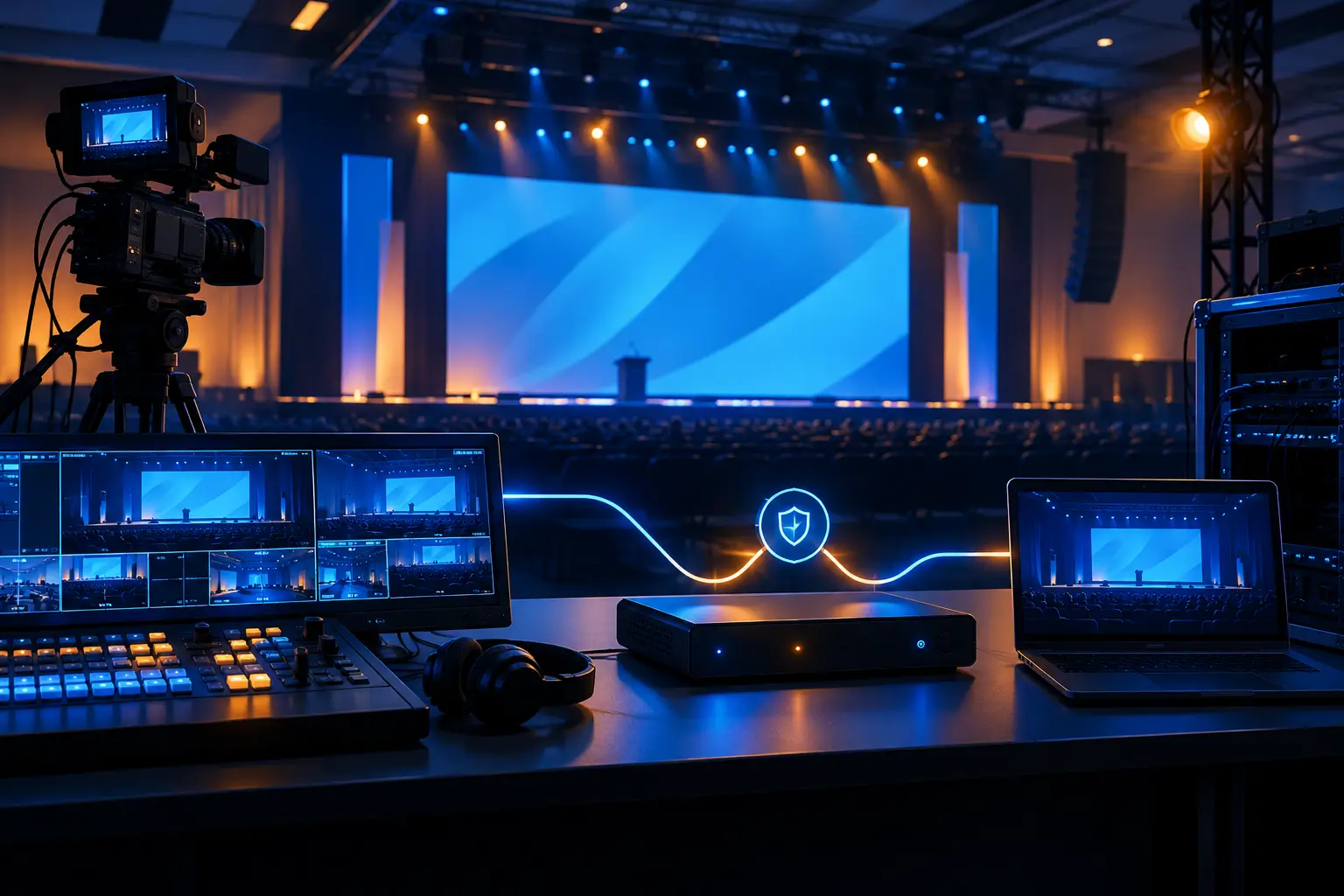
A capable production partner also distinguishes between a backup and a spare. A spare cable in a case is useful. A backup playback path that is connected, verified, and ready to take over is more meaningful. The level of redundancy should match the consequence of failure. Not every breakout requires duplicate systems, but a high-visibility keynote often justifies them.
Choosing an AV Rental Partner in the Bay Area
For San Francisco, San Jose, and Silicon Valley events, choose a provider based on operational fit rather than inventory claims alone. Ask how the team handles show calling, presentation management, camera direction, signal routing, and change requests during rehearsals. Ask who will be on site and whether the people planning the system understand the live program.
The strongest answer is specific. A production team should be able to explain how video sources reach the display system, how microphones are managed, what the webcast audience receives, and where backup paths exist. If the response stays at the level of generic equipment categories, the production plan may not yet be developed enough for a critical corporate event.
AV Land handles full-service corporate event production and AV rentals for teams that need more than equipment delivery. The focus is on engineered systems, experienced operators, and clear technical ownership from setup through show execution.
FAQ
What should be included in corporate AV rentals?
A corporate AV rental scope commonly includes video displays or LED walls, video processing, presentation playback, audio systems, wireless microphones, lighting, cameras, staging support, communications, and technician labor. The exact package should be built around the agenda, room, audience size, and whether the event includes livestreaming or recording.
How far in advance should AV rentals be planned?
Earlier is better for events with custom LED configurations, multi-camera production, hybrid participation, or complex presentation workflows. Planning ahead allows time for venue coordination, equipment reservation, content review, and rehearsal. Short-turn projects can be supported when schedules allow, but they leave less time to validate every production detail.
Do we need a video switcher for a corporate keynote?
It depends on the program. A simple keynote with one presentation source may need limited switching. A program that combines slides, walk-in content, videos, cameras, remote speakers, and multiple displays generally benefits from a dedicated switching and processing workflow. The question is not whether the switcher is visible, but whether the show requires controlled transitions between sources.
Can the same AV system support the room and a livestream?
Yes, but it should be designed for both audiences. The room system prioritizes in-person sightlines and sound coverage. The livestream needs camera coverage, program graphics, a dedicated audio mix, and reliable delivery. Treating the webcast as an intentional production output produces a much better result than sending a simple room feed online.
If your event has high-stakes content, multiple stakeholders, or a live audience online and in the room, start the technical conversation before the agenda is locked. Request a quote with your event date, venue, room details, and preliminary run of show. The right system is the one your presenters can trust when the countdown reaches zero.