


Corporate Event Audio Guide for Clear Rooms
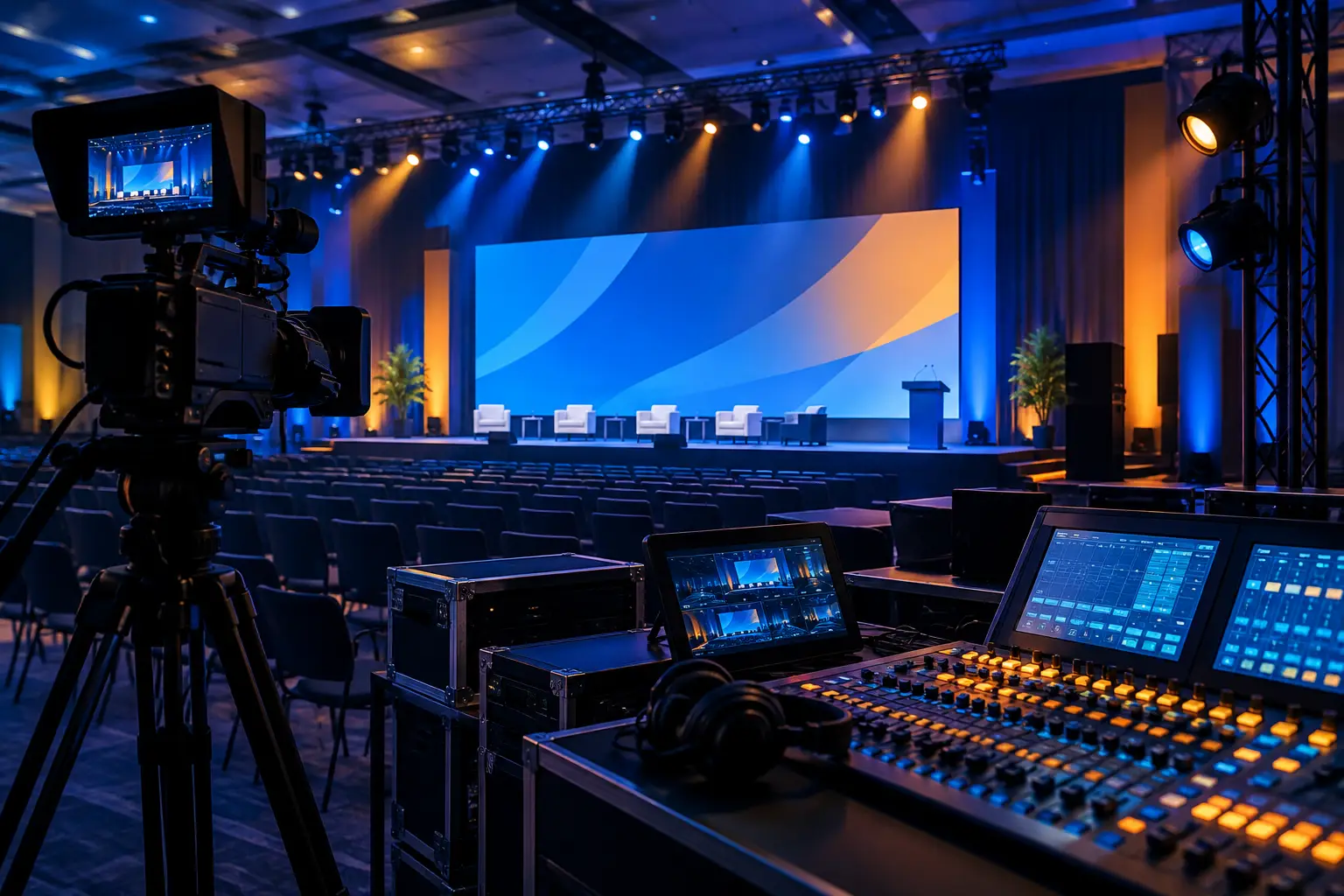
A corporate event audio guide starts with a simple production reality: if the audience cannot clearly hear the message, the keynote, product demo, executive panel, and livestream all lose value at the same time. Corporate audio is not a single microphone and a pair of speakers. It is a signal system that has to work across the room, on confidence monitors, in recording feeds, and for remote viewers – often while show content changes by the minute.
For conferences, product launches, executive webcasts, and hybrid events, audio planning needs to happen alongside staging, video, and network planning. Treating sound as a late rental decision usually creates avoidable compromises: poor mic coverage, playback routed through the wrong system, no clean feed for broadcast, or a room mix that does not translate to the stream.
Start With the Audience and the Program
The audio system should be designed around what the audience needs to hear, where they are hearing it, and how the program moves. A theater-style keynote in a large ballroom has different requirements than a roundtable in a breakout room, a press interview on camera, or a product launch with walk-on music and tightly timed video playback.
Begin with the run of show. Identify every speaking segment, video playback cue, panel, remote guest, awards walk-up, and question-and-answer period. This reveals the real channel count and the transitions that need operator attention. A program with six presenters may require far more than six microphones once you account for a host, panelists, audience Q&A, backup units, podium coverage, and separate feeds for broadcast or recording.
Room conditions matter just as much. Ceiling height, hard surfaces, seating layout, stage position, LED walls, projection screens, and neighboring rooms can all affect loudspeaker placement and intelligibility. The goal is not maximum volume. It is even, controlled coverage that lets attendees understand speech without the front rows being overwhelmed or the rear of the room falling behind.
Corporate Event Audio Guide: Build the Signal Plan First
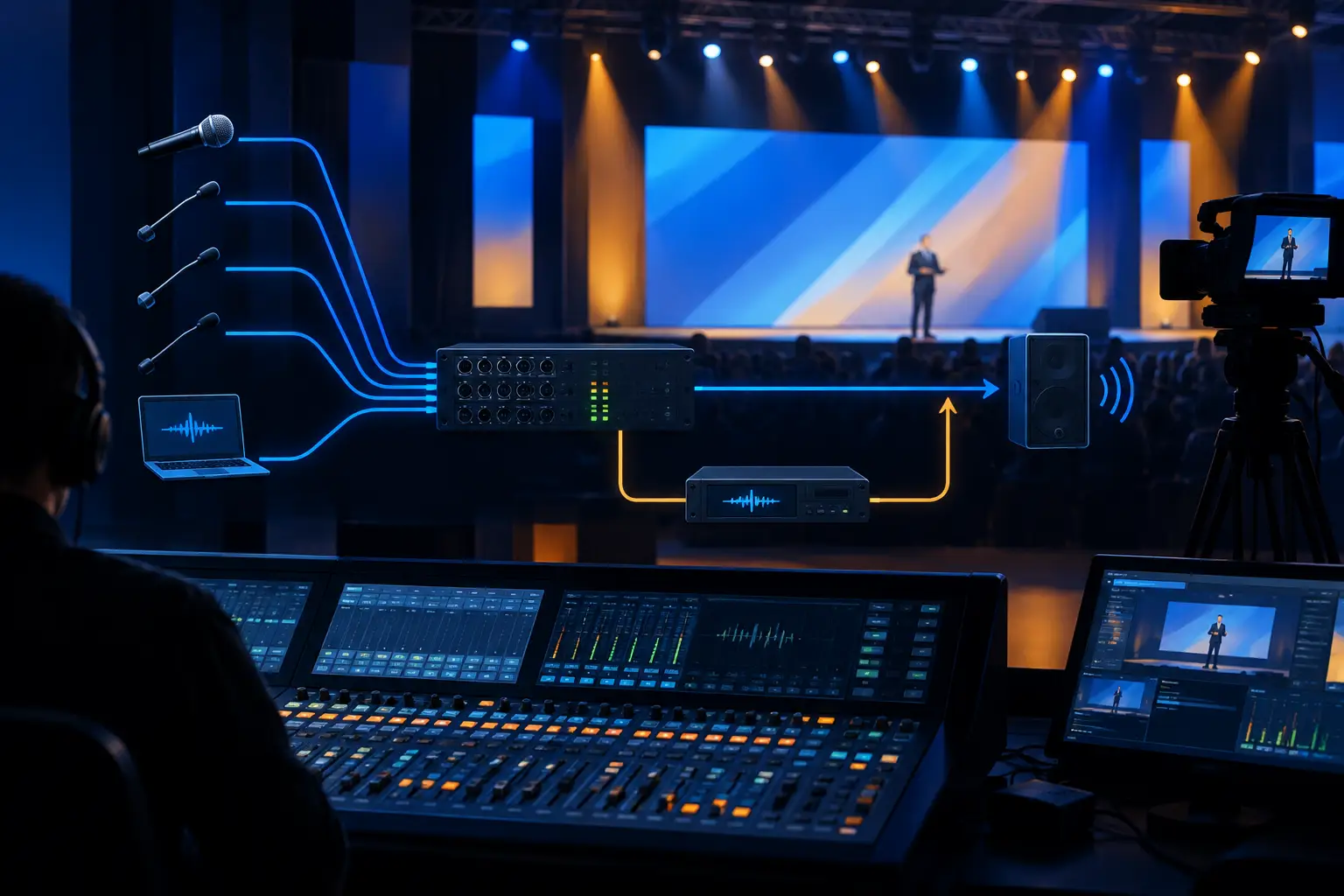
Before load-in, create an audio signal plan that shows every input, output, routing path, and handoff. It should account for microphones, playback sources, video switcher audio, remote-call audio, press feeds, assisted-listening requirements if included in the event plan, recording, and streaming.
This document is where many production problems are prevented. A clean mix for a livestream is not automatically the same as the room mix. In-room audiences can hear the presenter directly from the stage, while remote viewers rely entirely on the mix. A stream feed may need more presenter microphone, less room ambience, and carefully managed playback levels. If a remote caller is joining a panel, that return path needs echo management and a dedicated mix-minus strategy so the caller does not hear their own delayed voice returned to them.
Audio also needs a clear relationship with video. Playback from presentation systems, walk-in music, roll-in videos, lower-third stingers, and remote contributor audio all need defined routes. For complex general sessions, the audio team and video team should agree on source naming, cueing, backup playback, and how program audio reaches recording and streaming encoders. This is part of full-service corporate event production, not an isolated department task.
Choose Microphones for Use, Not Appearance
The correct microphone depends on how the person will present. A fixed lectern speaker benefits from a properly positioned gooseneck microphone. A presenter moving across a wide stage may need a wireless lavalier or headset. Panels often call for handheld wireless microphones, table microphones, or individual lavaliers depending on seating, camera framing, and the pace of conversation.
Lavalier microphones are discreet, but placement, wardrobe, hair, jewelry, and movement can introduce noise. Headsets offer more consistent proximity and can provide stronger gain before feedback, but they are more visible. Handhelds are dependable for Q&A and quick handoffs, yet they require users to maintain good technique. There is no universal winner. The right choice follows the content format and the tolerance for visible equipment.
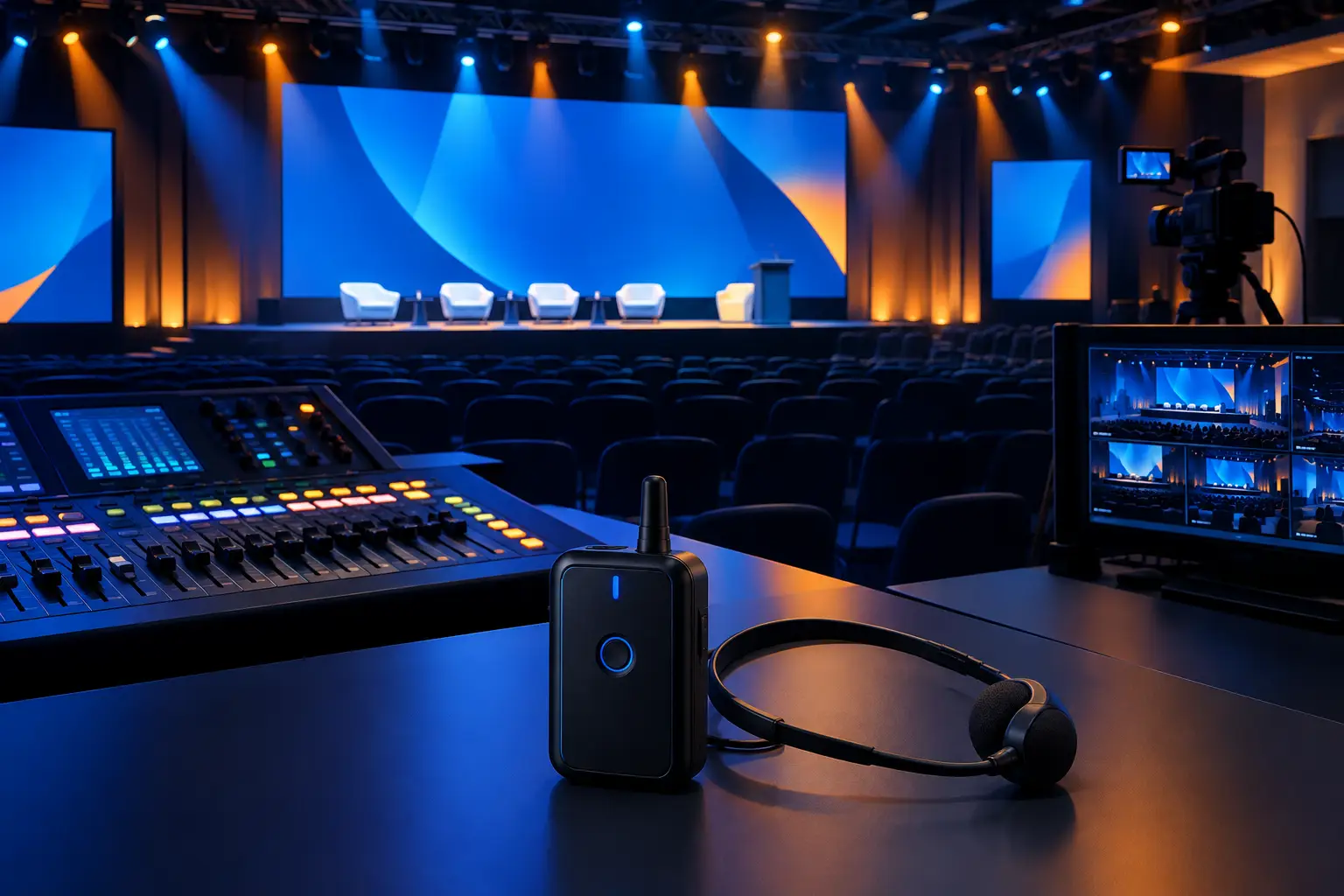
Wireless coordination should be planned, particularly in dense convention and downtown environments where multiple productions and installed systems may be operating nearby. Professional wireless systems from manufacturers such as Shure are only as dependable as their coordination, antenna placement, monitoring, and backup plan.
Design for Playback, Panels, and Questions
Playback is often where a polished event suddenly sounds amateur. Video files can arrive with inconsistent levels, different channel layouts, or unexpected embedded audio. All media should be checked before doors open, then verified again in the actual playback path. A file that sounds acceptable on a laptop may not match the level or tonal balance of the rest of the show.
Panels deserve their own plan. Confirm the moderator’s role, seating arrangement, microphone type, audience questions, and whether the discussion is being streamed. If a moderator is expected to repeat every audience question, that should be a conscious choice, not an improvised fix when the remote audience cannot hear the room.
For larger sessions, use a dedicated audience Q&A microphone strategy. Roving handheld microphones work well when trained staff can reach participants quickly. Floor microphones can be effective where audience movement is predictable. Either approach needs a clear plan for camera coverage and how the question enters the broadcast mix.
Redundancy Is Part of the Audio Design
Live corporate events do not get a second take. Redundancy should be proportionate to the risk of the program, not added randomly. A short internal meeting has different exposure than a product launch being broadcast to customers, partners, and employees worldwide.
For high-visibility sessions, practical safeguards can include spare wireless microphones already coordinated and powered, backup playback, duplicate recording paths, protected power, and alternate routing for critical program feeds. The value is not merely owning duplicate gear. It is having an operator team that knows what can fail, what must remain live, and how to make a controlled change without interrupting the presentation.
Build redundancy into the show flow as well. If an executive’s lavalier has a problem, can they move to a podium microphone? If a remote guest drops, does the moderator have a bridge question or preloaded video? If a playback system needs to be changed over, who calls the cue? Technical preparation and content preparation have to meet in the same run of show.
Give the Stream Its Own Audio Attention
A hybrid event can look excellent on camera and still lose remote attendees because the audio is thin, distorted, or missing key voices. Remote viewers need a mix created for listening through headphones, laptop speakers, and conference-room systems. They also need enough room ambience to feel the scale of the event without losing speech clarity.
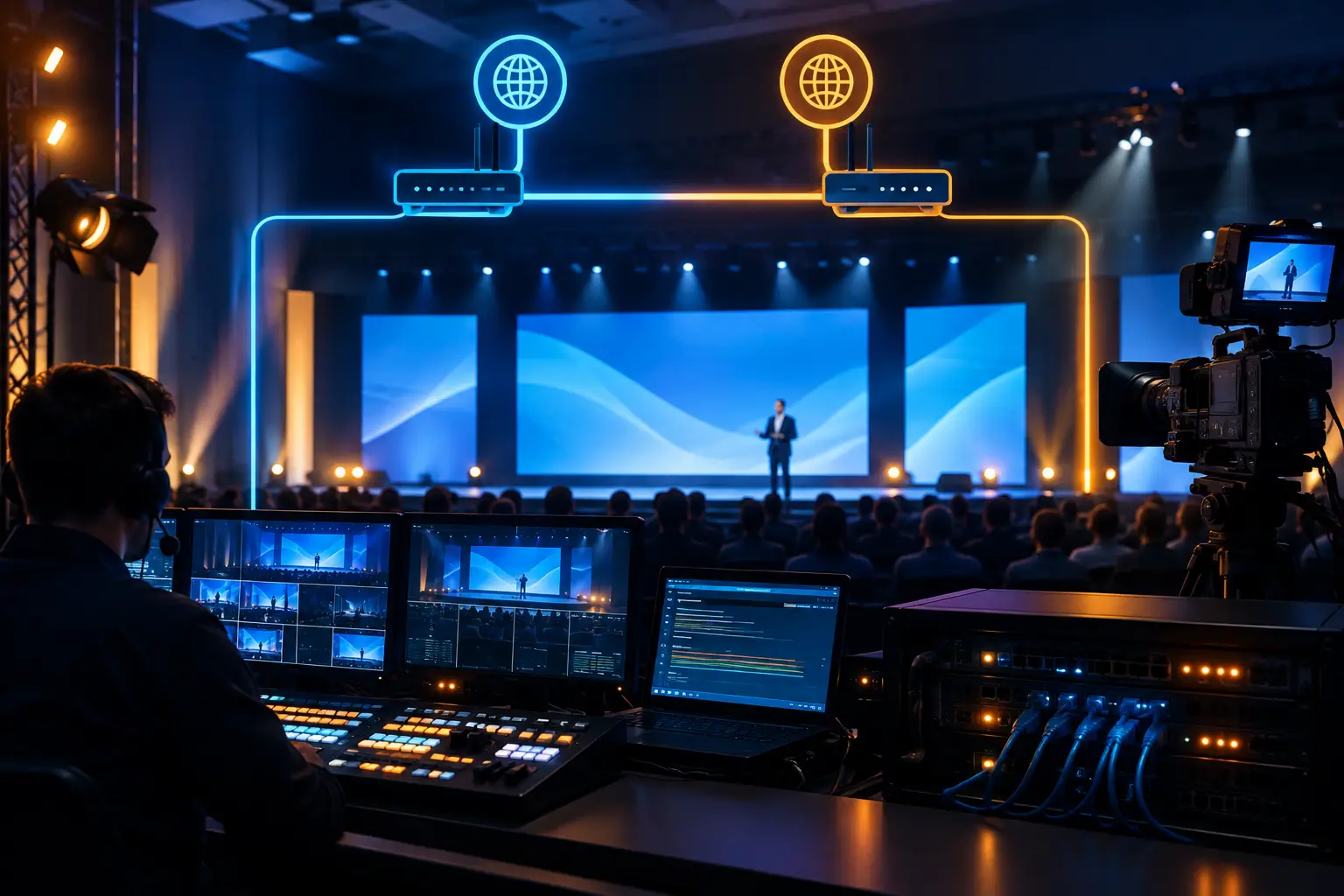
A dedicated broadcast mix is often the right choice for executive webcasts, keynotes, and multi-camera programs. It gives the audio engineer control over presenter levels, video playback, remote guests, and audience response independently of the front-of-house mix. It also supports a better recording for post-event use. For teams planning a live or hybrid program, livestream production services should be scoped with audio routing from the start, not after cameras and encoders are already assigned.
Communication systems behind the scenes matter too. Technical direction, camera operators, graphics, playback, stage management, and audio need reliable crew communications. A missed cue can affect sound as quickly as a faulty cable, especially when a presenter enters early or a video is held for a last-minute revision.
Rehearsal Is Where Audio Becomes Predictable
A real rehearsal is more than asking whether a microphone is on. It is the time to hear the opening walk-on, verify every presenter, check video playback, confirm remote connections, establish panel handoffs, and test the transition from session to session.
Presenters should be coached on the few audio behaviors that matter: wear the microphone consistently, avoid tapping or handling it, stay near the lectern microphone when using one, and pause for audience questions to reach a microphone. Keep the instruction short and practical. Senior speakers do not need an audio lecture, but they do need a confident briefing before they walk onstage.
The best result is a room where the audience focuses on the message rather than the mechanics. For a conference or keynote in San Francisco, San Jose, or Silicon Valley, bring the audio plan into production early enough to test it against the room, the show flow, and the broadcast path. When you are ready to scope microphones, playback, mixing, and backup coverage, request a production quote.
FAQ
How many microphones does a corporate panel need?
Plan for one microphone per active speaker whenever possible. Sharing a microphone can work for a short, low-stakes conversation, but it slows the exchange and creates inconsistent audio for recording and streaming. Add a dedicated moderator microphone and a separate audience Q&A plan when questions are part of the session.
Does a livestream need a separate audio mix?
It depends on the program. A simple internal meeting may use a shared mix, but executive webcasts, keynotes, and hybrid conferences benefit from a dedicated broadcast mix. Remote viewers do not hear the room the way attendees do, so their mix needs separate attention.
When should audio be planned for a corporate event?
Plan it during the initial production design, alongside stage layout, video, lighting, and the event agenda. Early planning gives the team time to confirm microphone needs, speaker coverage, playback sources, stream feeds, and contingency options before rehearsals begin.