


A Product Launch Streaming Example That Holds Up
A strong product launch streaming example is not defined by how many cameras are in the room. It is defined by whether the audience receives a stable, polished presentation when the CEO walks onstage, the product demo changes state, the remote guest joins late, and thousands of viewers hit play at once. For corporate launches, the streaming plan has to perform under live pressure, not just look good in a rehearsal.
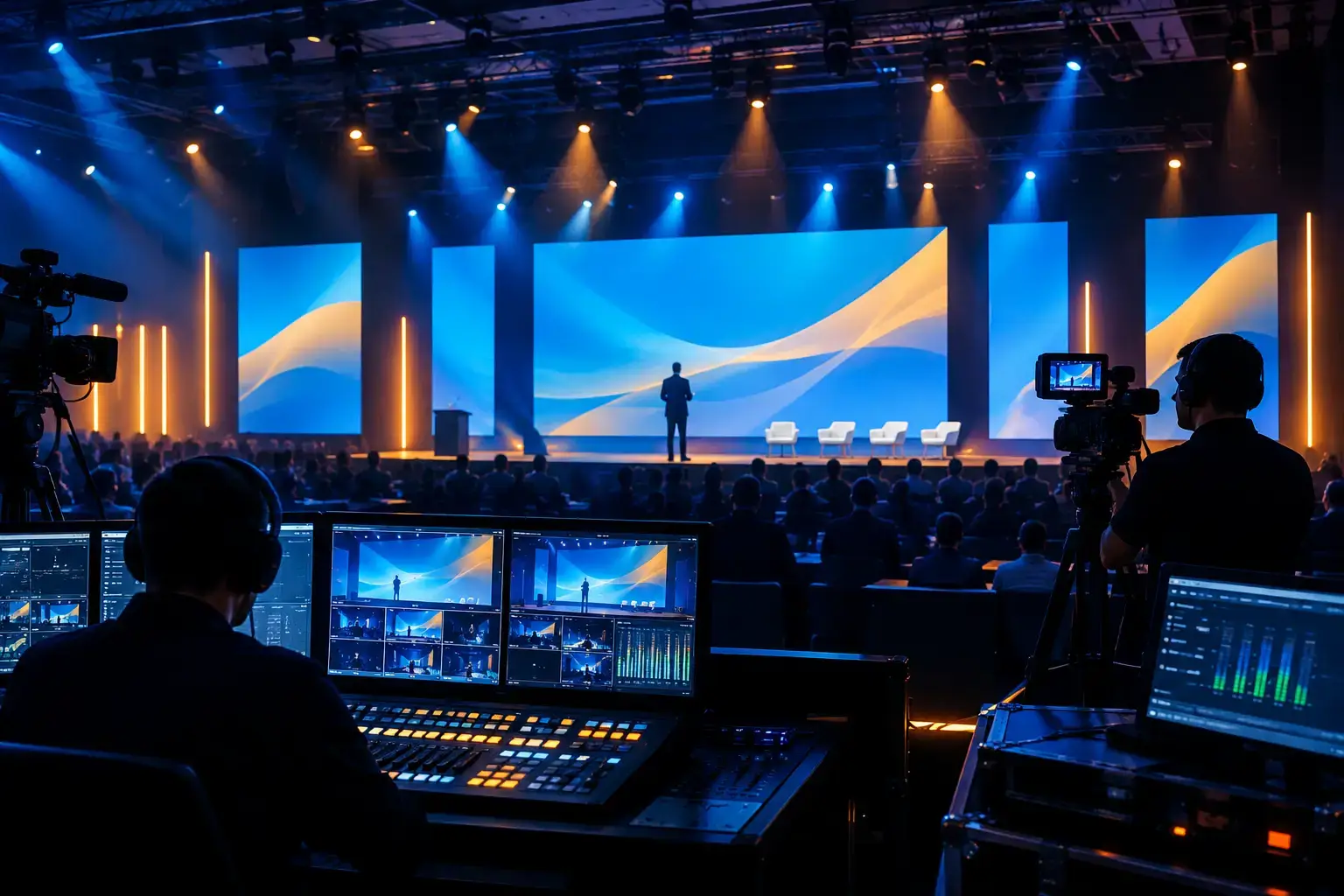
Consider a Silicon Valley software company introducing a major platform release from a customer briefing center. The program includes an executive keynote, a pre-recorded product film, a live demo, two remote customer interviews, and a moderated Q&A. The in-room audience sees an LED wall presentation, while remote viewers receive a broadcast-style stream with camera coverage, presentation graphics, clean program audio, captions, and a controlled transition between every element.
That is the operating standard worth planning for.
Product Launch Streaming Example: A Practical Show Flow
The launch begins before doors open. The production team has already completed line checks, camera matching, playback verification, communications testing, presentation testing, and stream confidence monitoring. Every presenter has walked their entrance and exit. The demo workstation has been verified against the actual display path, not merely a local monitor.
For this type of program, the room may use three camera positions: a wide shot that establishes the stage and LED wall, a center camera for executive close-ups, and a roaming or side camera for walk-and-talk moments and audience reaction. A fourth isolated camera can be valuable when the launch includes a physical product reveal, tabletop demonstration, or interview position. The number of cameras depends on the stage design and show complexity. More cameras add options, but they also require experienced shading, switching, framing, and intercom discipline.
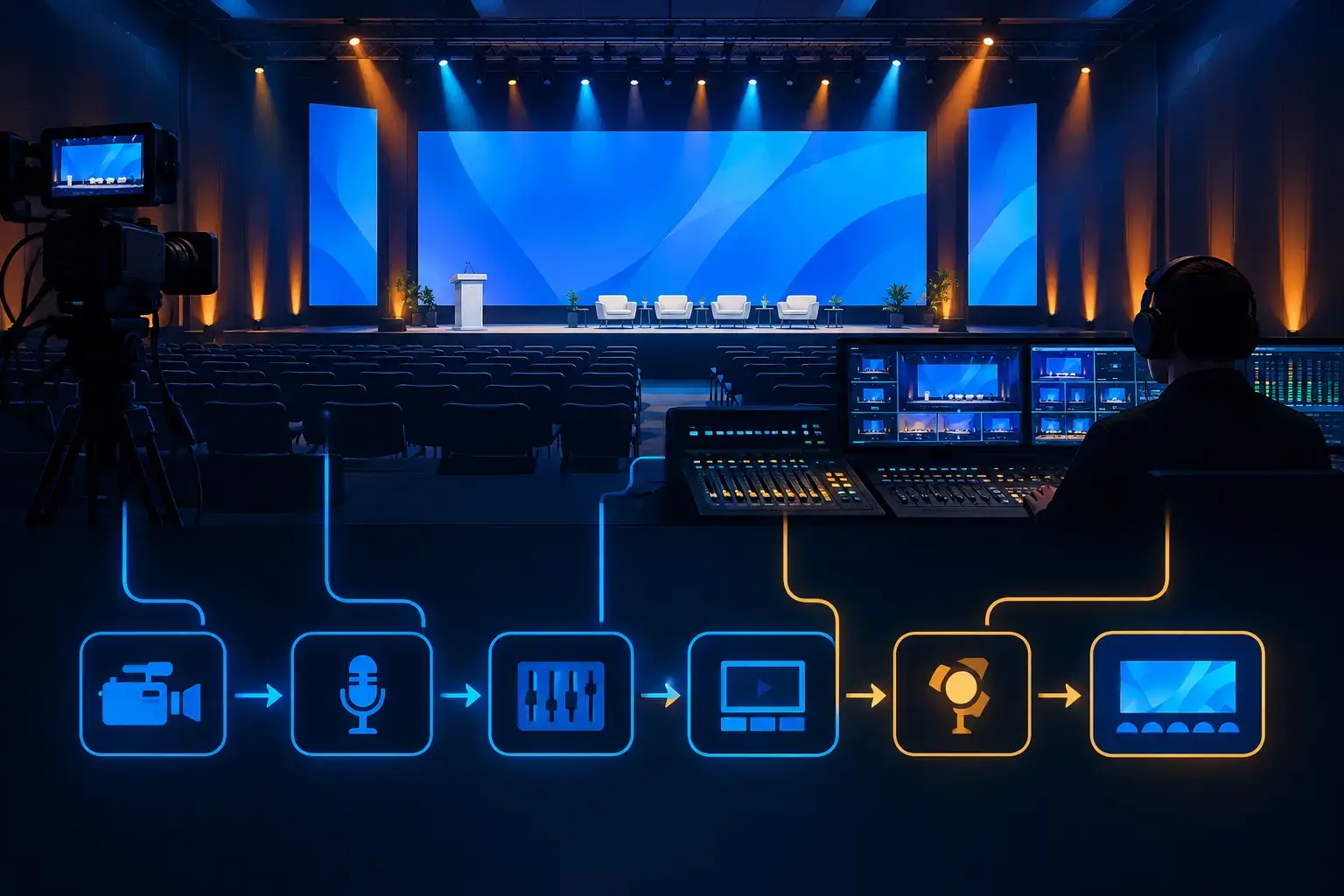
The technical director calls the show from a dedicated control position. Camera feeds, playback, graphics, remote callers, confidence monitors, and presentation sources are routed into the live switch. The program feed then goes to the in-room displays and to the streaming encoder path. This is where a corporate launch differs from a basic webcast: the show is actively produced, not simply pointed at a stage.
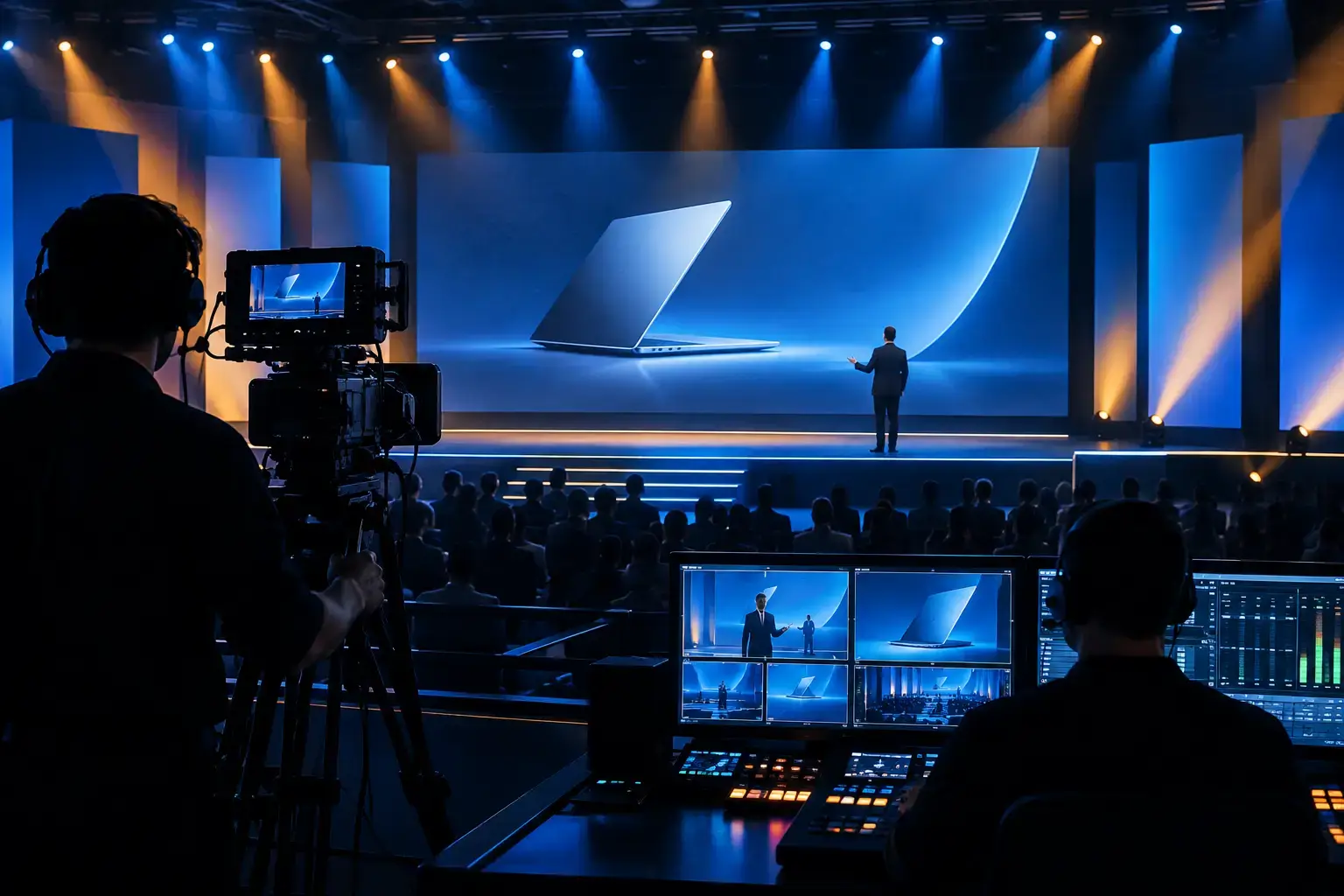
A typical opening sequence might run like this: a branded holding slide plays while the stream opens, followed by a countdown or music bed. At show time, the director takes a wide camera shot, rolls the opening film, then cuts to the executive as the walk-on begins. Lower-thirds identify speakers, while presentation content appears full-screen or in a picture-in-picture layout. The visual treatment changes with the message instead of leaving remote viewers to watch a distant wide shot for an hour.
The Signal Path Behind a Reliable Stream
The viewer sees a single program feed. Behind it is a signal path that must be planned, labeled, and tested.
The presentation computer, playback system, camera feeds, remote contribution feeds, and graphics outputs all arrive at the production switcher and video processing system. For larger screen environments, systems such as Barco E2 or E3 can manage source scaling, screen destinations, and presentation looks while the live production team maintains a clean broadcast output. This separation matters. The LED wall can show a presenter alongside product content, while the stream can receive a more legible full-screen graphic or a composed camera-and-content shot.
Audio requires the same attention. A stream should not receive the room mix by default. The mix for the house often includes reinforcement choices that do not translate well online. Remote viewers need an intentional broadcast mix with clear lavalier microphones, playback audio, remote guest returns, and appropriate audience or room ambience. Microphone selection and RF coordination are production decisions, not last-minute accessories. Manufacturers such as Shure are widely used in professional event audio workflows, but the result depends on frequency planning, gain structure, mixing, and monitoring by the crew.
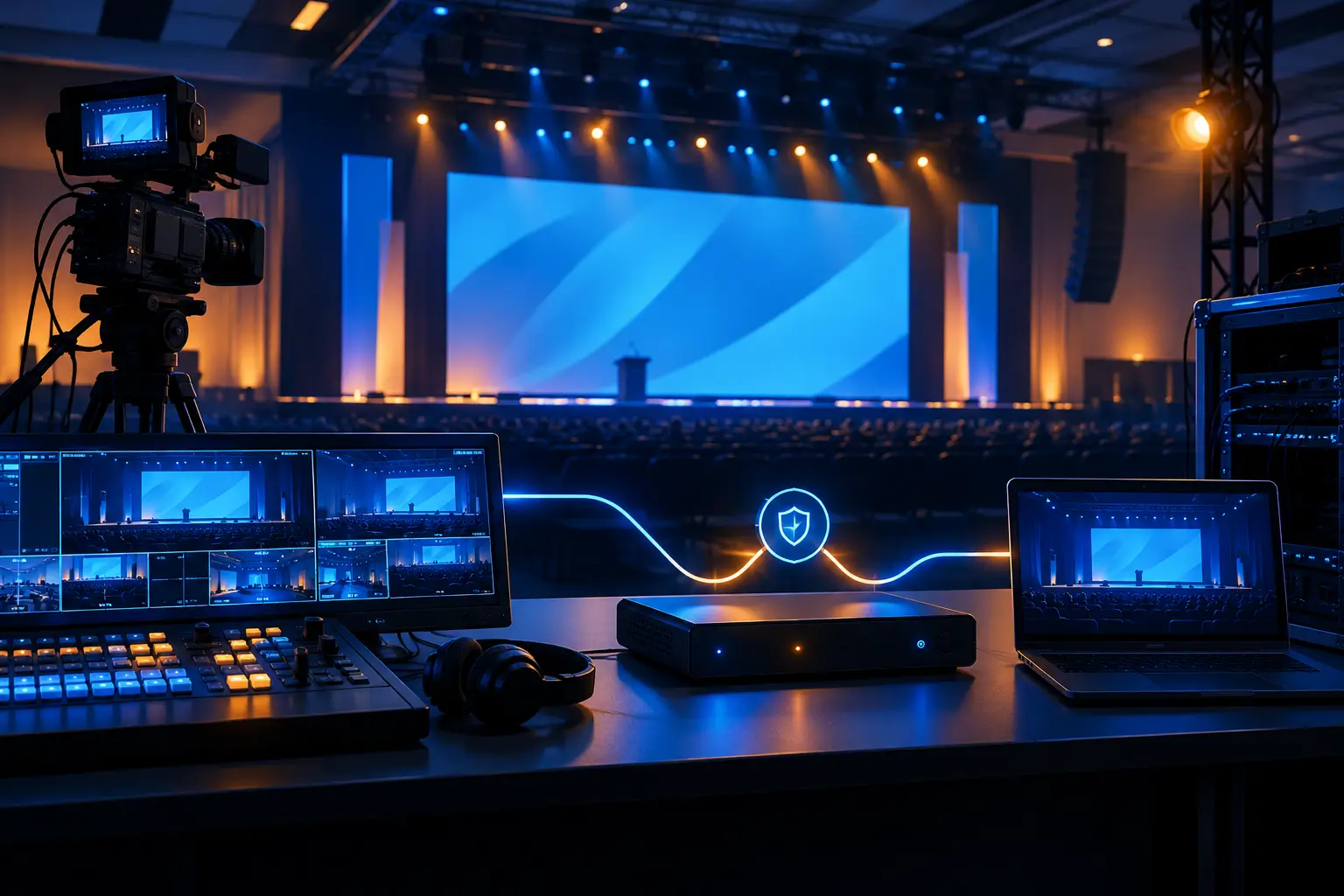
Internet connectivity also needs a real assessment. A venue connection may work well for email and guest Wi-Fi while being a poor choice for a business-critical live program. Production teams should test available bandwidth, stability, upload performance, network access requirements, and the encoder’s destination before show day. When the stream carries an executive announcement, a primary path without a backup plan is a business risk.
Where Redundancy Belongs
Redundancy is not a single piece of gear. It is a set of decisions about which failures are unacceptable and how the show continues if they occur.
For a product launch, priority redundancy commonly includes a backup internet path, a backup stream encoder or destination workflow, duplicate playback media, spare presentation adapters, alternate microphone options, and recorded content staged locally. Critical show computers should be protected from automatic updates, sleep settings, and uncontrolled network behavior. The team should also know who has authority to pause, bypass, or replace a failing source during the program.
Not every event requires duplicate systems at every point. A short internal webcast with one presenter has different exposure than a public launch with media, customers, investors, and distributed employees watching. The correct level of redundancy depends on audience size, executive visibility, program length, content complexity, and the cost of interruption.
The key is to build contingency choices into the cue sheet. If a remote customer interview drops, the director should know whether to hold on the moderator, roll a product clip, or move directly to the next segment. If the live demo workstation fails, a pre-recorded backup demonstration can preserve the narrative and protect the speaker from an awkward recovery attempt.
Why Content Layout Changes for Remote Viewers
A common failure in launch streams is treating the online audience as a secondary camera feed. A wide shot of a stage may look appropriate in the room but make software interfaces, product names, and data points unreadable on a laptop.
Plan separate looks for the stream. When a slide contains product detail, send it full-frame to remote viewers. When the presenter needs to be visible, use a clean side-by-side composition with enough space for both the speaker and the content. Avoid tiny picture-in-picture windows, overly dense slides, and animations that are only visible from the front rows.
This is especially relevant for tech launches where the product itself is on-screen. A demo needs clean screen capture, intentional framing, and rehearsed mouse movement. Showing an application through a camera pointed at a confidence monitor is rarely acceptable. Direct capture preserves legibility and gives the technical director a source that can be placed precisely in the program layout.
For teams planning complex presentation and camera workflows, AV Land’s event services and livestream services are built around in-house production coordination, multi-camera operation, display systems, and show-critical execution.
Rehearsal Is Where the Launch Becomes a Show
A real rehearsal is not a quick sound check. It is a timed run of the moments most likely to break: walk-ons, playback rolls, slide advances, remote guest handoffs, product demos, lighting transitions, and Q&A.
The production team should confirm exactly how each executive prefers to present. Some speakers need a confidence monitor with notes. Others need a return feed of remote guests. A product leader may need a dedicated demo display, while the moderator needs timing cues and a clear way to receive producer instructions. These requirements affect camera lines, monitor placement, audio routing, and the stage layout.
The rehearsal is also the right place to verify latency. Remote guests need clear expectations about when to begin speaking, when to stop, and how they will hear the program. A delayed return feed can create interruptions and overlapping answers even when the video stream itself is stable.
FAQ
How many cameras should a product launch stream use?
Three cameras are a practical baseline for many executive keynotes: a wide stage shot, a close-up position, and a flexible angle. Add cameras when the program includes interviews, a product reveal, a demo station, or a large stage that needs more coverage. The right count depends on the show format, not a preset package.
Should the stream match the LED wall exactly?
Not always. The in-room screen and remote program can have different needs. A remote feed often benefits from full-screen slides, direct demo capture, lower-thirds, and tighter camera framing that would not be appropriate as the primary room display.
What is the biggest risk in a live product launch stream?
The biggest risk is usually not one device failing. It is an untested handoff between systems, people, or content. Remote guest connections, demo workstations, presentation laptops, playback, audio routing, and internet paths all need a documented owner and a tested fallback.
A product launch should feel controlled because the work behind it is controlled. If your next keynote, hybrid announcement, or executive webcast needs a production plan built around cameras, screens, audio, switching, and backup paths, request a quote from AV Land.