How Many Cameras for an Executive Panel Live?
A four-person executive panel can look under-produced with one camera and unnecessarily complicated with six. The right answer to how many cameras for executive panel coverage depends less on panel size alone than on the program’s delivery format, room geometry, audience expectations, and what needs to happen on the screens and livestream at the same time.
For most corporate conferences, leadership forums, and hybrid events, three cameras are the practical starting point. That baseline gives the director a wide safety shot plus two close angles for speakers and reactions. From there, add cameras only when they solve a real coverage, sightline, or production problem.
The Short Answer: Start With Three Cameras
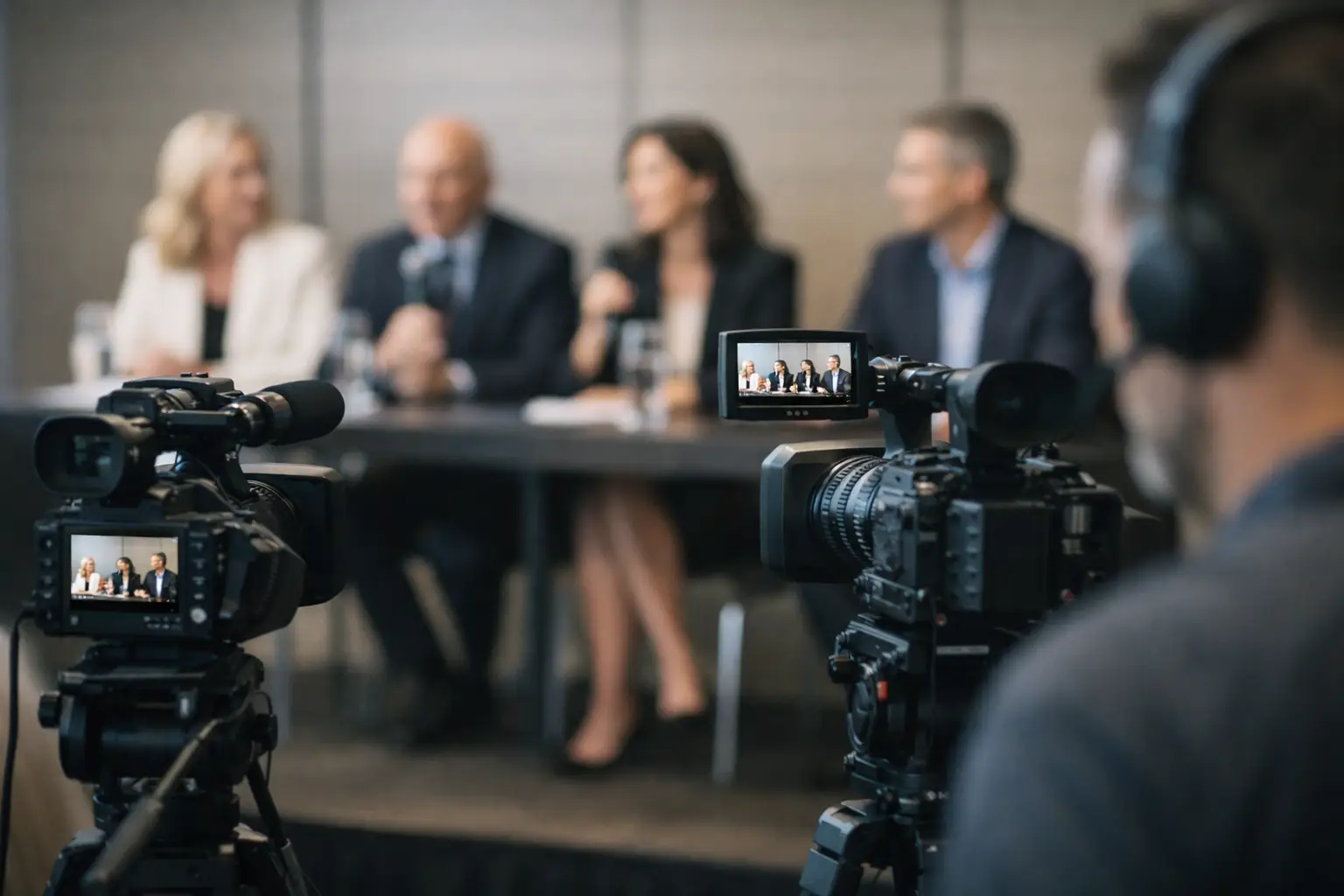
A typical executive panel with three to five speakers works best with a three-camera plan: one locked wide shot, plus two operated cameras covering complementary close-ups. This setup supports a professional live switch, avoids repetitive framing, and gives the production team a dependable fallback if one position is temporarily blocked.
The wide camera establishes the full panel, moderator, stage environment, and LED wall or presentation surface where appropriate. It should remain usable at all times. The two closer cameras divide the panel by seating position or work as alternating singles, depending on the length of the conversation and the speed of the moderator’s exchanges.
For an internal webcast with no in-room image magnification, two cameras can be enough. For a keynote-stage panel shown on confidence monitors, LED walls, or projection screens, three cameras are generally the minimum worth considering. Large rooms, high-profile speakers, remote contributors, and post-event editing needs can justify four or more.
How Many Cameras for an Executive Panel by Format
The camera count should follow the viewing experience, not a generic package. A compact panel recorded for later use has different requirements from a live, executive-facing broadcast with an audience in the room and remote attendees watching from multiple time zones.
Internal panel recording: one or two cameras
A single camera is acceptable only when the goal is basic documentation, the room is small, and no live switching or screen display is required. Use a stable wide composition that includes every participant. The limitation is obvious: the audience sees no speaker-specific framing, and there is no clean way to cut around someone looking down, taking a drink, or being briefly obstructed.
Two cameras create a meaningful improvement. Keep one wide and use the second camera for close-ups of the active speaker. This is a sensible configuration for a straightforward executive interview or a smaller internal communications session, particularly when the discussion will be lightly edited after the event.
Corporate conference panel: three cameras
Three cameras are the standard for a polished conference panel. Camera one is the wide master. Cameras two and three provide opposing close coverage, typically splitting the panel into left and right zones. An experienced camera operator can adjust to the speaking pattern, but the technical director still has a stable range of shots to work with.
This configuration is especially effective when the panel is being cut live for a webcast, shown on an in-room LED wall, or fed to overflow rooms. It maintains visual pace without turning a thoughtful conversation into an overly aggressive broadcast.
High-stakes keynote or hybrid panel: four cameras
Add a fourth camera when the panel has substantial business importance or the stage design demands more precise coverage. The additional position may be a dedicated moderator camera, a roaming camera for audience questions, or a tighter profile angle that creates separation from a bright LED backdrop.
Four cameras are also useful when panelists are spread across a wide stage. A three-camera system may force operators into overly loose two-shots or rapid reframing. With four positions, the director can keep clean singles ready while protecting the wide shot as a continuous safety.
Broadcast-style executive program: five or more cameras
Five or more cameras make sense for major product launches, investor-facing programming, executive broadcasts, and large hybrid events with multiple visual destinations. At that level, coverage may include dedicated singles, a wide master, a roaming audience camera, a beauty angle, and a camera positioned specifically for demonstrations or presentation content.
More cameras do not automatically improve the result. They add labor, routing, intercom channels, shading requirements, lens coordination, and more opportunities for an operator or tripod to enter another camera’s frame. Every added position needs a defined purpose before it enters the show plan.
Camera Count Is Only Part of the Production Plan
A panel can have the right number of cameras and still look poor if the stage, screens, lighting, and signal flow were not planned together. Camera coverage starts with the room layout.
If the panelists sit in a shallow arc, close cameras can see faces cleanly and the director can cut between speakers naturally. If they are seated behind a deep table with laptops, water bottles, nameplates, and gooseneck microphones, low camera positions may produce cluttered frames. In those cases, raise the camera height, revise the furniture plan, or use longer lenses from a better position.
Sightlines matter just as much. Camera operators need clear paths that do not interfere with audience entrances, teleprompter positions, speaker walk-ons, or scenic elements. At Bay Area conference venues, this often means planning around ballroom columns, low ceilings, restricted rear-of-room space, and LED walls that limit where a camera can safely land.
Lighting is another common constraint. Executive panels need enough front light for accurate skin tone, while keeping the stage comfortable for a conversation that may last 30 to 60 minutes. A bright screen directly behind panelists can force the cameras to compromise exposure. Production should balance LED wall content, key light levels, camera settings, and the desired background depth before the program begins.
Build a Shot Plan Before the First Rehearsal
The most reliable panels are directed from a written shot plan, not improvised from a camera count. Identify the moderator, seating order, likely discussion structure, presentation moments, remote questions, and audience Q&A. Then define which camera owns each area of the stage.
For example, the wide camera may be assigned only to full-panel views and transitions. Camera two can cover the moderator and panelists on stage left, while camera three handles stage right. If a speaker stands for a demonstration, the technical director already knows whether to take a wide, a dedicated demo feed, or a handheld camera.
The director should also agree on visual rules with the client. Is the priority the person speaking, or is the program meant to show conversational interaction? Should the video cut to reaction shots? Are audience members permitted on the livestream? These decisions affect both coverage and approvals.
Plan for Screen Content and Remote Participants
Panels often include slides, product demos, prerecorded clips, and remote executives joining through a meeting platform. None of these elements should be treated as an afterthought.
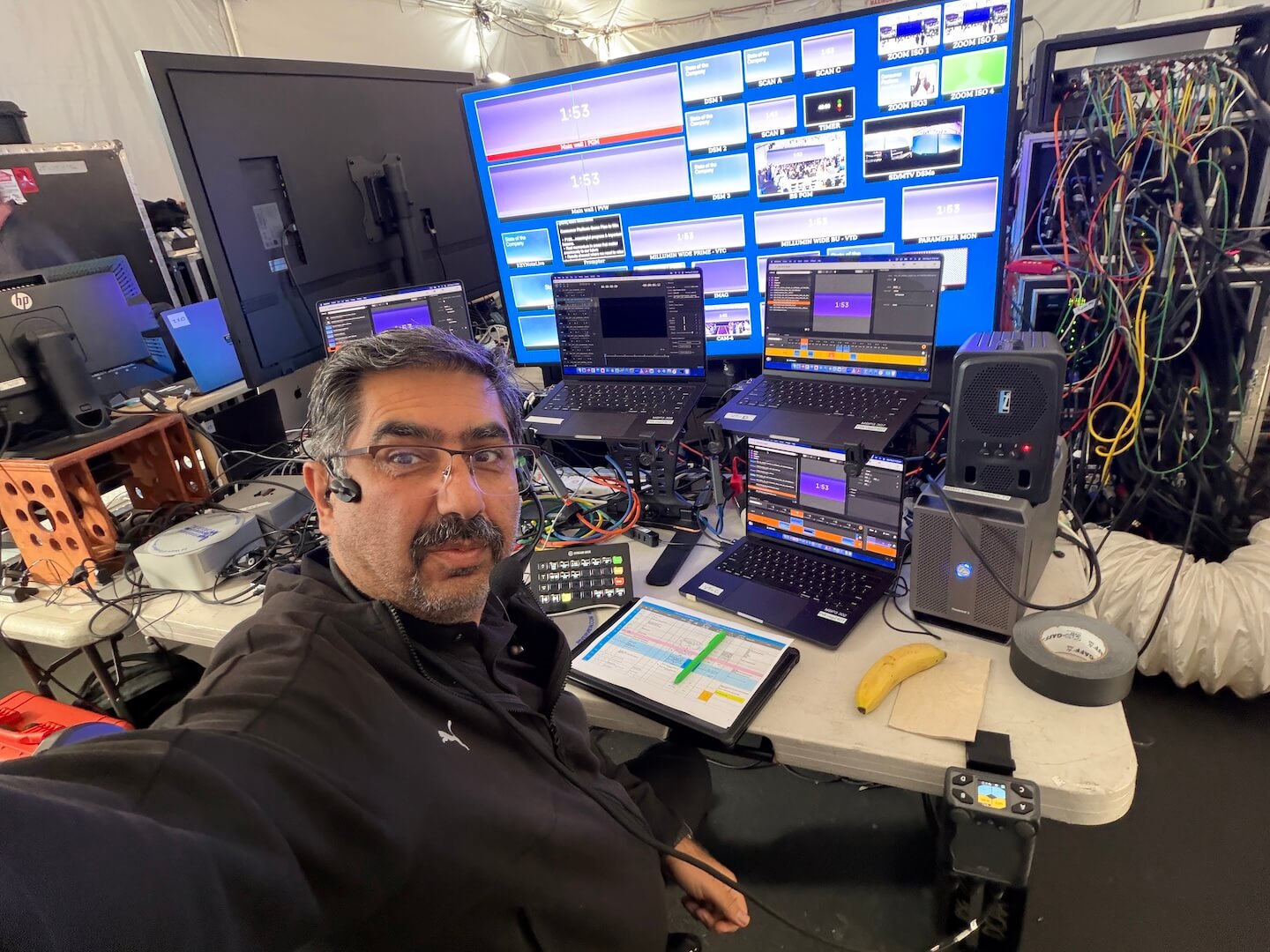
When presentation content is part of the program, it needs a dedicated input to the switcher rather than a camera aimed at the screen. The technical director can then build picture-in-picture layouts, full-screen takes, or side-by-side views without compromising resolution. A properly managed switcher and graphics workflow also keeps lower thirds, holding slides, and walk-in content consistent across in-room displays and streaming outputs.
For remote panelists, reserve an input for the return feed and confirm audio mix-minus, confidence monitoring, latency expectations, and backup connectivity. A remote contributor may not add a physical camera to the room, but they absolutely add complexity to the show flow.
Redundancy Is What Protects the Executive Experience
A camera plan should account for failures and interruptions, not only ideal operation. The wide shot is the first layer of protection. If an operator is repositioning, a close frame is obstructed, or a panelist makes an unexpected move, the director can return to the wide without exposing the issue to the audience.
Critical shows also benefit from spare camera bodies or at least a ready replacement path, redundant recording, isolated camera records when post-production matters, and tested power and signal routes. Camera feeds should be labeled consistently at the switcher, monitor wall, and recording destination. Intercom must be checked with every operator before doors open.
For larger programs, AV Land builds these details into full-service corporate event production: camera positions, switching, display feeds, recording paths, crew communication, and technical direction are treated as one operating system. That approach prevents a camera decision from creating a downstream problem for screens, streaming, or show calling.
Do Not Over-Camera a Conversation
The temptation to add cameras usually comes from wanting every possible angle. But panel discussions work best when coverage supports the content rather than calling attention to itself. Too many cuts can make senior leaders look unsettled. Too many cameras on a compact stage can distract the in-room audience and complicate the lighting plan.
Use the smallest camera package that can reliably deliver the intended experience. For a standard corporate panel, that is usually three cameras. Move to four when stage width, audience interaction, or program importance requires it. Go beyond that when the event is designed as a broadcast-level production with multiple destinations and a dedicated technical team.
Before approving the camera plan, ask one practical question: if the moderator turns unexpectedly, an executive stands, a screen cue changes, or a close camera is blocked, does the director still have a clean shot? If the answer is yes, the coverage is ready for the room.