



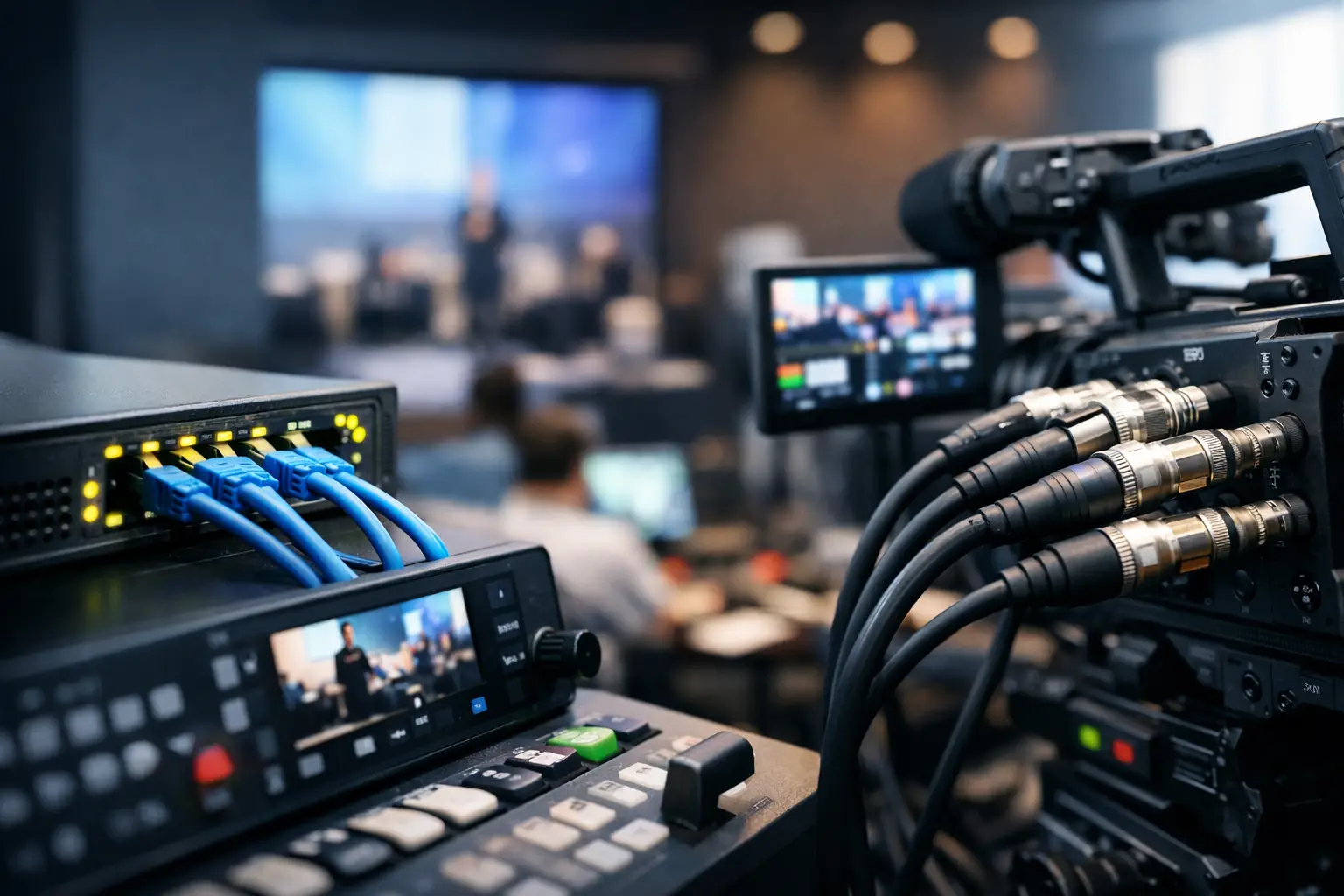
NDI vs SDI Events: Choose the Right Signal Path
A corporate keynote can tolerate neither a camera image that arrives late nor a network switch that becomes a single point of failure. NDI vs SDI events is not simply a question of old cable versus new IP technology. It is a signal-flow decision that affects latency, redundancy, engineering time, room access, and how confidently a technical director can call a live show.
For San Francisco and Silicon Valley conferences, product launches, executive webcasts, and hybrid events, the strongest answer is often a combination of both. SDI remains the dependable backbone for critical live camera and playback paths. NDI can reduce cable runs and add useful flexibility where the network has been designed, tested, and operated as part of the production system.
NDI vs SDI Events: The Practical Difference
SDI sends uncompressed or lightly processed digital video over dedicated coaxial cable. In an event environment, that usually means a camera, playback system, or video router has a direct, known path to the switcher, processor, recorder, or display system. A technician can test the line, verify the signal, and trace a fault without needing to inspect multicast settings, bandwidth utilization, or network policies.
NDI transports video, audio, and data over an Ethernet network. It can put multiple sources and destinations on the same physical network infrastructure, which is valuable when cable pathways are limited or a production needs sources in several rooms. A laptop running presentation playback, a remote confidence monitor, a PTZ camera, or a graphics workstation can become an NDI source or destination without a dedicated SDI run for each route.
That flexibility comes with responsibility. NDI is only as predictable as the network carrying it. A network built for office traffic is not automatically suitable for a live multi-camera program. Video traffic, switch capacity, VLAN design, multicast configuration, uplink speeds, and monitoring all matter.
Why SDI Still Leads Critical Live Paths
For show-critical camera feeds, SDI is difficult to beat. A 3G-SDI or 12G-SDI cable is a point-to-point connection with fixed bandwidth and low, consistent latency. The production team knows what it is carrying and where it goes. That predictability matters during executive walk-ons, live demos, panel discussions, and moments when an LED wall, confidence monitor, recording, and livestream all depend on the same camera cut.
SDI also fits naturally into professional production hardware. Broadcast cameras, wireless receiver frames, routing systems, multiviewers, production switchers, recorders, and Barco E2/E3 processors all commonly support SDI as a primary input or output format. When a general session has several cameras, image magnification, a show caller, and a live stream, dedicated SDI paths reduce the number of variables between the lens and the audience display.
There are practical limitations. Coax needs to be run, protected, and labeled. Long distances may require fiber conversion or a fiber camera system. A ballroom with multiple breakout rooms can quickly become cable-heavy, especially when every room needs return video, program feeds, and recording paths. SDI is reliable, but it is not always the most efficient architecture for every signal.
SDI is the right default when failure is expensive
Use SDI as the default for primary program cameras, switcher inputs, critical playback, LED-wall feeds, and other paths where a delay or dropped frame would immediately affect the show. This is particularly true when the event has a live audience, high-value executive content, or a tightly timed run of show.
A proper SDI plan still includes redundancy. That may mean spare cable paths, backup playback outputs, redundant power, duplicate recording, and a backup program feed to the stream encoder. SDI reduces risk, but it does not eliminate the need for contingency planning.
Where NDI Makes Corporate Events More Efficient
NDI earns its place when a production benefits from routing flexibility or when network-connected systems need to share video without a large amount of dedicated cabling. It can be effective for overflow rooms, speaker-ready areas, backstage monitoring, temporary production offices, remote graphics, or a camera position that is difficult to cable conventionally.
For a hybrid event, NDI can also make it easier to move program feeds between a live production system and collaboration or streaming workflows. A dedicated machine can receive an NDI feed for a webcast platform while the primary show path remains isolated on SDI. That approach gives the team options without placing the entire production on an unmanaged network.
NDI is not one format with one performance profile. Full-bandwidth NDI and NDI HX use different compression approaches and can behave differently under load. Latency can be low enough for many applications, but it must be measured in the actual system, not assumed from a specification sheet. A delay that is acceptable for a confidence display may be unacceptable for a presenter watching an IMAG screen or for a live camera operator following a remote caller.
NDI needs a production network, not guest Wi-Fi
The most common NDI failure is not the protocol itself. It is placing video traffic on a shared, poorly understood network. Guest Wi-Fi, hotel internet, and a venue network used by hundreds of attendee devices should never be treated as a guaranteed live-video transport path.
A production-ready NDI deployment starts with managed switches, gigabit connections at endpoints, adequate uplink capacity, and network segmentation. Larger systems may need 10GbE uplinks or higher, depending on source count and resolution. Multicast behavior must be deliberately configured when used. The crew should verify discovery, source naming, bandwidth, packet loss, and end-to-end latency before doors open.
If the event requires remote access, use a controlled bridge between the production network and the internet-facing workflow rather than exposing the primary video network. The show network should remain focused on show traffic.
The Hybrid Approach Usually Wins
For most professional events, the best architecture is not NDI or SDI. It is SDI where deterministic performance is essential and NDI where network distribution provides a real operational advantage.
Consider a general session with three hard cameras, two wireless cameras, keynote playback, LED walls, confidence monitors, and a streamed program. The camera feeds and main playback outputs may enter the production switcher over SDI. The switched program can then feed the LED system, recorders, and primary encoder through dedicated outputs. An NDI conversion or output can supply the backstage monitor network, an overflow room, a webcast workstation, or a secondary graphics system.
This design preserves a stable core while allowing flexible distribution at the edges. It also makes troubleshooting more disciplined. If the main program is stable over SDI but an NDI monitor is not receiving a source, the team can isolate the issue to the network distribution layer without jeopardizing the show cut.
Questions to Ask Before Choosing a Signal Path
The decision should start with the show, not the available gear. Ask how many sources are truly live, where they originate, which destinations are mission-critical, and what delay is acceptable at each destination. A main LED wall, a presenter confidence monitor, a webcast return, and a backstage display do not always have the same latency requirements.
Also consider the venue. A convention center with accessible cable paths may favor an SDI-heavy plan. A campus event spread across rooms or floors may benefit from a fiber backbone and controlled NDI distribution. If the venue requires use of its network, confirm who manages it, whether the production team has switch-level access, and how the network will be isolated from attendee traffic.
Finally, plan for the crew that will operate the system. A mixed workflow is effective when the technical director, video engineer, and streaming operator have clear ownership of sources, conversions, network status, and backup routes. Naming conventions, labeled patch points, documented IP addresses, and a tested contingency path are operational details that prevent confusion when time is tight.
Build for Recovery, Not Just Normal Operation
The right system is the one that can take a fault without turning it into a show interruption. That means maintaining spare conversion hardware, alternate program outputs, backup record paths, and a known way to bypass a failed device. It means testing every source at show resolution and frame rate, not just confirming that an image appears.
For larger corporate productions, AV Land designs signal flow around the audience experience and the recovery plan. That can include multi-camera production, LED-wall processing, livestream encoding, and on-site technical direction with primary and backup paths identified before rehearsals begin.
When choosing between NDI and SDI, protect the signals that cannot fail first. Then use NDI where it saves time, extends reach, or improves workflow without adding unmanaged risk. A well-engineered hybrid system gives the production team more options while keeping the live show under control.