


Redundant Internet for Live Events That Holds Up
A keynote stream can look perfect in the room while failing everywhere else. The cameras are framed, graphics are rolling, and the executive is on stage – but a congested venue network, an expired access credential, or a failed ISP handoff takes the remote audience offline. Redundant internet for live events is how production teams prevent one network issue from becoming a visible business failure.
For corporate conferences, product launches, executive webcasts, and hybrid events, internet is not a convenience. It carries program video, return feeds, remote presenters, show control, confidence monitoring, event apps, and production communications. The right approach is not simply ordering two connections. It is designing independent paths, defining what must stay online, and proving the failover plan before doors open.
Why one connection is not an event internet plan
A primary hardline connection is usually the best starting point for a livestream or webcast. It offers predictable bandwidth, lower latency than cellular options in many environments, and a physical handoff the technical team can test in advance. It can also be the single point of failure if the circuit, venue router, access switch, fiber path, or credentials fail.
A second service only counts as redundancy when it does not share the same weak point. Two network ports on the same venue switch are useful for capacity, but they may not protect a program stream if that switch or its upstream service fails. Likewise, two SSIDs from the same venue Wi-Fi system are not separate internet paths.
The production question is direct: if the primary path goes away during a live executive presentation, what connection carries the stream, and how quickly does it take over? If the answer is “we will ask the venue,” the event does not yet have a redundancy plan.
Redundant internet for live events starts with path diversity
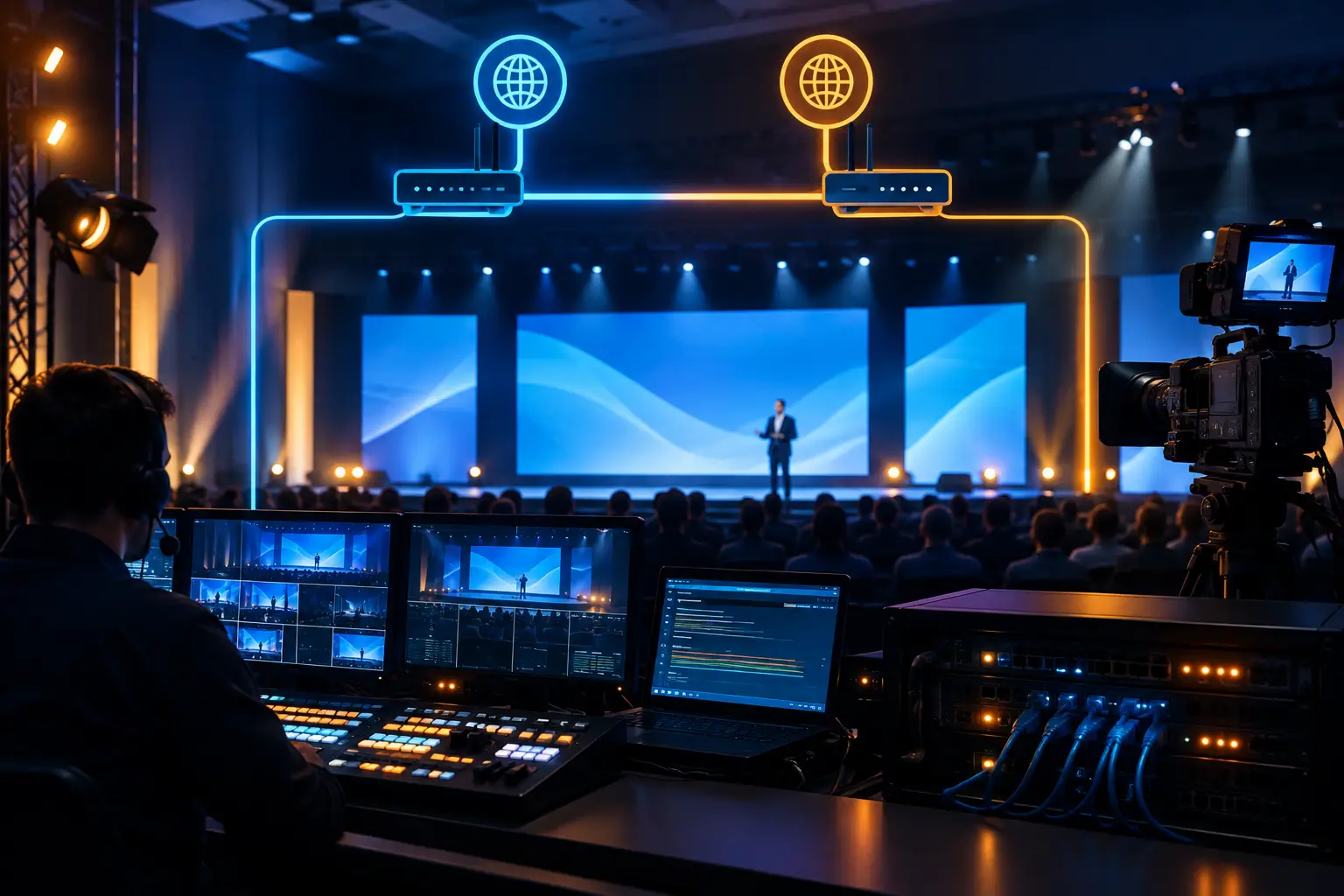
Path diversity means creating genuinely separate routes from the production network to the public internet. A practical design often pairs a dedicated venue hardline with one or more cellular connections from different carriers. In some venues, a second dedicated circuit from a separate provider may also be available. The best choice depends on the program’s importance, the building’s infrastructure, available lead time, and local cellular conditions.
Cellular backup is not automatically inferior. A well-tested 5G or LTE connection can protect a stream when a hardline fails, particularly when it is used through a professional bonding or failover workflow. It does have trade-offs: signal levels change as attendees arrive, nearby buildings can affect reception, and carrier congestion can increase at exactly the wrong time. Antennas, placement, and pre-event testing matter.
For high-consequence programs, the backup path should be physically and operationally separate. Do not place every modem, router, power supply, and antenna in one rack with one power source. A backup network that shares the same power strip, cable route, and configuration owner as the primary network is only partially protected.
Define what needs protection before selecting bandwidth
Not every event device should use the same internet connection. A production network needs priorities. The outgoing program feed is normally first. Remote contributors, producer communications, cloud graphics, presentation backups, and client viewing may also be critical, but their requirements are different.
A common failure point is allowing attendee Wi-Fi, registration devices, vendor laptops, and production video traffic to compete on the same unmanaged network. That arrangement can work for a small internal meeting. It is a poor fit for a corporate keynote with a live audience and a remote audience expecting reliable delivery.
Separate production traffic whenever possible. Assign a dedicated connection or VLAN for the encoder and essential streaming systems, then keep general client and guest use off that path. The technical director should know which devices are allowed on the protected network and which services can be reduced or removed if bandwidth becomes constrained.
Bandwidth planning should include overhead rather than targeting the bare minimum encoder bitrate. A stream may look stable during a quiet site survey, then become unreliable once hundreds of phones connect to nearby wireless infrastructure. Upload capacity is the priority for outbound livestreaming, but latency, jitter, packet loss, DNS behavior, and firewall rules can matter just as much.
Failover needs a decision, not a hope
There are two main approaches to backup: automatic failover and managed switching. Automatic failover can move traffic to a secondary connection quickly when the primary path is unavailable. It is valuable when the outgoing stream cannot tolerate an operator stopping to troubleshoot. But automatic systems must be tested carefully. Some failovers detect a total outage but not a degraded connection that is technically still online and dropping packets.
Managed switching gives the production team more control. An operator can evaluate the stream, confirm the backup route is healthy, and switch at the appropriate moment. The trade-off is that it depends on experienced staff watching the right monitoring tools and acting immediately.
Bonding is a separate but related strategy. It combines multiple connections to improve resilience and, in some configurations, available throughput. It can be particularly effective for mobile or temporary production environments, although the workflow must be compatible with the chosen encoder and delivery platform. Streaming platforms also have their own operational requirements, so confirm the destination settings and backup options early. For platform information, see Zoom.
The right method depends on the program. A one-way executive webcast may prioritize a protected primary encoder and a backup encoder on a different network. A multi-camera product launch with remote presenters may need separate paths for contribution and program delivery. A hybrid panel with live Q&A may require additional protection for return video and communications.
Build redundancy beyond the internet circuit
Internet redundancy fails when teams focus only on the connection and ignore the equipment around it. The encoder, router, firewall, network switch, power supply, and cable path all deserve attention. A backup circuit does little good if the only encoder locks up or the single network switch loses power.
For higher-stakes productions, the plan may include a primary and backup encoder, separate network interfaces, independent power where practical, and an alternate output route. The backup encoder should receive the program feed before the event begins, not become an emergency wiring project during the keynote.
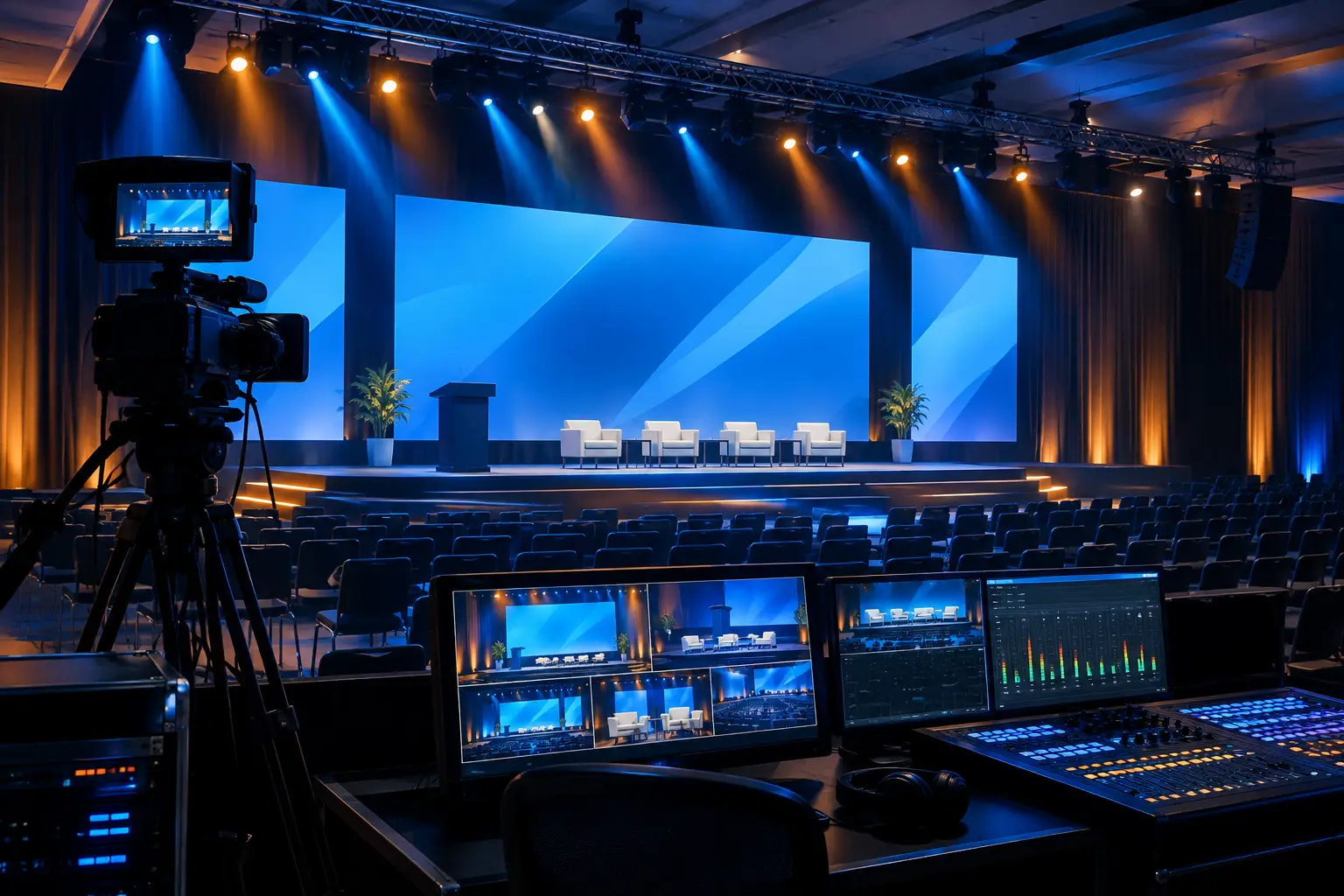
Video production architecture matters here. A multi-camera show with LED walls, playback, presentation content, and live graphics often has more than one output requirement. The program feed for the remote audience may need a different format, latency target, or audio configuration than the in-room display feed. Keeping those paths organized makes it easier to protect the stream without creating risk for the room.
This is where an experienced production team can coordinate networking with switching, audio, cameras, and show calling. AV Land handles these systems as part of full-service corporate event production rather than treating internet as an isolated venue utility.
Test under show conditions, not just during load-in
A speed test is not a failover test. It does not confirm that the encoder will reconnect correctly, that the streaming destination accepts the resumed signal, or that the backup path remains stable under program load.
Test the actual workflow. Send an encoded feed to the intended destination, monitor the outgoing bitrate and packet loss, then disconnect or disable the primary path deliberately. Confirm how long recovery takes, whether the platform maintains the event session, and whether audio and video return correctly. Repeat the test after final network changes.
Testing should also include remote presenters if they are part of the show. A remote guest may have an excellent connection at rehearsal and a different result at showtime if they change locations, join through corporate VPN software, or use a less capable local network. Give remote contributors a clear connection standard, a rehearsed return path, and a fallback plan such as a phone audio bridge or pre-recorded segment when appropriate.
Assign ownership before the show call
Venue IT, the client IT team, the streaming provider, and the AV crew can all touch the network. Without clear ownership, a simple issue can become a slow chain of questions while the show is live.
Document the primary and backup circuits, IP addressing or DHCP expectations, router access, venue escalation contacts, cellular carrier details, and who has authority to make changes. The show caller and technical director should know the exact decision point for switching to backup. The client should also know what the team will prioritize if capacity drops: preserving the program stream is usually more valuable than maintaining nonessential viewing or backstage browsing.
For Bay Area conferences, it is especially useful to validate venue internet early. Convention centers, hotel ballrooms, converted offices, and campus event spaces each present different handoff locations, wireless conditions, and access constraints. Early coordination avoids discovering a missing patch path or restricted network port when cameras are already rolling.
FAQ
How many internet connections does a live event need?
For a professional livestream, plan for at least one primary connection and one independent backup path. Larger or higher-risk programs may use multiple cellular carriers, a second hardline, bonded connectivity, or duplicate encoders.
Is venue Wi-Fi enough for a corporate livestream?
Sometimes, but it should not be assumed. Shared Wi-Fi can change dramatically as attendees arrive. A dedicated hardline or protected production network is the more predictable option, with Wi-Fi or cellular available as tested backup paths.
Can a stream continue during internet failover?
It can, but the result depends on the encoder, routing design, streaming platform, and how quickly the system detects the failure. Test the complete workflow with the actual destination before the event.
When should we involve the AV production team?
Bring the production team in when selecting the venue internet service or finalizing the floor plan. That allows the team to identify cable runs, network locations, cellular antenna placement, encoder positions, and backup power needs before show-site constraints limit the options.
A live stream should never depend on a last-minute network assumption. If your conference, keynote, launch, or executive webcast needs a tested primary and backup internet plan, request a production quote and build the network around the show, not around hope.