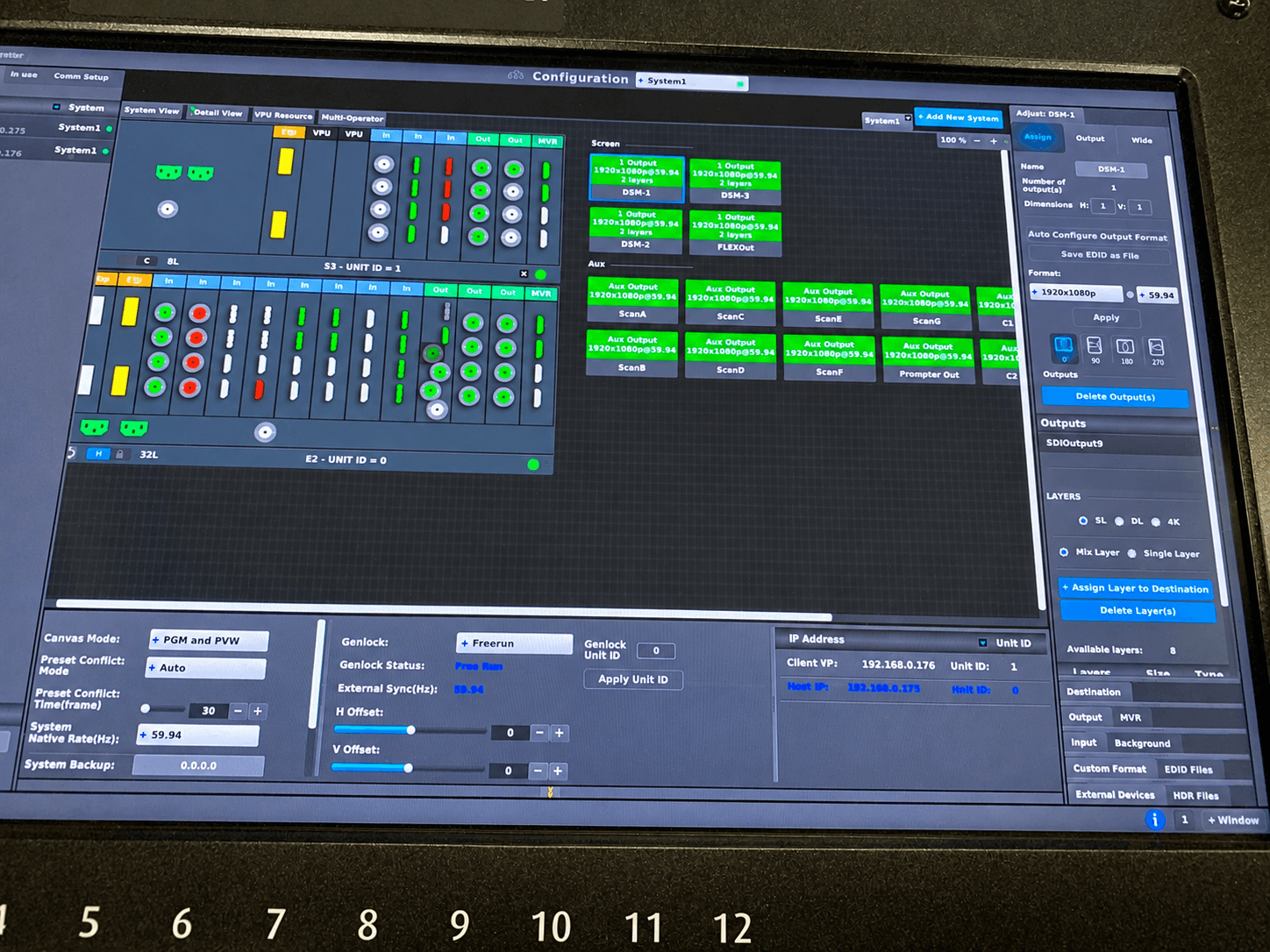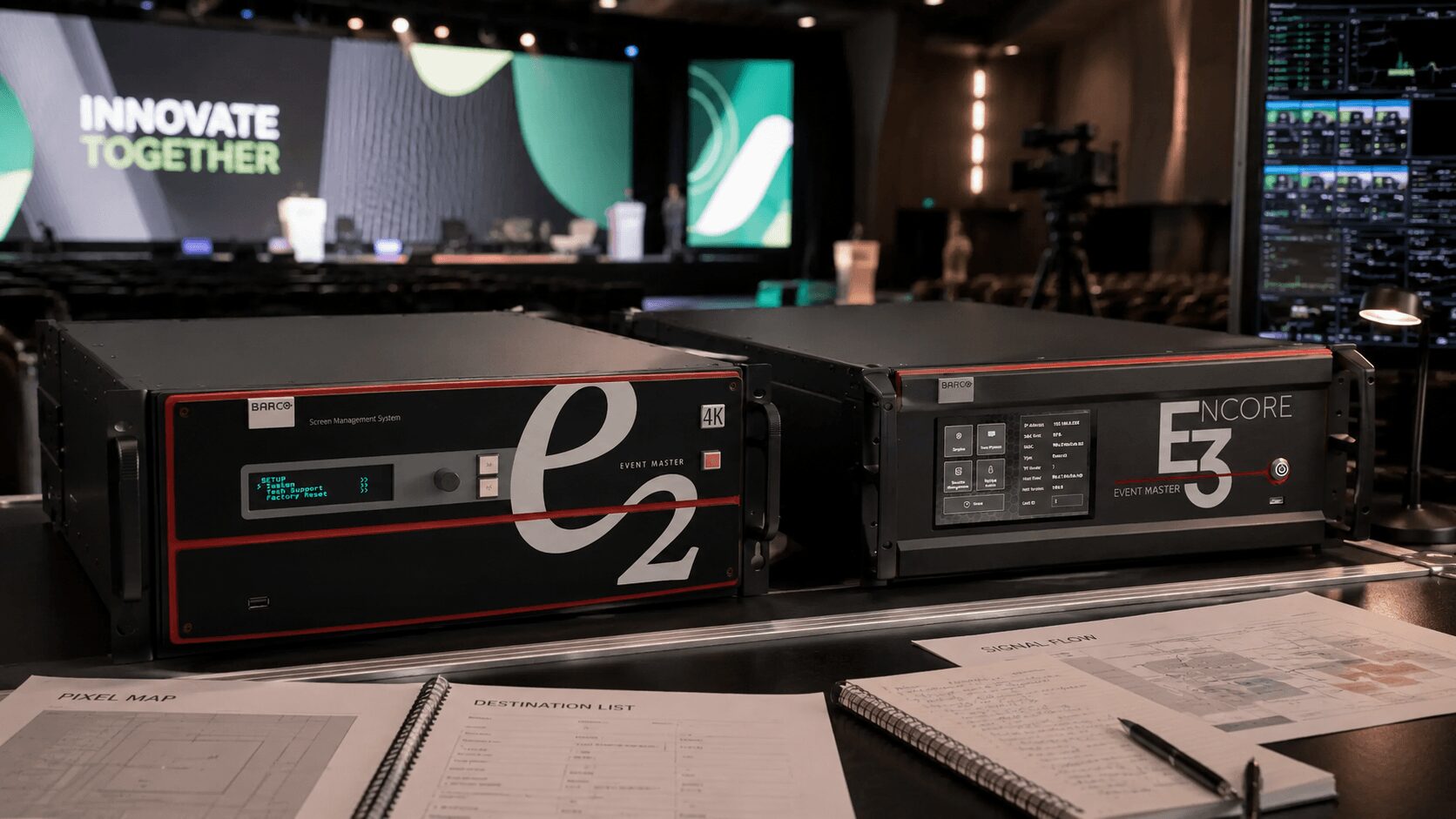
Barco E2 vs E3: Which One Fits the Show?
If you are comparing the Barco E2 with the newer Barco Encore3 for a corporate event, the real question is not simply which processor has the bigger specification sheet.
The more useful question is which platform fits the show’s canvas design, source count, output requirements, expansion plan, operator workflow, and tolerance for last-minute changes.
That distinction matters because Encore3 is not just a smaller E2, and it should not be described as an “E3.” Its official name is Barco Encore3. It is a newer image-processing platform with a different architecture, while E2 remains part of Barco’s established Event Master ecosystem.
Both can support demanding live productions, but the right choice depends on the complete system—not only the size of the LED wall.
Barco E2 vs Encore3 at a glance
| Consideration | Barco E2 Gen 2 | Barco Encore3 |
|---|---|---|
| Platform | Established Event Master processor | Newer Barco image-processing architecture |
| Standard 4K capability | 16 4K inputs and 8 4K outputs | Standard configuration includes 16 4K60 inputs and 8 4K60 program outputs |
| Maximum physical I/O | Up to 40 inputs and 18 outputs, depending on cards and configuration | Up to seven input-capable and four output-capable card slots |
| Canvas approach | Event Master destinations and screen-based canvas workflow | Boundless live-effects canvas |
| Layer approach | Layer resources depend on destination and system configuration | Eight 4K60 layers per screen are always available |
| Expansion | Can expand through Event Master systems, including linked processors and EX chassis | Expandable through configurable input and output card slots |
| Field familiarity | Widely deployed with a large base of experienced operators | Newer platform with a developing rental and operator ecosystem |
| Best reason to choose it | Existing Event Master workflow, distributed expansion, known show files, and proven rental availability | Modern processing, flexible canvas design, consistent layer availability, and native 4K60 workflow |
Exact capabilities depend on the installed cards, operating mode, software version, source formats, and complete system design. Always validate the final configuration against Barco’s current documentation.
First, clarify the naming: it is Encore3, not E3
People in the live-event industry may casually shorten Encore3 to “E3,” but Barco’s official product name is Encore3.
That distinction is worth keeping throughout the article because “E3” makes the processor sound like a direct generational replacement for E2. The relationship is more complicated.
E2 Gen 2 is an established Event Master processor with modular cards, familiar destination-based programming, extensive rental inventory, and expansion options that many operators already know well.
Encore3 is a newer platform built around a boundless canvas, native 4K60 processing, consistent per-screen layers, and a flexible card-based I/O structure.
Barco currently lists the E2 Gen 2 and Encore3 as separate products rather than presenting Encore3 as a simple E2 successor. Review the official Barco E2 Gen 2 and Barco Encore3 pages when specifying a system.
The comparison starts with the show design
Before choosing either processor, build the screen and signal plan.
At minimum, define:
- The total LED or projection canvas dimensions
- The number of independent screen destinations
- The required output resolutions and frame rates
- The number and format of presentation sources
- The number of camera and playback feeds
- The number of simultaneous picture-in-picture windows
- Preview, multiviewer, confidence, DSM, and backstage monitoring needs
- Livestream, recording, overflow, and press-feed outputs
- Primary and backup signal paths
- Expected expansion or late creative requests
A processor that supports the visible stage design may still be the wrong choice if it leaves no resources for engineering, monitoring, recording, or redundancy.
Where the Barco E2 still makes sense
E2 remains a strong choice when the production benefits from the established Event Master ecosystem.
That may include shows using existing Event Master inventory, experienced E2 operators, previously built show files, EX expansion chassis, or multiple linked systems distributed across a venue.
Existing Event Master workflow
Many corporate production teams already have established workflows around E2. Their operators understand destination programming, layers, presets, screen groups, linking, backups, and the practical behavior of the platform under show conditions.
That familiarity has operational value.
A processor may be technically capable, but a show is only as stable as the team designing, programming, testing, and operating it. Using an E2 with an experienced operator can be a safer choice than selecting a newer processor simply because it has a more modern architecture.
Rental inventory and replacement availability
E2 processors, cards, controllers, and compatible expansion hardware are widely represented in professional rental inventories.
For traveling productions, large general sessions, or shows requiring locally sourced backup hardware, availability can matter as much as processing capacity.
If a unit or card fails, the ability to obtain a compatible replacement quickly may be more important than gaining a specific new feature.
Distributed and expandable systems
An E2-based system can be expanded using other Event Master hardware, including linked processors and EX expansion chassis.
This can be useful when:
- Inputs and outputs are located far apart
- A production spans several rooms
- The system needs additional physical connectors
- The show requires a familiar Event Master backup architecture
- The production company already owns compatible expansion inventory
Barco also offers build-to-order E2 Gen 2 configurations with significantly expanded I/O and screen capacity. These should not be confused with the capabilities of a single standard E2 chassis.
When the production already owns E2
Ownership changes the economics.
If a production company already owns E2 systems, compatible cards, controllers, fiber expansion, and tested show-file templates, Encore3 must provide a meaningful operational advantage before replacing that workflow makes financial sense.
The best processor is not automatically the newest one. It is the processor that delivers the required design reliably without adding unnecessary rental, training, programming, or integration risk.
Where Barco Encore3 stands out
Encore3 becomes compelling when a production benefits from its newer processing architecture and canvas workflow.
Barco specifies a boundless live-effects canvas, 12-bit 4:4:4 processing, ultra-low latency, eight 4K60 program outputs in the standard configuration, and eight 4K60 layers per screen.
A boundless canvas approach
Encore3 is designed around a flexible canvas rather than forcing the operator to think only in terms of conventional individual destinations.
This can be valuable for wide LED environments, unusual scenic canvases, and productions where content moves across several display areas as part of one visual design.
The practical benefit is not that every show suddenly becomes easier. It is that the canvas architecture may align more naturally with how modern LED stages and creative teams design content.
Consistent layer availability
Encore3 provides eight 4K60 layers per screen.
That can make resource planning more predictable when a production expects multiple live windows, camera images, presentation sources, backgrounds, graphics, and transitional looks.
For example, a keynote look might combine:
- A branded background
- A presentation window
- A live camera window
- A lower-third graphic
- A remote contributor
- A product demonstration feed
- A transition or reveal element
Having a known layer structure per screen can reduce some of the compromises that occur when creative requests grow during rehearsal.
Native 4K60 system design
Encore3 is built around modern 4K60 input, output, and processing requirements.
This can simplify systems where cameras, media servers, presentation machines, and LED-processing paths are already operating in a 4K60 environment.
However, “native 4K” should not be treated as a reason by itself to choose Encore3. Many corporate events still distribute a mix of HD and 4K signals, and E2 Gen 2 also supports significant 4K capability.
A newer platform for future-facing systems
For production companies planning their next generation of processing inventory, Encore3 deserves serious consideration.
Its newer architecture may provide a better long-term fit for increasingly large LED canvases, 4K workflows, and complex visual designs.
The trade-off is that a newer system may not yet have the same depth of local rental inventory, trained operators, field history, compatible accessories, and replacement availability as E2.
Do not compare input and output numbers without context
Processor comparisons often become misleading when input and output connector counts are listed without explaining their formats or operating modes.
For example, an HD connector count does not translate directly into the same number of independent 4K60 signals. A card may support several connector combinations, and resources can change depending on format, card type, or system mode.
When evaluating a real show, document:
- Connector type
- Signal resolution
- Frame rate
- Color format and bit depth
- HDCP requirements
- Genlock requirements
- Whether signals are native or scaled
- Whether connectors are independent, grouped, or duplicated
The useful question is not “How many connectors does it have?”
It is “Can this exact configured system accept every required source and feed every required destination at the specified format, with enough resources left for monitoring and backup?”
Layers, screens, outputs, and destinations are not the same thing
These terms are often mixed together during early planning, but they describe different resources.
- Input: A source entering the processor
- Layer: A source or visual element placed within a screen composition
- Screen or destination: A programmed visual canvas
- Output: A physical or logical signal leaving the processor
- Canvas: The overall pixel space used to create the visual design
A show may have only one large LED wall but still require several outputs to feed that canvas. Another production may have multiple screens sharing content but relatively simple layer requirements.
This is why choosing between E2 and Encore3 from the scenic rendering alone is risky.
LED walls change the processor decision
If the event includes an LED wall, evaluate the processor against the final pixel map—not only the physical dimensions of the display.
Confirm:
- The exact canvas width and height in pixels
- The number of LED processors and feeds
- Whether the canvas is one continuous surface or several independent destinations
- The location and size of presentation and IMAG windows
- Whether content must move across screen boundaries
- Whether the canvas includes unusual aspect ratios or scenic elements
- The required backup strategy
A modest-looking wall can still create a demanding processing workload when it has a high pixel count, several independent sections, or multiple live windows.
Fine-pitch LED also makes scaling quality, text clarity, synchronization, and accurate pixel positioning more visible to the audience.
Which platform is better for corporate events?
There is no automatic winner for corporate events.
The E2 may be the better choice when:
- The crew already has deep Event Master experience
- The production owns or can easily rent compatible E2 inventory
- The show uses EX chassis or linked Event Master systems
- A tested E2 show file already exists
- Replacement availability is a priority
- The required screen design fits comfortably within the selected E2 configuration
Encore3 may be the better choice when:
- The show benefits from a boundless-canvas workflow
- Consistent eight-layer-per-screen availability is important
- The production is designed around native 4K60 sources and destinations
- The team is building a new processing system rather than extending an existing E2 ecosystem
- The operator and engineering crew are trained and comfortable on Encore3
- The required configuration has been thoroughly tested before show site
What about confidence monitors and utility outputs?
Confidence displays, backstage monitors, engineering views, livestream confidence, overflow rooms, records, and press feeds should be included in the system design from the beginning.
Do not count only the outputs visible to the audience.
A corporate general session may require:
- Main LED canvas feeds
- Side-screen feeds
- Downstage confidence monitors
- Backstage presenter confidence
- DSM displays
- Speaker timer displays
- Stream program and preview
- Recording feeds
- Overflow-room feeds
- Multiviewers for engineering and show control
Some of these feeds may be distributed from a router, DA, switcher, converter, or other part of the system rather than directly from the screen processor.
A good design keeps each device doing the job it handles best instead of forcing every signal through the processor.
Barco E2 vs Encore3 for livestream and hybrid events
A hybrid event does not automatically require either platform.
The processor decision depends on how tightly the ballroom screen system is connected to the livestream system.
A hybrid production may need:
- Clean presentation feeds
- Camera and content composites
- Remote contributor returns
- Stream-specific graphics
- Program and backup records
- Stream confidence monitoring
- Separate in-room and online looks
- Overflow and remote viewing destinations
For a controlled show with one main canvas and a straightforward stream feed, either platform may provide more than enough capability.
For a complex hybrid production, the engineering team should design the screen processor, production switcher, router, recording system, and livestream stack together.
AV Land supports multi-camera livestream and hybrid event production along with screen management, cameras, recording, presentation systems, and on-site technical direction.
Budget should follow the architecture
Comparing only the daily rental price can create a false economy.
The complete cost may include:
- Processor rental
- Input and output cards
- Expansion chassis
- Controllers
- Fiber or signal transport
- Converters and distribution
- Programming time
- Operator labor
- Backup hardware
- Rehearsal and testing
A lower-priced processor that forces additional converters, complex routing, reduced redundancy, or longer programming time may not be the lower-cost system.
At the same time, specifying a newer or larger platform without a show requirement to justify it adds cost without improving the audience experience.
The processor should fit the architecture—not the prestige of the equipment list.
The operator matters as much as the processor
Neither E2 nor Encore3 protects a production from poor system design, rushed programming, incomplete testing, or an inexperienced operator.
The operator should understand:
- The complete screen and signal map
- Source resolutions and frame rates
- Layer and output allocation
- Backup paths
- Controller and network configuration
- EDID and HDCP behavior
- Genlock and synchronization
- How to recover from source or output failures
- How changes affect the rest of the show file
For executive events, product launches, analyst meetings, and live broadcasts, the cost of an experienced operator is usually much lower than the cost of rebuilding the system during rehearsal.
So, should you choose Barco E2 or Encore3?
Choose E2 when its Event Master architecture, existing inventory, expansion options, rental availability, and experienced operator base match the production.
Choose Encore3 when its boundless canvas, predictable per-screen layers, modern 4K60 processing, and newer architecture provide a clear advantage for the show.
Do not choose Encore3 because it sounds like a newer E2, and do not choose E2 simply because it has been the industry standard for years.
Build the pixel map, source list, destination list, monitoring plan, and backup architecture first. Then select the processor that supports the complete system with reasonable headroom.
The correct choice is the one that remains manageable after the client adds another source, the creative team changes the screen layout, and rehearsal runs shorter than planned.
Need help designing the screen system?
AV Land provides Barco E2 systems, screen management, technical direction, switching, cameras, presentation playback, livestreaming, and corporate event production throughout the San Francisco Bay Area.
We design the processor around the actual canvas, source list, destinations, crew workflow, and backup requirements rather than treating it as an isolated rental item.
Send us the screen dimensions, pixel map, source list, output requirements, event schedule, and budget range to begin planning the system.
Frequently asked questions
Is Barco Encore3 officially called the E3?
No. Barco’s official product name is Encore3. Some technicians may casually call it E3, but that can incorrectly suggest that it is simply the next version of E2.
Is Encore3 a replacement for the Barco E2?
Encore3 is a newer Barco processing platform, but Barco continues to support and list E2 Gen 2 within its professional image-processing portfolio. They use different architectures and should be evaluated against the production’s specific requirements.
Does Encore3 have fewer capabilities than E2?
Not as a general rule. Each platform has different strengths, card configurations, canvas workflows, expansion options, and resource models. A comparison must use the exact configured systems and required signal formats.
How many 4K inputs and outputs does E2 Gen 2 support?
Barco lists the standard E2 Gen 2 with 16 4K inputs and eight 4K outputs. The chassis can support up to 40 inputs and 18 outputs in other format and card combinations.
How many 4K outputs does Encore3 support?
Barco lists the standard Encore3 configuration with eight 4K60 program outputs. Its card-based design provides up to four output-capable card slots, with each output card supporting up to four 4K60 outputs. The exact usable configuration should be verified for the planned operating mode and software version.
Which processor is better for an LED wall?
That depends on the LED canvas resolution, number of feeds, screen arrangement, layer requirements, source formats, and backup design. The physical size of the wall alone is not enough to choose the processor.
Can E2 and Encore3 use the same operator workflow?
They share concepts familiar to professional screen-management operators, and Encore3 currently works with Barco’s Event Master Toolset. However, they should not be treated as identical systems. Operators need platform-specific preparation and testing.
Should the screen processor also create the livestream program?
Sometimes, but not automatically. A dedicated production switcher may be better suited for camera cuts, stream graphics, records, and broadcast workflow, while the screen processor manages the stage canvas. The complete signal design should determine where each task is handled.