



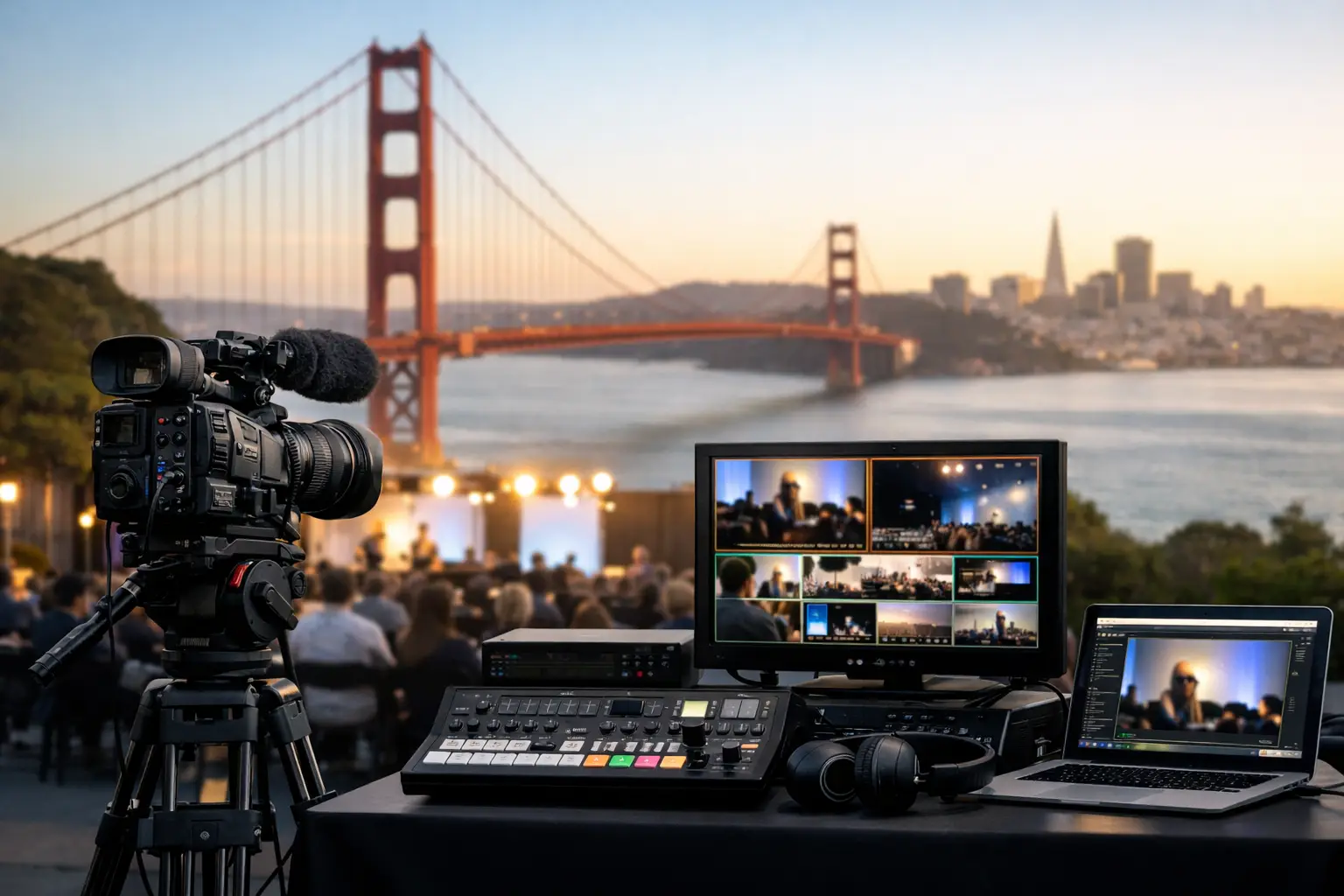
Bay Area Event Video Systems Guide
A keynote goes sideways faster with bad video than with bad decor. If your content is unreadable on side screens, your LED wall moires on camera, or your playback machine is not scaled correctly, the audience notices immediately. This Bay Area event video systems guide is built for corporate event planners, production managers, and marketing teams who need video systems that hold up under live pressure.
Corporate events in San Francisco, San Jose, and Silicon Valley tend to be harder on video systems than they look on paper. General sessions shift into breakout mode. Keynotes need confidence monitors, walk-in content, remote presenters, IMAG, recording, and livestream outputs at the same time. Product launches often involve custom aspect ratios, layered graphics, and last-minute content revisions. The system has to support all of that without turning the show into a troubleshooting exercise.
What a corporate event video system actually includes
When people say “video,” they often mean screens. In practice, the video system is the full chain: source machines, switching, screen management, display technology, camera feeds, graphics, records, streams, and monitoring. If one piece is underspecified, the rest of the system gets harder to operate.
For a clean corporate setup, start with the outputs you need to deliver. That might include a center projection screen, two side screens, an LED backdrop, confidence monitors, a press feed, a livestream feed, and an archive record. Once those endpoints are clear, you can build the signal path backward. That is the difference between a planned system and a pile of gear.
The most common mistake is treating displays as the main decision and everything else as accessories. In real production, processing is usually the bigger factor. If your show requires multiple looks, live camera integration, presenter support, and separate outputs for in-room and online audiences, switching and screen management matter more than whether the display is projection or LED.
Bay Area event video systems guide: start with the room
Venue conditions drive video decisions more than preferences do. A ballroom with controlled lighting can make projection look excellent and cost-effective. A glass-heavy atrium in daytime usually pushes the show toward LED. A low-ceiling room may limit flown screen size. A wide stage may call for image magnification on side screens even if there is a large backdrop.
Audience layout matters too. For a tech conference, engineers in the back row still need to read code snippets, product UI, or dense slides. That changes screen sizing, brightness targets, and content formatting. A slick scenic look means very little if your content cannot be read past the first third of the room.
This is also where local experience helps. Many Bay Area venues have load-in constraints, limited rigging windows, union rules, or power distribution quirks that affect video design. A system that works on a diagram can still be wrong for the building.
LED wall or projection? It depends on content, camera, and budget
There is no universal winner here. LED walls solve a lot of brightness problems and create a premium look, but they are not automatically the best choice for every corporate event. Pixel pitch, viewing distance, camera shutter behavior, and content design all matter.
LED is usually the stronger option when you need brightness, wide scenic coverage, or a polished keynote backdrop that also reads well on camera. It is especially useful in rooms with ambient light or where projection sightlines are difficult. For hybrid events, LED can also improve the visual quality of the stage for remote viewers.
Projection still makes sense in many general sessions and breakouts. It can be more efficient for large image areas, and in the right room it delivers excellent readability. It is also often easier to scale across multiple breakout spaces when budgets need to stay focused on the main room.
The trade-off is operational. LED requires tighter processing, cleaner content preparation, and more attention to camera interaction. Projection requires disciplined ambient light control and careful lensing. Neither option fixes weak show design.
Processing is where complex shows are won or lost
If your event includes multiple presentation sources, layered graphics, camera feeds, walk-in loops, lower thirds, and custom canvases, a proper screen management system is not optional. This is where platforms like Barco Event Master come into play for larger corporate shows. A processor such as an E2 or E3 gives the team control over scaling, routing, layers, and output destinations without improvising under pressure.
That matters when a presenter changes laptops moments before going live, when legal asks for a last-minute title correction, or when the stream needs a different composition than the room. In those moments, good processing gives the operator options.
Barco Event Master platform is widely used for this level of show control because it is built for multi-source, multi-destination environments. More on the platform itself can be found at the barco website. The point is not the brand name by itself. The point is that complex corporate events need enterprise-grade processing and operators who actually know how to configure it.
Cameras, IMAG, and livestreaming change the system design
The moment you add live cameras, the video system stops being just a display package. Camera positions affect audience sightlines. Shading affects screen appearance. Delay management starts to matter. And if the event is also streaming, the room feed is rarely the same as the broadcast feed.
This is where many event plans become too simplified. A show caller may want IMAG only during walk-ons and panel discussions. Marketing may want iso records for post-production. The executive team may want remote guest integration. Those are all reasonable asks, but they require a system designed for parallel outputs and active technical direction.
For teams planning a hybrid or live-streamed event, the better approach is to think in versions. What does the in-room audience need? What does the online audience need? What needs to be recorded clean? Once those answers are separated, the system design becomes clearer. AVIXA has useful industry resources on standards and event technology practices at AVIXA.
Content formatting is not a last-minute task
A lot of video issues are really content issues. Slides built for a standard 16:9 screen do not automatically work on a wide LED canvas. Small charts that are readable on a laptop are often unreadable in a ballroom. Branded motion backgrounds can interfere with lower thirds or speaker IMAG.
The fix is simple, but it has to happen early. Define the show canvas before content gets built. Confirm native resolutions for all displays and outputs. Test video playback formats. If there will be confidence monitors, decide what those displays need to show and who controls them. This is basic show discipline, but it prevents a surprising amount of on-site friction.
If your show includes multiple scenic looks or custom screen layouts, you should also expect more rehearsal time. Not because the system is fragile, but because the cues matter. Precision comes from prep.
Crew quality matters as much as gear quality
Corporate buyers often ask what equipment will be used. That is fair, but the more useful question is who is operating it. A strong video engineer protects the show from format mismatches, EDID problems, scaling errors, and output confusion before the audience ever sees them. A strong technical director keeps cameras, playback, graphics, and screen destinations working as one system.
That is especially true for Bay Area events where run-of-show changes are common. Product teams revise demos. Speakers show up with new machines. Internal stakeholders request additional confidence feeds. None of this is unusual. The issue is whether your crew can absorb change without exposing the room to it.
For organizations producing executive keynotes, conferences, or launch events, this is where a full-service corporate event production partner earns its keep. It is not just about bringing inventory. It is about handling the signal flow, redundancy planning, screen management, camera integration, and on-site execution in-house.
Redundancy is not overkill for high-stakes events
If the event includes executives, investors, customers, media, or a large remote audience, redundancy should be discussed directly. That does not mean duplicating every cable in the room. It means identifying the failure points that would actually stop the show and protecting them appropriately.
Usually that includes show control machines, critical playback, key signal paths, recording, and stream encoding. In some rooms it also includes backup displays or alternate routing plans. The right level depends on the stakes, the agenda, and the tolerance for interruption.
What matters is being deliberate. “We’ll figure it out if something fails” is not a plan. In live production, reliability is engineered.
Choosing the right partner for complex event video
If you are comparing vendors, look past line items and ask how they think about system design. Can they explain why they chose LED over projection for your room? Can they map outputs clearly for in-room, confidence, record, and stream? Can they support multi-camera production and screen management from one coordinated team? Can they speak fluently about processing, switching, timing, and contingency planning?
Those are stronger buying signals than a generic gear list. For events that need advanced switching, custom output management, and integrated live production, services like video processing and livestreaming should not be treated as add-ons. They are part of the show architecture.
AV Land works in that lane every day, with in-house capability across Barco processing, camera systems, livestreaming, LED, and technical direction for corporate events. If your event has real complexity, the value is having one team that can build and run the full system instead of stitching together separate operators and hoping the handoffs go well.
The best video systems are not the ones with the most equipment. They are the ones that make a demanding show feel controlled, readable, and uneventful for everyone except the crew.