Corporate Event Video Production San Francisco
At 8:57 a.m., three minutes before an executive keynote opens, video is no longer a creative deliverable. It’s a live system that has to hold under pressure. Corporate event video production in San Francisco has to manage presenter confidence monitors, presentation playback, camera shading, LED wall outputs, remote guests, recording, and livestream delivery — without forcing the show caller to choose what gets priority.
For conferences, product launches, investor events, and technical keynotes, the difference is built long before doors open. It comes down to signal flow, equipment selection, experienced operators, and a production plan that assumes a cable, playback source, network path, or display output can fail at the worst possible moment.
What Corporate Event Video Production Actually Covers
A corporate video production scope should start with the audience experience, then work backward through the system. The in-room audience needs clean imagery, correctly scaled for the room and display surfaces. Remote viewers need a program feed that doesn’t feel like a camera pointed at a projection screen. Speakers need confidence monitors with the right content, at the right time, without seeing operator interfaces or accidental preview feeds.
That usually means more than placing cameras around a ballroom. A complete system can include multi-camera coverage, presentation ingest, playback, graphics, image magnification, LED wall or projection outputs, recording, livestream encoding, intercom, and technical direction. Each component needs a defined input, output, operator, backup path, and cueing process.
For a leadership keynote, a two- or three-camera setup may be the right choice: a wide shot for context, a tight shot for the speaker, and a roaming or audience camera for Q&A. A large developer conference may need additional camera positions, dedicated feeds for overflow rooms, separate walk-in content, and a show-control workflow that can handle hundreds of presentation slides and videos.
The goal isn’t adding gear for its own sake. It’s building a system that supports the agenda without adding risk.
San Francisco Venues Set the Terms
San Francisco venues create real production variables. Load-in routes can be narrow, freight elevators can be scheduled tightly, rigging rules vary, and hotel ballrooms often have low ceilings or limited sightlines. A video plan that looks sensible on a floor plan can fail when camera platforms block egress, projector throws are too short, or an LED wall needs more depth than the stage design allows.
A site survey should confirm where cameras can operate without obstructing attendees, where video control can be located, how cable paths will be protected, and whether house power supports the display and processing load. It should also document existing venue infrastructure — house projection can be useful, but test it at the intended resolution, brightness, and input format before it becomes part of the critical path.
LED walls often offer more flexibility in bright rooms and on wide stages, but they come with their own decisions. Pixel pitch, wall dimensions, processor capacity, camera shutter settings, and presentation canvas design all affect what the audience sees. Fine-pitch LED isn’t automatically the right answer — for some rooms, high-output projection or confidence displays are more appropriate and more efficient.
Build the Signal Flow Before Selecting Cameras
The best production crews don’t start with a camera package. They start with a diagram.
Every source needs a clear route from origin to destination: presentation laptops, media playback, cameras, remote contributors, sponsor content, walk-in loops, and backup systems. Every destination should be identified too: main LED wall, side screens, confidence monitors, livestream program, recordings, press feeds, overflow rooms, and backstage monitors.
Why Switching and Processing Matter
A simple event can run through a production switcher with well-managed inputs and auxiliary outputs. Complex events often need a dedicated screen-management layer. Barco E2 and E3 systems are built for high-resolution canvas management, multiple destinations, layered content, and reliable routing for events where a single screen feed isn’t enough.
That processing layer matters most when the show includes an ultra-wide LED canvas, multiple stage displays, different aspect ratios, picture-in-picture layouts, or separate presenter and audience outputs. The operator can manage the visual composition without asking a show caller to manually rebuild the routing at every cue.
The trade-off is that advanced processing requires planning and qualified operation. More flexibility means more routing options, more presets, and more opportunities for an untested change to affect a live output. A properly prepared show file, clear labeling, and a rehearsal are what turn processing capability into operational reliability.
Treat Playback as a Live Source, Not a File
Executive video rolls, product demos, and motion graphics deserve the same preparation as a camera feed. Files should be reviewed for resolution, frame rate, audio mapping, embedded captions, and playback duration. The playback operator needs the latest approved assets, but also needs a locked show order and a clear procedure for last-minute replacement files.
Presentation laptops need similar discipline. Confirm output resolution, disable notifications, test adapters, and identify the exact cue sequence. For high-stakes sessions, redundant playback and presentation paths are worth considering. The right approach depends on the agenda and cost of failure — a 15-minute internal update has different requirements than a globally streamed product announcement.
Redundancy Is a Design Decision
Redundancy gets described as duplicate equipment. That’s only part of it. Effective redundancy isolates failures so they don’t take down unrelated parts of the show.
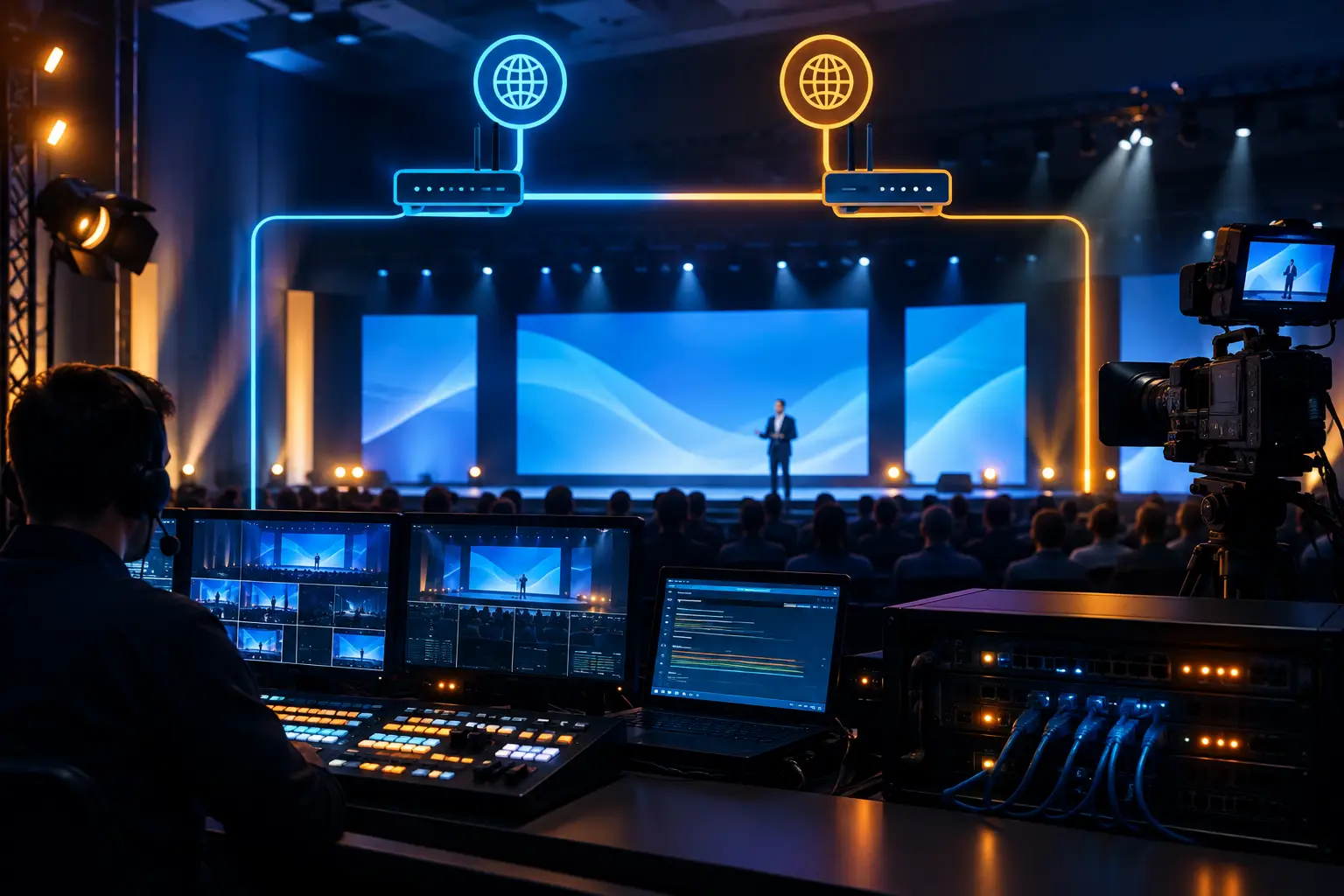
A backup encoder is only useful if there’s a tested method for switching the stream. A second presentation laptop only helps if it has the current deck and can go on screen quickly. Dual network connections only offer protection if they use genuinely independent paths, not two ports on the same constrained venue service.
For hybrid events, plan for backup internet, local recording, a secondary stream destination where appropriate, and a communications plan for remote presenters. If a remote guest drops, the moderator, show caller, graphics operator, and camera director should all know the next cue. Silence is rarely the right contingency plan.
Power deserves the same attention. Critical video control, networking, and playback systems should be protected from accidental disconnects and unstable circuits. Cable management is a reliability issue too, not just an aesthetic one — a poorly protected cable run can turn a routine room reset into an avoidable outage.
The Livestream Needs Its Own Production Standard
A livestream isn’t an afterthought output from the ballroom. Remote viewers need intentional camera framing, legible graphics, properly mixed audio, and a program that respects their attention. A presenter speaking over dense slides may work in person, where attendees can see the main screen, but can be hard to follow on a laptop.
Plan a dedicated streaming program when the remote audience matters. That can include camera shots that favor the speaker, slide-and-speaker compositions, lower thirds, moderated remote Q&A, and pre-show holding content. Audio should be mixed for the stream, not copied blindly from the room mix — audience microphones, walk-in music, and room acoustics often need different treatment for online viewers.
Platform choice depends on access, security, audience size, registration requirements, and interaction needs. Zoom, Microsoft Teams, and other platforms can all be viable, but their workflows differ. Test the actual account settings, presenter permissions, screen-share rules, and destination configuration before show day — a platform that works well for an internal meeting isn’t always the right fit for a polished external broadcast.
Crew Experience Shows Up in the Quiet Moments
The strongest corporate productions often look calm because the crew has already worked through the hard decisions. The technical director knows which camera is ready. The graphics operator knows the naming convention. The video engineer knows which output feeds each display. The show caller has a single point of communication with department leads.
That coordination matters most during transitions: walk-in to opening video, keynote to panel, local speaker to remote guest, or presentation to demo. Those are the points where incomplete run-of-show notes and unclear responsibilities become visible to the audience.
A capable corporate video team should ask direct questions early: What must be live? Which outputs are mission-critical? Who approves content changes? Is the event being recorded for post-production? What happens if the primary internet path fails? The answers shape staffing, equipment, rehearsal time, and budget.
A Better Standard for Bay Area Corporate Events
For production managers and event planners, the practical measure of a video partner isn’t a camera inventory list. It’s whether the team can translate an agenda into an operating plan, identify failure points before they become show-day problems, and run the room with disciplined communication.
AV Land handles corporate event video production with in-house camera systems, livestream workflows, LED display support, Barco E2/E3 processing, and on-site technical direction for Bay Area conferences and live productions. The scope can scale from a focused executive webcast to a multi-day conference, but the standard stays the same: every signal has a path, every cue has an owner, and every critical system has a tested backup.
When the first executive steps on stage, the audience should be focused on the message, not the machinery required to deliver it.
FAQ
How many cameras do I need for a corporate keynote? A two- or three-camera setup often covers a single-speaker keynote — a wide shot, a tight shot, and a roaming or audience camera. Larger conferences with overflow rooms or panel formats typically need more.
Do you handle both the in-room production and the livestream? Yes. The room feed and the stream program are planned as related but separate deliverables, since what reads well in person doesn’t always read well on a laptop.
What happens if our internet drops during a livestream? A tested backup path — redundant internet, local recording, or a secondary destination — is part of the plan before show day, not something improvised in the moment.
Ready to plan your production? Request a quote with your dates, venue, and agenda.