



How to Spec Conference LED Displays Correctly
A conference LED wall can look excellent in a rendering and still fail the room. The usual causes are not exotic: pixel pitch selected without viewing-distance data, insufficient brightness under stage lighting, an unsupported aspect ratio, or a signal path with no backup. Knowing how to spec conference LED displays means treating the screen as part of a live production system, not as a large monitor on a stage.
For corporate conferences, keynotes, product launches, and hybrid events, the right LED specification starts with audience sightlines and content requirements. It ends with a tested signal path, appropriately sized processing, trained operators, and a contingency plan that works while the show is live.
Start With the Room, Not the LED Product
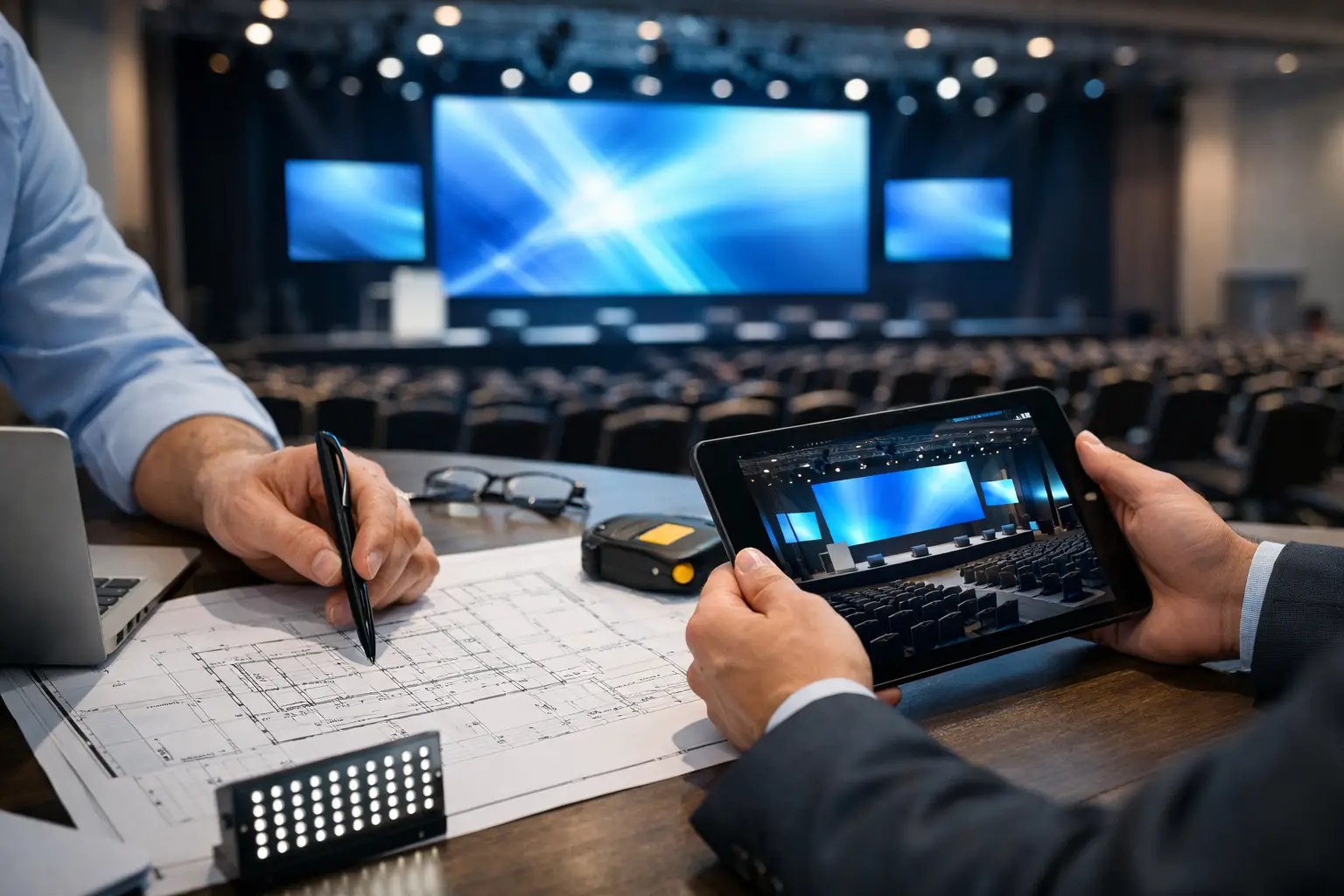
The first question is not, “What pixel pitch should we use?” It is, “What must every audience member be able to see?” Obtain a scaled floor plan, room dimensions, stage location, seating layout, ceiling height, and the distance from the screen to the nearest and farthest viewers. Then account for cameras, confidence monitors, scenic elements, speaker entrances, and any IMAG screens.
A center LED wall that is technically large enough can still be ineffective if it sits too low behind a lectern, is blocked by camera positions, or forces viewers at the sides into an uncomfortable viewing angle. For wide ballrooms and convention halls, a single 16:9 wall may not cover the room as well as a wider canvas with flanking displays. The screen layout should support the program, not simply fill available stage space.
Viewing distance drives pixel pitch, but it is only one input. A common planning rule uses minimum viewing distance in meters as a rough indicator of appropriate millimeter pitch. A 1.9 mm wall suits close seating and camera-friendly applications. A 2.6 mm or 2.9 mm product is often a practical conference choice when the closest audience is several feet back. At larger distances, 3.9 mm may be appropriate and more economical.
That rule is a starting point, not a final specification. Fine pitch is useful when attendees are close, slides contain small type, or cameras will frame the display tightly. It also increases cost, processing load, power density, and the importance of proper calibration. Specifying the finest available pitch for a large keynote room can waste budget that would produce better results when applied to screen size, redundant processing, or camera coverage.
Size the LED Wall for Content and Sightlines
Screen dimensions should be driven by the presentation format before the stage design is finalized. Most corporate presentation decks are built in 16:9. A 16:9 LED canvas lets those decks display at full frame without scaling compromises. It also aligns naturally with most camera, playback, and livestream outputs.
But 16:9 is not the only valid choice. A panoramic wall can create a strong keynote environment, particularly when content is designed specifically for the wider raster. The trade-off is that standard slide decks, remote presenter feeds, and video clips may need custom layouts or pillarboxing. If the marketing team will continue supplying standard 16:9 slides until show week, do not spec an ultra-wide canvas without a firm content workflow.
Readability matters more than screen area. Executive presentations need type large enough to be read from the farthest seats. Data-heavy slides, product UI demonstrations, financial tables, and code screens deserve early review. If the material cannot be read at realistic distance, the answer may be a revised slide template, larger screen, side screens, or dedicated displays for select audience areas.
Calculate Native Resolution Before Content Production
LED walls are built from modular cabinets, so physical dimensions and pixel resolution are linked. A wall might be physically close to a desired size but land on a nonstandard pixel raster. That is manageable only if the graphics team receives the exact native resolution early enough to build content correctly.
Do not assume a wall that looks like 16:9 is exactly 1920 by 1080. Depending on cabinet dimensions and pixel pitch, it may be 1792 by 1008, 2048 by 1152, or another custom raster. Media servers and processors can scale standard content, but scaling small text or detailed UI elements can soften edges and create uneven results. Native-resolution content is the cleaner path.
Confirm the active image area, pixel canvas, processor input mapping, and any planned auxiliary outputs before motion graphics begin. This is especially important for events using walk-in loops, lower thirds, live camera feeds, playback, remote speakers, and presentation content on the same wall.
Match Brightness and Color to the Environment
Indoor conference LED does not need outdoor brightness. Excessive brightness can fatigue the audience, distort camera exposure, and make a controlled scenic environment feel harsh. Conversely, a low-output wall can lose contrast when exposed to bright house lights, heavy key lighting, daylight through windows, or white scenic surfaces.
The practical target depends on the room and lighting design. A dimmed keynote environment can operate comfortably at a much lower level than a brightly lit expo-adjacent ballroom. Test the wall with representative content, camera shading, and planned stage lighting. A bright white slide is often more revealing than a polished promotional video.
Color management deserves equal attention. LED tile batches, calibration quality, processor settings, camera color science, and lighting all affect the final image. If live cameras are part of the program, camera shading and LED color temperature must be addressed during rehearsal. Otherwise, the presenter can look natural to the audience while appearing overly cool, magenta, or underexposed on the screen and webcast.
Design the Signal Flow Before Load-In
The LED wall is only the visible endpoint. Behind it is a chain of sources, switchers, scalers, distribution, processing, fiber transport, monitoring, and power. A reliable design identifies every signal handoff and every conversion.
For a corporate keynote, sources may include presentation laptops, playback systems, live cameras, remote contributors, program feeds, confidence monitors, and webcast encoders. The system should establish a clear house reference where needed, confirm frame rates across sources, and define who owns each output. A last-minute laptop with an unfamiliar resolution should not become a processor programming problem five minutes before doors.
Barco E2 or E3 processing is often appropriate when the show requires multiple live sources, layered looks, native LED canvas management, downstream keying, image magnification, and routed outputs for overflow or streaming. The processor should be specified for actual input and output capacity, including future show changes, rather than the minimum configuration that supports the first draft of the run of show.
Redundancy Must Cover Real Failure Points
Saying a system is redundant is not enough. Identify what can fail and what happens next. Critical paths may need backup processor outputs, alternate signal routes, spare fiber, redundant power distribution, standby playback, duplicate presentation outputs, and a fallback program feed to the LED controller.
The right level of redundancy depends on the program. A one-hour internal meeting has different risk tolerance than a global product launch with executives, media, and a live webcast. The key is making deliberate choices. If a primary display path fails, the technical director and LED team should know exactly how the show continues, who executes the change, and what the audience will see during the transition.
Plan for Cameras, Streaming, and Remote Speakers
If the LED wall will appear on camera, it needs to be specified with the camera plan in mind. Refresh rate, scan behavior, shutter speed, frame rate, brightness, and moiré risk all matter. A wall that looks acceptable in the room may show scan lines or tonal artifacts in a close camera shot.
Coordinate the LED team with video engineering and the livestream crew during preproduction. Camera positions affect screen framing. Presenter blocking affects exposure. Remote speakers may require return video, confidence displays, and latency-aware audio routing. For hybrid programs, the in-room screen, confidence system, and webcast output should be designed as related but separate deliverables. They rarely need identical layouts.
This is where full-service corporate event production is valuable: the LED wall, cameras, playback, switching, streaming, audio, lighting, and technical direction are planned as one operating system. It reduces last-minute translation between vendors and gives the show caller a clearer chain of command when the schedule tightens.
Ask the Questions That Prevent Expensive Revisions
Before approving an LED package, confirm the show schedule, access window, loading dock restrictions, rigging or ground-support plan, power availability, network needs, stage dimensions, seating map, content format, camera plan, and contingency requirements. In San Francisco and Silicon Valley venues, labor windows and room-turn constraints can materially affect the design. A screen that is possible on paper may not be practical within the available install time.
Also request a clear equipment scope. It should identify LED product and pitch, wall dimensions, native resolution, processors, control systems, signal transport, backup provisions, power, rigging or support, technicians, and test time. Vague descriptions such as “LED wall package” leave too much room for assumptions.
The best LED specification is not the most expensive wall or the smallest pitch. It is the display system that lets every attendee see the message, gives producers the flexibility to run the show, and has a tested path forward when a live signal does not behave as planned. Bring the floor plan, content samples, and run of show into the conversation early. That is when an LED wall becomes dependable production infrastructure rather than a late-stage scenic decision.