What Is IMAG Video for Live Corporate Events?
A keynote can be happening 40 feet from an attendee and still be hard to see. Small type on a product slide, a CEO’s expression during a major announcement, and a live demo on a device all lose impact when the room is large enough. That is where the question, what is IMAG video, becomes practical rather than theoretical.
IMAG gives people in the room a camera-fed view of the live presentation on LED walls, projection screens, or confidence displays. For corporate conferences, product launches, and executive presentations, it is the production system that makes the back row feel connected to the stage without asking attendees to watch a remote stream on their phones.
What Is IMAG Video?
IMAG stands for image magnification. It is a live video workflow in which cameras capture the presenters, demos, panelists, and stage action, then send those images to displays in the same venue.
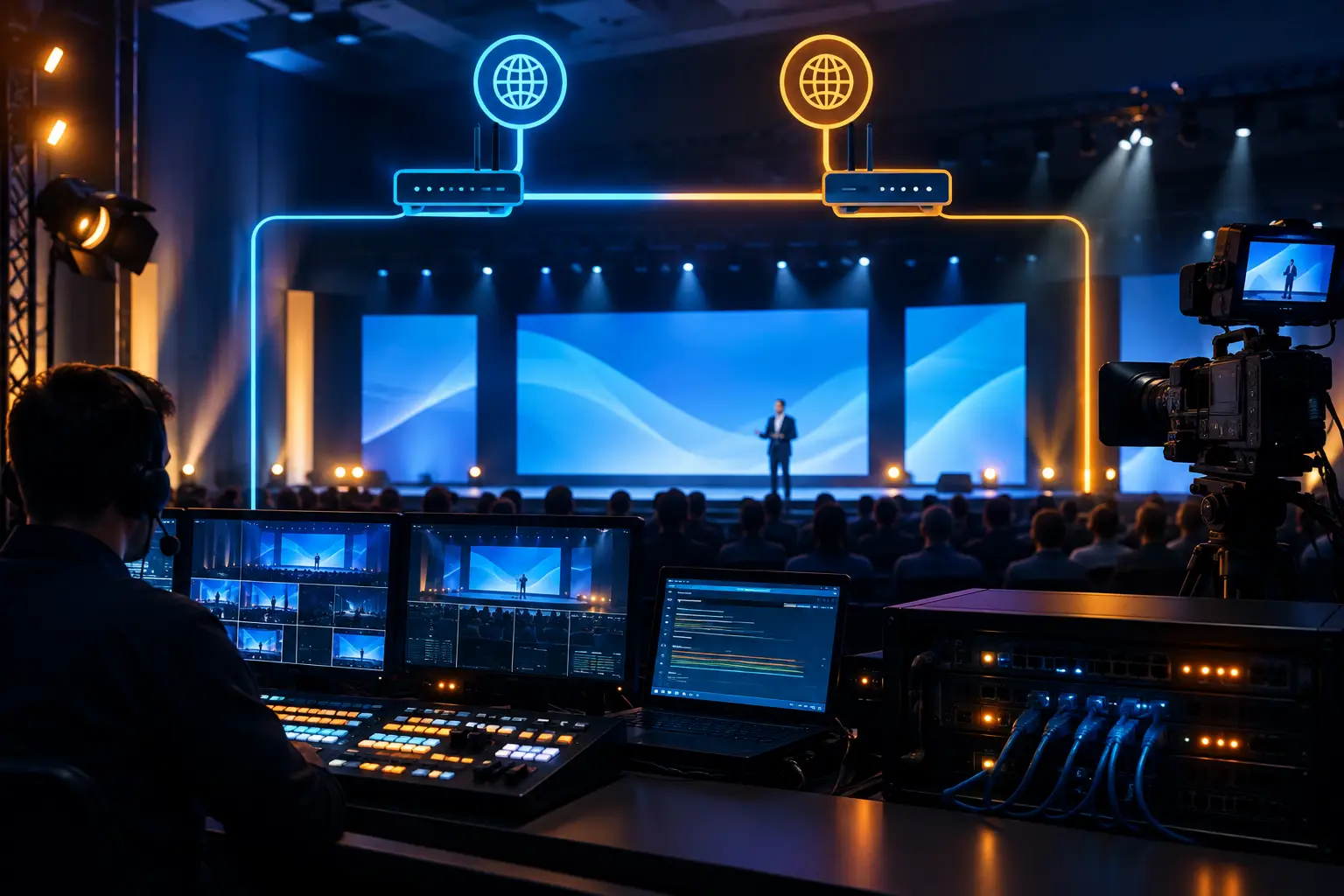
The basic signal path is straightforward: cameras capture the stage, a video switcher selects or combines sources, a video processor formats the image for the screen system, and LED walls or projectors display the program feed. In a professional corporate environment, the real work is in making every part of that chain reliable, correctly timed, and appropriate for the room.
IMAG is not the same as recording an event. A recording can be edited later. IMAG is live, so camera framing, screen graphics, color balance, playback cues, and switching decisions happen in real time. It is also not automatically a livestream. A livestream sends the program to remote viewers; IMAG serves the audience seated in the venue. The two can share cameras and production staff, but they often require different deliverables and monitoring.
Why IMAG Matters at Corporate Events
At a large conference, people need to see more than slides. They need to read the presenter’s reaction, follow a software demonstration, and understand who is speaking during a panel. Well-directed IMAG turns those visual details into part of the attendee experience.
This is especially valuable for executive keynotes, investor-facing presentations, technical conferences, awards programs, and product launches. A close-up of a speaker supports the message. A clean camera view of a physical prototype or tabletop demo can save a presenter from trying to explain details that only the first few rows can see.
There is a trade-off. IMAG should support the event, not make the room feel like a television studio. A compact all-hands meeting with a low stage and 100 attendees may need only presentation screens. A general session with a wide ballroom, LED walls, scenic lighting, and several hundred attendees usually benefits from dedicated camera coverage and live switching. Room geometry, screen size, agenda format, and audience count determine the right approach.
The IMAG Video System Behind the Screens
A dependable IMAG system is built as a complete production chain, not as a camera plugged into a display. Each component affects what attendees see.
Cameras and camera positions
Camera placement is driven by sightlines and the agenda. A common corporate setup uses a center camera for a clean speaker angle and one or two side cameras for alternate shots, panels, audience interaction, and tighter coverage. Camera operators need clear positions that do not block attendees or distract from the stage.
For product demos, an additional camera may be placed at a demo station or mounted overhead. That dedicated angle gives the director a usable close-up without forcing the main camera team to abandon presenter coverage.
Live switching and show calling
A technical director or video director selects camera shots, presentation sources, walk-in content, and playback media. During a keynote, switching is paced around the speaker’s delivery and show caller’s cues. The goal is not constant movement. It is to put the right image on screen at the moment it adds information.
For example, a panel needs thoughtful shot selection: a wide shot to establish the group, individual close-ups when someone is making a point, and a two-shot when a conversation develops. Rapid, arbitrary cutting can make a serious executive discussion feel less controlled.
Video processing and screen management
LED walls and multi-screen environments often require more than a single output. The processor must scale sources to the correct canvas, manage screen mappings, and route the right content to the right destination. This is where systems such as the Barco E2 presentation system are used in higher-end corporate workflows.
A processor can allow the team to build screen looks that combine IMAG, presentation content, lower thirds, branded backgrounds, and live demo feeds. It also gives the crew a way to manage different screen sizes and aspect ratios without compromising the presenter’s content.
Audio and video timing
If a camera image reaches the screen noticeably later than the presenter’s voice reaches the audience, the result is distracting. Latency must be controlled across camera conversion, switching, processing, display, and audio routing.
The acceptable amount depends on the venue and system design, but the operational standard is simple: the image should feel connected to the live action. This requires testing with the actual camera paths and display system, not assumptions made from an equipment list.
IMAG, Presentation Content, and Livestreaming
A corporate event frequently needs all three: IMAG for the room, presentation content for the screens, and a separate program for remote attendees. Treating them as identical feeds can cause problems.
The in-room audience may need a full-screen camera close-up while a remote viewer needs a layout with slides and a picture-in-picture presenter. A stage display may need a clean feed without lower thirds, while the webcast needs speaker names and sponsor graphics. These outputs should be planned in advance so the operator can deliver each version intentionally.
That is why IMAG is often part of a larger corporate event production system, with cameras, graphics playback, audio, lighting, screen management, and technical direction coordinated from one production plan. For hybrid events, the production team also needs to decide which source is the primary program feed and how backup paths will work if a display, encoder, or camera source fails.
Planning IMAG Before Load-In
The most expensive IMAG issues are often decided before anyone enters the venue. A stage render may look good while leaving no place for camera platforms. A screen layout may work for widescreen slides but crop a camera image poorly. A seating plan may place VIP tables directly in front of a needed camera lane.
Start with the agenda. Identify keynote speakers, fireside chats, demos, walk-and-talk segments, awards, and audience Q&A. Each format has different coverage needs. Then review the stage dimensions, ceiling height, display positions, camera sightlines, and the distance from the furthest attendee to the screen.
Content should be reviewed early as well. Presentation decks may need safe areas for camera imagery, especially if IMAG and slides will share the same LED canvas. Brand teams should know whether lower thirds, speaker names, countdowns, and sponsor elements are being generated live or supplied as playback assets.
Redundancy Is Part of IMAG Design
For a critical keynote, a single point of failure is not an acceptable production plan. Redundancy can include backup playback systems, spare camera paths, alternate signal routes, reserve display inputs, and power distribution designed around the actual load.
The level of redundancy should match the event’s risk profile. A one-hour internal presentation does not need the same architecture as a multi-day product launch with executive leadership, press, and a global webcast audience. But every show benefits from documented signal flow, labeled cable paths, tested backups, and operators who know what to do when a source disappears.
A pre-show line check should confirm camera matching, tally, intercom, screen routing, slide scaling, playback audio, and show cues. The production team should also test the conditions most likely to break the show, including switching to backup playback or an alternate camera input.
FAQ: What Is IMAG Video for Events?
Does every corporate event need IMAG?
No. IMAG is most useful when attendees are far enough from the stage that they cannot comfortably see speakers, demonstrations, or facial expressions. It is also useful when the agenda relies on visual storytelling beyond standard slides.
Can IMAG use the same cameras as a livestream?
Yes, often. The same camera package can support both in-room screens and remote distribution. However, the final screen layouts, graphics, and audio mixes may be different, so the system should be designed for distinct outputs when needed.
Is LED better than projection for IMAG?
It depends on the venue, ambient light, viewing distance, and screen design. LED offers high brightness and flexible canvas configurations. Projection can be an effective choice for certain ballroom layouts and scenic approaches. The correct decision starts with sightlines and content requirements, not a default preference.
How many cameras are needed for IMAG?
Two cameras can cover a straightforward keynote, while three or more provide stronger coverage for panels, audience interaction, product demos, and large stages. The number matters less than having purposeful positions and an experienced operator team.
Plan the Screen Experience Before the Show Floor
IMAG works best when it is designed around what the audience must see, not added after the LED wall is already specified. If your conference, keynote, or launch needs live camera coverage, multi-screen processing, and an operating plan built for show-critical moments, request a production quote. A clear camera plan and tested signal path give your presenters room to focus on the message while the production system handles the scale.