Multi-Camera Event Production San Francisco
A keynote can be perfectly rehearsed and still fail to land on screen. The CEO steps into a tight shot while a product demo runs on the confidence monitor, an audience question comes from the floor, and remote viewers need a clean program feed without seeing a single camera reposition. That’s where multi-camera event production in San Francisco becomes less about adding cameras and more about controlling the entire production system.
For corporate conferences, product launches, executive webcasts, and hybrid events, multi-camera coverage is a live decision-making operation. Camera positions, video switching, graphics, audio embeds, playback, LED wall content, recording, and streaming have to work as one coordinated signal path. A strong result depends on technical planning well before the first speaker walks onstage.
What Multi-Camera Production Actually Covers
A professional multi-camera setup isn’t simply two or three cameras pointed at a stage. It’s a managed production workflow built around coverage, communication, switching, and delivery. The goal is to give the audience the right view at the right moment while preserving clean feeds for in-room displays, livestream platforms, recordings, and press or overflow spaces.
For a typical corporate program, that may include a wide camera covering the full stage, a tight camera for presenters, a roaming or audience camera for Q&A, and a dedicated position for demonstrations or interviews. The number of cameras depends on the agenda, room geometry, stage design, and output requirements. A two-camera executive webcast may need more precision than a four-camera panel discussion, because there’s less room to hide a poor cut, a missed cue, or an audio issue.
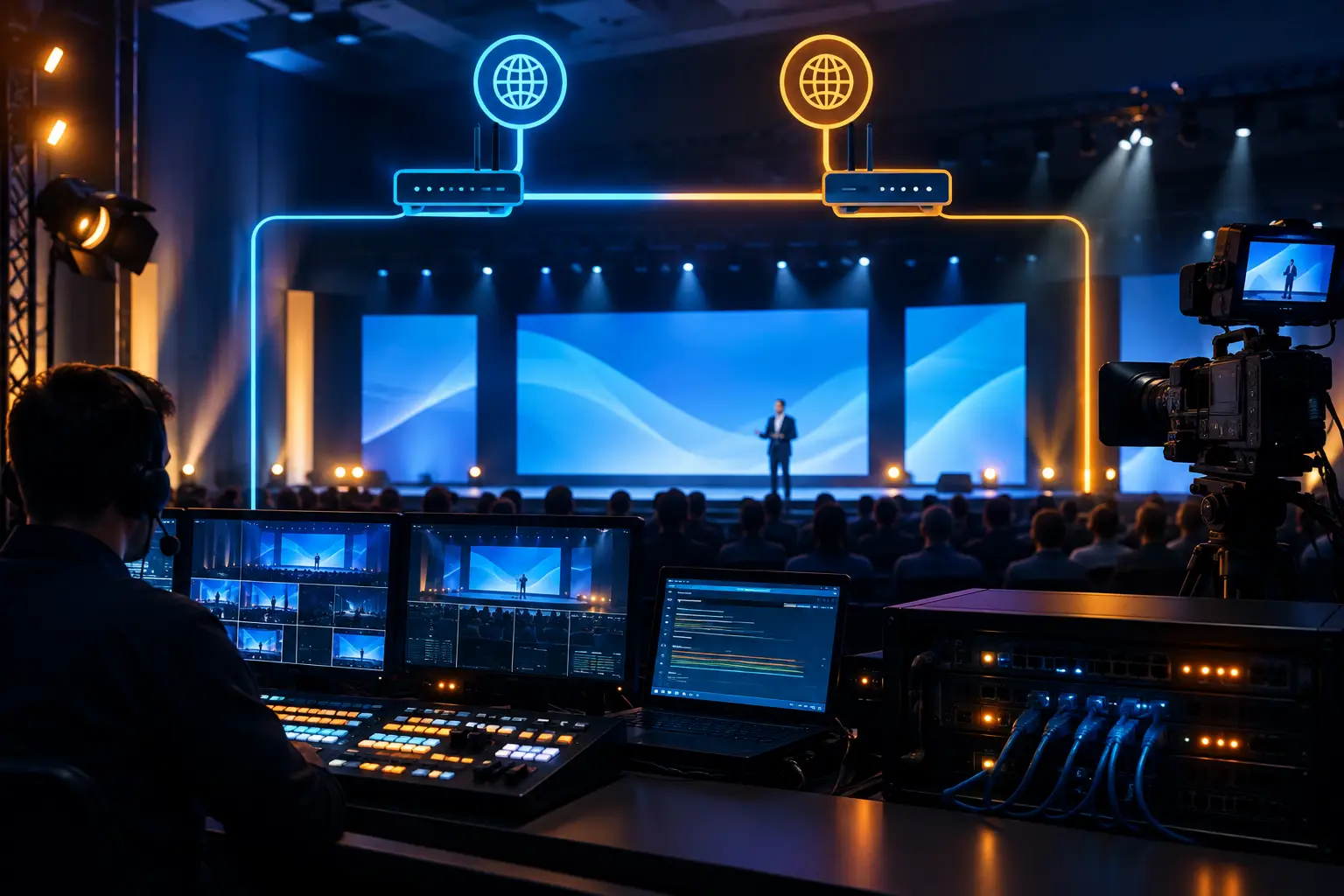
The control room is where these sources become a finished program. A technical director switches cameras, rolls playback, takes lower thirds and presentation feeds, and coordinates with the show caller. Camera operators get direction through intercom, so the team can anticipate transitions rather than chase them after they happen.
Every Output Needs Its Own Plan
The program seen by a livestream audience may not be the same signal displayed on the room’s LED wall. A presenter may need confidence monitors with notes, while the in-room audience needs full-screen presentation content and remote attendees need a picture-in-picture layout that includes both the speaker and slides.
Treating all destinations as one feed creates compromises. A well-designed system identifies every output early: IMAG screens, LED walls, webcast encoders, recorders, press feeds, overflow rooms, confidence monitors, and backup destinations. That planning affects switcher configuration, routing, graphics design, and staffing.
Why San Francisco Corporate Events Need More Than Basic Coverage
San Francisco venues introduce practical constraints that shape the production approach. Ballrooms may have limited control-room space. Historic properties can restrict cable paths and rigging options. Conference hotels often host multiple events simultaneously, which means loading docks, elevators, power access, wireless coordination, and setup windows need to be confirmed, not assumed.
For technology companies and agencies, the agenda is often just as demanding. A single program may move from executive keynote to customer panel, live software demo, prerecorded launch video, analyst interview, and remote guest contribution. Each segment has different camera, audio, playback, and graphics requirements.
The answer isn’t to overbuild every show. It’s matching the system to the actual risks. A small internal leadership meeting may be best served by a compact, highly controlled production package. A multi-day user conference with a large LED canvas, breakout recordings, and a global webcast needs a larger crew, more routing capacity, dedicated engineering, and layered redundancy.
Signal Flow Is the Difference Between Coverage and Control
Reliable live production starts with a signal-flow drawing. Before equipment arrives, the production team should know how every camera reaches the switcher, where presentation sources enter the system, how audio is embedded, where recordings are made, and what happens if a primary component fails.
Camera signals may travel by fiber, SDI, or a combination of formats depending on distance and venue conditions. The production switcher receives those sources alongside playback, graphics, remote callers, and presentation content. From there, the program routes to the displays, streaming encoders, recorders, and monitoring positions the event requires.
For complex shows, video processing is central to this workflow. Barco E2 and E3 processors let production teams manage multiple high-resolution sources and destinations while building clean screen layouts for wide LED walls, projection blends, and confidence displays. The processing plan needs to be coordinated with camera switching so the presenter, content, and graphics appear correctly across every surface. SMPTE’s technical resources cover the underlying broadcast standards in more depth for anyone speccing a system from scratch.
Redundancy Should Protect the Show, Not Just the Equipment List
Redundancy is often described as a second device sitting nearby. That’s not enough. A backup path has to be connected, configured, tested, and recoverable under live-show pressure.
Depending on the production, redundancy may include backup playback, dual recording, redundant streaming encoders, spare camera chains, alternate network paths, isolated power, and a fallback program feed. The right level depends on the consequence of failure. If the keynote is being viewed by investors, customers, employees, and media around the world, a single-point failure in the stream path is hard to justify.
There are trade-offs. More redundancy means more equipment, engineering time, cable infrastructure, and rehearsal discipline. For a contained internal event, the budget may be better spent on experienced operators and a cleaner core system. For a high-visibility launch, layered backup is part of responsible production planning.
Camera Direction Starts Before the Event Opens
Good camera work isn’t accidental. Operators need a shot plan that reflects the run of show, stage marks, speaker movement, content moments, and likely audience interaction. A camera operator who knows a product reveal is coming can frame and prepare for it. An operator who hears about it after the walk-on is already behind.
The same applies to panels. A director needs to know who’s speaking, where moderators will stand, whether panelists will take audience questions, and how often slides or video playback will interrupt the discussion. Those details inform camera placement and lens selection. They also prevent common problems, like operators blocking attendee sightlines or cameras appearing in each other’s shots.
Rehearsal is where the plan gets tested. The team verifies presenter eyelines, slide readability, walk-on timing, remote guest latency, microphone handoffs, and the visual rhythm of the show. Even a brief executive rehearsal can expose an issue that would otherwise become visible to every attendee.
The Livestream Must Be Treated as a Separate Audience
Remote viewers need deliberate production, not a camera pointed at the room. They need readable slides, balanced audio, properly framed speakers, and a program pace that makes sense without the context of being in the venue.
This matters most for hybrid events where the room program includes networking breaks, walk-in music, or content meant only for the live audience. The webcast can use holding slides, moderated Q&A, scheduled break programming, or alternate content where appropriate. A dedicated stream producer can also monitor platform health, chat moderation, remote speakers, and viewer-facing graphics while the show director stays focused on the live program.
Audio is often the deciding factor. A sharp camera image can’t compensate for an executive who’s hard to understand or an audience question that never reaches the broadcast mix. The stream mix should be monitored independently, since room audio and broadcast audio serve different environments.
Selecting the Right Production Partner
When evaluating a multi-camera provider, ask how they plan the show rather than only how many cameras they own. The useful questions are operational: Who calls the show? Who’s responsible for switching? How are graphics and playback integrated? What’s the backup plan for stream failure? How are camera operators connected to the director? What gets recorded, and in what format?
Also ask for a clear staffing plan. Complex corporate productions usually need more than camera operators — they may require a technical director, video engineer, graphics operator, playback operator, stream engineer, audio team, LED or projection technicians, and on-site production management. Combining roles can work on smaller shows, but assigning too many critical jobs to one person creates avoidable risk.
AV Land handles multi-camera corporate productions with this operational mindset: build the signal path, define the outputs, staff the control positions, test the failover plan, and execute against the show flow. The purpose isn’t a larger equipment package. It’s a controlled program feed that supports the business objective without distracting from it.
Plan for the Moments You Cannot Repeat
The most valuable part of multi-camera event production isn’t the number of angles on screen. It’s the readiness to capture a live moment once, correctly, across every audience and every destination. Start the production conversation while the agenda, venue, and delivery requirements can still shape the technical design. By show day, the system should already know where every signal needs to go.
FAQ
How many cameras does a typical corporate keynote need? Often two or three: a wide shot, a tight shot, and a roaming or audience camera for Q&A. Panel discussions and larger conferences usually need additional positions.
Who’s actually calling the show during a multi-camera production? A technical director switches cameras and coordinates with the show caller in real time, directing camera operators through intercom rather than reacting after a moment has passed.
Does the livestream see the same camera cuts as the room? Not always, and often shouldn’t. The room feed and the stream program are frequently built as separate outputs, since what works for an in-person audience doesn’t always read well on a laptop.
Ready to plan your production? Request a quote with your dates, venue, and camera requirements.