Barco Processor Review for Corporate Event Teams
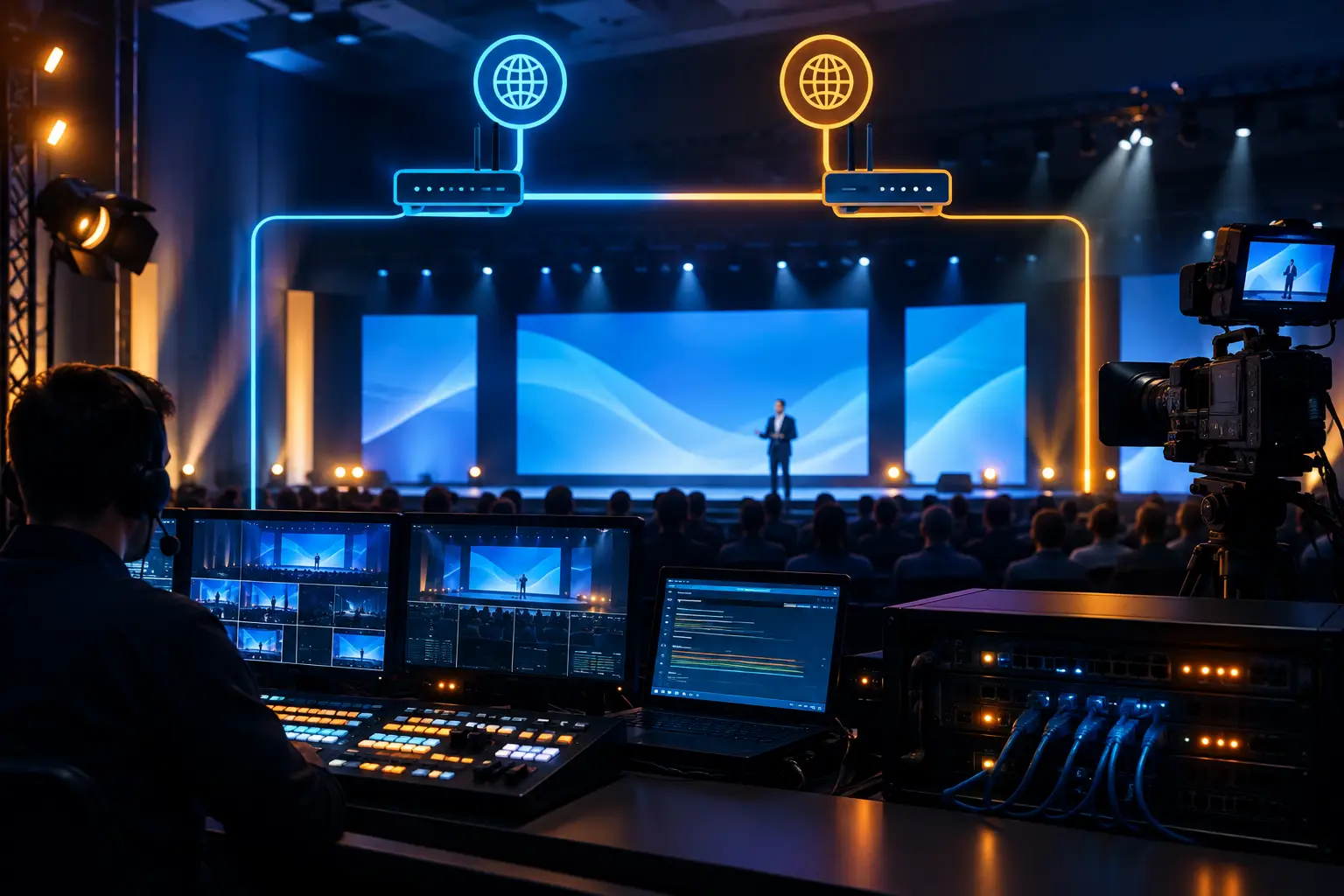
A Barco processor earns its place when a corporate show has more than one destination for video. A keynote with an LED wall, confidence monitors, presenter returns, lobby overflow, IMAG camera feeds, and a livestream is not a simple switching job. This Barco processor review looks at what E2 and E3 systems do well in real event environments, where planning mistakes create risk, and why the operator is as important as the frame.
For San Francisco, San Jose, and Silicon Valley conferences, the decision is usually not whether Barco can handle the show. It can. The real question is whether the screen architecture, signal plan, content workflow, and redundancy plan have been designed around the production requirements before doors open.
Barco Processor Review: What E2 and E3 Are Built to Do
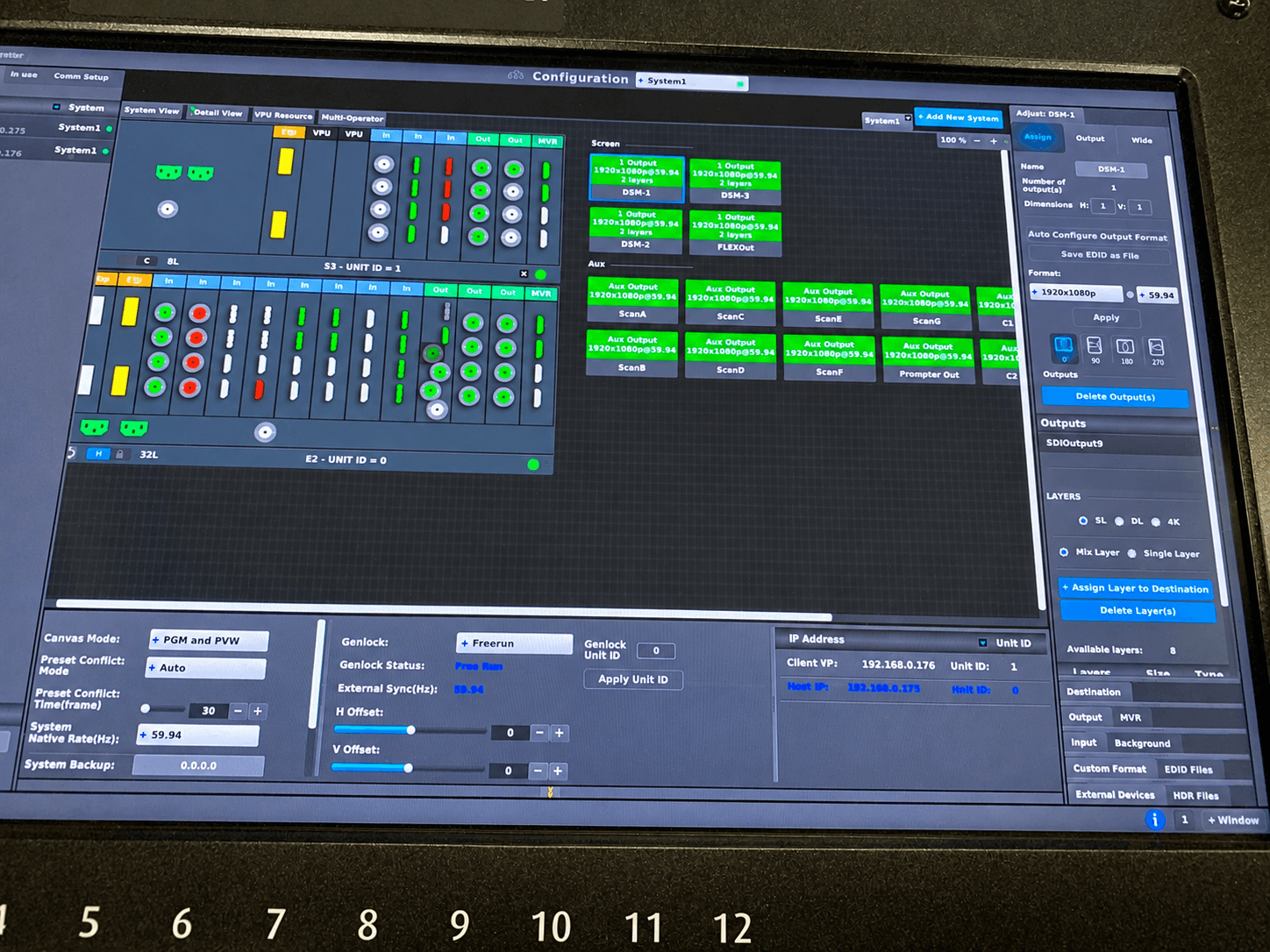
Barco E2 and E3 processors are event-production systems designed to manage complex visual canvases. They combine multiple live inputs, playback sources, presentation systems, cameras, and graphics feeds, then route and scale those sources to LED walls, projection surfaces, displays, confidence monitors, and broadcast outputs.
Their strength is not simply adding more inputs. The value comes from compositing: putting multiple sources on a single output canvas, building picture-in-picture layouts, creating clean transitions, preserving the correct aspect ratio, and recalling prebuilt show looks quickly. That matters when an executive keynote shifts from full-screen presentation content to a camera IMAG look, a remote guest, a product demo, and a moderated panel without stopping the room.
The E2 is generally the better fit for larger screen canvases, high-resolution LED walls, multi-screen general sessions, and shows with several independently formatted outputs. The E3 is a capable processor for smaller but still demanding shows, particularly when the output count and canvas requirements are more contained. Neither choice should be made from a single spec line. Resolution, pixel space, input count, scaling needs, screen topology, and the number of unique destinations all affect the right configuration.
It Is a Presentation System, Not Just a Switcher
Calling an E2 or E3 a switcher misses the operational point. A conventional switcher is often focused on selecting program sources. A Barco system can act as the visual composition layer between source equipment and display systems.
That distinction becomes visible on wide LED walls and multi-surface stages. A 16:9 slide deck may occupy one region while a live camera feed fills another. A lower-third graphic can be placed independently. Side screens can receive a different camera crop than the center wall. The audience sees a composed visual environment rather than a collection of disconnected feeds.
Where Barco Processors Excel
The clearest use case is a high-stakes corporate general session. Product launches, executive town halls, developer conferences, and investor-facing presentations often require more visual control than an all-in-one switcher can provide comfortably.
Barco systems are particularly effective when the show includes large-format LED, nonstandard aspect ratios, multiple display destinations, or frequent layout changes. They also give a technical director room to build looks in advance rather than improvising positioning during a live presentation.
For example, a conference may require a center LED wall for presentation content, left and right screens for camera reinforcement, downstage confidence monitors for presenters, a separate clean feed for streaming, and an overflow room feed. Those are not necessarily identical outputs. A Barco workflow allows the team to define what each destination receives and how each source is framed.
This is also useful for hybrid events. The room audience may need camera IMAG and presentation content designed for visibility at distance, while remote attendees need a clean, intentional program feed with readable graphics and no room-only visual clutter. Treating both audiences as identical usually produces a compromised result.
The Trade-Offs to Plan For
A Barco processor is not the right answer for every event. It requires preparation, experienced configuration, and a signal plan that is accurate before the system is powered up. For a straightforward single-screen presentation with limited inputs, the processing capacity may be unnecessary.
It is also not a substitute for poor source discipline. If presenters arrive with mixed resolutions, untested laptops, last-minute fonts, embedded videos that do not play reliably, or presentation files designed without regard for the LED wall dimensions, the processor can reduce the impact of those problems but cannot erase them.
Latency deserves attention as well. Processing delay is manageable when the system is engineered correctly, but it must be considered alongside camera IMAG, LED processing, playback systems, remote contributors, and audio. A camera shot that looks correct on a delay monitor can appear out of sync if the entire video chain is not planned as one system.
Cost is another practical factor. E2 and E3 systems bring significant capability, but they also need the right operator, supporting infrastructure, backup paths, and prep time. The best value appears when their capabilities are actively used, not when they are specified simply because they are available.
What an Experienced Barco Operator Changes
The processor is only one part of the video system. An experienced operator translates the show design into reliable execution: input mapping, output routing, screen canvases, still stores, presentation looks, source backups, and show-file recall.
During rehearsal, that operator is watching for the details that affect show flow. Does the CEO’s laptop scale cleanly into the center wall? Does the demo feed need a different crop for the side screens? Can the walk-in loop move to holding graphics without exposing an unready source? Is the remote guest feed protected from an accidental transition? These decisions happen before and during the event, often within seconds.
For complex corporate programs, the technical direction position and processor position must work as a unit. The director calls the moment. The Barco operator executes the intended screen state. Camera, playback, graphics, audio, lighting, LED, and streaming teams need a common run of show and clear communications. A technically powerful processor cannot compensate for a disconnected crew workflow.
Redundancy Should Match the Consequence of Failure
Redundancy is not a single checkbox. It should be designed around what cannot fail without affecting the audience or broadcast. That may include duplicate presentation outputs, backup playback, spare conversion paths, redundant camera or graphics feeds, emergency stills, and a documented method for taking a failed source out of the show.
The goal is not to duplicate every cable. It is to protect critical paths intelligently. For a CEO keynote, a backup presentation source and an immediate fallback look are usually more valuable than an overly complicated system that nobody can troubleshoot under pressure.
Questions to Ask Before Specifying an E2 or E3
Start with the display design rather than the processor model. Define the LED wall pixel dimensions, projection surfaces, side screens, confidence monitors, overflow destinations, and stream outputs. Then identify which destinations need unique content and which can share a feed.
Next, inventory every source: presentation laptops, media servers, playback machines, cameras, remote guests, graphics systems, confidence feeds, and program returns. Confirm their resolutions, frame rates, connector types, audio needs, and backup options. This prevents the common mistake of designing the show around idealized sources rather than the actual equipment that will arrive on site.
Finally, determine how much preproduction the show needs. A multi-screen product launch may require screen layout design, content formatting, playback testing, show-file programming, and rehearsals. If that work is postponed until load-in, the available capacity of the processor becomes less relevant than the available time.
AV Land provides Barco E2 support as part of full-service corporate event production, including LED wall systems, camera coverage, livestreaming, technical direction, and on-site operation. For events that need a dedicated processor package, ask about Barco E2 rental and the operator, engineering, and prep requirements needed to make the system perform as intended.
FAQ
Is Barco E2 better than E3?
Neither is universally better. E2 is typically selected when the show requires more processing capacity, larger or more complex canvases, and more demanding multi-output configurations. E3 can be the more efficient choice when the screen design is substantial but does not require E2-scale resources. The right decision comes from the actual input and output design.
Can a Barco processor support LED walls and livestreaming at the same event?
Yes. A Barco system can support the room display workflow while providing dedicated outputs for a broadcast or streaming chain. The stream should be designed as its own audience experience, with appropriate graphics, camera framing, and clean-feed requirements.
Do we need Barco for a single LED wall?
Not always. A single standard 16:9 LED wall with a limited number of sources may be served by a simpler signal chain. Barco becomes more compelling when the wall needs multiple windows, frequent layout changes, camera IMAG, independent outputs, or a high level of show control.
Plan the Visual System Before the Show File
The best Barco deployments begin with a clear answer to one question: what must every audience see at each moment? Once that is defined for the room, the stage, the overflow spaces, and the remote audience, the processor configuration becomes an execution plan rather than an expensive guess.
If your conference, keynote, or product launch needs a video system built for complex live conditions, request a quote from AV Land. The conversation should start with screen layout, source count, show flow, and the level of redundancy your program requires.