Barco E2 Rental Bay Area for Corporate Events
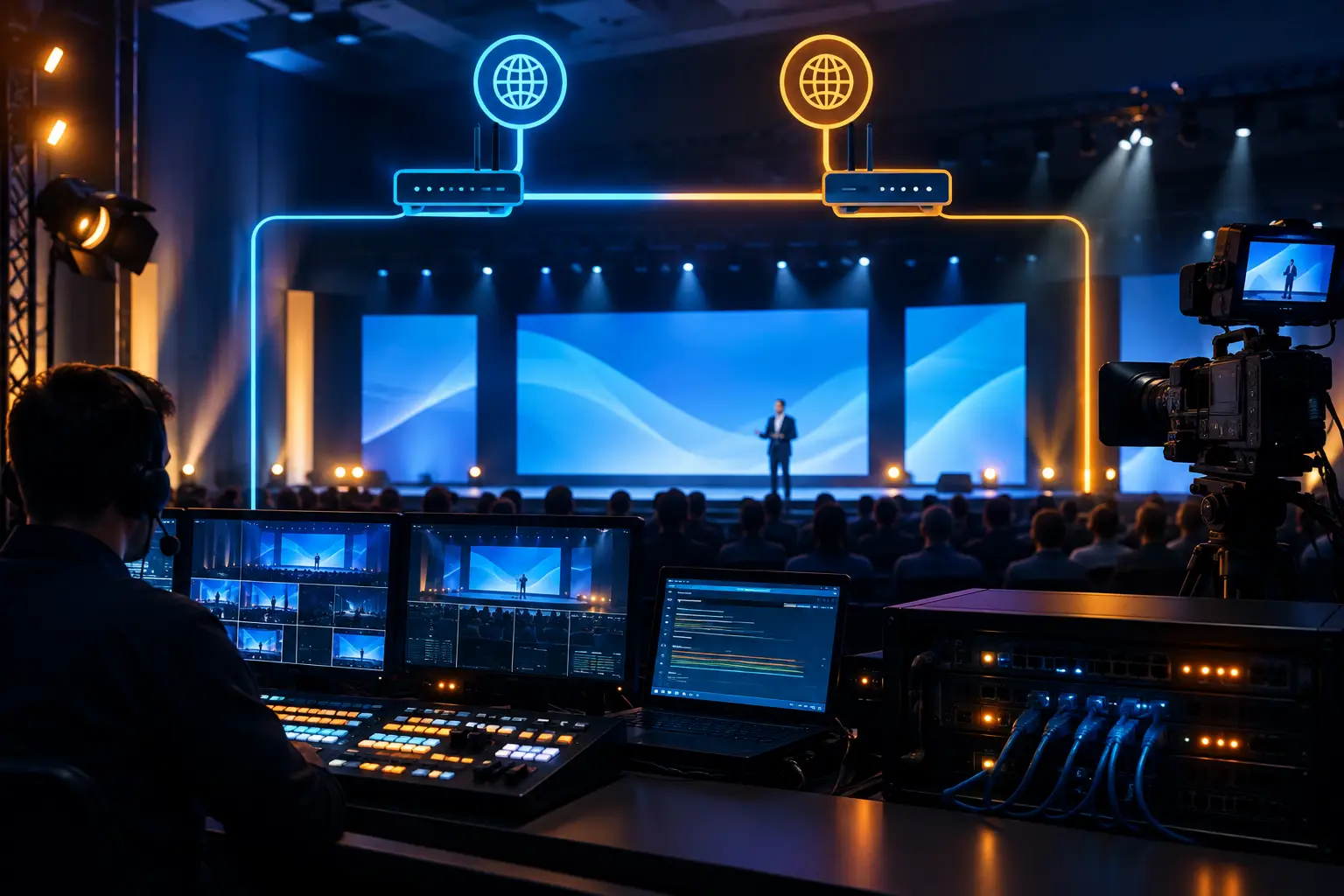
A Barco E2 rental Bay Area production is rarely just an equipment decision. For a corporate keynote, product launch, general session, or hybrid conference, the E2 sits at the center of the video system — it determines how cameras, presentation playback, remote contributors, confidence monitors, LED walls, and projection all reach the screens, and what happens when the show changes ten minutes before doors.
I’ve run E2 shows where the box was never the problem. The problem was a signal path nobody mapped, or a backup plan that existed on paper but was never tested. The hardware handles the pressure. The plan is what determines whether that pressure shows on screen.
When a Barco E2 Is the Right Fit
The E2 earns its place on shows with multiple display destinations, complex screen layouts, picture-in-picture compositions, wide presentation canvases, or a mix of live cameras and remote sources.
A typical example: an executive keynote with a center LED wall, supporting side screens, a presenter confidence monitor, a downstage timer, and separate feeds for livestream and overflow rooms. Each destination needs a different composition — the main room might show a speaker camera beside a deck, while the stream needs a clean program feed with no confidence elements or room-only graphics.
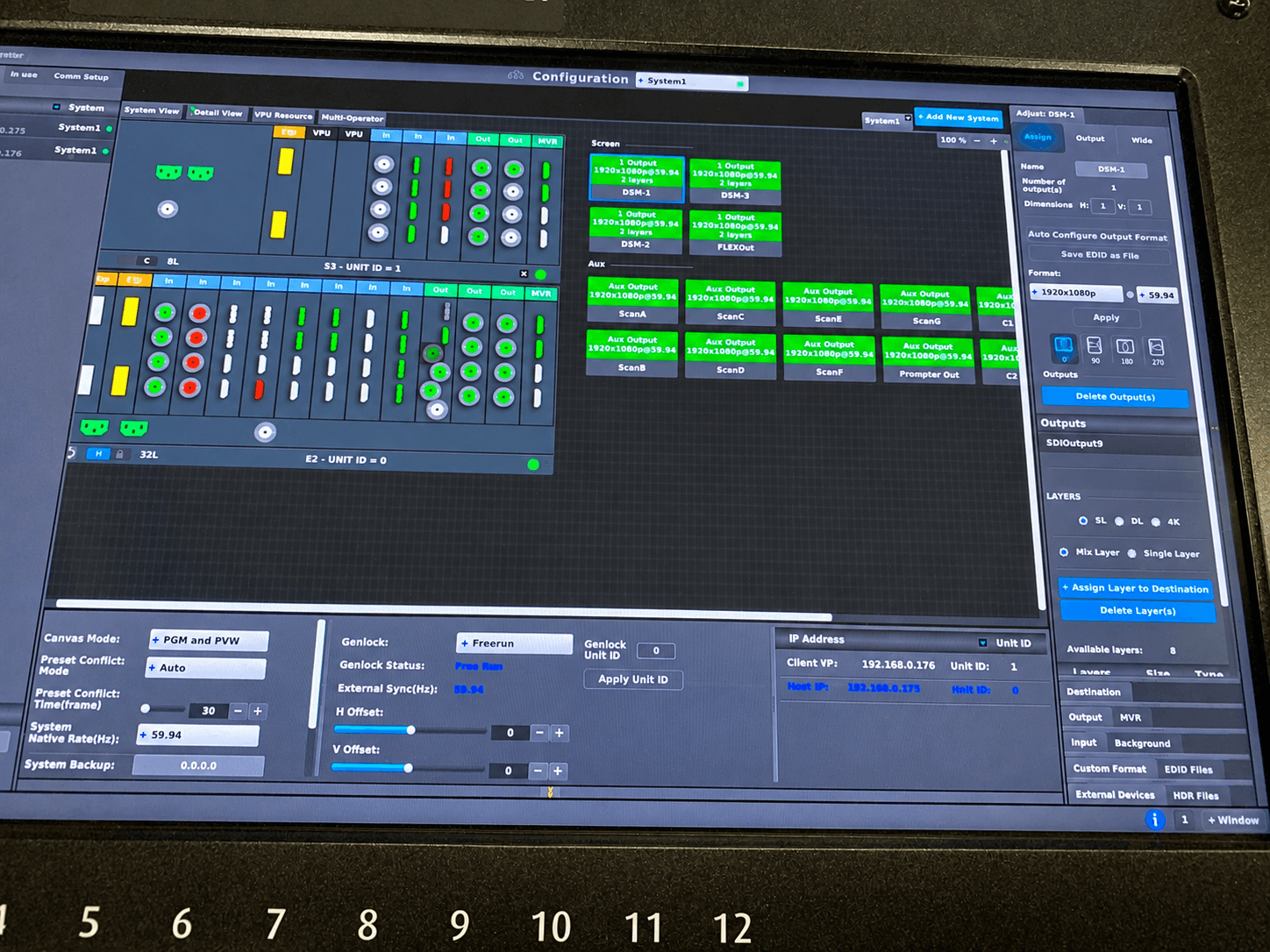
That’s the job the E2 does well: managing large-format canvases and multiple layers while keeping source routing and screen outputs organized under one show-control approach. In a corporate room, the audience notices every mismatch — a wrong aspect ratio, a delayed source handoff, a window in the wrong position, a stray desktop on the main screen.
Barco E2 Rental Bay Area: Plan the System, Not Just the Processor
The right E2 configuration depends on the full video architecture, not the chassis alone. Before locking input cards, output cards, and backup hardware, a few questions need real answers:
How many sources will be live at once? A source list often includes keynote laptops, playback systems, camera shading outputs, IMAG cameras, remote presenter returns, graphics, a backup playback machine, and a show-look computer. The number of simultaneously active sources matters more than the total device count when planning layers and transitions.
What’s the display plan? A 16:9 LED wall is a different build than a 32:9 wall, three independent projection surfaces, or a curved scenic LED layout. Pixel dimensions, processor outputs, cable paths, and receiving-card requirements all shift the configuration. Confirm before show day which outputs are scaled, which are native, and where conversion might introduce a delay or a failure point.
The E2 also needs to be planned alongside the switching system. On some shows, a production switcher handles camera cuts while the E2 builds the display composition. On others, the E2 is the primary canvas and a separate switcher builds the broadcast program. Neither is automatically right — it depends on who’s calling the show and whether the in-room and stream outputs need to differ.
Why the Operator Matters More Than the Spec Sheet
Running an E2 isn’t loading presets and hitting take. The operator has to track show flow, source assignments, output destinations, layer priorities, and recovery procedures — and recognize in real time whether a problem is coming from the source, the distribution path, the processor, or the display itself.
That shows up when plans change mid-show. A presenter’s laptop outputs the wrong resolution. A video file doesn’t match the approved playback format. A remote guest needs to go full-screen, then side-by-side with an executive on stage. A session runs long and the playback sequence needs to shift on the fly. The team needs a way to make those calls without rebuilding the system live.
At AV Land, every Barco E2 rental in the Bay Area is planned as part of the full production workflow — reviewing cue structure, testing sources, labeling signal paths, verifying display mappings, and coordinating with camera, graphics, playback, and lighting before the doors open. The goal isn’t a complicated system. It’s a live show that feels controlled from the booth.
Redundancy Should Match the Cost of Failure
Not every show needs the same backup plan. A single-screen internal meeting carries different risk than a customer-facing product launch streamed to global teams. The goal isn’t adding equipment for its own sake — it’s identifying the failure points that genuinely can’t go down.
For a high-stakes show, that can mean backup presentation playback, duplicate signal routes for primary content, spare transport hardware, a backup control position, and a prebuilt fallback look. That fallback look matters most: if a source drops, the operator should be able to cut immediately to a branded holding slide, a full-screen camera, or an alternate feed while the issue gets isolated — not scramble live in front of the room.
Power planning gets the same treatment. Separating critical processing, display control, and source equipment across managed power paths limits how far a local issue spreads. Control systems should be documented and tested, not assumed to work because the cables are plugged in. When streaming is part of the show, the program feed and the confidence feed are two separate deliverables and should be verified separately.
Screen Management for LED Walls and Projection
Corporate audiences are less forgiving of display errors than most teams expect. A soft presentation, a cropped logo, off color space, or a camera image that doesn’t fill its window can make an otherwise clean stage look improvised.
For LED walls, the E2 configuration needs to match the physical pixel canvas and the LED processing chain. A wall might be physically wide but intended to show a centered 16:9 window with branded side content — or built as a full-width canvas where cameras, presentations, and motion graphics share the same surface. Those are two different show designs, built as two different looks — not one stretched output improvised on the fly.
Projection carries the same discipline. Edge-blended surfaces, mixed screen sizes, and multiple projector positions introduce alignment and brightness considerations that affect how content should be composed. Confirm the display geometry before programming the show, then review actual content on the installed system — a layout that looks right on a control-room monitor can fall apart from the back of a ballroom.
Content Prep Saves Time on Site
The fastest E2 shows start with clear content specs. Presentation teams should know the approved canvas size, safe areas, font-size expectations, playback format, and delivery deadline — especially on a wide LED canvas, where a standard 16:9 deck is only one piece of the final layout.
A technical rehearsal should use the actual presenter laptops whenever possible. It’s the fastest way to catch resolution settings, scaling issues, sleep-mode surprises, and USB-C adapter limits before they show up live. Testing content beforehand isn’t overhead — it’s how the team protects show time.
What to Confirm Before You Book a Barco E2 Rental in the Bay Area
Before booking, define the screen destinations, source list, show schedule, control positions, and streaming requirements. Share venue drawings, staging renderings, LED specs, and presentation design files early — they determine whether the build is a straightforward single-canvas system or a more complex multi-output architecture.
Also settle who owns show calling and content changes before load-in. A technically sound E2 system still needs one decision-maker who can approve last-minute revisions and communicate cues across departments. Full spec details are available on Barco’s E2 product page.
For conferences, keynotes, and hybrid productions across San Francisco, San Jose, and Silicon Valley, the best rental plan treats the E2 as part of a complete production system — signal flow built around the audience experience, failure paths tested before the show starts, and a clear plan for every critical cue.
FAQ
How much does a Barco E2 rental Bay Area booking cost? Pricing depends on show days, configuration, and whether an operator is included. Request a quote with your show dates and screen count for an accurate number.
Do I need an operator, or can I rent the E2 alone? Dry-hire is available, but for a live corporate show with multiple destinations and content changes, an experienced operator materially reduces risk. Most AV Land E2 bookings include operation.
How far in advance should I book an E2 for my event? As early as possible once screen destinations and show dates are confirmed — this affects card configuration, crew scheduling, and content deadlines.
Ready to plan your Barco E2 rental Bay Area production? Request a quote or reach out with your dates, screen destinations, and source list.