



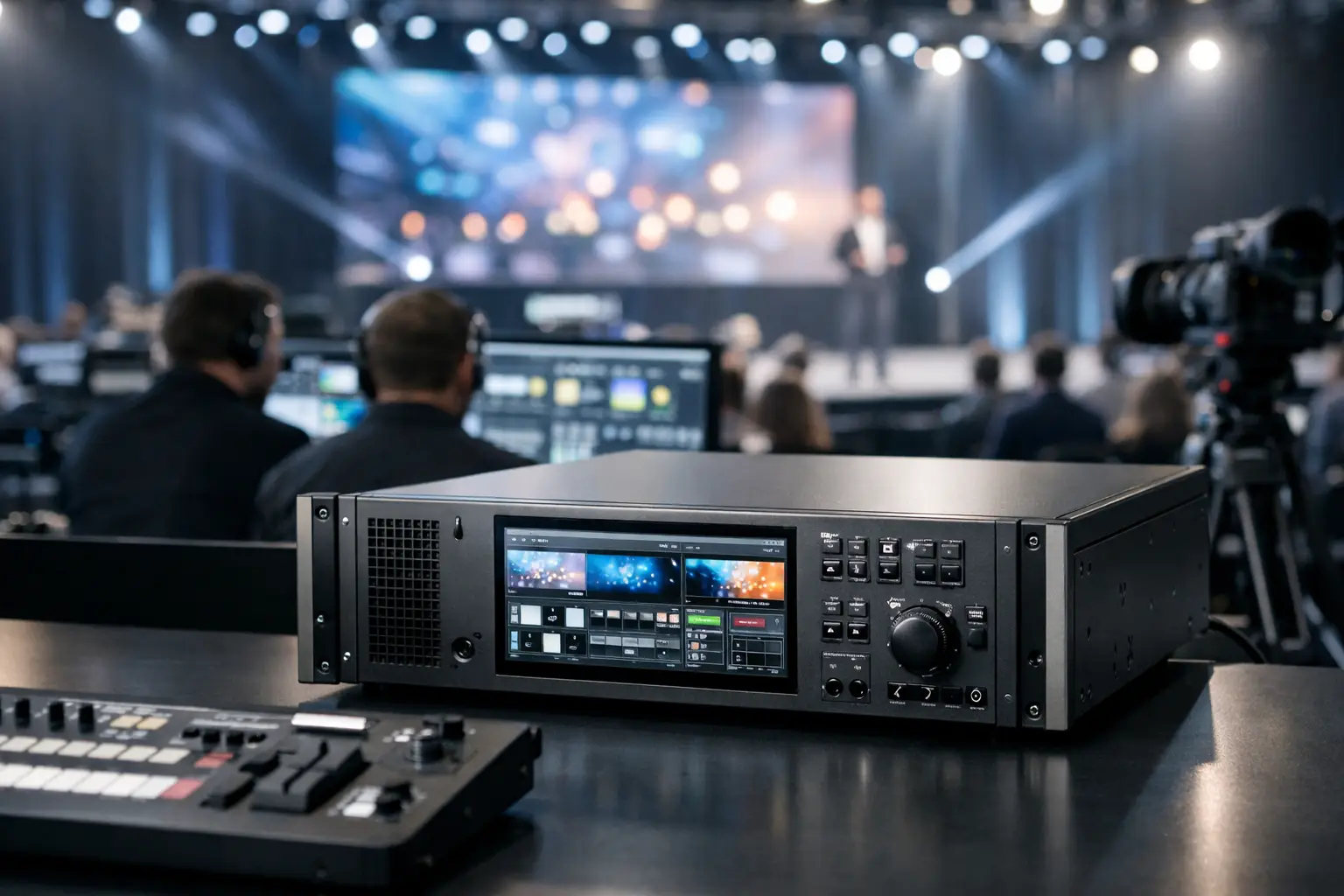
Barco E3 Event Processor Review for Corporate Events
A keynote screen can look simple from the audience: one wide canvas, a few presentation windows, camera IMAG, and clean transitions. Behind the scenes, that canvas may be carrying multiple independent outputs, show graphics, confidence feeds, playback, remote callers, and backup sources. That is where a Barco E3 event processor review needs to begin – not with a feature checklist, but with the show conditions the processor must survive.
For corporate conferences, product launches, and executive presentations, the Barco E3 is a serious screen-management platform. It is built for productions where content cannot drop, screens cannot be mapped by guesswork, and a last-minute request to add a walk-in loop or second camera feed needs an answer that does not involve rebuilding the system mid-show.
What the Barco E3 Is Built to Do
The E3 sits between your sources and display systems. It accepts presentation computers, playback servers, cameras, graphics engines, remote contribution feeds, and other sources, then routes, layers, scales, and places them on LED walls, projection blends, confidence monitors, and auxiliary displays.
Calling it a switcher is technically correct but incomplete. In a corporate show environment, the E3 functions as the central video-compositing and screen-management layer. It lets the production team create a defined visual layout, recall it reliably, and change it on cue without asking display technicians to alter physical signal paths during the program.
That distinction matters when the main LED wall is not a standard 16:9 screen. A wide LED canvas may need a centered 16:9 presentation image, side-panel branding, lower-thirds from a graphics system, and a camera image for a moderated discussion. The E3 is designed to manage that kind of composition with clean scaling and predictable routing.
Barco E3 Event Processor Review: Where It Excels
The E3 earns its place on higher-end corporate productions through operational flexibility, image quality, and a control environment that production teams can plan around.
Multi-screen layouts without improvised routing
The primary strength is its ability to manage complex display layouts as a system rather than as a collection of unrelated screens. A general session may include a main LED wall, two side screens, a confidence monitor at the lectern, a lobby relay, and a separate feed for livestream capture. Each destination has different needs.
The main wall may require a branded presentation layout. Side screens may follow an IMAG-focused composition. Confidence needs clean speaker notes or a timer feed, while the stream may need a program mix without room-only content. The E3 provides the structure to keep these outputs intentionally separated.
This is particularly useful for tech conferences with changing session formats. A morning keynote, panel conversation, executive demo, and awards segment can each have their own screen looks and source priorities. Rather than rebuilding windows between segments, the operator recalls programmed states and executes transitions from a tested showfile.
Strong scaling and canvas management
LED walls expose video-processing weaknesses quickly. Text that looks acceptable on a laptop can become visibly soft when scaled poorly across a large pixel canvas. Camera images can show improper aspect-ratio handling immediately. The E3 is well suited to preserving clean source presentation while fitting content into nonstandard output formats.
For a product launch, that might mean treating the LED wall as a wide canvas while maintaining the intended proportions of presentation slides and product video. For a conference, it may mean positioning 16:9 camera and slide sources inside a custom scenic layout without stretching either source.
The processor does not solve bad content creation. If a client supplies low-resolution slides, incorrectly formatted video, or a presentation with untested fonts, those issues still reach the screen. What it does provide is a disciplined, high-quality processing layer that gives the show team better control over how those sources are displayed.
A professional workflow for rehearsed shows
The E3 is at its best when paired with advance planning. Inputs are labeled, outputs are mapped, layers are assigned, and looks are built before doors open. During rehearsal, operators can test speaker decks, playback clips, camera blocking, walk-on cues, and contingency looks.
That workflow is a major advantage over smaller switchers used beyond their practical scope. A compact unit can work well for a straightforward two-screen meeting. Once the show includes multiple presentation computers, a confidence system, LED processors, cameras, and streaming outputs, the consequences of limited I/O and rushed routing become much more visible.
The Constraints That Matter in Real Productions
The Barco E3 is powerful, but it is not the automatic answer for every show. Good production decisions come from matching the processor configuration to the actual screen design, source count, resolution requirements, and contingency plan.
I/O capacity requires a real signal plan
The E3 platform supports different card and connector configurations, so published input and output counts alone do not tell the full story. A technical team must identify what each source needs to do, at what resolution and frame rate, and where it must appear. A source routed only to confidence is different from a source that must be independently scaled across a main wall, side screens, and a webcast destination.
This is why a source list is not enough. The better document is an input-output matrix that identifies every source, destination, format, transport path, and backup route. It reveals conflicts before load-in, such as a playback system that needs more independent outputs than expected or a remote caller that needs a dedicated return feed.
It needs an experienced operator
The E3 is not a plug-and-play presentation switcher. Its capabilities depend on correct screen configuration, layer assignment, output mapping, preset construction, and show control. An inexperienced operator can still pass a laptop to a screen, but that is not the standard needed for a live keynote with executives, sponsor content, cameras, and a webcast audience.
An experienced Barco operator also thinks beyond the programmed look. If a speaker’s computer fails, what backup source takes its place? If the teleprompter feed is wrong, can the stage display be changed without affecting the room screens? If a panel begins ten minutes late, can playback and camera cues be adjusted while preserving the next transition?
Those decisions are made in seconds. They come from rehearsals, clear comms, and familiarity with the processor’s operational behavior.
Not every event needs this level of processing
For a single 16:9 display with one presentation laptop and no camera package, an E3 may be unnecessary. A smaller presentation switcher can be more efficient and more cost-effective. The E3 becomes justified when the display environment or show format creates meaningful complexity: multiple outputs, wide LED canvases, layered branding, live cameras, high-resolution content, or separate room and streaming deliverables.
The right question is not, “Is the E3 the best processor?” It is, “What must the video system do without failure?” For a high-visibility corporate program, that question usually leads back to signal flow and redundancy rather than a single equipment label.
Redundancy Is More Than a Backup Processor
A redundant video plan starts upstream of the E3. Critical presentation content should have a tested backup playback path. Key source computers need appropriate adapters, power, and matching output settings. Camera feeds should be routed with known backup options. Primary and backup signal paths should be identified before the show begins, not invented after a screen goes dark.
At the processor level, redundancy may include duplicate critical sources, spare I/O capacity, backup outputs, or a parallel processor strategy where the production scale warrants it. The exact design depends on the program’s risk profile. An all-hands webcast for thousands of employees deserves a different contingency plan than a small internal meeting.
The display system also matters. An LED wall controller, fiber transport, distribution hardware, and display power path each introduce potential points of failure. A reliable system is built as an end-to-end chain. Treating the E3 as the only critical component misses the operational reality.
How We Would Deploy an E3 for a Corporate Keynote
For a typical Bay Area executive keynote, the E3 would sit within a planned video system that includes presentation playback, a primary and backup presentation source, live cameras, graphics, confidence, LED processing, and a separate program path for streaming or recording.
Before load-in, the technical team should receive final screen dimensions, LED pixel map, content specifications, presentation format, camera plan, and run of show. During setup, every input is verified at its actual operating resolution. The team then confirms output mappings, tests each programmed look, checks camera latency against room screens, and validates the contingency cues.
Rehearsal is where the system proves itself. Speakers advance slides, camera operators frame the stage positions, playback rolls at show level, and the show caller confirms each transition. If the event includes remote guests or a hybrid audience, those return feeds and stream-safe layouts should be tested as carefully as the room presentation.
AV Land uses this planning model for corporate event production because an advanced processor only delivers value when the surrounding workflow is equally disciplined. The objective is not to put more technology in the rack. It is to make every video decision repeatable under live-show pressure.
The Verdict: A High-Capability Tool for High-Consequences Shows
The Barco E3 is a strong choice for corporate productions that need more than basic switching. Its value comes from controlled multi-screen composition, high-quality processing, flexible show states, and the ability to support a detailed signal plan across room displays and broadcast outputs.
It does require proper engineering, showfile preparation, and a capable operator. Those are not drawbacks so much as the cost of working at this level. When the event includes a custom LED canvas, multiple program looks, executive presenters, live cameras, and no tolerance for an on-screen mistake, the processor should be treated as part of the production strategy from the first technical call.
The most useful next step is to map the screens, sources, and failure points before selecting the gear. Once that plan is clear, the E3 stops being an expensive line item and becomes what it should be: a controlled center for the show’s video system.