How to Plan Breakout Room AV Without Gaps
A breakout room can fail quietly. The keynote may look perfect in the ballroom while a product team next door loses its remote presenter feed, attendees cannot hear questions from the back of the room, or a session starts 12 minutes late because the display has the wrong input. These problems are avoidable when you know how to plan breakout room AV as a production system rather than a collection of individual rooms.
For corporate conferences, sales kickoffs, developer events, and hybrid meetings, breakout AV needs the same discipline as the main stage: clear requirements, defined signal flow, experienced operators, and enough time to test under show conditions. The equipment package matters, but the plan behind it matters more.
Start With the Session Format, Not the Equipment
The fastest way to overspend or underbuild breakout AV is to begin with a standard equipment list. A 40-person training session, a customer panel with remote guests, and an executive roundtable may occupy similar-sized rooms, but they have very different production requirements.
Start by identifying what each room must actually do. Confirm audience capacity, room dimensions, seating layout, session type, presenter count, content sources, and whether the session is recorded, streamed, or fed to an overflow room. Ask whether speakers will take live questions, play embedded audio, demonstrate software, or join remotely. Each answer changes the audio, video, staffing, and network plan.
A useful room classification is simple: presentation-only, interactive presentation, hybrid session, or production-critical session. Presentation-only rooms can often operate with a display or projector, a presentation switcher, and basic reinforcement. Interactive rooms require audience microphones or a Q&A runner. Hybrid rooms need return confidence, camera coverage, remote-contributor monitoring, and a dedicated plan for network failure. Production-critical rooms, such as customer broadcasts or executive presentations, need a higher level of redundancy and operator coverage.
Do not assume every breakout needs the same package. Standardizing where possible reduces setup time and makes support easier, but the wrong standard package creates workarounds during the show.
Build a Room-by-Room AV Scope
Once session formats are clear, create a written scope for every room. This is the document that keeps the planner, venue, speakers, IT team, and production crew working from the same assumptions.
For each breakout, document the display destination, presentation inputs, microphone count and type, speaker coverage, confidence-monitor requirement, camera requirement, remote-platform requirement, recording requirement, and operator assignment. Include the session schedule and turnover window. A room with 15 minutes between sessions needs a different handoff plan than a room that runs continuously for eight hours.
Define the display and content path
The primary display should be sized for the longest viewing distance, not just the front row. In hotel ballrooms and conference-center breakout rooms, the existing projection system may be adequate for slides but weak for detailed product demos, spreadsheets, or video. A larger projection surface, brighter projector, or LED display may be necessary when ambient light cannot be controlled.
Confirm how content gets to the screen. Presenters may bring HDMI laptops, USB-C laptops, or playback devices. Some will need adapters. Some will arrive with corporate security restrictions that prevent last-minute software installs. Build a managed input position with tested adapters, a presentation switcher, and a backup playback option for critical content.
If the room has a confidence monitor, decide what it displays. Many presenters need the program feed with timer information, while moderators may need a separate view for remote participants or slide previews. One monitor cannot always serve both purposes.
Match the audio system to participation
Breakout audio is often underestimated because the rooms are smaller than the general session. That is a mistake. Speech intelligibility is the requirement, especially in sessions with technical content, training, or executive messaging.
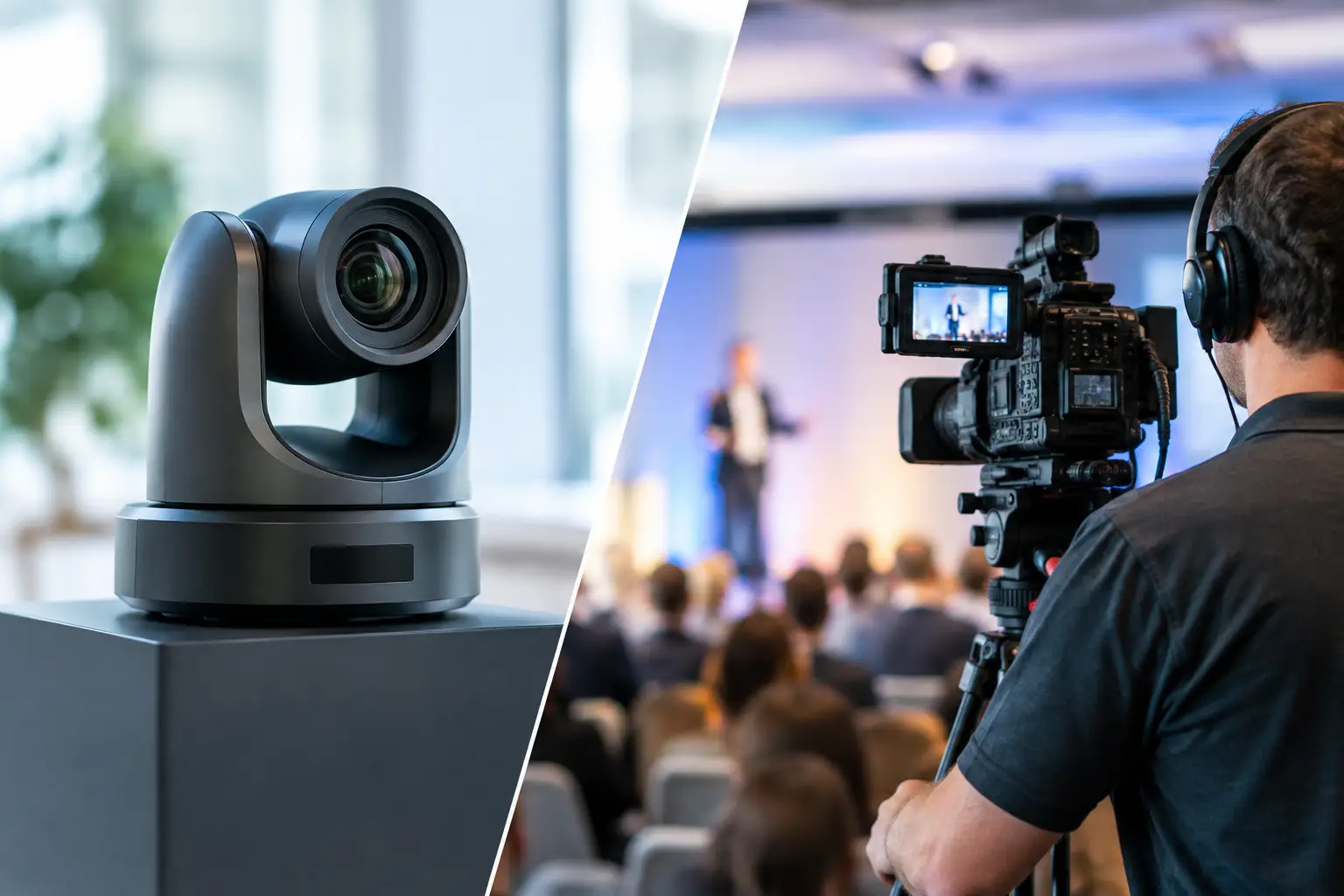
Choose microphones based on how people will speak. A single presenter may be best served by a wireless lavalier or headset. Panels typically need individual wireless handhelds, lavaliers, or a properly designed tabletop microphone solution. A roaming Q&A format needs a handheld microphone and an operator or room host who can move it efficiently.
Avoid relying on a laptop microphone for remote participants or recording. It captures room reflections, HVAC noise, and audience chatter before it captures the person speaking. A proper audio mix-minus feed is needed for hybrid sessions so remote guests hear the room without hearing an echo of themselves.
Plan Signal Flow Before Load-In
A clean diagram prevents most breakout-room troubleshooting. Every room should have a basic signal-flow plan showing sources, switching, distribution, audio mixing, display destinations, camera outputs, recording paths, and network connections.
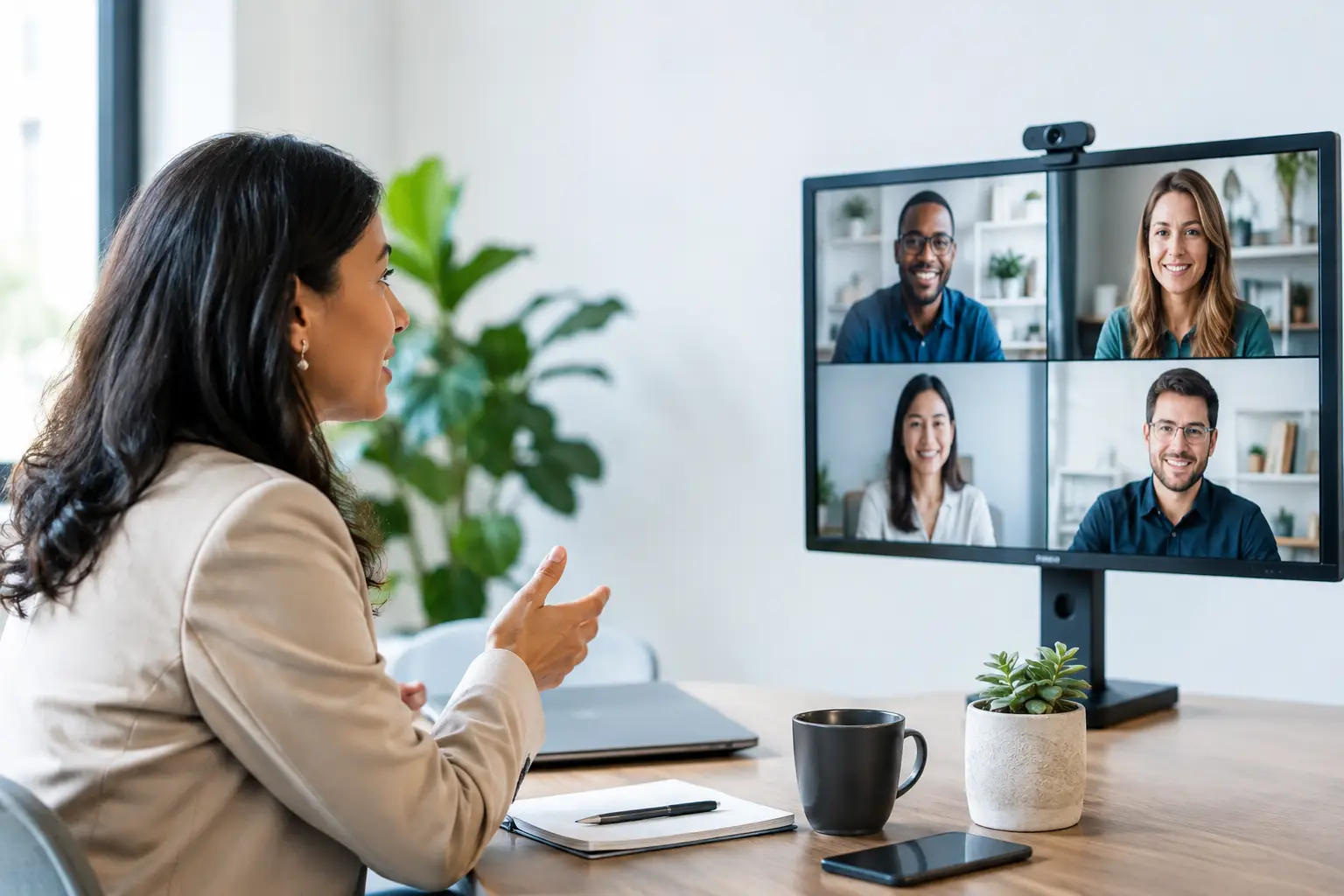
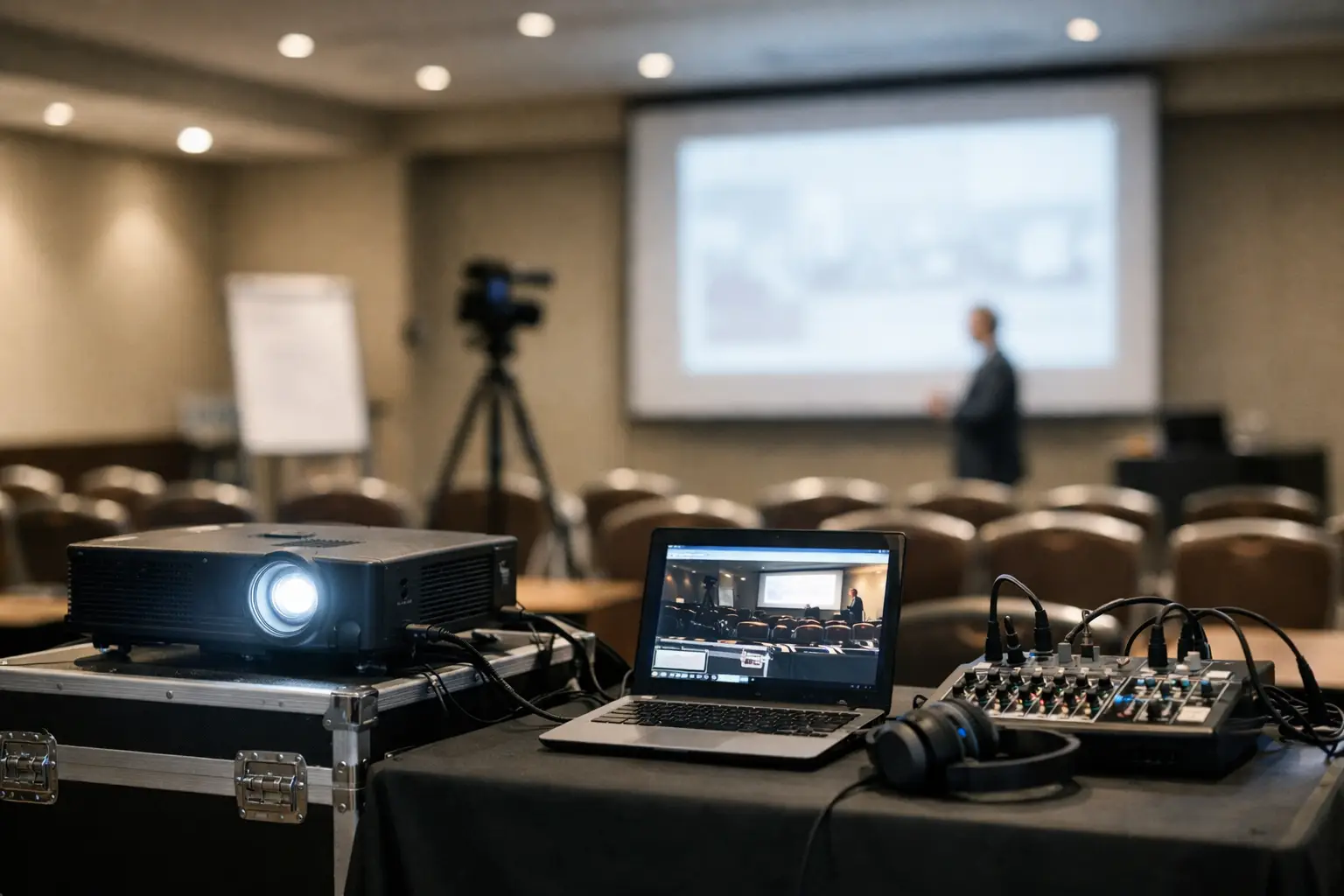
For a straightforward room, the chain may be laptop inputs to presentation switcher, switcher to display, and microphones to mixer and room speakers. For a hybrid room, the chain becomes more involved: cameras and presentation content feed a switcher or encoder, the program feed goes to the virtual platform, remote guests return to a confidence monitor, and a mix-minus audio feed returns to the platform.
The question is not whether the system works during a bench test. The question is what happens when a presenter plugs in a new laptop, a remote guest has delayed audio, or the venue network changes its configuration. Good signal flow gives the crew a predictable place to isolate faults.
Separate critical paths from convenience paths
Not every element needs full redundancy, but every critical path needs a recovery plan. For a presentation-only breakout, a spare laptop adapter and backup presentation file may be enough. For an executive webcast or customer-facing hybrid session, backup internet, redundant encoding, spare microphones, alternate camera paths, and a local recording are appropriate.
Redundancy should follow consequence. If a five-minute interruption is tolerable in an internal workshop, the package can be leaner. If a session is being broadcast to customers, partners, or employees across regions, the cost of interruption is higher. Plan accordingly.
Treat Network Access as a Production Dependency
Hybrid breakout rooms fail most often at the boundary between AV and IT. A venue Wi-Fi connection that works for attendee email is not automatically suitable for a live webcast, remote speaker return video, or cloud recording.
Request wired internet wherever possible for production-critical rooms. Confirm available bandwidth, upload speed, VLAN requirements, port restrictions, static IP needs, and the escalation contact who can act during show hours. Test the actual connection in the actual room, using the intended platform and encoder, not just a browser speed test.
If multiple rooms are streaming, calculate the combined upload requirement and determine whether each room has a dedicated connection or shares a venue circuit. A network can look healthy until all breakout sessions begin at the top of the hour.
For remote presenters, schedule a technical rehearsal. Verify camera framing, lighting, microphone quality, platform permissions, slide-sharing method, and backup dial-in options. Remote contributors should know exactly who to contact and what to do if their primary connection fails.
Staff for the Complexity You Have
A common planning error is assigning one technician to too many active rooms. This may work if every room runs identical slide decks with no audience interaction. It does not work when several rooms have live presenters, video playback, Q&A, remote guests, or quick transitions.
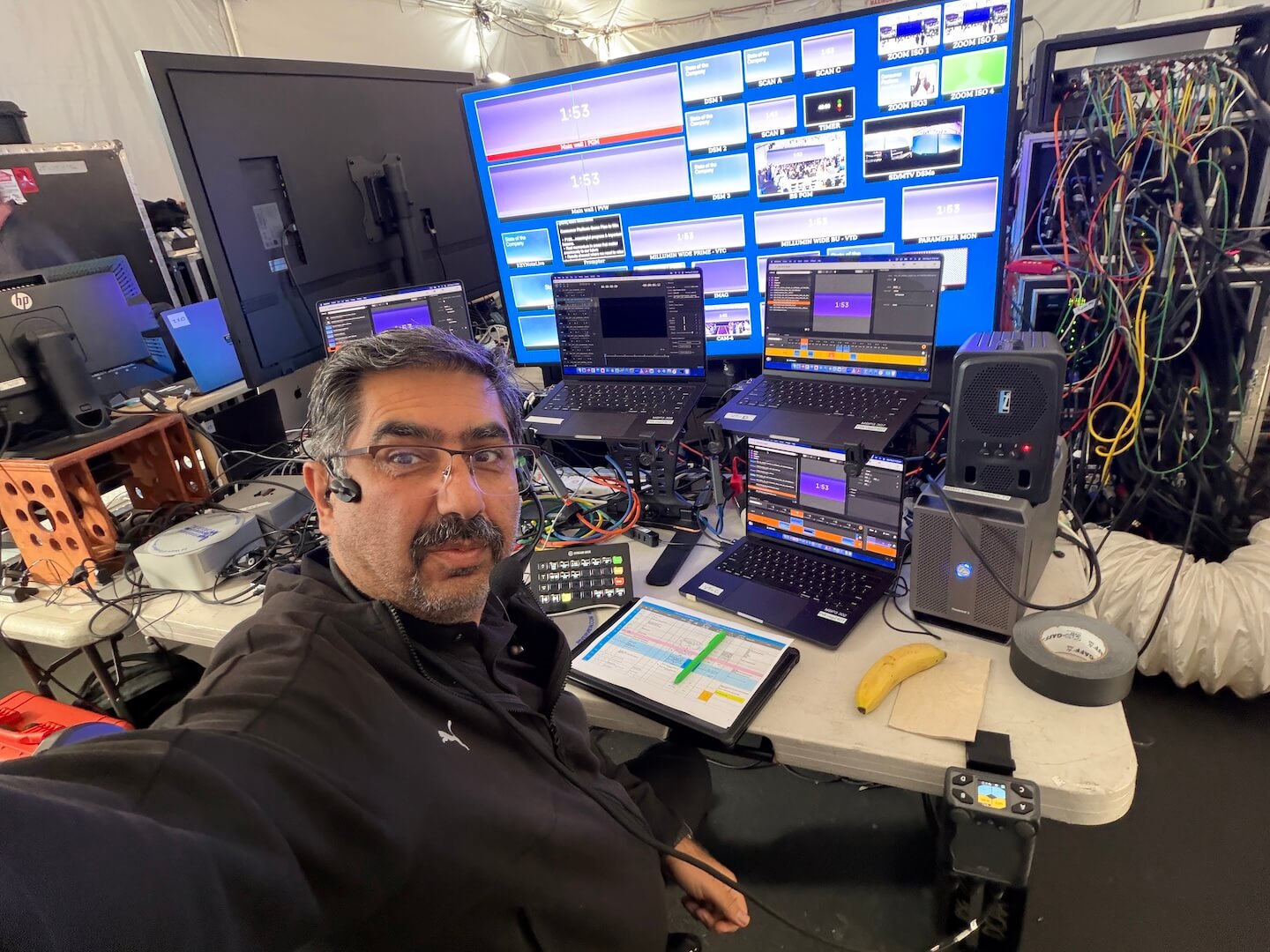
Operator coverage should reflect timing and risk. A room with a single presenter and fixed playback can be checked regularly by a floating technician. A room with a panel, multiple wireless microphones, content switching, and hybrid participants needs a dedicated operator. If multiple breakout rooms begin simultaneously, staffing must support simultaneous starts rather than assuming one person can move between them.
Technical direction also matters across the full breakout program. Someone needs authority to manage changes, triage issues, coordinate with venue operations and IT, and protect the schedule when a session runs long. AV Land plans this operational layer as part of corporate event production because gear alone does not manage a live show.
Test the Way the Event Will Run
Testing is not simply powering on the system. Run a functional test before presenters arrive, then conduct a show-flow test using the same inputs, microphones, platforms, and playback content expected during the event.
Check that every laptop input displays correctly, embedded video audio is routed properly, microphones are labeled and coordinated, confidence monitors show the intended feed, cameras have clean framing, and recordings are capturing usable audio. In hybrid rooms, test the full conversation loop: room presenter to remote participant, remote participant back to room, slides to both audiences, and Q&A in both directions.
Build time for corrections. The best technical plan still needs a margin for a late deck, an unsupported adapter, a speaker who changes formats, or a venue room reset. A rushed load-in removes the only window in which these issues are inexpensive to solve.
Make Breakouts Part of the Main Production Plan
Breakout rooms should not be managed as an afterthought to the general session. Their schedules affect crew calls, wireless coordination, network load, content management, and equipment inventory across the event. The same production schedule should show keynote rehearsals, breakout opens, room turnovers, remote checks, and recording handoffs.
For larger Bay Area conferences, a centralized production team can standardize presentation practices, monitor high-priority rooms, and escalate issues quickly without forcing every breakout to carry a full main-stage crew. The right balance depends on the event’s audience, risk profile, and how much each session matters to the program.
A well-planned breakout room feels simple to attendees because the complexity has already been handled: the right signal reaches the right screen, every voice is intelligible, remote participants can contribute, and the next session starts on time. That is the practical standard to plan for.