



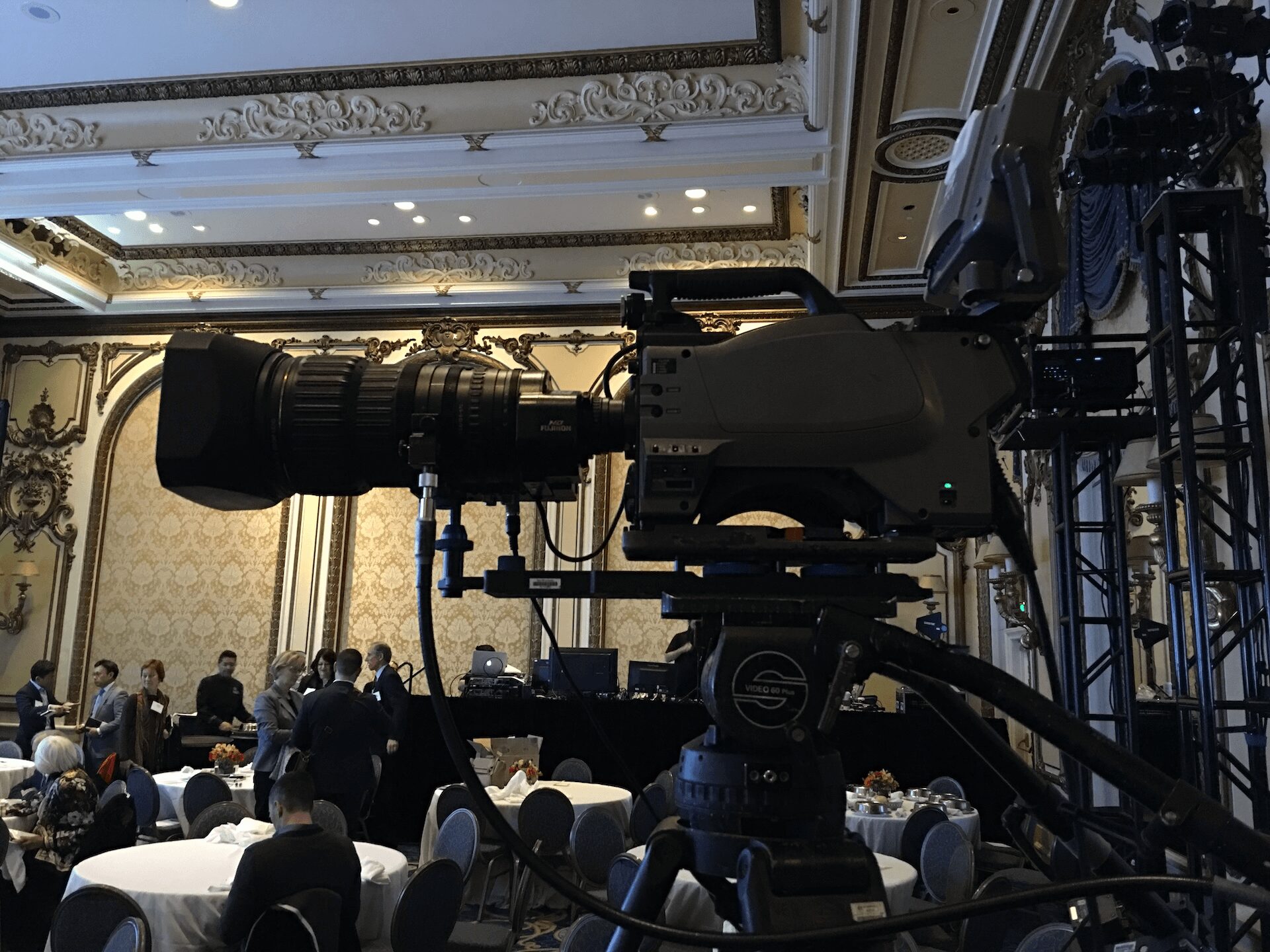
AV Equipment Rental Bay Area for Corporate Conference
A corporate conference can look simple from the audience side – a stage, a screen, a few microphones, maybe a livestream. From the technical side, every one of those pieces depends on clean signal flow, coverage planning, power, backup paths, and enough headroom to survive show changes. That is why av equipment rental bay area: what to rent for a corporate conference is not really a shopping question. It is a show design question.
If you are planning a conference in San Francisco, San Jose, or Silicon Valley, the right rental package depends less on a generic checklist and more on room size, content format, audience expectations, and failure tolerance. A 150-person internal meeting needs a different system than a multi-day keynote with walk-ins, IMAG, remote presenters, and sponsor deliverables.
AV equipment rental Bay Area: what to rent first
Start with the show format, not the gear catalog. Most corporate conferences need five core systems working together: audio, video display, presentation switching, lighting, and communications. If the event is hybrid, add streaming and recording as their own production layer, not as an afterthought.
The fastest way to overspend is to rent premium gear without matching it to the room. The fastest way to create risk is to under-spec the system because the agenda looked simple on paper. Keynote sessions, panel discussions, walk-up award moments, and executive fireside chats all place different demands on the same stage.
Audio that covers the room without fighting the room
For most conferences, audio is the first system to get wrong and the hardest to fix once doors open. You need enough loudspeaker coverage for the room shape, enough microphone channels for the agenda, and enough DSP and mixing control to manage gain before feedback becomes a problem.
A typical corporate conference rental package includes a digital console, wireless handhelds, wireless lavaliers or headset microphones, podium mic options, playback inputs, DI boxes for laptops, front fills if the stage is wide, and confidence monitoring for presenters. In breakout rooms, the package may be simpler, but intelligibility still matters more than volume.
Microphone choice depends on who is speaking and how they move. Lavaliers are common for executives, but if wardrobe, hair, or movement are concerns, a headset often performs better. Panel discussions usually require more channels than expected because moderation, audience Q and A, playback, and backup lines all add up quickly.
Shure has useful guidance on wireless coordination and microphone selection, and that matters in dense RF environments common at hotels and convention spaces.
What to rent for video, screens, and presentation control
Once the audience can hear the program, the next question is how they see it. For a general session, that usually means projection or LED walls, presentation switching, confidence monitors, timer displays, and the right processing to handle multiple content sources without awkward transitions.
Projection still makes sense in many ballrooms, especially when throw distance and ambient light are manageable. LED walls make more sense when the room has high ambient light, when image impact matters, or when stage design is part of the presentation. They also introduce different planning requirements: pixel pitch, viewing distance, wall resolution, processor scaling, rigging or ground support, and camera moire if the event is being filmed.
If your conference has multiple laptops, remote presenters, playback machines, logo loops, lower thirds, walk-in content, and on-screen timers, rent a real switcher and proper screen management. For higher-end corporate shows, image processing becomes critical. Systems built around Barco event processors are common because they handle layered content, multiple outputs, custom canvases, and backup strategies cleanly. If your show has complex screen layouts or wide-format displays, a processor such as the Barco E2 or E3 is often the difference between a clean cue stack and a rushed workaround.
Confidence monitors and show support displays
These are often treated like optional add-ons until the first rehearsal. They are not optional on a busy corporate stage. Presenters need to see their slides, notes, remote guests, or timing cues without turning around. Stage managers need timer visibility. Technical directors need program and preview monitoring where decisions are made.
The conference may only have one main screen from the audience perspective, but backstage and onstage there are usually several support displays keeping the show on rails.
Lighting rental for corporate conferences
Corporate lighting is not concert lighting. The job is to shape faces for the room and the camera, separate speakers from the background, and make brand colors look correct on screens and in person.
For a keynote stage, rent a package that includes front wash, key light, back light or edge light, stage wash, and practical control over color temperature. If cameras are involved, lighting should be built around exposure consistency, not just visual mood. A stage that looks acceptable to the eye can still look flat, underlit, or shadowed on camera.
Lighting also affects your projection and LED decisions. Too much spill can wash out projection. The wrong fixture positions can create reflections on confidence monitors. In smaller rooms, a modest but well-focused package usually performs better than a larger rig hung without a camera plan.
If you need fixtures, dimming, truss, stands, and control as part of a coordinated package, the lighting rental scope should be discussed with the stage layout at the same time, not later.
Livestream and hybrid gear changes the entire rental plan
A conference with a livestream is not just an in-room event with one extra camera. Hybrid production adds its own switching workflow, audio mix-minus, recording paths, graphics, remote caller management, internet planning, and redundancy requirements.
At minimum, a professional hybrid package usually includes cameras with operators, a video switcher, graphics playback, a dedicated streaming encoder, confidence returns for remote guests, an audio split or broadcast mix, recording devices, and bonded or tested network connectivity. If executives are presenting remotely, you also need a clear plan for who is monitoring returns, comms, and latency.
Platforms matter too. Zoom, Teams, and custom webcast platforms all have different input expectations and moderator workflows. Zoom and Microsoft Teams both publish technical guidance, and those details should be reviewed before show day rather than during cue-to-cue.
Camera count depends on the content, not the budget line item
A single camera can document a meeting. It does not cover a corporate conference well if you have panelists, audience reactions, demos, or a speaker who moves. Two cameras create functional coverage. Three or more create editorial control and cleaner live switching.
For product launches and executive keynotes, IMAG and stream coverage should be planned together. Otherwise, the room gets one style of coverage and the online audience gets whatever is left.
The gear people forget to rent
Show failures are often caused by small support items, not headline gear. Computers need adapters. Presenters need clickers that have been tested with the actual confidence monitor layout. Video world needs converters, SDI distribution, spare cabling, and power conditioning. Audio needs backup wireless, spare capsules, fresh batteries, and clear patch documentation.
You also need intercom or comms if the show has multiple operators. Once cameras, playback, graphics, audio, and stage management are all in motion, shouting across the room is not a plan.
Staging support matters too: lecterns, risers, drape, monitor stands, cable ramps, rigging points, and clean backstage power. On a corporate show, these support elements affect timing, safety, and presenter confidence as much as the visible technology does.
How to decide between simple rental and full production support
Some conferences only need equipment delivered, tested, and picked up. Others need engineering, operation, and show calling. The dividing line is usually complexity. If the event has a single screen, one podium, two microphones, and no cameras, a straightforward rental can be enough. If it has multiple content sources, executive presenters, streamed sessions, room relays, or zero tolerance for downtime, operator support is usually the smarter choice.
This is where experience in corporate environments matters. A technical team that handles everything in-house can design around change requests, not just original specs. That includes building backup signal paths, planning RF, managing show files, and keeping rehearsals productive instead of reactive.
AV equipment rental Bay Area decisions that actually matter
When corporate teams ask what to rent, the better question is what failure they can afford. If the answer is none, then the rental list should reflect that. Redundant playback, backup microphones, spare converters, tested encoders, and an operator who understands signal flow are not extras on a high-stakes show.
In the Bay Area, conference expectations are usually high because the audience is used to polished product launches, clean keynote pacing, and professional webcast delivery. Renting the right equipment means matching the system to the room, the agenda, and the consequences of getting it wrong.
If you are planning a conference, build the rental package around execution, not appearance. The audience will remember the content. The production team will remember whether the system held up under pressure. Good conference AV should make both feel easy.