San Jose Corporate Event Video Crew Guide
A keynote goes off the rails faster from bad camera coverage than from a mediocre stage look. If you are hiring a San Jose corporate event video crew, the real question is not who owns cameras. It is who can manage signal flow, build redundancy into the show, coordinate with audio, graphics, and lighting, and still deliver clean records, program feeds, and livestream outputs under pressure.
Corporate video production in San Jose is usually tied to a bigger system. A camera team is not working in isolation during a conference general session, product launch, executive webcast, or hybrid event. They are feeding IMAG, presentation screens, recording paths, stream encoders, press feeds, overflow rooms, and often a post-production workflow. That is why experienced corporate crews approach video as part of the entire show architecture, not as a standalone service.
What a San Jose Corporate Event Video Crew Should Actually Handle
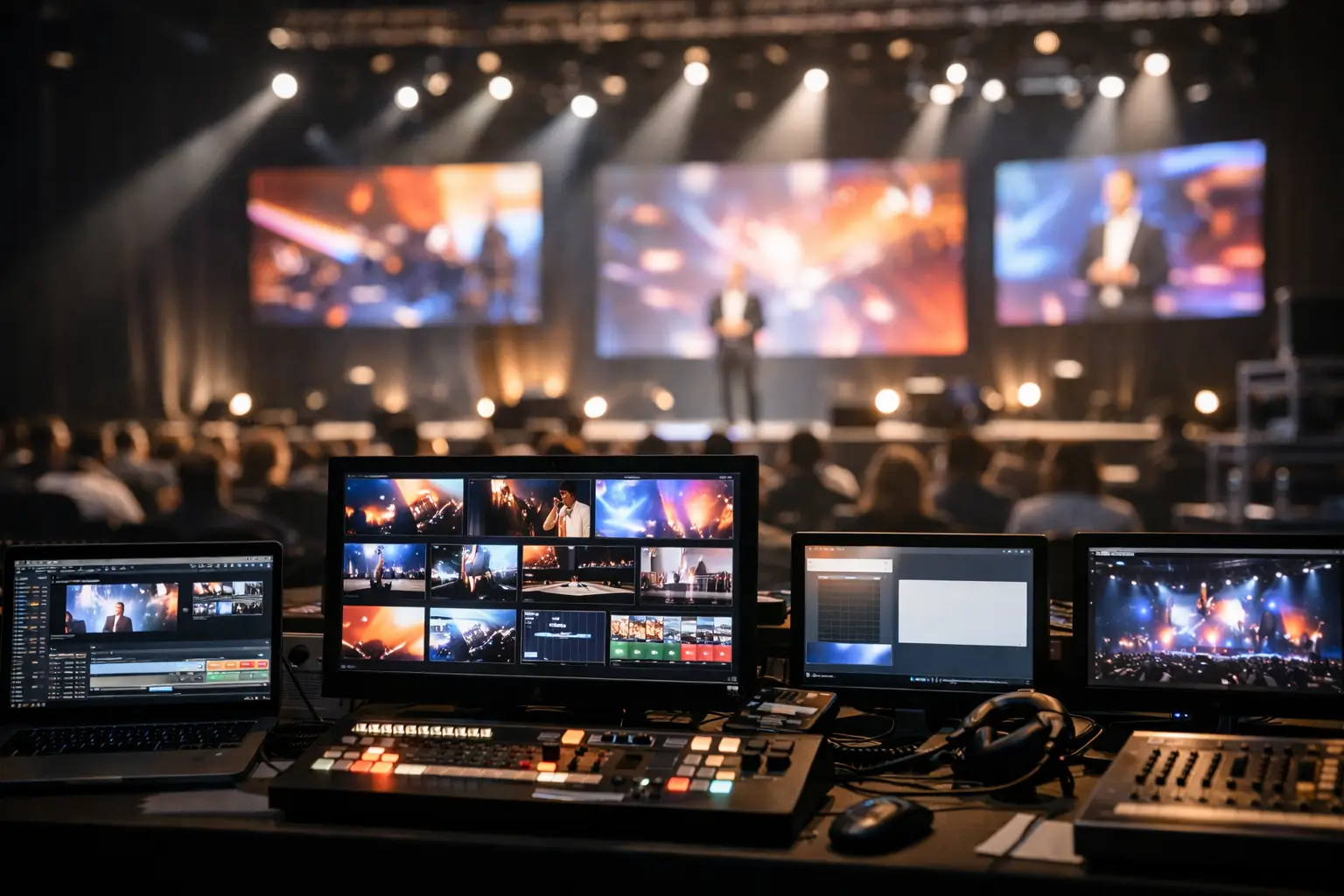
For professional events, a video crew should cover far more than camera operation. The basics start with camera placement, lens selection, shading, switching, and recording. But on a live corporate show, the crew also needs to coordinate timing with show calling, graphics playback, confidence monitors, speaker walk-ons, video roll-ins, remote presenters, and any livestream or webcast path.
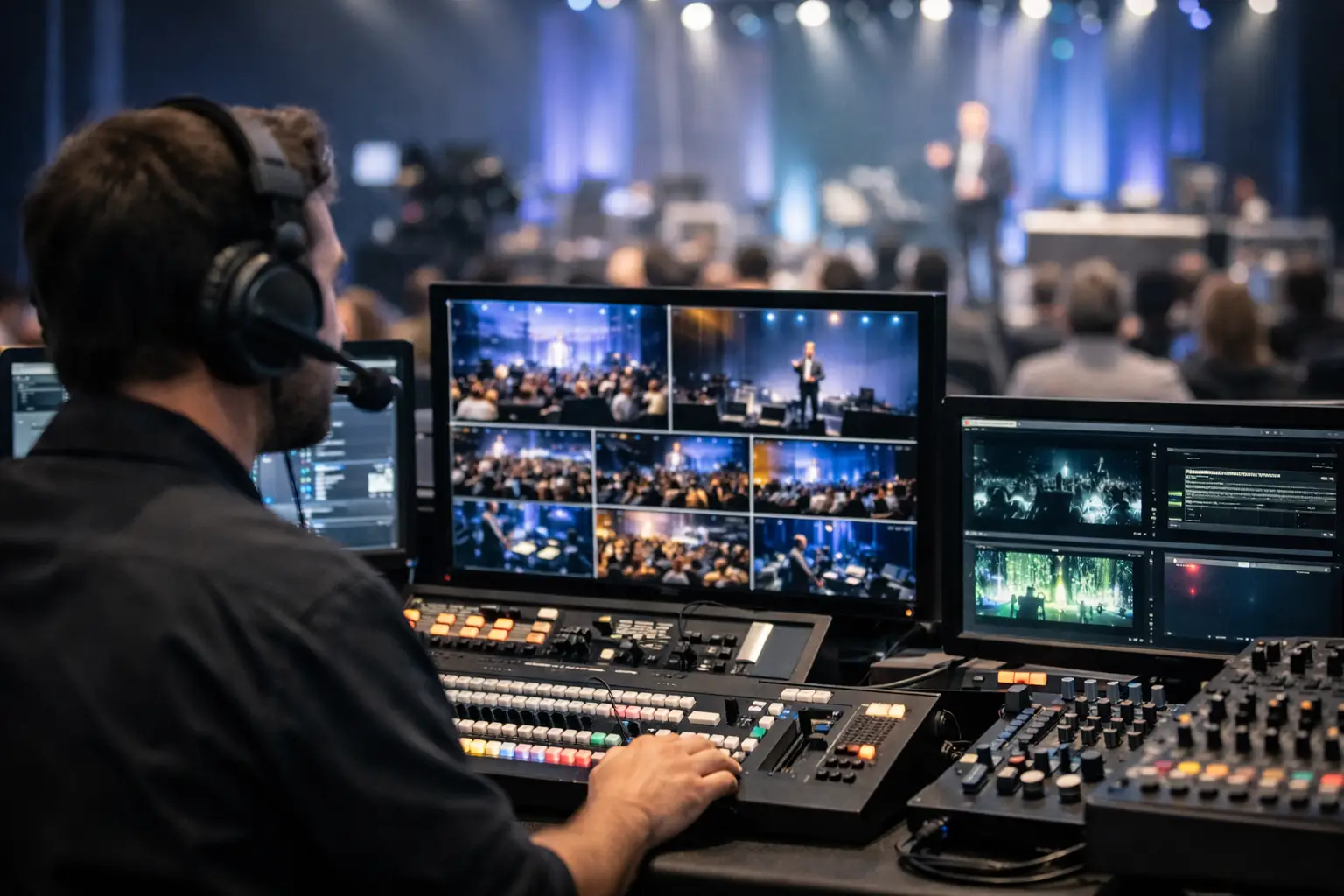
A solid crew will usually include a technical director or video engineer, camera operators, a shader when camera counts justify it, and the right switching and recording workflow for the room. If the event includes multiple screens or LED canvases, the video team also has to work upstream with screen management and processing. On larger shows, that can mean integrating with systems such as Barco E2 or E3 for layered screen control and clean output management.
For broader reference, Barco Event Master systems are designed for live event image processing, screen management, and multi-source display workflows. These kinds of systems become important when a corporate show needs clean output management across screens, records, and livestream feeds.
The trade-off is straightforward. A small internal meeting may only need a compact crew and simple switched record. A flagship keynote with walk-and-talk presenters, playback, remote guests, and a live audience needs a much deeper bench. Under-spec the crew and the show becomes fragile.
Why Corporate Event Video Is Different from General Video Production
A corporate event environment is less forgiving than a controlled studio shoot. You are dealing with fixed schedules, executive speakers, loaded presentation files, room lighting compromises, audience sightlines, and one-shot moments. There is usually no reset if a product demo misses the screen, a panelist mic drops out, or a stream feed loses sync.
That is why the best crews for this work think like live technicians first and camera operators second. They plan for failover records, isolated captures, playback verification, switched program outputs, and comms discipline. They ask what needs to hit the in-room screens, what needs to be streamed, what gets recorded as ISO versus line cut, and who owns each handoff.
If your event includes a webcast or hybrid audience, the video crew also has to work tightly with the streaming team. Platform choices matter. So do frame rates, aspect ratios, lower-thirds workflows, return confidence, and backup encode paths. For teams evaluating stream infrastructure, AVIXA standards offer useful references around professional AV performance, verification, documentation, and system design expectations.
Planning the Show Before the Cameras Arrive
The strongest video crews reduce problems during pre-production, not on show day. That means asking detailed questions early. What is the run of show? How many presenters are on stage at once? Are there demos from lectern, center stage, or handheld? Will there be audience Q and A? Are there remote speakers? What outputs are required for room screens, records, overflow, press, and stream?
These details determine camera count and crew structure. A single locked-off wide shot may work for documentation. It does not work for a leadership keynote that needs IMAG support and polished post-event edits. Likewise, a two-camera setup may be enough for a fireside chat, but not for a product launch with moving presenters, audience reactions, and sponsor content that must be cut live.
This is also where venue realities show up. Ballroom depth, cable paths, riser placement, truss positions, and house power all affect the plan. In San Jose venues, especially convention and hotel spaces, access times and labor windows can shape setup strategy as much as the creative brief does.
Camera Coverage, Switching, and Recording Choices
Not every event needs the same type of coverage. The right crew will match the video plan to the business use case, not just throw more gear at the room.
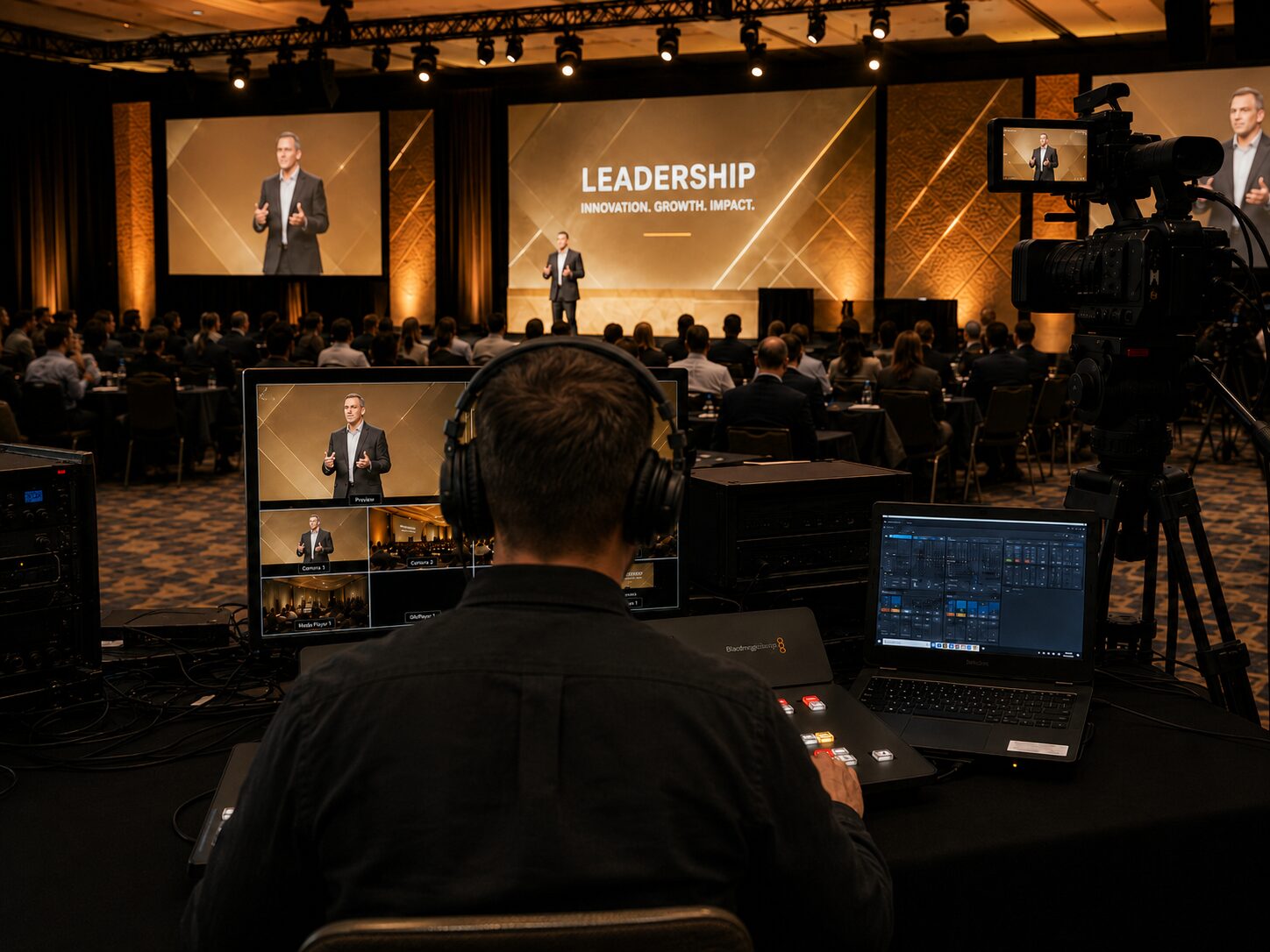
For a keynote, three to five cameras is often the practical starting point if IMAG, stream, and post-event editing all matter. That usually means a wide safety shot, two operated stage angles, and one or more specialty angles for audience, jib, or roaming coverage. If executives are moving across a large stage, centerline-only coverage will feel flat and can create bad IMAG cuts.
For panel sessions and executive conversations, the balance shifts. Clean singles, reliable audio sync, and smooth line cuts matter more than spectacle. The challenge is often lighting and eyeline management rather than motion coverage.
Recording strategy matters just as much as camera placement. A switched program record is efficient, but it limits revision options later. ISO records from each camera give marketing teams far more flexibility for recap edits, social cutdowns, and internal training assets. The catch is storage, operator workload, and downstream media management. If content repurposing is a priority, plan for ISO from the start.
For compact live switching and ISO capture workflows, hardware such as the Blackmagic ATEM Television Studio HD8 ISO can be useful because it supports ISO recording of multiple inputs along with live switching functionality. The right tool depends on the scale of the room, camera count, record requirements, and whether the event also needs livestream outputs.
The Livestream Factor in San Jose Corporate Productions
A San Jose corporate event video crew often gets brought in because the event is no longer room-only. Internal all-hands, investor updates, sales kickoffs, user conferences, and partner events now commonly need a livestream or at least a clean remote viewer experience.
This changes the production logic. The room may tolerate a momentary screen transition that a stream audience sees as a mistake. Audio that feels acceptable in the ballroom can sound thin or distracting online. Slide readability, lower-thirds timing, and camera framing all need to be judged for both in-person and remote viewers.
When livestreaming is part of the scope, production teams should build the show around dedicated streaming outputs rather than treating the stream as an afterthought. That includes encoder redundancy, audio mix-minus where needed, graphics confidence, and internet validation with realistic upload margins.
Platforms such as Zoom Webinars and Microsoft Teams can be part of corporate webcast and hybrid event workflows, but they should be integrated into a managed production system instead of treated as the entire show infrastructure.
For production teams that need flexible live switching, recording, streaming, and remote contribution support, vMix is one example of live production software used in professional streaming workflows.
If livestreaming is a core requirement, AV Land covers that workflow through our livestream services. For broader event execution that combines room AV, video direction, and technical management, our event services page is also relevant.
What Experienced Crews Do That Inexperienced Crews Miss
Experienced corporate crews tend to be boring in the best way. They label everything, verify every output, rehearse transitions, test playback codecs, and confirm what happens if a laptop fails or a remote guest drops. They know the difference between a camera feed existing and a camera feed being routed correctly everywhere it needs to go.
They also understand the politics of corporate events. Executives want confidence. Marketing teams want usable content. Event planners want a team that does not create new problems five minutes before doors. Production managers want signal paths they can trust. Meeting all four expectations takes more than technical knowledge. It takes repetition in live corporate environments.
The opposite usually shows up as small misses that stack up. Exposure drifts between cameras. Playback audio comes in late. Records start on one deck but not the backup. Slides are readable in the room but clipped on stream. None of these issues are dramatic on their own. Together, they make the production feel less controlled than it should.
How to Evaluate a San Jose Corporate Event Video Crew
The best evaluation questions are operational. Ask how they handle IMAG versus stream framing. Ask whether they recommend line cut only or line cut plus ISO. Ask how they build recording redundancy and how they coordinate with audio for embedded feeds and backup records. Ask who owns switching, who shades cameras, and how the crew scales for breakout rooms versus general sessions.
You should also ask what happens when the scope grows. Corporate events change quickly. A panel becomes a streamed panel. A keynote adds a remote guest. A standard widescreen show becomes a multi-screen canvas. Crews that can handle those shifts in-house are usually more reliable than teams patching together last-minute subcontracted workflows.
For Bay Area corporate productions, that matters because event formats are often technically ambitious even when the timeline is tight. Tech companies in particular tend to compress approvals and add complexity late. Your crew should already be comfortable with live switching, multi-camera coverage, LED or projection support, and stream-ready outputs.
If you need a team that can support the entire video side of a corporate show, from capture through live outputs and records, AV Land’s video production capabilities are built around corporate event needs.
The right crew will not oversell a simple meeting, and they will not underbuild a high-stakes keynote. That judgment is what you are really hiring for. Good gear helps. Good operators matter more. Good planning is what keeps the show together when the schedule shifts, the presenter ad-libs, or the room suddenly adds another output five minutes before rehearsal. If your event has real stakes, choose the crew that thinks past the camera and all the way through the signal path.
AV Land Video Crew Support in San Jose
AV Land provides corporate event video crew support in San Jose and across the Bay Area for conferences, general sessions, keynotes, executive webcasts, hybrid events, product launches, panels, and multi-camera recordings.
Depending on the event, our support can include camera operators, technical direction, video engineering, live switching, recording, livestreaming, playback coordination, Barco E2 operation, LED wall support, and signal-flow planning. The goal is to build a video workflow that supports the room, the stream, the records, and the final content your team needs after the event.
Need a Corporate Event Video Crew in San Jose?
AV Land supports San Jose conferences, keynotes, general sessions, webcasts, hybrid events, and corporate video productions with professional crew and show-ready technical workflows.
Contact AV Land to discuss your next corporate event.
Phone: 415-799-1315
Email: info@av.land
Frequently Asked Questions
What does a San Jose corporate event video crew include?
A San Jose corporate event video crew may include camera operators, a technical director, video engineer, shader, playback support, recording workflow, livestream support, and signal-flow planning depending on the size of the event.
Do I need multiple cameras for a corporate event?
Not always. Smaller meetings may only need one or two cameras. Keynotes, product launches, panels, hybrid events, and sessions intended for post-event content usually benefit from multi-camera coverage.
Can AV Land support livestreaming and recording at the same event?
Yes. AV Land can support livestreaming, program recording, ISO recording, camera switching, audio integration, and hybrid event workflows for corporate events.
What is the difference between IMAG and livestream framing?
IMAG is designed for the in-room audience and usually supports large-screen viewing. Livestream framing is designed for remote viewers and may require tighter shots, different graphics timing, and cleaner audio treatment.
Does AV Land provide corporate event video crew outside San Jose?
Yes. AV Land supports corporate events across the Bay Area, including San Francisco, San Jose, Santa Clara, Mountain View, Palo Alto, Sunnyvale, Oakland, and nearby cities.