



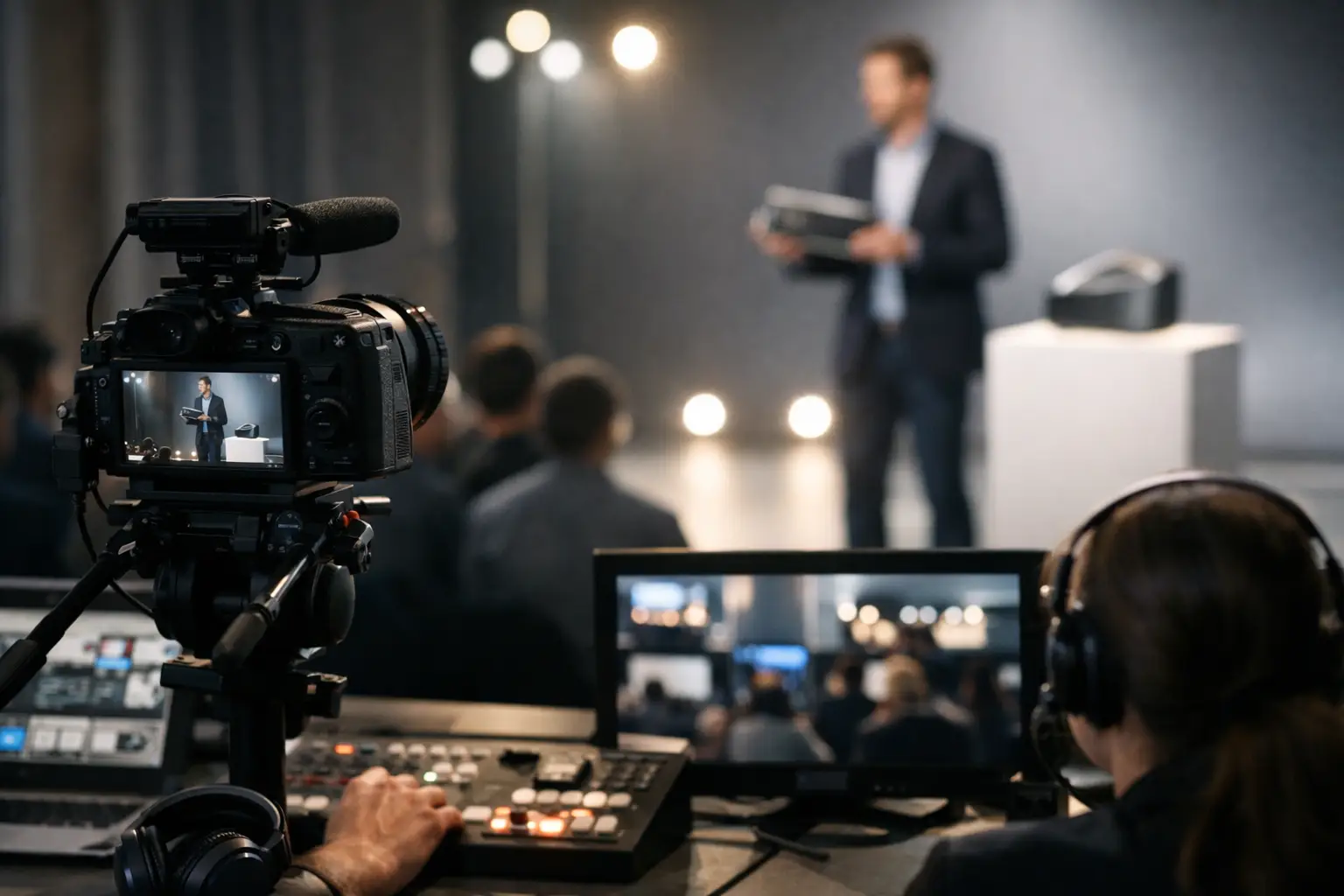
Product Launch Livestream Case Study That Holds Up
A product launch livestream case study is only useful if it examines what happened before the first camera went live. The public sees a polished executive reveal, product demos, walk-on music, and a clean stream. The production team sees separate signal paths, backup playback, timing decisions, presenter confidence monitoring, network validation, and a room that cannot stop because a key feed fails.
For a Silicon Valley technology launch, the stakes are often higher than the physical audience count suggests. Analysts, customers, remote employees, press, and sales teams may all be watching the same announcement. A late lower third, a frozen demo feed, or a stream that drops during the product reveal becomes part of the message. This case study outlines a production model built for that reality.
Product Launch Livestream Case Study: The Production Brief
The scenario was a corporate product launch with an in-room executive audience and a remote audience joining through a branded webcast platform. The agenda included an opening keynote, executive remarks, a product reveal video, a live software demonstration, a customer conversation, and a moderated Q&A. The program was scheduled for 75 minutes, with no practical opportunity to restart a segment after it aired.
The event needed more than a camera pointed at a stage. The client required a broadcast-style production that preserved the visual standards of an in-person launch while delivering readable product content to remote viewers. That meant the stream mix could not simply mirror the confidence monitors in the room.
The central production decision was to treat the room show and the livestream as related but separate outputs. The audience in the venue needed a high-impact presentation canvas. The remote audience needed intentional camera framing, clean screen capture, properly timed graphics, and an audio mix designed for headphones and office speakers.
What made the launch technically demanding
The keynote relied on a wide LED canvas for motion graphics and presentation content. The product demo required fine UI details to remain legible on the webcast, while the speakers needed confidence monitors with notes and timing cues that could never appear on program. A pre-produced reveal video had to roll exactly on cue, then hand off to a live demo without a black frame, audio gap, or visible switching artifact.
That combination creates a common failure point: one source is asked to serve too many functions. A single laptop output feeding presentation screens, recording, livestream encoding, and a demo return may work in a low-risk setup. It is not the preferred design for a launch where every transition is visible and the content itself is the product.
Building Signal Flow Around Failure Points
The production began with a signal-flow plan, not an equipment list. Every source was mapped from origin to destination: presentation machines, playback systems, camera feeds, stage return monitors, LED processors, the livestream switcher, recording devices, and encoder outputs. Once the signal path was clear, the team could identify where a single failure would affect multiple audience experiences.
A Barco E2 or E3 video processor is particularly valuable in this type of environment because it provides a controlled way to manage multiple high-resolution inputs and outputs. The screen management system can support the in-room visual architecture while production receives dedicated feeds for the broadcast switcher. The goal is not to add complexity for its own sake. It is to keep a screen change on stage from creating an unintended change in the livestream.
The camera plan used three primary angles: a wide shot that established the stage and LED environment, a tight presenter camera for executive remarks, and a roaming or side-position camera for product handling and audience interaction. A fourth camera was assigned to the demo area when the presentation required physical interaction with a device. This avoided forcing the technical director to choose between a speaker reaction and the visual proof of the product.
For the webcast, direct program feeds from presentation and demo systems were treated as first-class sources. Capturing a screen from a room display or relying on a camera to show a UI introduces softness, moire, and exposure inconsistency. The remote viewer should receive the actual source signal, scaled and framed for the delivery platform.
Redundancy that protects the audience experience
Redundancy should follow risk, not become a vague promise. In this case, the highest-risk systems were the primary playback path, internet connection, encoding chain, and critical presentation sources.
The reveal video was loaded onto two synchronized playback systems, each tested with the same audio mapping, frame rate, and resolution. The technical director could take the backup system without changing the visual composition if the primary machine failed. Presentation content had an active machine and a ready backup, with matching display settings verified before rehearsals.
For streaming, the team used a primary encoded output and a separate backup encoding path. The venue internet was tested for sustained upstream capacity, not just a quick speed-test result. A dedicated hardwired connection was preferred, with a separate bonded or cellular fallback available when the venue network could not provide an acceptable secondary path.
Not every launch needs duplicated hardware at every position. A short internal webcast with a controlled audience may accept more operational risk than a public announcement tied to press coverage and sales activity. The right question is: if this component fails, what does the remote audience see and how quickly can the show recover?
Rehearsal Was the Real Production
The technical rehearsal exposed the issues that the equipment specification alone could not solve. One executive preferred to walk farther downstage than expected, which changed the tight-camera framing and required a revised lighting focus. The product demo presenter moved through the software faster than the original run-of-show allowed, so the graphics operator adjusted lower-third timing and the director revised camera cues.
The reveal sequence received the most attention. It involved stage lighting changes, a walk-on cue, playback, a screen transition, and a live handoff to the executive. Each department had a cue, but the technical director owned the go/no-go call. That matters because the audience experiences the sequence as one moment, not as separate lighting, audio, video, and camera tasks.
A full timed rehearsal also verified audio priorities. Executive lavalier microphones were checked for gain before the room filled, while playback, walk-on music, remote caller audio, and video clips were balanced for the livestream mix. Room sound can tolerate levels that become fatiguing or unclear on a webcast. The audio engineer monitored the stream return, not just the house mix.
Why a separate livestream mix mattered
During the live demo, the in-room screens displayed a large product interface beside the presenter. For the webcast, the director built a cleaner composition: a full-resolution demo feed with a picture-in-picture camera shot of the presenter. When the executive shifted into commentary, the mix moved to a tight camera with supporting graphics rather than leaving viewers on a static screen capture.
This approach gave remote attendees visual context without making them work to understand the product. It also gave the marketing team an edited-looking live program that could be repurposed after the event, provided recording was captured as a separate, high-quality deliverable.
Results Measured Beyond Viewer Count
The launch finished without interruption, but success was not defined solely by stream uptime. The relevant outcomes included clean playback transitions, readable product demonstrations, consistent executive framing, intelligible audio, and a recording that required minimal correction before post-event distribution.
The backup systems were not needed during the live show, but they were still doing their job. They reduced the consequences of a failure that could have occurred at any point. More importantly, their presence allowed the crew to operate decisively rather than improvising around fragile signal paths.
The production also produced a clean archive recording, isolated camera recordings, and a program feed suitable for short-form edits. For marketing teams, this is where a well-planned webcast creates value beyond the event window. The same production investment can support recap content, sales enablement clips, executive communications, and product education assets.
What Corporate Teams Should Take From This Case Study
The most useful lesson is that a launch livestream is a live broadcast with a corporate message, not a presentation added to an internet connection. The production design has to account for the room, the webcast, the presenters, the content systems, and the recovery plan at the same time.
Start planning around the moments that cannot fail: the reveal, the demonstration, the executive announcement, and any remote contribution. Then determine what each audience must see and hear in those moments. That process informs camera positions, display outputs, graphics, audio routing, network requirements, and the level of redundancy worth funding.
For Bay Area teams producing high-visibility launches, AV Land handles corporate event production and professional livestream execution in-house, including technical direction, multi-camera coverage, video processing, LED systems, playback, and webcast delivery. The best time to involve the production team is before the agenda locks. That is when signal flow can be designed around the show, rather than patched around it on event day.