



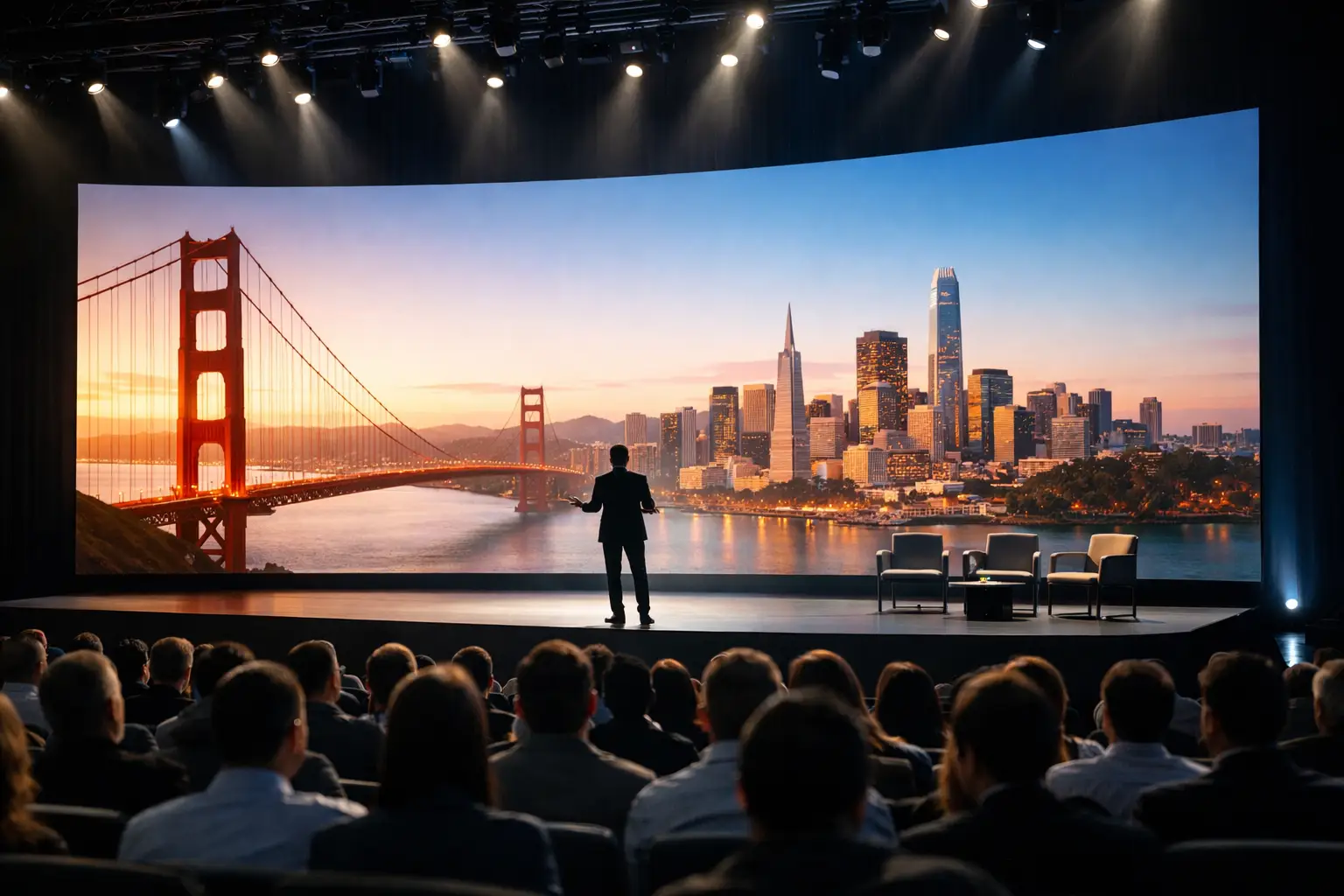
San Francisco Keynote Staging That Holds Up Live
A keynote can have exceptional speakers, strong content, and a packed room, then still lose momentum because of one weak technical handoff. San Francisco keynote staging is not simply a matter of placing a lectern in front of an LED wall. It is the coordinated design of stage geometry, presentation playback, camera coverage, lighting, audio, switching, crew positions, and fallback systems that keep an executive presentation moving when the room is under pressure.
For corporate conferences, product launches, and leadership meetings, the audience sees a polished show. Behind it is a controlled production environment with defined signal paths, tested show files, communication protocols, and operators who know exactly what happens if a laptop freezes or a display destination goes dark.
Start San Francisco Keynote Staging With the Show Flow
The stage design should begin with the run of show, not the equipment list. A keynote with one presenter, a confidence monitor, and a single playback source has very different requirements than a program with executive walk-ons, panel discussions, remote contributors, launch videos, live demonstrations, and a broadcast feed for virtual attendees.
Production teams need to map every moment that changes the room or the screen. That includes speaker entrances, lower thirds, video rolls, presentation transitions, camera shots, music cues, panel seating changes, and audience Q&A. Once those moments are identified, the technical design can support them without adding unnecessary complexity.
A practical planning conversation should establish who owns each cue. The presentation operator may advance slide content, while a technical director calls camera changes and video playback. The audio engineer handles walk-on music and microphone assignments. If those responsibilities are vague, the production will rely on verbal improvisation at the exact time precision matters most.
Build a Stage Around Sightlines and Content
In San Francisco ballrooms and conference venues, stage depth is often limited by room layout, fire lanes, seating capacity, or the need to preserve networking space. That constraint affects everything from camera positions to where speakers can stand without blocking content.
A wide LED wall can support high-impact keynote graphics, but only if the content is composed for the actual display canvas. Slides built in a standard 16:9 format may need a center image management layout rather than being stretched across an ultrawide wall. For speaker-led content, a large center screen with properly scaled supporting displays can be more readable than a visually dramatic surface that turns text into a design compromise.
The presenter needs clear reference points as well. A confidence monitor should show the current slide, next slide, timer, and sometimes remote participant return feeds. Its placement matters. If the monitor is too low, too close, or too far off axis, speakers will visibly search for it throughout the presentation.
Engineer the Signal Flow Before Load-In
Reliable keynote staging is decided long before doors open. Every source, destination, format conversion, and control point should be documented in a signal-flow plan. This is especially important when the program includes multiple presentation computers, video playback, IMAG cameras, livestream graphics, and separate feeds for overflow rooms.
The goal is not to add processing for its own sake. The goal is to identify the cleanest route from each source to each destination, then build purposeful backup paths. A typical corporate keynote may involve presentation outputs, playback servers, cameras, confidence displays, LED processors, projectors, records, streaming encoders, and technician multiviews. Without a defined system, troubleshooting becomes guesswork.
For complex screen layouts, a Barco E2 or E3 image processor gives the production team the flexibility to scale, layer, route, and switch content without forcing the audience to watch desktop changes or cable swaps. It also lets the technical director maintain separate program looks for the in-room audience, confidence monitors, and broadcast viewers when needed.
Redundancy Should Match the Consequence of Failure
Not every system requires duplicate hardware. Redundancy should be based on what happens if that component fails during a live moment.
For a CEO keynote, the primary presentation computer should have a tested backup with the same fonts, media, presentation version, display settings, and playback permissions. Critical video rolls should be available from a second playback path. Main presentation signal transport should have a fallback route, particularly when long fiber runs or venue infrastructure are involved.
Power is equally important. Rack-mounted processing, switching, networking, and playback systems should be protected with appropriate power distribution and battery backup where a controlled shutdown or brief power interruption would otherwise affect the show. The crew also needs a recovery plan: who switches to the backup source, who informs the show caller, and what the presenter sees while the transition occurs.
The right amount of redundancy depends on the program. A half-day internal meeting may not need the same architecture as a televised product launch with thousands of remote viewers. But both need documented recovery procedures, not an assumption that equipment will behave perfectly.
Treat Rehearsal as a Technical Test, Not a Formality
A full rehearsal is where a staging plan becomes an executable show. It confirms speaker pacing, slide order, walk-on timing, microphone use, content readability, camera framing, and the communication workflow between departments.
Executive presenters often arrive with last-minute slide changes. That is normal in corporate production. The production system must make those updates traceable. Use a file naming convention, lock the approved show version before rehearsal, and assign one person to receive and verify replacements. A new slide deck cannot simply be dropped onto a playback machine moments before showtime without checking fonts, embedded media, animations, and output resolution.
For live demonstrations, rehearsal should include the real application, network conditions, account permissions, and display routing. A demo that works on a desktop in a green room can fail on stage because of a different network, a security prompt, a hidden notification, or a display-resolution change. When the demo carries major launch messaging, a recorded fallback is often the responsible choice.
Camera and Lighting Must Serve the Room and the Stream
Hybrid keynotes require two audiences with different needs. The room needs a speaker who is well lit without being flattened by excessive front light. Remote viewers need camera framing that feels intentional, with readable content and clean exposure across bright display surfaces.
Camera positions should be planned around sightlines rather than added after seating is set. A center camera may provide the strongest executive shot, but it can conflict with premium audience seating. Side cameras may preserve the room layout but need deliberate lens selection and shading to avoid unflattering angles. The answer depends on the program, venue, and expected viewing mix.
Lighting also affects LED walls and projection. A stage wash that looks good to the eye may reduce perceived contrast on the display. The lighting designer, video team, and camera shader need to evaluate the complete image together during rehearsal.
Put the Right Operators in the Right Positions
Equipment alone does not run a keynote. The operating positions need experienced people with clear scope. A technical director should manage program switching and display states. A presentation operator should control deck playback. An audio engineer should own speech intelligibility and wireless coordination. Camera operators, playback, graphics, streaming, and stage management each need direct communication with the show caller.
Intercom is not an accessory in this environment. It is the operational layer that lets the crew cue a walk-on, confirm a source, hold a video, or recover from an issue without turning the stage into a discussion. Communication should be concise, role-based, and practiced before the audience enters.
AV Land approaches corporate keynote production as an integrated system, handling staging, LED and projection, camera production, livestreaming, audio, lighting, and on-site technical direction with one show plan behind it. That matters when a last-minute agenda shift affects the screens, cameras, playback, and remote program at the same time.
Plan for the Moments That Usually Change
Most live keynote problems are not dramatic equipment failures. They are ordinary changes introduced late: an added speaker, a revised agenda, an executive who wants to present from their own laptop, a new product video, or a remote guest joining from a different time zone.
A capable production plan leaves room for those changes while protecting the systems that have already been tested. Establish a content cutoff, define the approval path for exceptions, and keep a technical lead empowered to flag changes that introduce avoidable risk. The objective is not to say no to every update. It is to make informed decisions before an update reaches the live stage.
The strongest keynote staging gives presenters confidence because the technical operation is controlled, tested, and ready to adapt. When the stage, content, crew, and backup paths are designed as one production system, the audience can focus on the message instead of the machinery behind it.