Corporate AV Production Checklist for Live Events
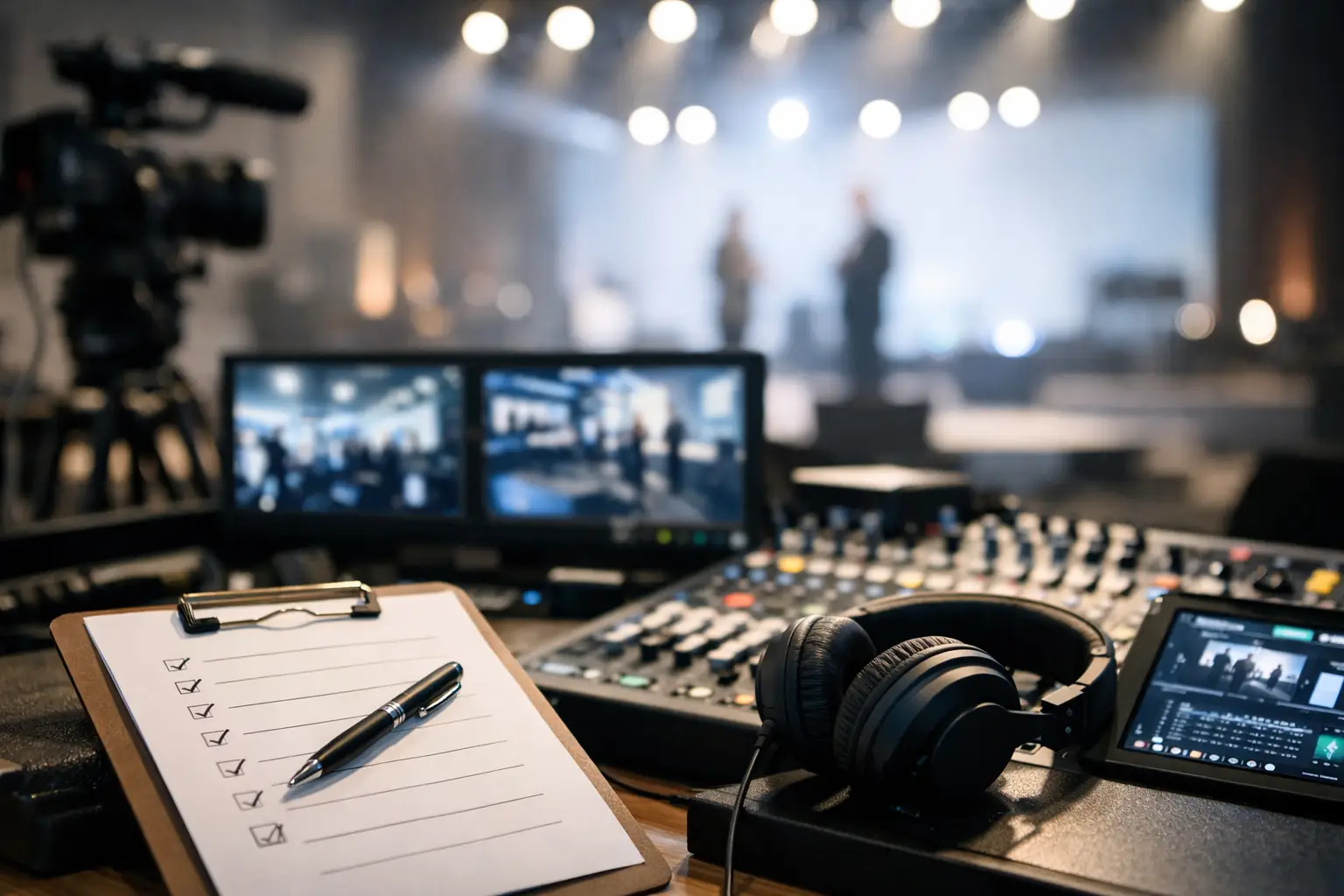
A corporate AV production checklist is not a purchasing list. It is the working document that prevents a keynote from losing confidence when a laptop changes resolution, a remote speaker drops off a call, or a display route fails five minutes before doors. For corporate conferences, product launches, executive webcasts, and hybrid events, the checklist must define how the system works, who owns each decision, and what happens when a critical path goes down.
The difference between a clean show and a stressful one is usually settled before load-in. Build the plan around signal flow, redundancy, content control, and crew communication, then validate each item in the actual room.
Corporate AV Production Checklist: Start With the Show Requirements
Before specifying LED walls, cameras, microphones, or switchers, establish what the program needs to accomplish. A general session with six executive presenters has different technical requirements than a multi-room conference with breakout recording and a live remote audience. The equipment list follows the show plan, not the other way around.
Confirm the event format, room count, attendance, run-of-show, and key presentation moments. Identify whether the program is in-room only, streamed, recorded, or fully hybrid. If the event includes remote speakers, clarify whether they are contributing live, pre-recorded, or both. A remote guest may be acceptable on a confidence monitor but not suitable for a product announcement where broadcast-quality presentation is expected.
Document the following requirements before the production design is finalized:
- Program start and end times, access windows, rehearsals, and content deadlines
- Room dimensions, ceiling height, rigging points, loading access, power availability, and internet options
- Audience sightlines and display requirements, including LED wall, projection, confidence monitors, and overflow displays
- Presenter count, microphone needs, walk-on music, playback cues, panel discussions, and remote contributors
- Streaming destination, viewer access controls, captioning, recording deliverables, and post-event turnaround
- Brand assets, presentation templates, video playback files, sponsor loops, lower thirds, and holding slides
A useful rule is to identify every moment where the audience needs to see, hear, or react to something. That includes walk-in content, executive entrances, live demos, Q&A, remote guests, and closing remarks. Those moments determine where redundancy belongs.
Map Signal Flow Before You Build the System
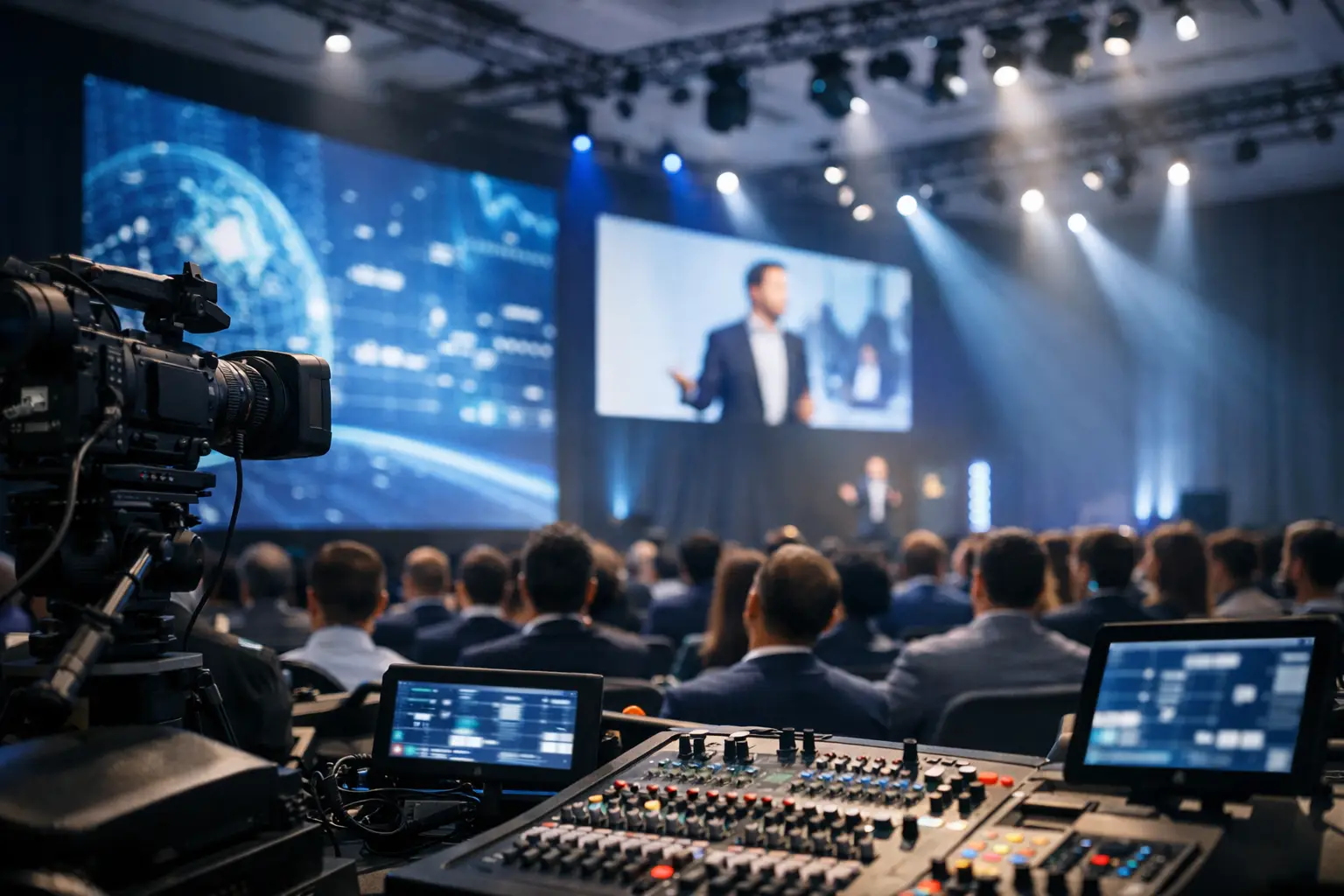
Signal flow is the backbone of corporate production. Every source needs a known route to every destination, with a clear owner and a tested fallback. If the team cannot explain how a presenter laptop reaches the main screen, confidence monitor, stream encoder, recording feed, and backup recorder, the plan is not ready.
Create a system diagram that identifies presentation inputs, camera sources, playback machines, remote-call returns, audio consoles, video processing, displays, streaming encoders, and recorders. Label primary and backup paths separately. Keep the diagram current as content requirements change.
Video Processing and Display Routing
Complex corporate shows often need more than a basic switcher. Multi-screen keynote environments may require independent destinations for the LED wall, side screens, teleprompter, confidence displays, presentation monitors, and livestream program feed. Barco E2 or E3 processing can manage layered screen compositions, image magnification, screen switching, and multiple output destinations when the show design calls for it.
Confirm display resolution, aspect ratio, processor canvas size, and source scaling in advance. A wide LED wall may require content built at a nonstandard canvas, while a standard 16:9 presentation needs a controlled layout within that canvas. Do not assume a presenter’s laptop will output the correct format without testing it.
Plan for presentation backup at the playback position. In most keynote environments, that means a primary show computer, a matching backup machine, and a controlled process for loading final content. Last-minute file changes should be logged, checked for fonts and embedded media, and run through the exact playback system.
Audio Must Serve the Room and the Broadcast
A room mix and a livestream mix are related, but they are not identical. The audience in the room hears PA coverage and natural stage sound. Remote viewers need a deliberate mix of presenter microphones, playback audio, remote callers, and audience questions. If the stream receives only an auxiliary feed built for the room, it may sound thin or miss key elements.
Confirm microphone assignments, backup wireless channels, battery management, RF coordination, IFB or talkback needs, playback audio routing, and feeds for press or overflow rooms. For panels, decide how audience Q&A will be captured. A handheld microphone, floor runner, or dedicated Q&A position changes both staffing and audio routing.
Build Redundancy Around Failure Points
Not every component needs a duplicate. Redundancy should be focused on the systems that would stop the show or create an unacceptable interruption. The right level depends on program stakes, venue constraints, budget, and how quickly the crew can recover.
For a high-visibility general session, typical priority areas include backup presentation playback, redundant video routing or processing paths, spare wireless microphones, backup network connectivity, redundant stream encoding, isolated recording, and spare critical cables and adapters. A secondary internet connection is especially valuable for hybrid programs, but it must be tested under load. A backup connection that cannot support the actual bitrate or platform traffic is not a meaningful contingency.
Power protection also matters. Place critical control, processing, and playback equipment on properly sized UPS units where appropriate. Confirm which venue circuits feed the production system and avoid building a single point of failure into power distribution. The goal is not to make the system invulnerable. The goal is to make likely failures recoverable without the audience seeing confusion on stage.
Lock Content and Presenter Workflow
Corporate content often arrives late because it is being reviewed by legal, product, executive, and marketing teams simultaneously. That reality needs a disciplined intake process, not optimism.
Set a hard deadline for final presentation files, videos, and graphics. Define who is authorized to approve changes after that deadline. Require files in the agreed format, and collect both the native presentation and exported PDF when practical. For video playback, test audio channels, codecs, frame rate, and embedded captions before rehearsal.
Presenter workflow deserves equal attention. Identify who advances slides, where confidence monitors sit, whether there is a timer, and how speakers receive cues. If executives use their own laptops, test each device with the actual adapters, wireless clickers, display outputs, and network restrictions. Bring a clean backup route for unexpected devices, but do not let ad hoc inputs disrupt the planned show computer workflow.
Rehearse the Transitions, Not Just the Slides
A content review proves that files open. A rehearsal proves that the production works.
Run key transitions at show pace: walk-on music to opening video, video to executive entrance, presentation to remote guest, panel to Q&A, and closing remarks to exit content. Rehearse the stage manager’s cues, camera framing, graphics triggers, playback timing, and audio handoffs. If a speaker has a live demo, test the exact source, credentials, network behavior, and display route.
Remote contributors need a dedicated technical check before the program. Verify their camera framing, lighting, microphone quality, bandwidth, return audio, and communication path. When the program is high stakes, have a pre-recorded backup segment ready. It is not always necessary, but it is far better than asking a live audience to wait while a remote participant reconnects.
Assign Crew Roles and Communications
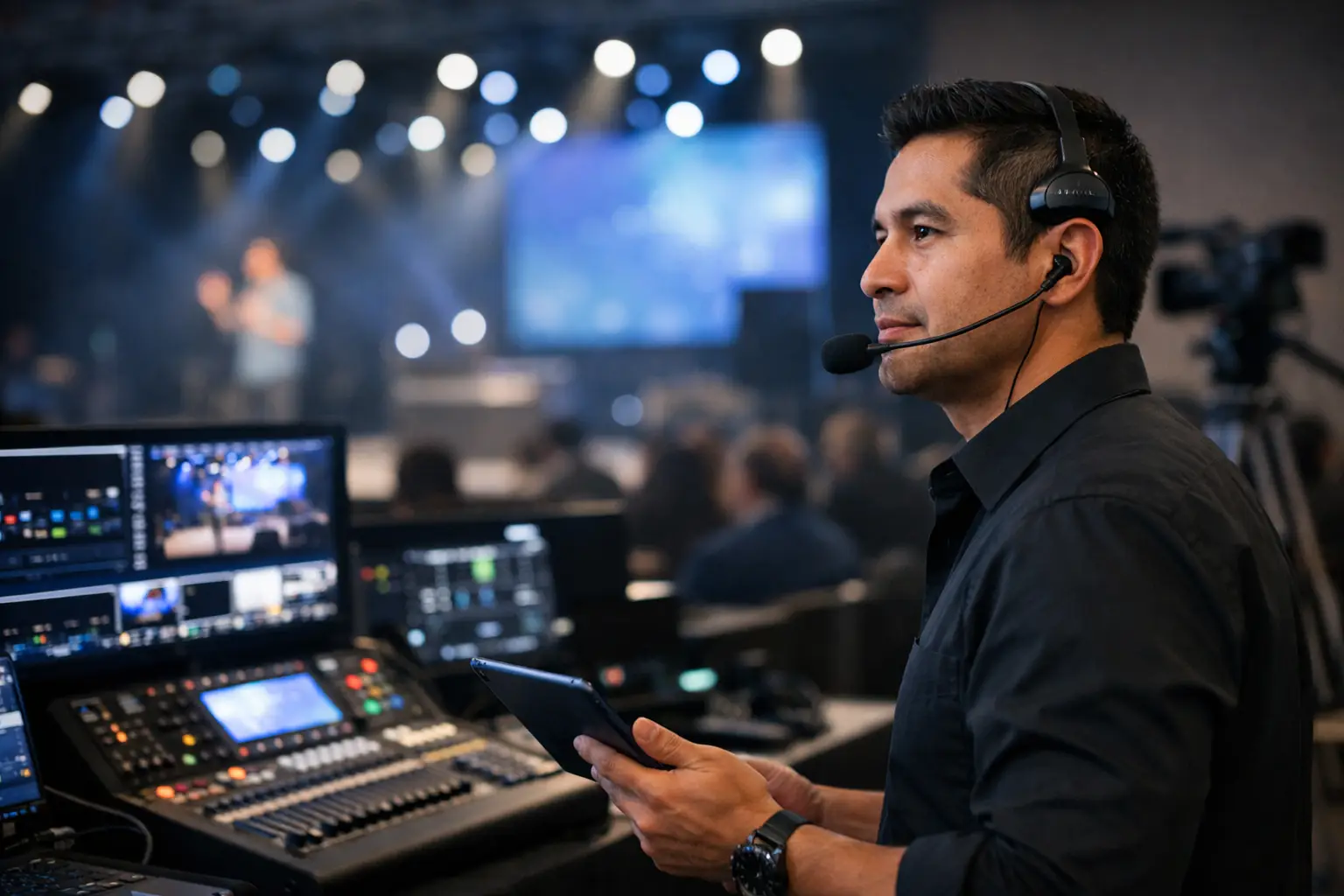
A well-designed system can still fail operationally if crew responsibilities are vague. Every show-critical function needs an assigned operator: technical director, video engineer, audio engineer, playback operator, graphics operator, camera operators, streaming engineer, stage manager, and show caller as needed.
For smaller programs, one experienced operator may cover compatible roles. For a complex general session, combining too many jobs creates risk. The person switching cameras should not also be expected to troubleshoot a remote guest’s audio while calling presentation cues.
Establish a communication plan for crew headsets, production intercom, stage management, and client approvals. Everyone should know who can call a hold, who approves a content change, and who communicates directly with presenters. Keep client communication centralized through a designated producer or production lead so technical operators can stay focused during cue-heavy moments.
Verify the Venue, Network, and Safety Details
Site conditions can reshape an otherwise sound production plan. Conduct a site survey whenever the room, venue infrastructure, or event scale justifies it. Measure throw distances, check sightlines, inspect rigging positions, locate power, confirm loading routes, and evaluate where control positions can sit without obstructing guests.
For streamed and hybrid events, validate the network with the venue IT team. Confirm dedicated bandwidth, wired connection location, firewall rules, authentication requirements, IP addressing, and backup connectivity. Test upload speed, stability, and packet loss from the actual encoder location, not from a lobby Wi-Fi connection.
Also verify cable paths, ramping, emergency exits, fire lanes, and accessibility requirements. Clean cable management is not cosmetic. It protects the audience, crew, and show-critical connections.
Final Show-Day Check
Before doors open, run a complete line check and visual confirmation of every destination. Check primary and backup presentation playback, program audio, microphones, confidence monitors, LED wall or projection outputs, camera shading, stream preview, recording status, intercom, clocks, and backup media.
Then stop changing the system unless there is a clear reason. Show day is not the time to introduce a new routing idea, swap platforms, or accept untested content. AV Land approaches corporate production this way because precision is built through controlled preparation, not last-minute improvisation.
The most useful checklist is the one your crew can execute under pressure. Keep it specific to the room, the program, and the technical risks that matter. When the audience sees a confident stage, clean visuals, and reliable audio, they should never have to think about the production system behind it.